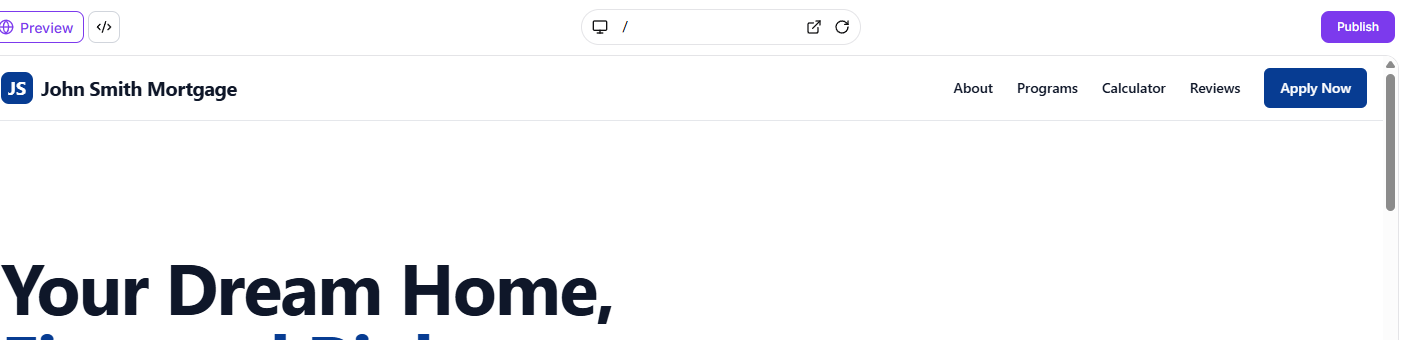
Creating and Managing Projects in AI Studio
AI Studio allows you to build websites and landing pages using natural language descriptions. Follow these steps to create new projects and manage your existing work.
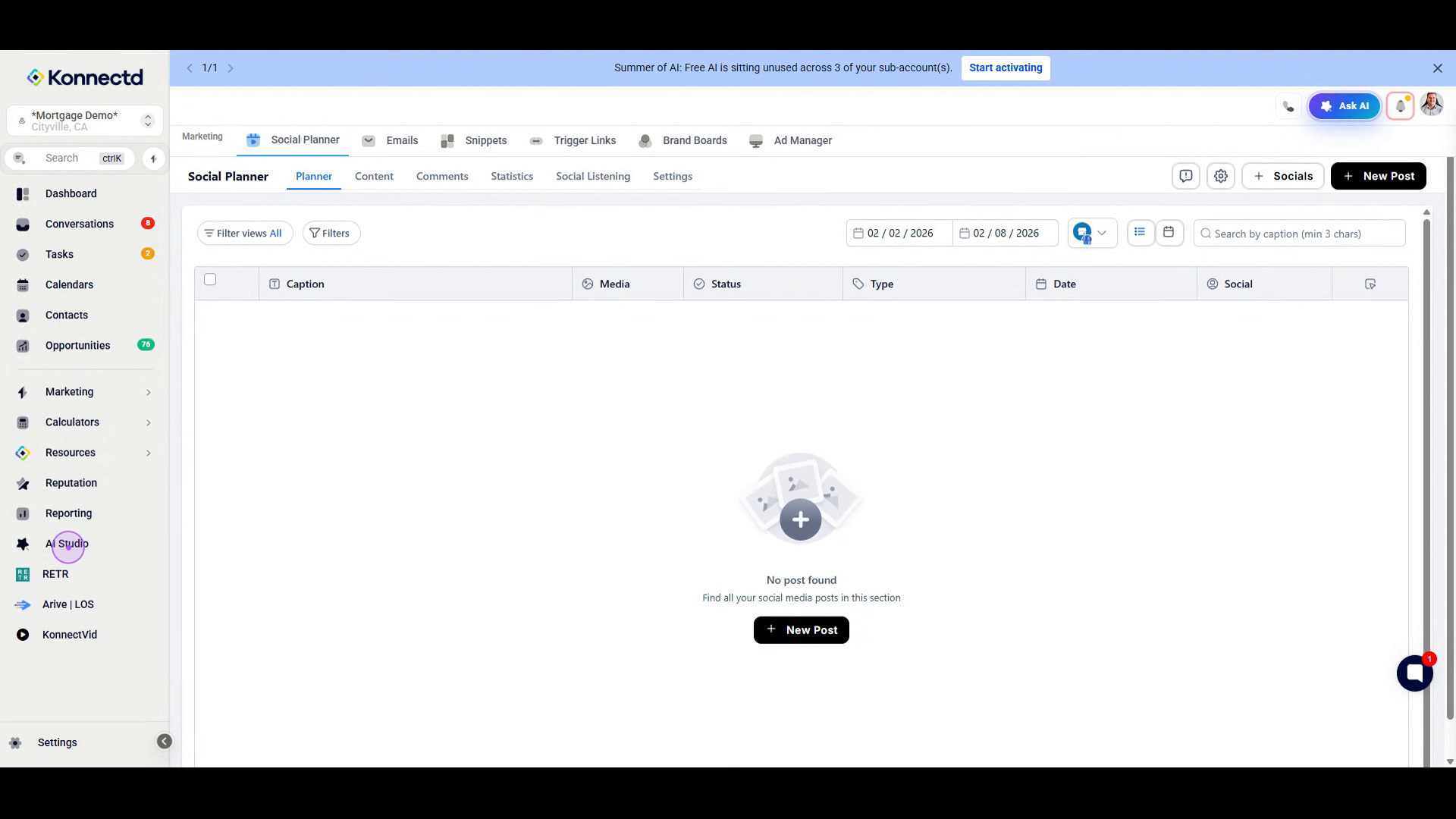
1. Navigate to AI Studio
From any page in the Konnectd app, locate the left sidebar navigation menu and click on AI Studio. This will open the AI-powered builder interface.
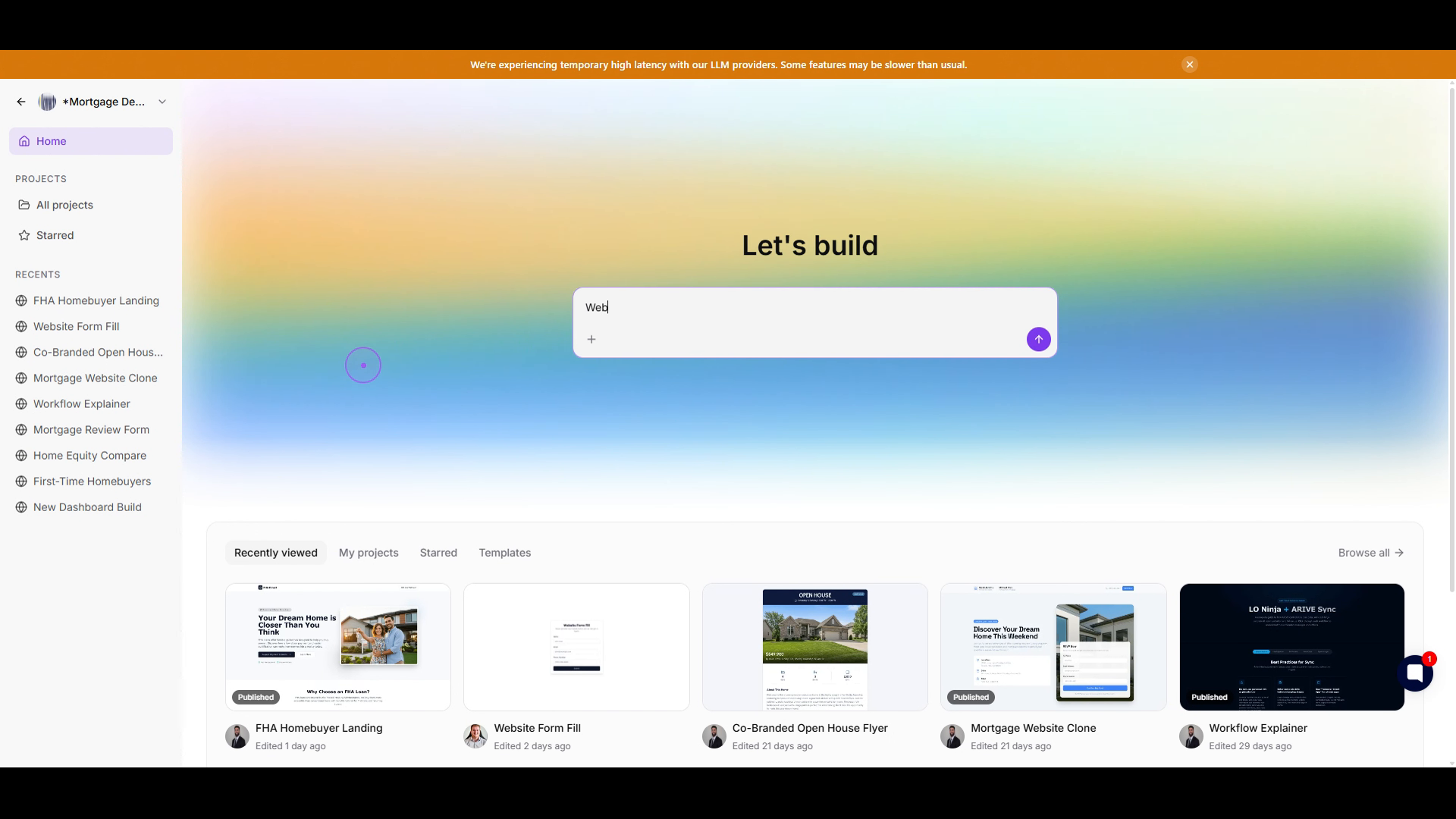
2. Describe your project
Once you are in AI Studio, click in the input field and type a description of what you want to build. You can keep it simple by typing "Website" or be more specific, such as "Landing page."
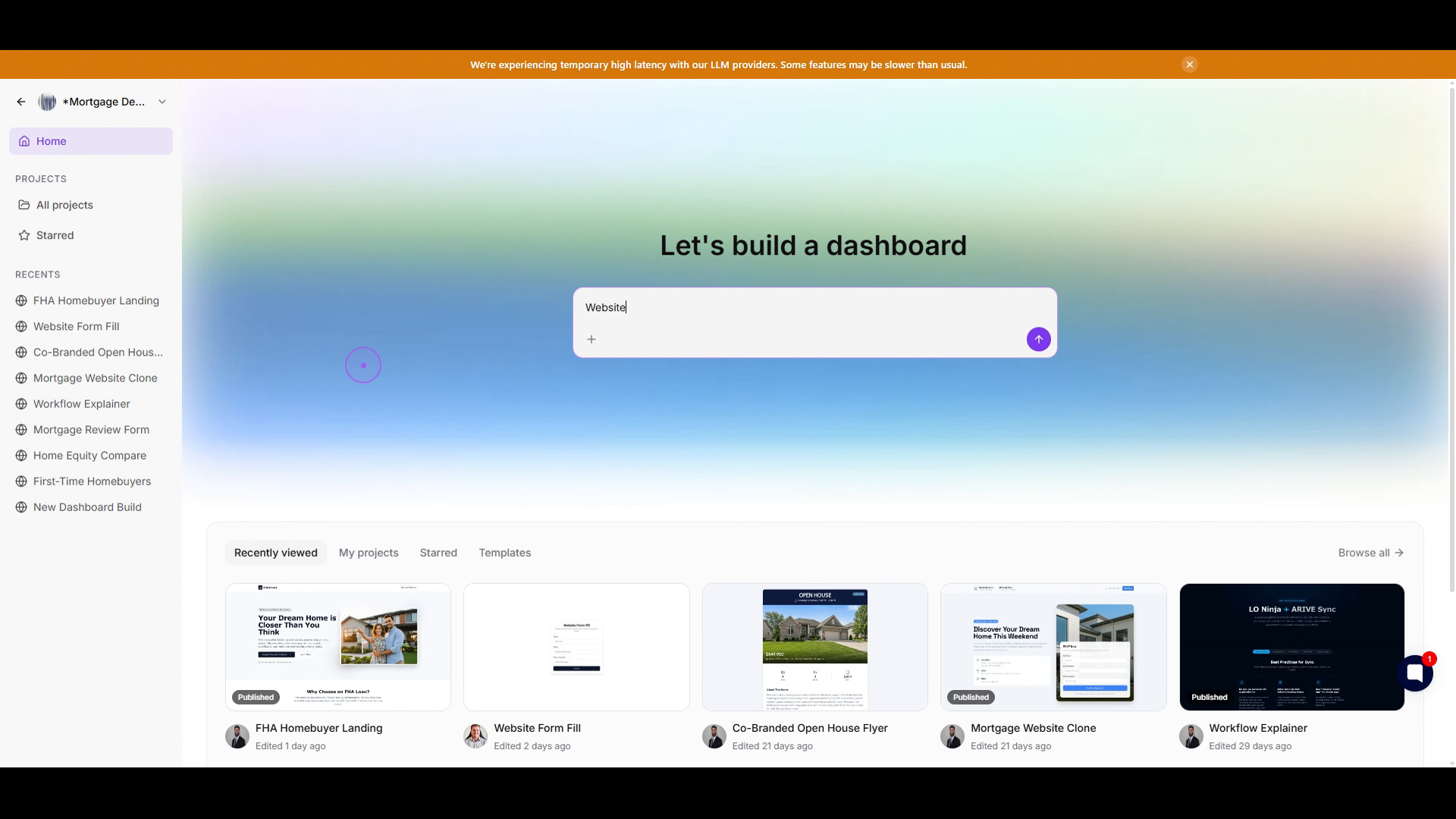
3. Submit your request
After entering your description, click the purple submit button to the right of the input field. The AI will begin processing your request and generate your new project.
4. Edit your request.
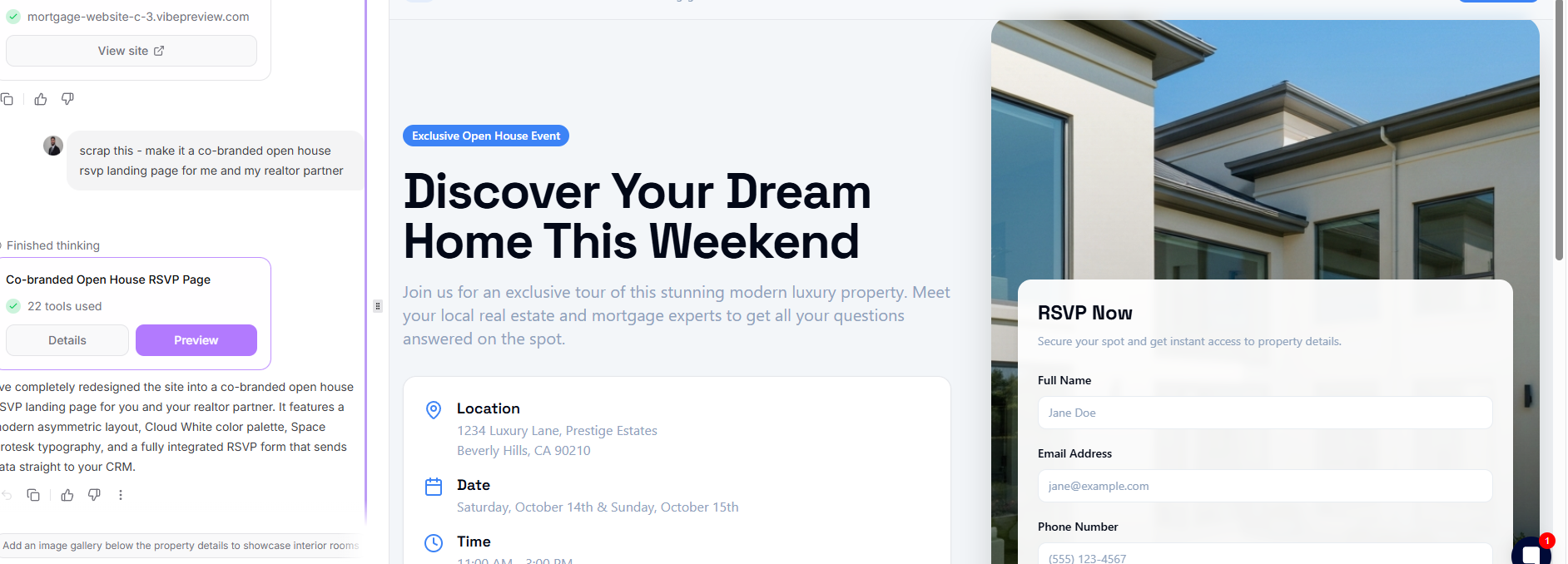
Use the AI bar on the Left side to continue to edit the prompt and make changes on the site/form/action
5. Publish/Produce it in CRM.
To publish your site you will hit:
The purple publish button in the top right corner.
It will provide you a URL you can use to view the site.