Overview
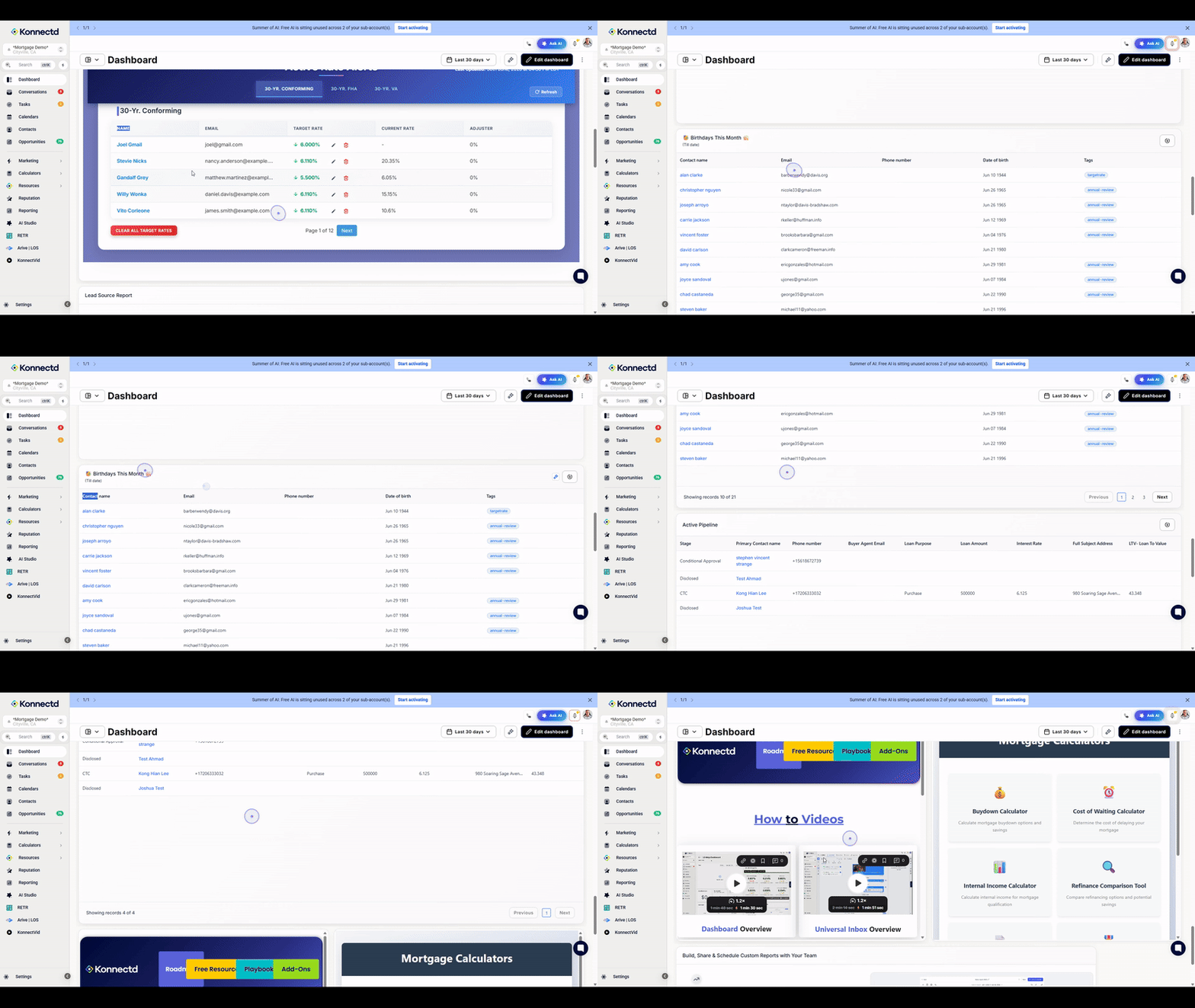
This guide walks you through the essential navigation of the Konnectd dashboard, including how to send Realtor Deal Summary reports and access key widgets like the Birthday Report.
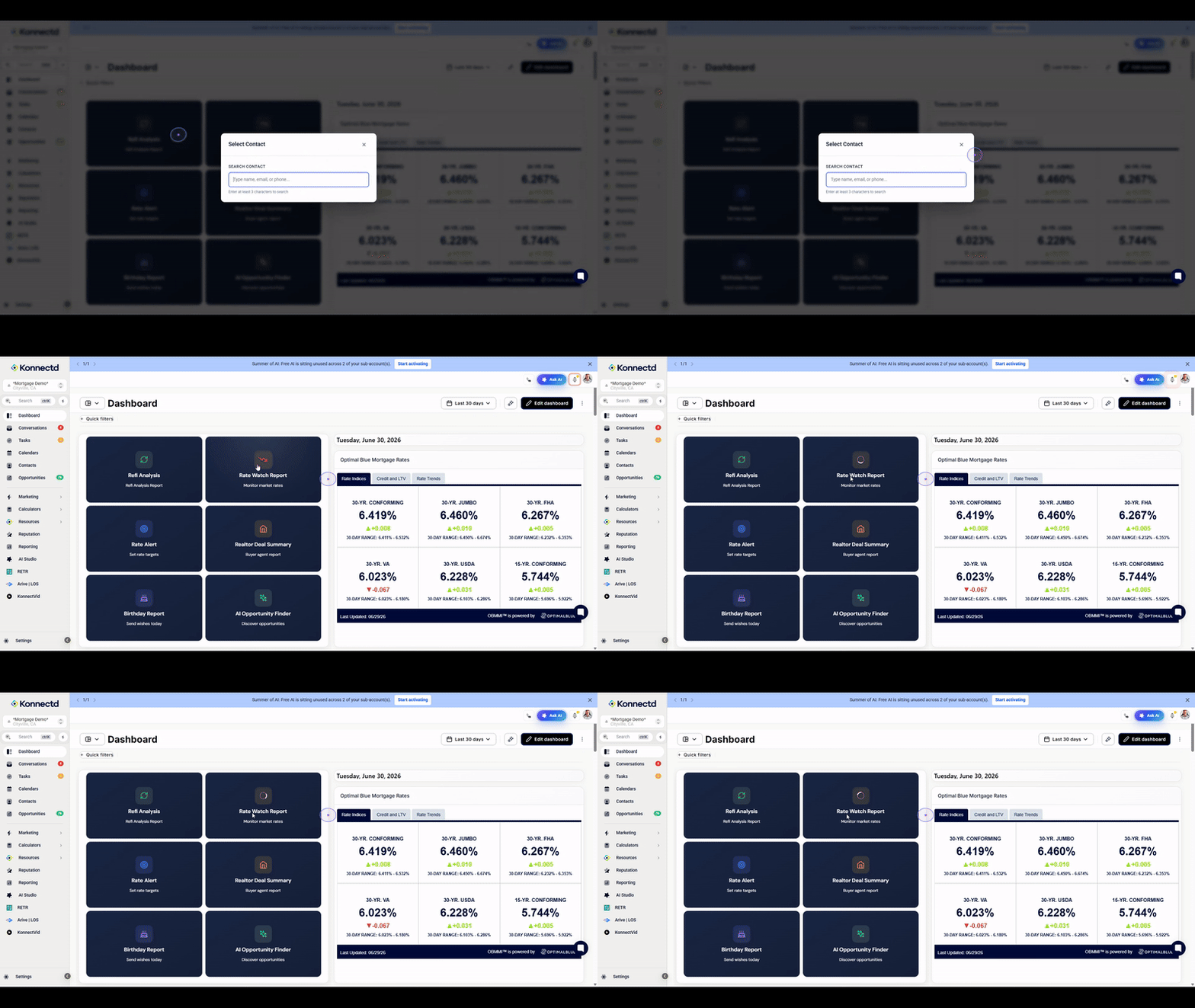
1. Click into the one of the tools to access
When you first access the dashboard, you will see our ready to go tools which are able to be selected. This one is the Rate watch report, you’re able to select yourself as a user and based off loan type set a Rate Watch report for all of your active deals and closed deals
2. Realtor Deal Summary
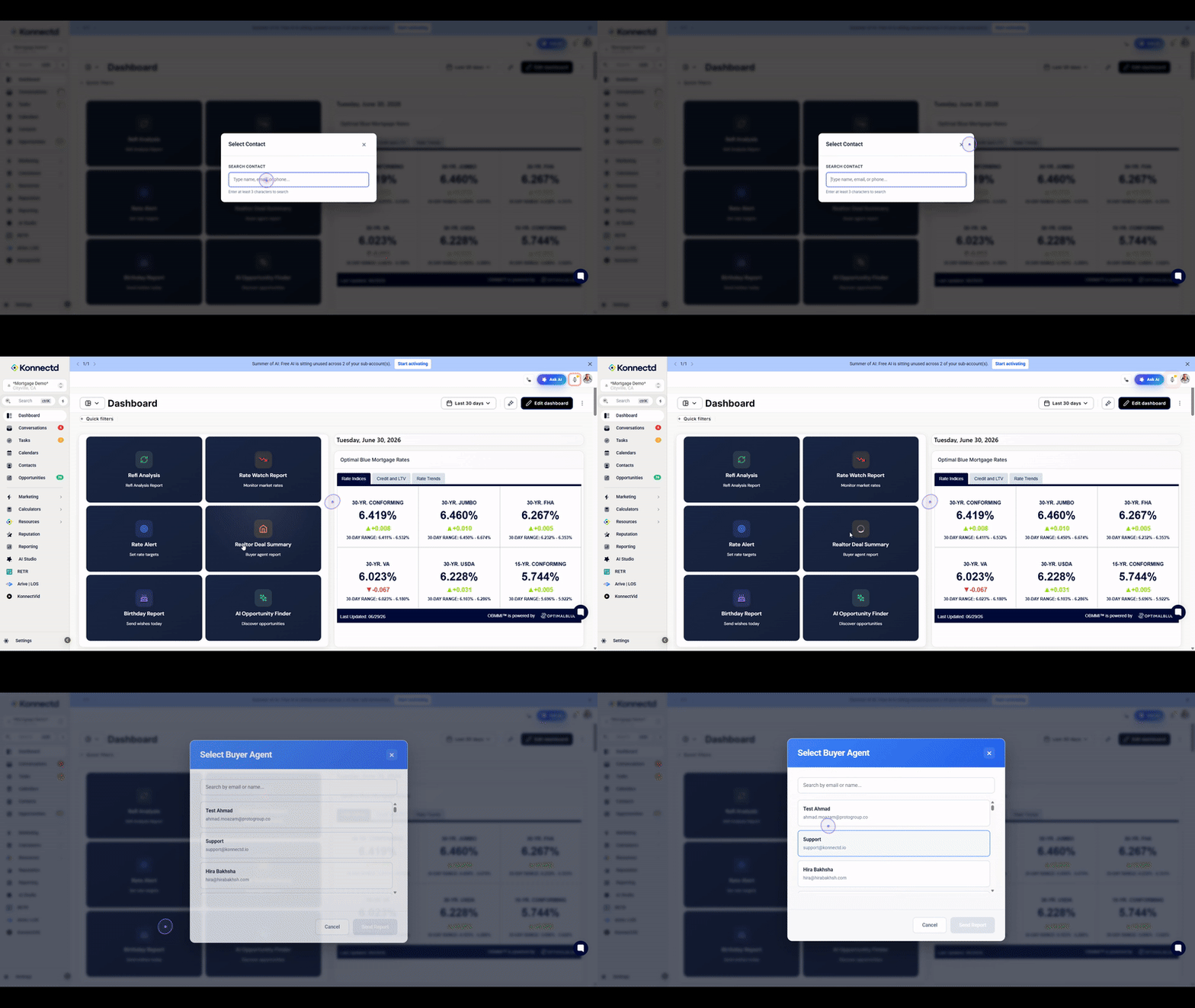
This tells you how many of your realtors are providing you with deals. This can be selected from any user in the account.
3. Select a buyer agent
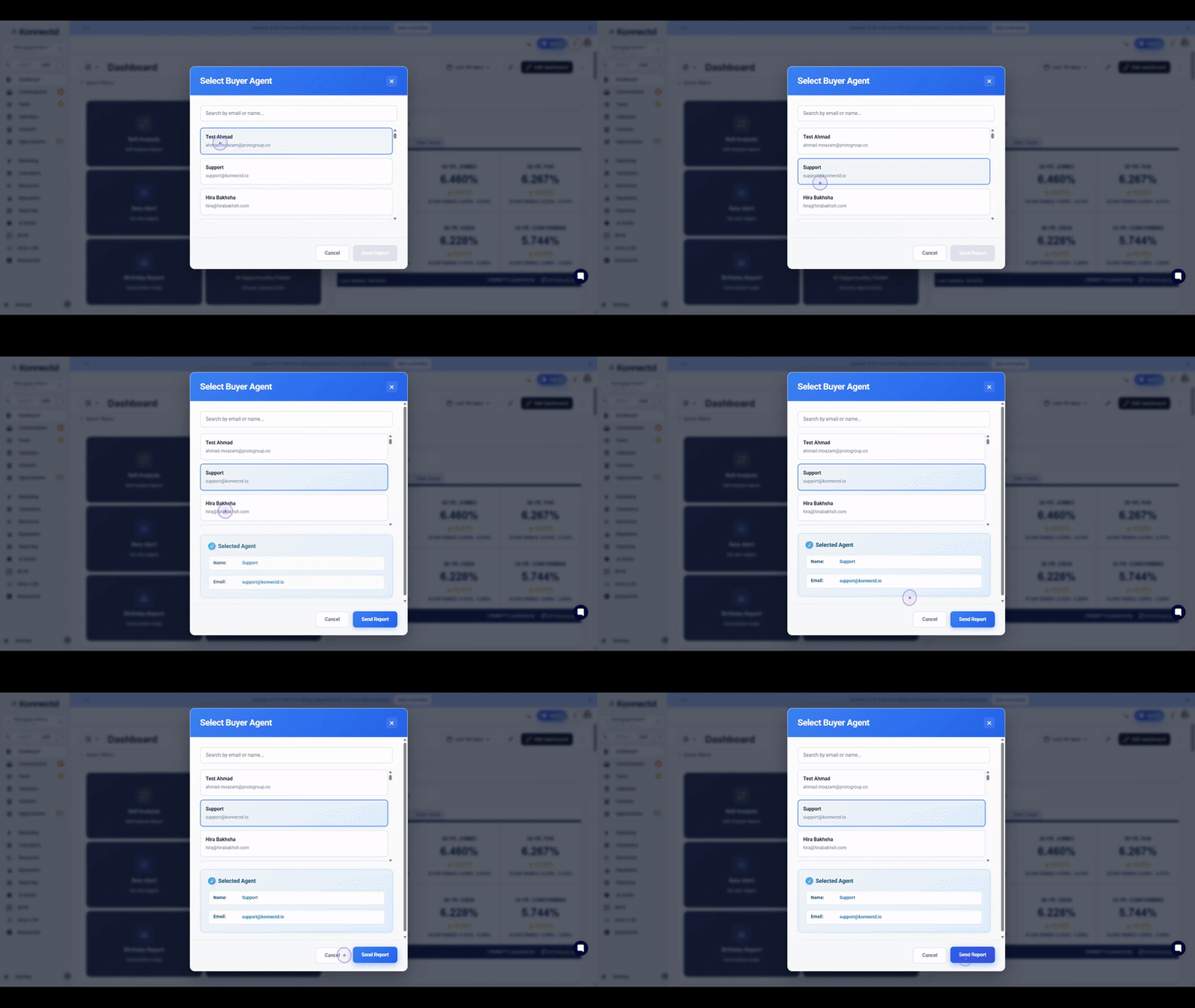
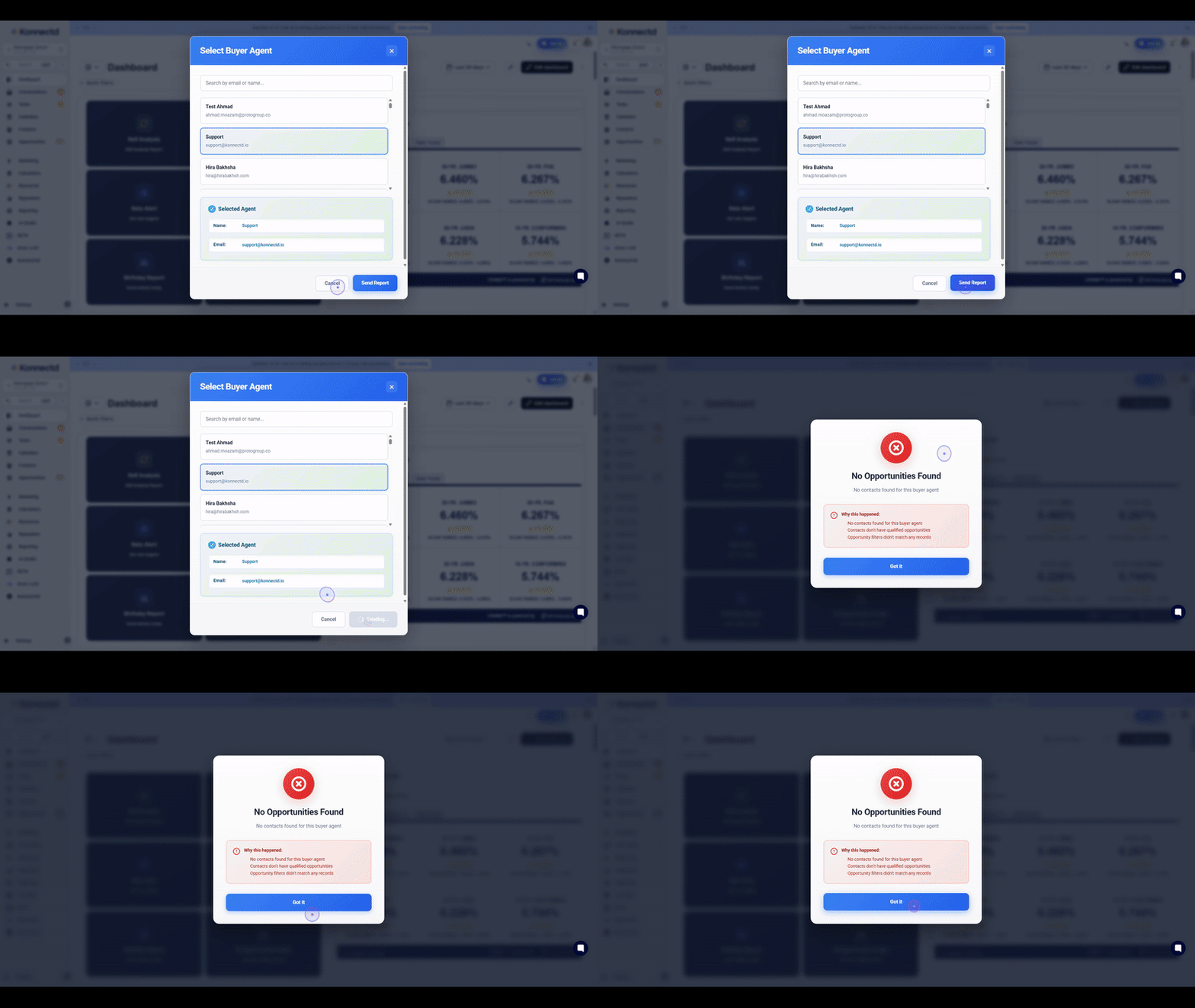
In the Select Buyer Agent dialog, click on the desired agent's email address (such as [email protected]) to select them as the recipient for the report.
4. Send the buyer agent their report
Once you have selected the agent, click the blue Send Report button to generate and send the Realtor Deal Summary to the selected buyer agent.
5. AI Opportunity RadarView
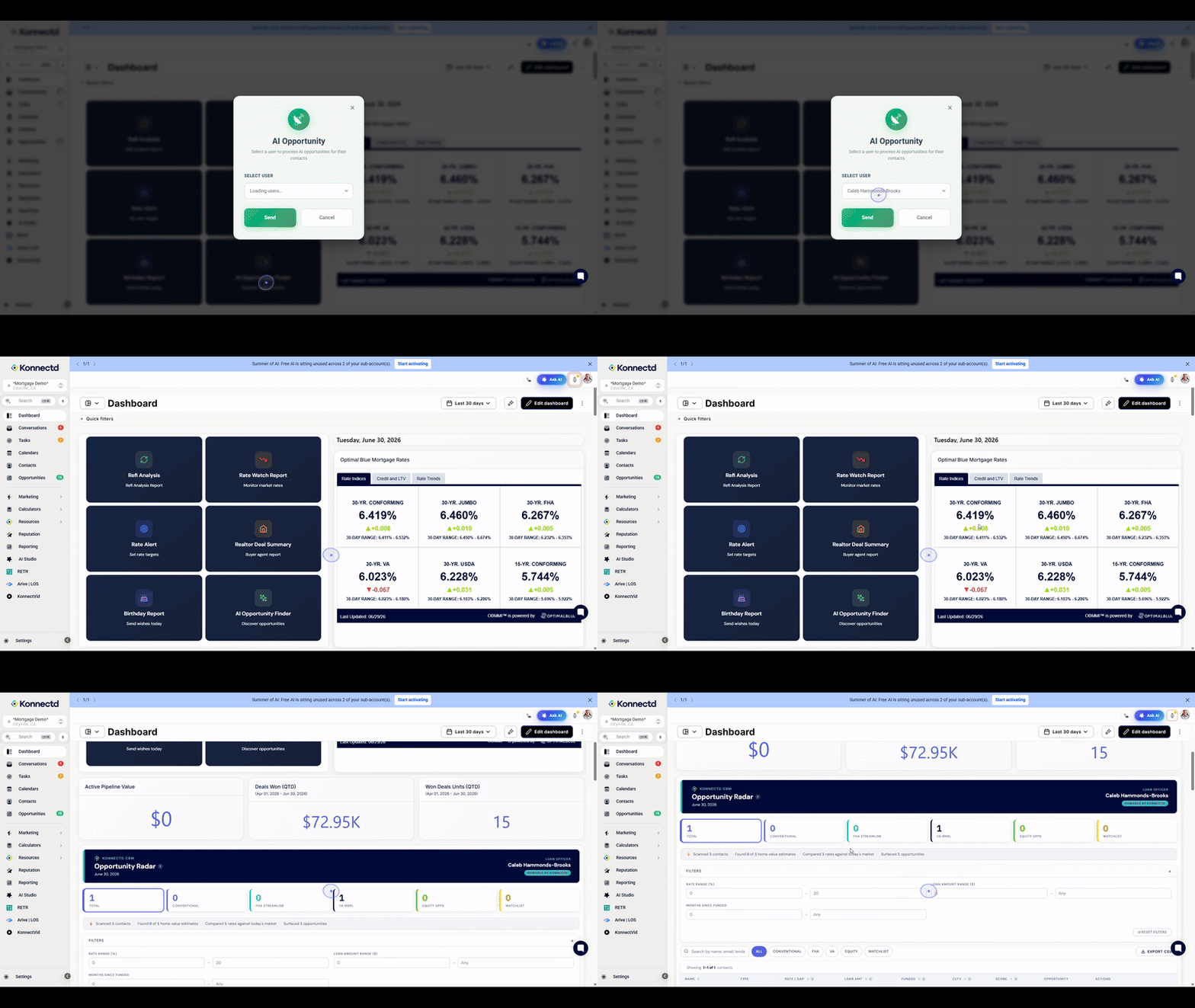
This will scan your entire database letting you know which borrowers are ready for a refinance, who are ready to be contacted and what their score is based on our system.
6. View the Birthday Report
To stay engaged with your contacts, click on the 🥳 Birthdays This Month 🎂 widget header to view the list of contacts with upcoming birthdays.