How to Use the AI Opportunity Finder in Konnectd
The AI Opportunity Finder helps you identify high-priority mortgage opportunities by scanning your contact database and analyzing various factors. Follow these steps to get started.
1. Review the Opportunity Radar Dashboard
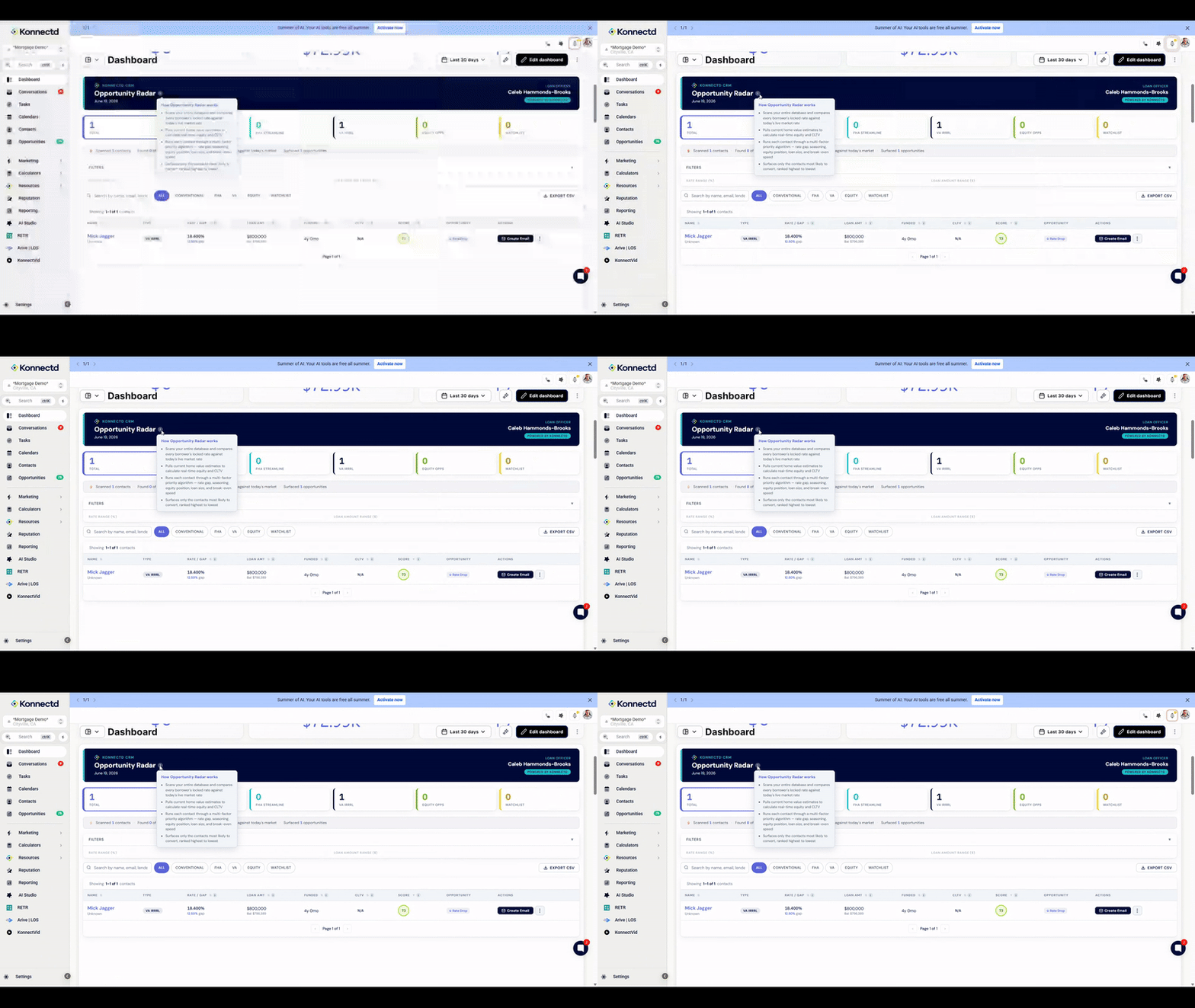
Navigate to the Dashboard to view the Opportunity Radar, which displays your total opportunities broken down by loan type including Conventional, FHA Streamline, VA IRRL, and Equity Opps.
2. Filter Opportunities by Loan Type
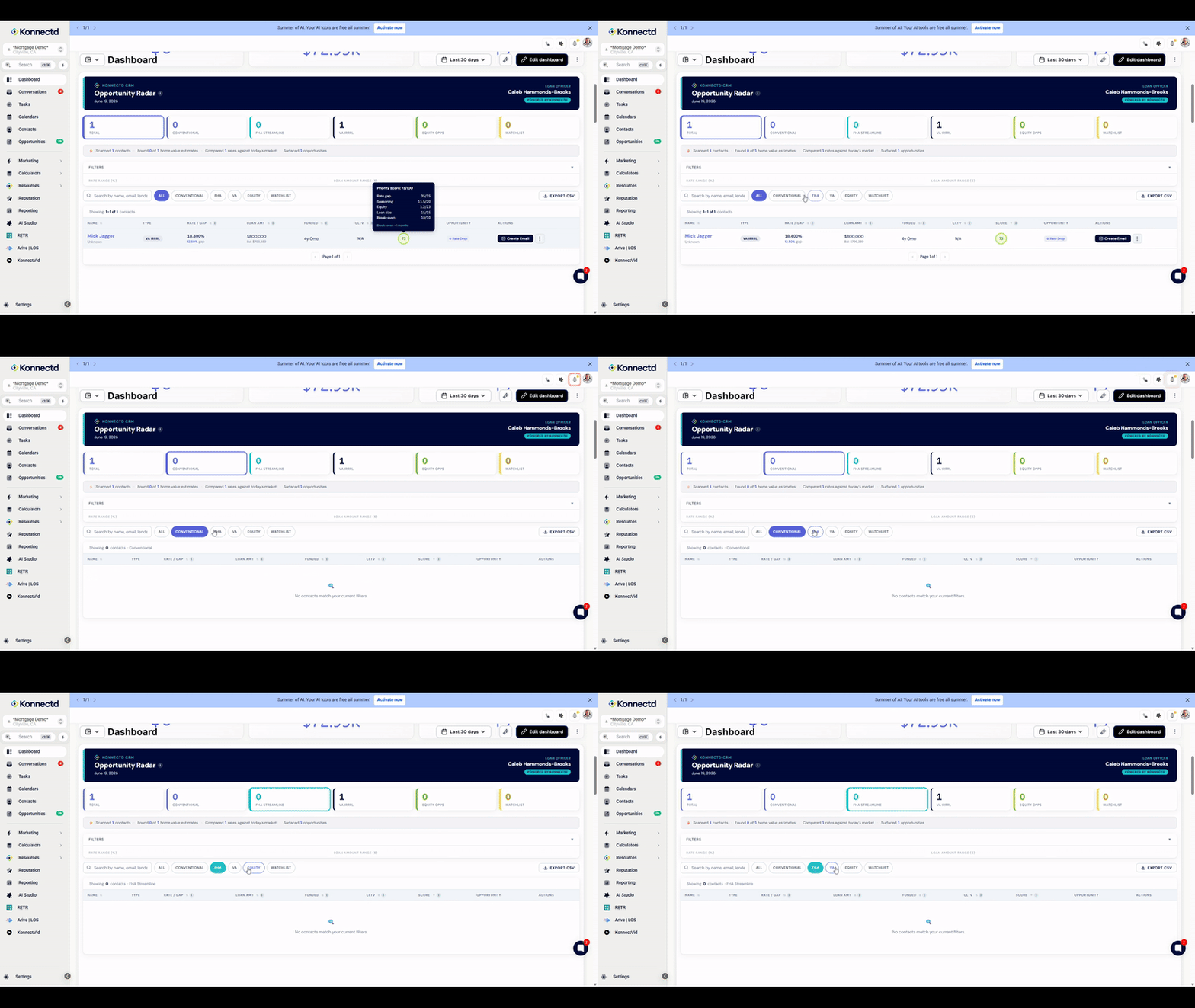
Use the filter tabs below the summary cards to narrow down your contact list. Click on specific loan types like CONVENTIONAL, FHA, VA, or EQUITY to view only relevant opportunities.
3. Check Priority Scores
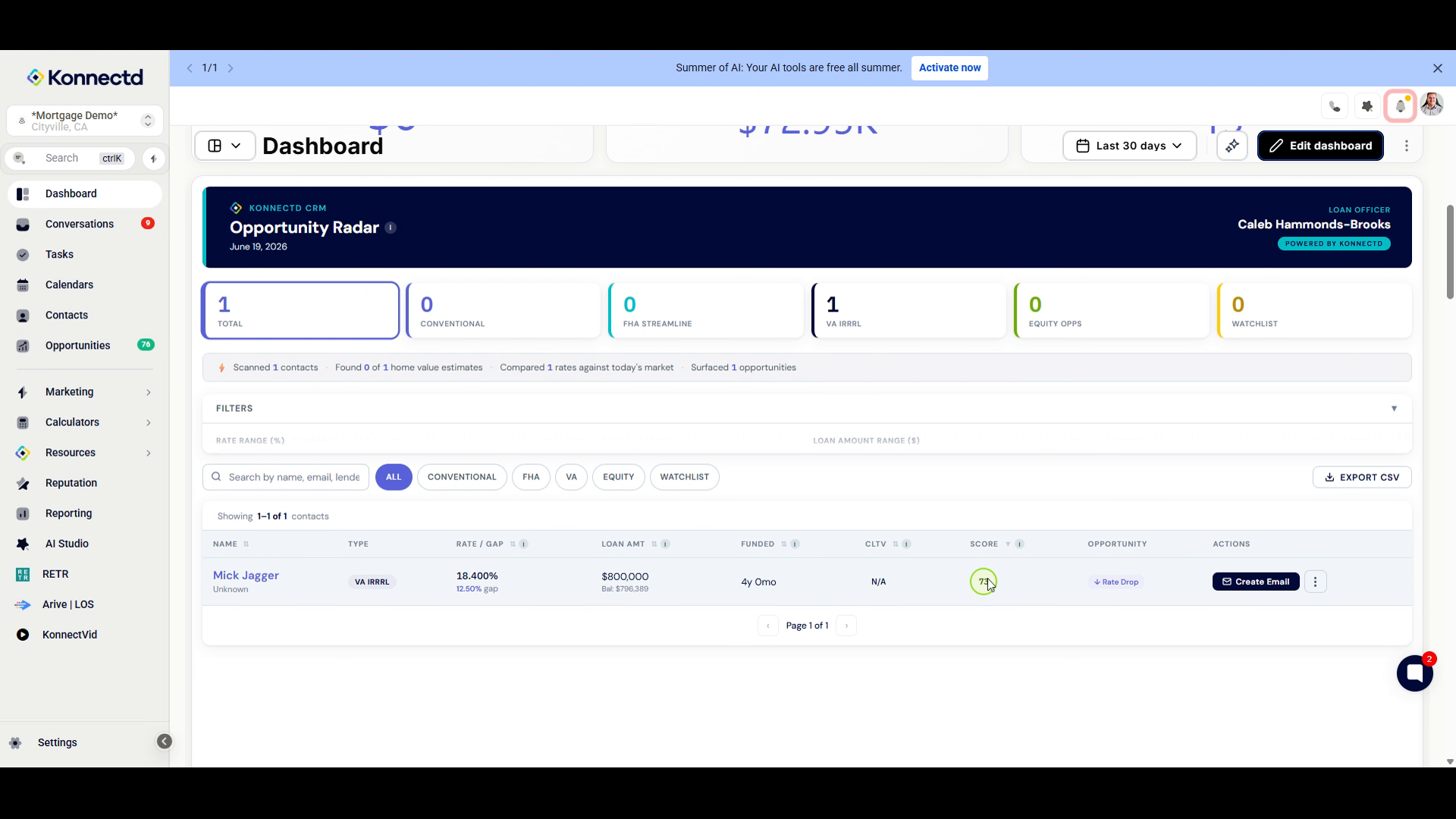
Hover over the circular score indicator in the SCORE column to view a detailed breakdown of how the priority score was calculated, including factors like Rate gap, Seasoning, Equity, Loan size, and Break-even.
4. Access the AI Opportunity Finder
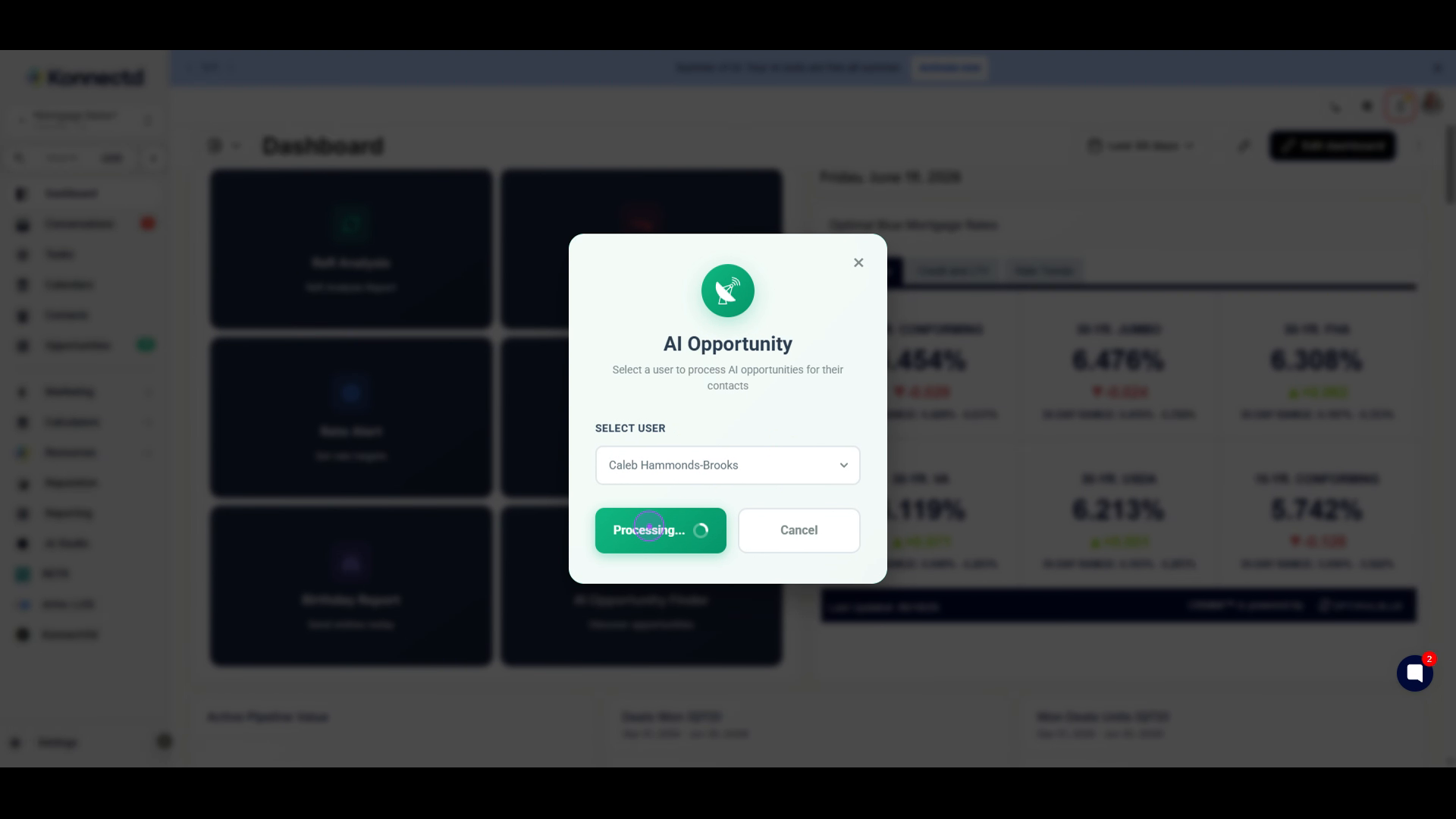
Scroll down to the dashboard widgets section and locate the AI Opportunity Finder card. Click on it to open the AI processing modal.
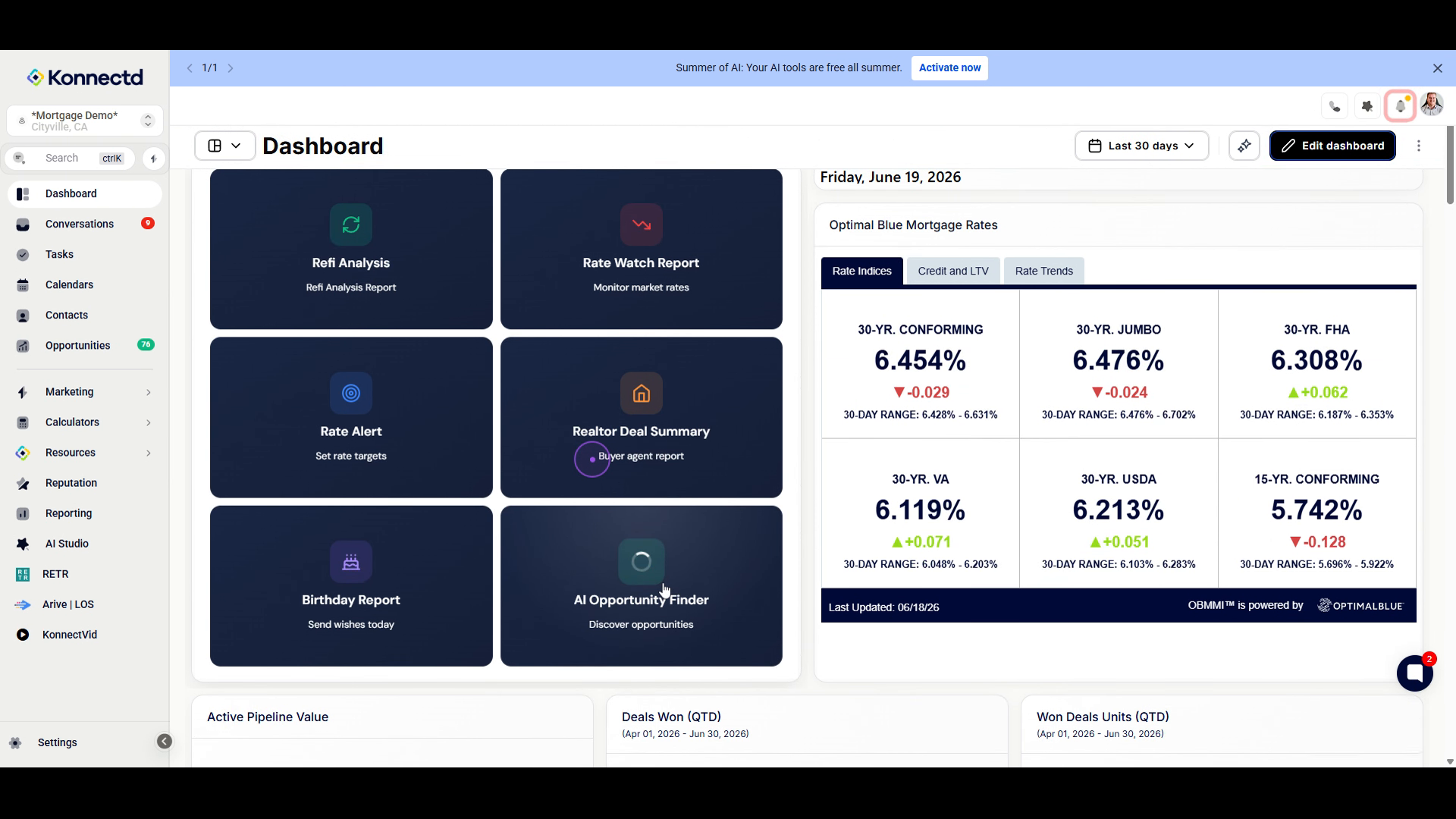
5. Initiate AI Processing
In the AI Opportunity modal, verify the user selection in the dropdown menu, then click the Send button to start processing AI opportunities for your contacts.