Refi Analysis helps you quickly determine whether a refinance makes sense for a borrower. It generates a simple report showing payment changes, monthly savings, and break-even timing.
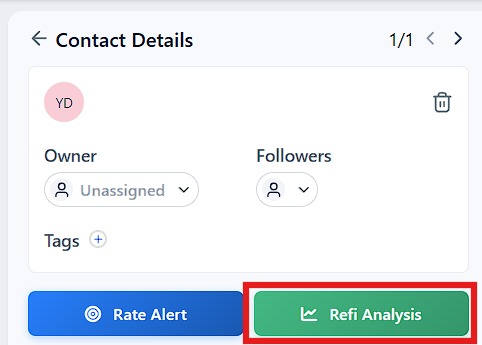
Open any contact
Click the green “Refi Analysis” button
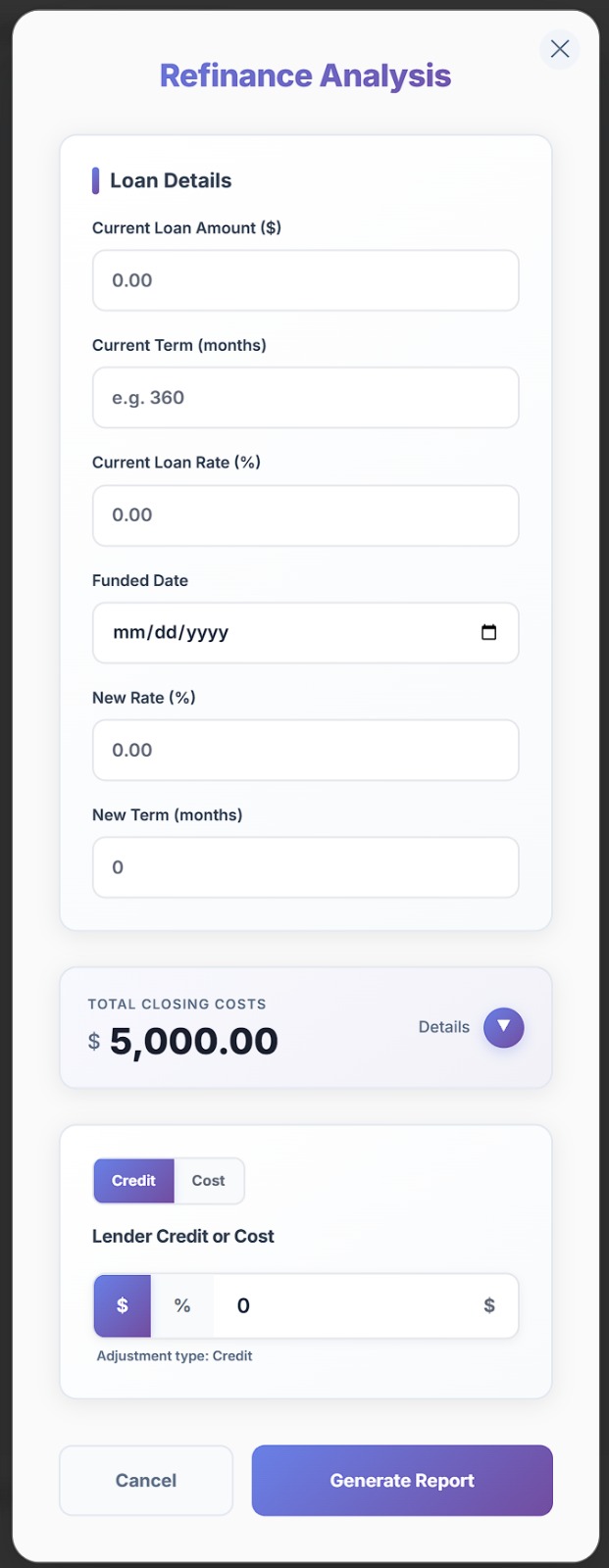
Enter or confirm the following (Auto-filled if available on contact.) :
Current loan amount
Current rate
Current term (in months)
Funded date
New rate
New term
(Optional) - Not Required:
Closing costs (Default is $5,000.)
Lender credit or cost
Click Generate Report
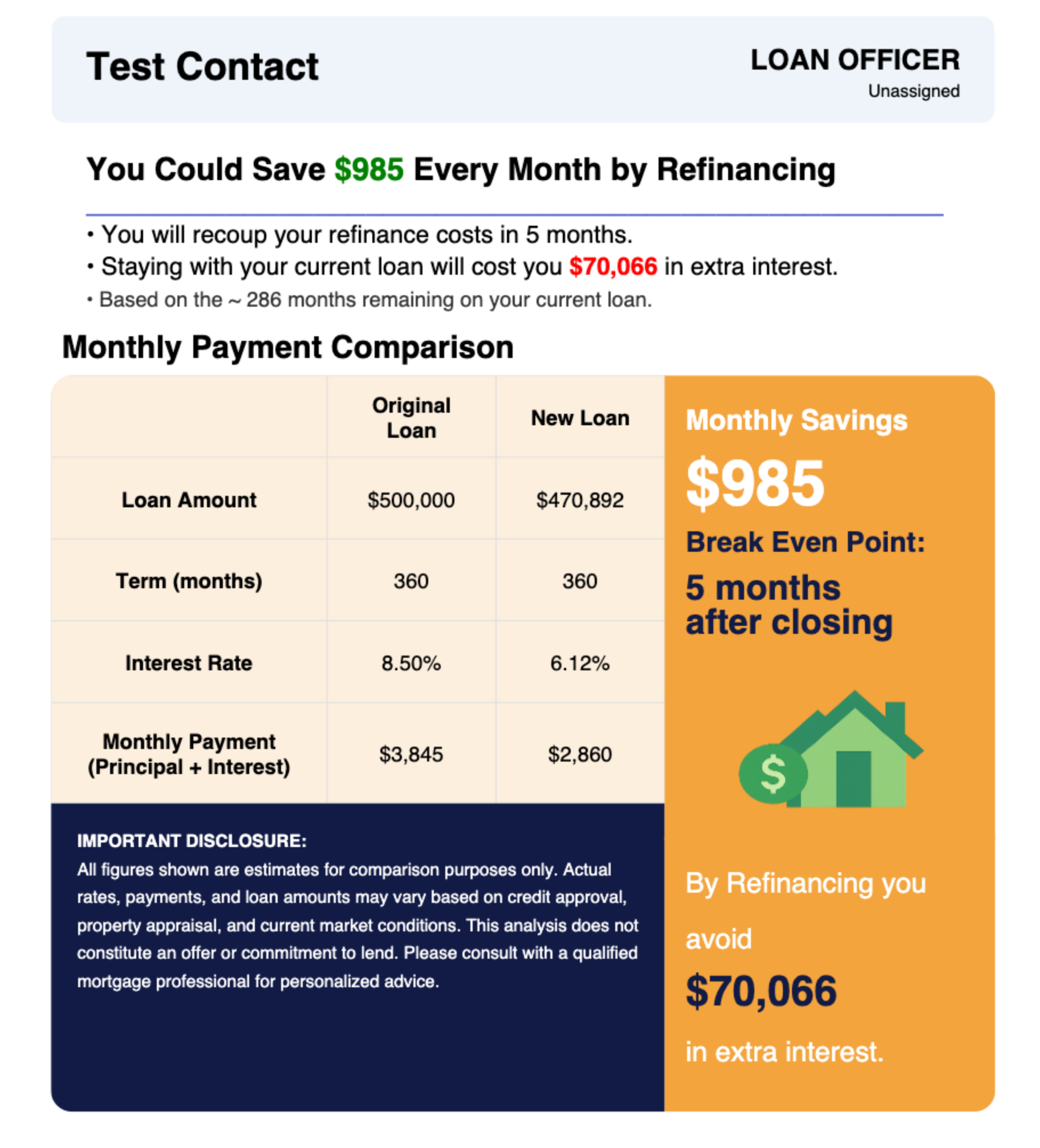
Monthly payment comparison (current vs new)
Monthly savings
Break-even (recoup time)
Estimated total interest impact
This gives you a clear way to explain the refinance without walking through the math manually.
After generating:
Click View Report to review
Click Send Report to email it to the contact
If no email is on file, you’ll be prompted to add one.
Current Term (months)
Must be entered in months (example: 360 for a 30-year loan)
Values under 120 are not supported
Lender Credit or Cost
Select Credit (reduces closing costs) or Cost (increases costs)
Use % or $ depending on your scenario
Closing Costs
Used to calculate break-even timing
Not shown to the borrower in the report, but included in calculations
Break-even = how long it takes for monthly savings to cover closing costs.
Example:
$500/month savings
$5,000 costs
→ Break-even = 10 months
If costs are fully offset (or negative), break-even will show as Immediate.
This tool assumes a standard amortizing mortgage (15–30 year structure)
The new loan resets to the term you enter (commonly 360 months)
Lifetime savings may not be shown if the refinance doesn’t reduce total interest
Use Refi Analysis when:
A borrower asks “does this make sense?”
You want a quick, clean way to present numbers
You need a shareable report without manual calculations
