Please Note:
- A minimum 10 contacts are needed for each variation. At least 40 total contacts are needed to conduct any split test.

- A/B test campaigns can be only sent via using send now or scheduling the campaign. It will not work for batch schedule or RSS schedule.

- If no results are revealed by the end of the stipulated timeframe, the initial variation will be declared as the winning variation by default.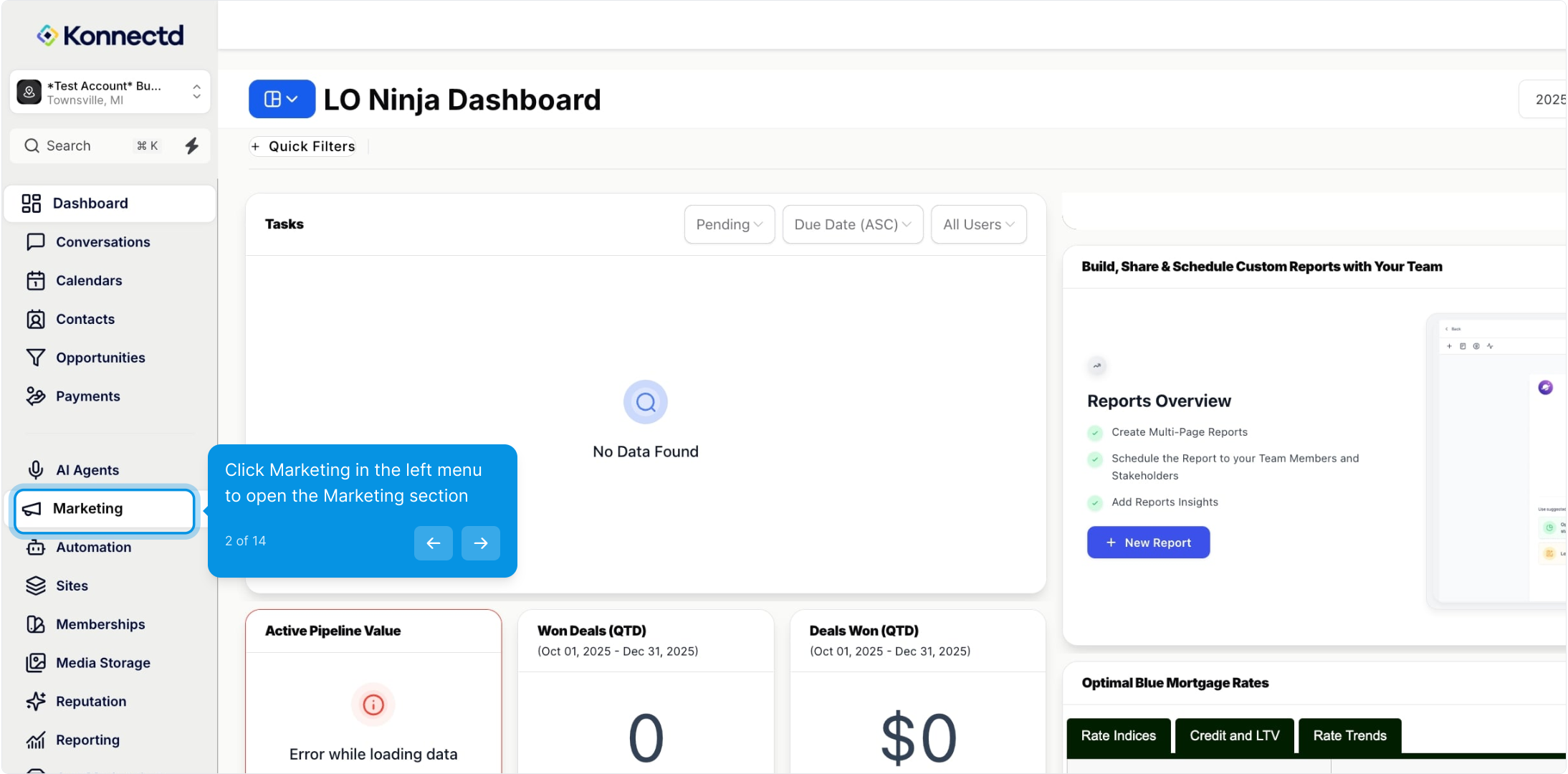
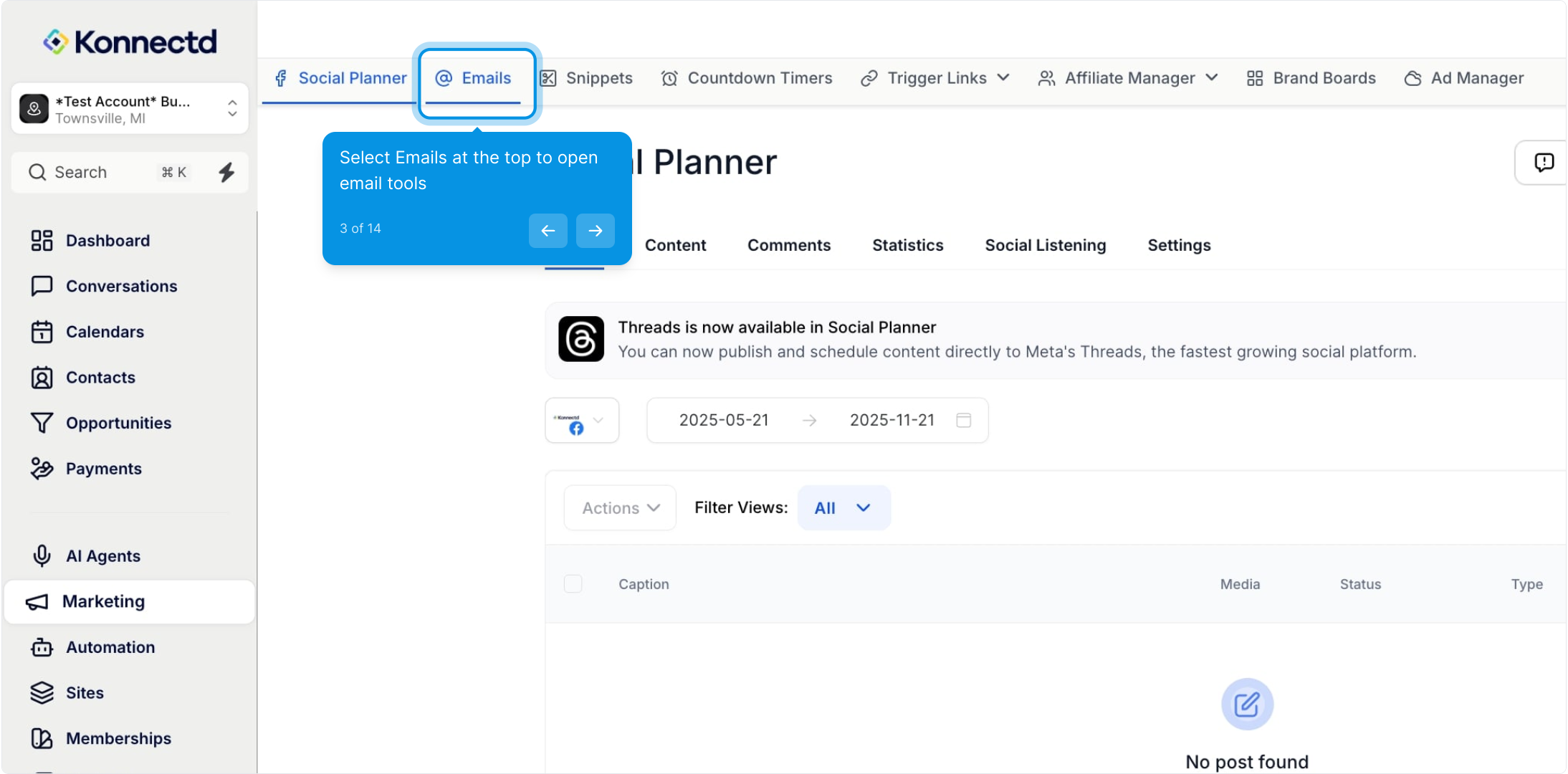
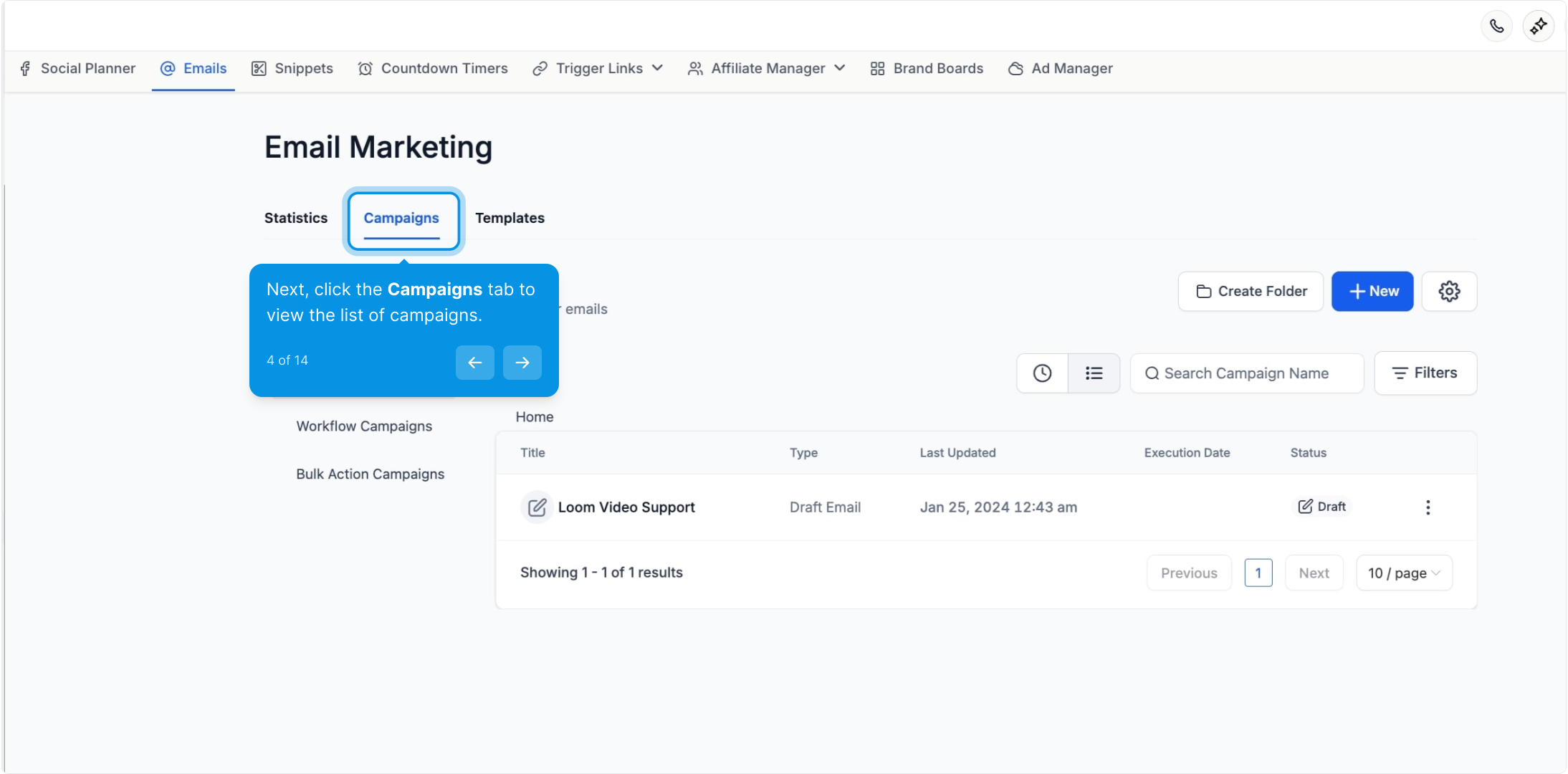
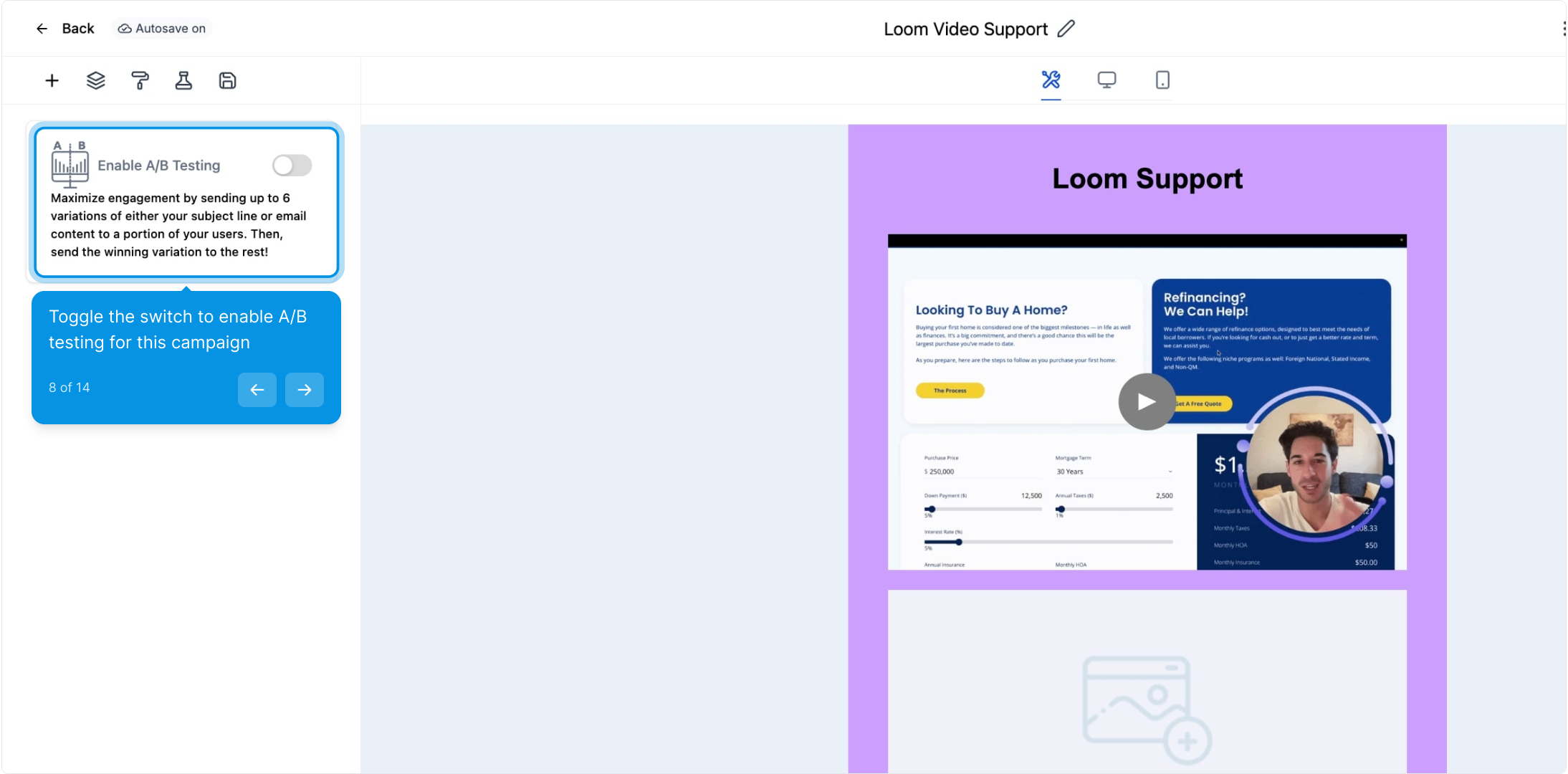
8. Toggle the switch to enable A/B testing for this campaign
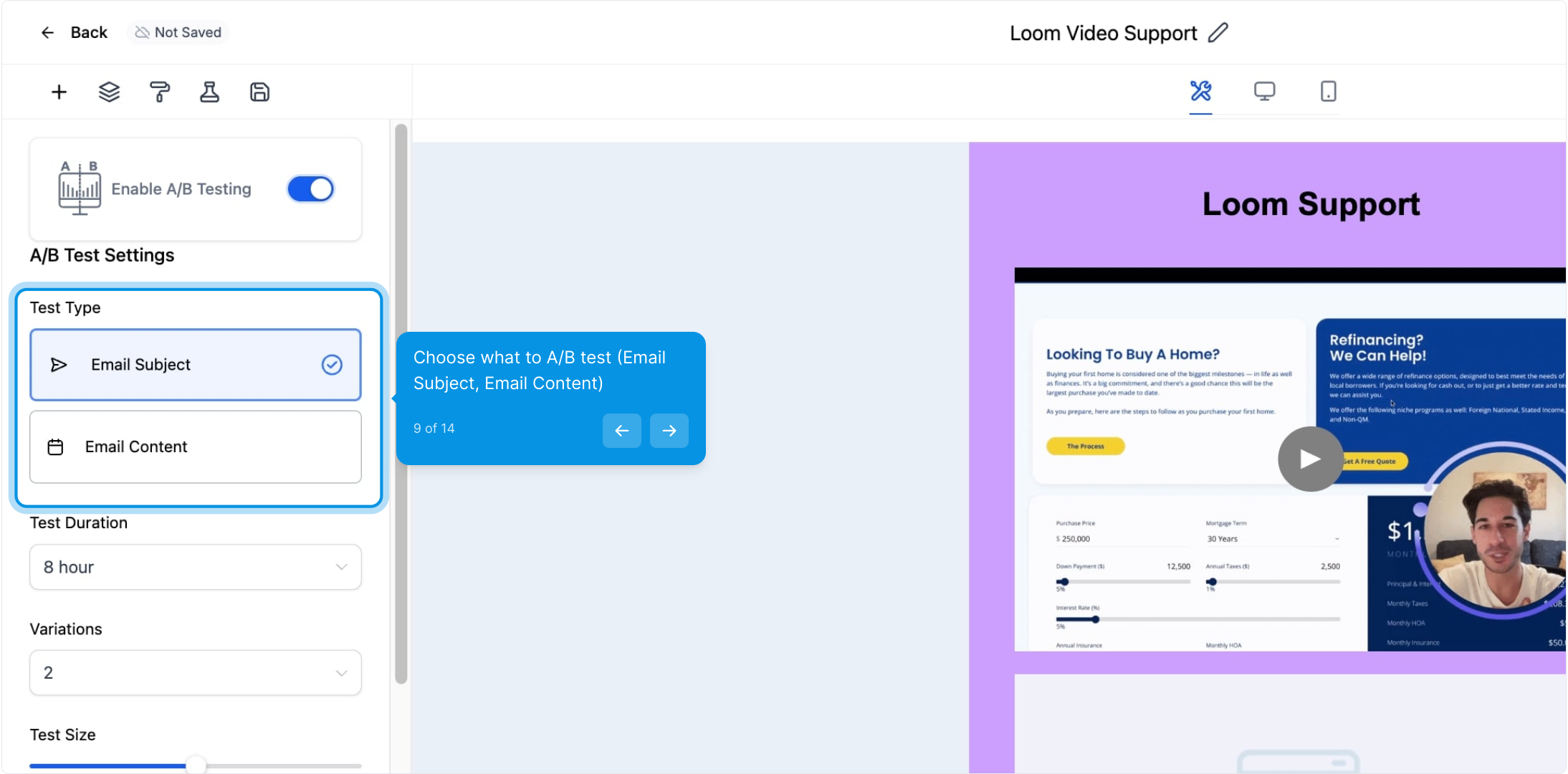
Email Subject Line (Optimize Open Rates) - It is necessary to play around with the length of the subject line or add personalization to get better open rates. Email subject lines are the first thing the recipients will see when receiving an email campaign since subject lines are visible to them before they even open your campaign.
Email Content (Optimize Click Rates)- You can test different elements in the campaign content that could influence or not the conversion or action from the recipients, like different section titles, article length, call-to-action buttons, images, videos, and more.
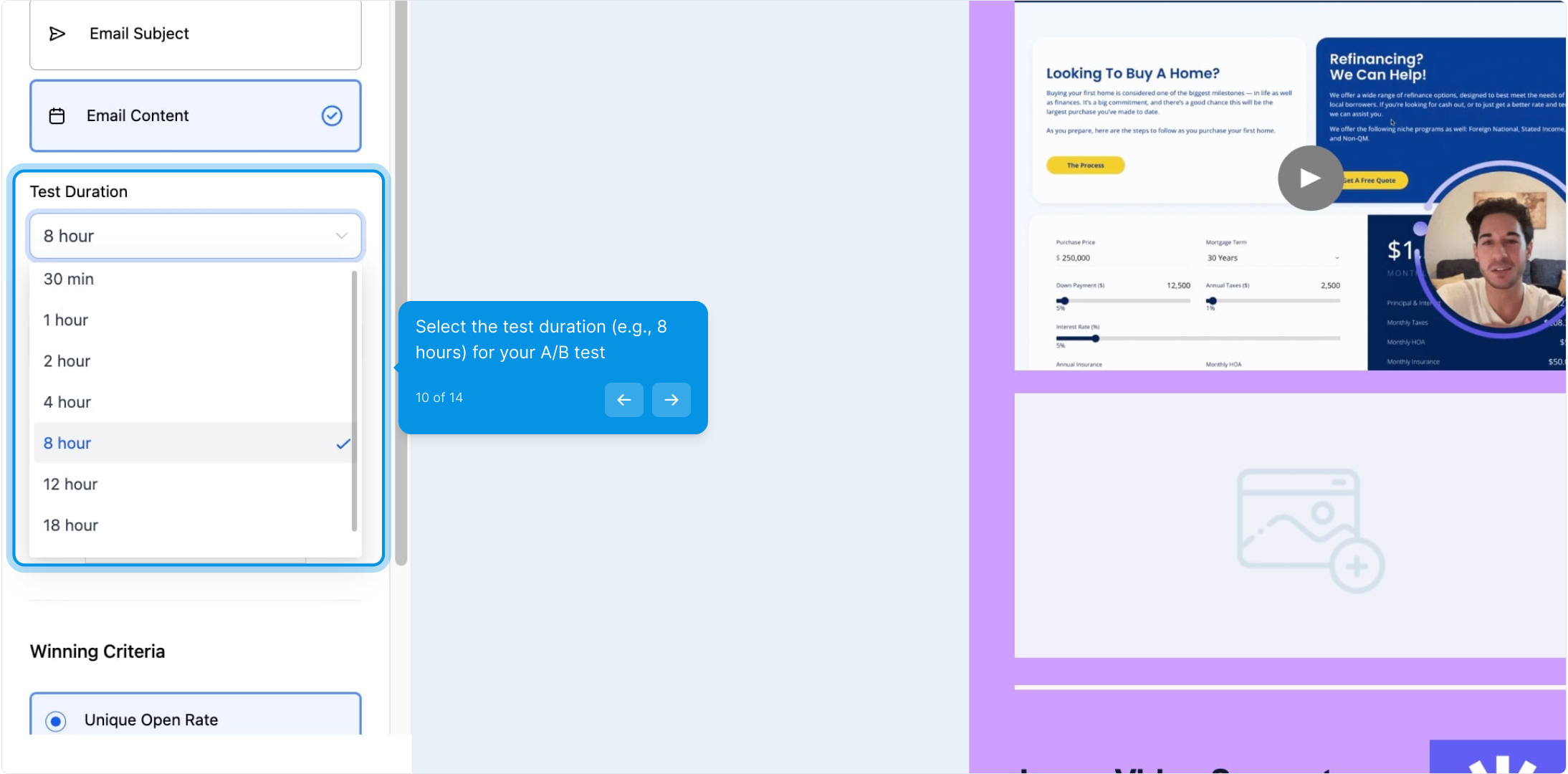
A/B testing is a key part of any email marketing strategy, and properly selecting the duration time frame is essential to success. It is important to consider how long it will take for customers to recognize, read, and act on emails when determining the duration time frame, as this can impact your results.
In this step, we select the time period after the combinations are sent out, compared to the results for open or click rates.
Data collected during the test phase can be used to determine the email campaign's winning combination. Test duration is between 30mins to 24 hours.
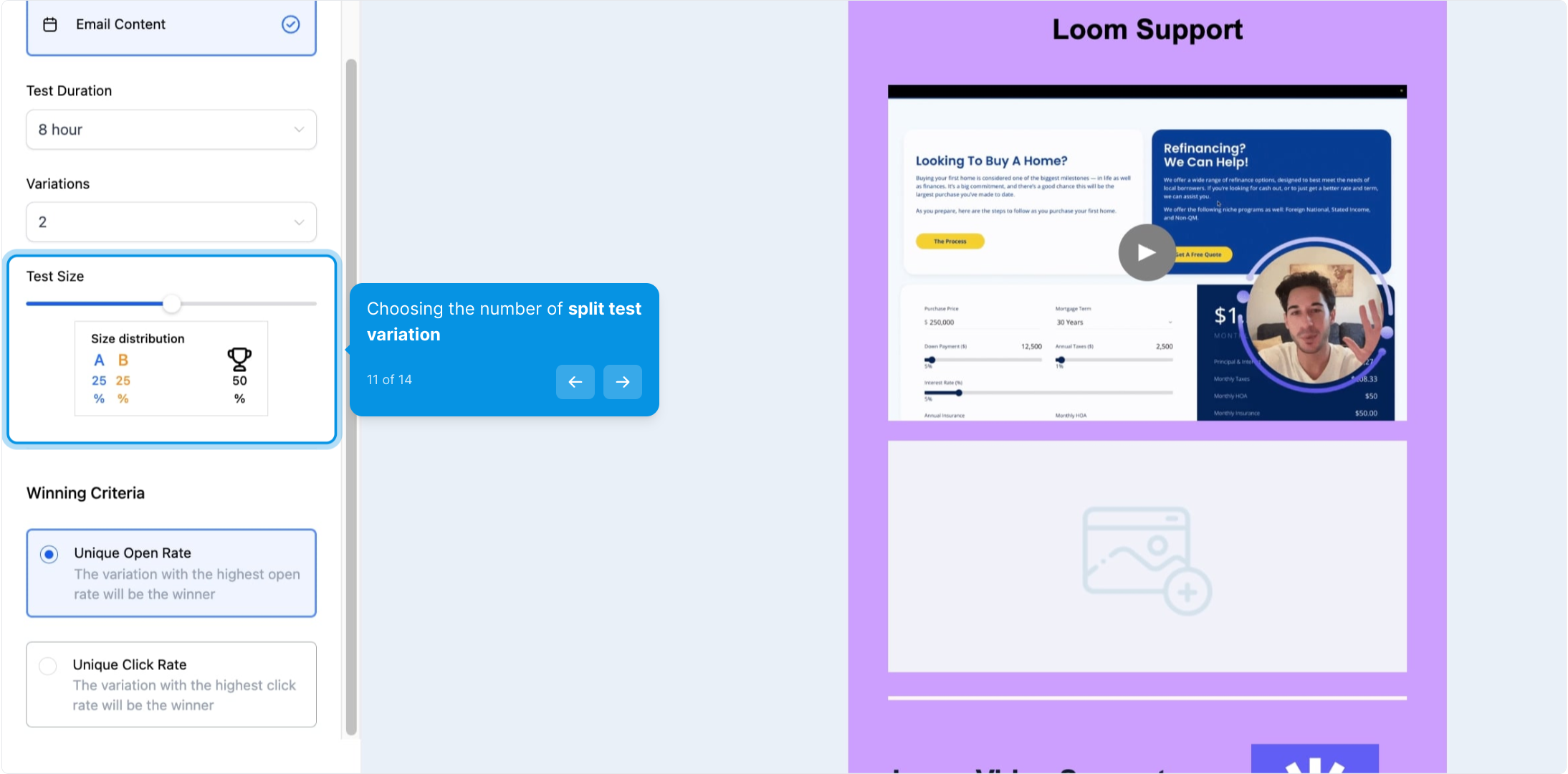
The number of variations in the email campaign will be based on the strategy that you are following. To set the Test Size, use the slider to decide what percentage of contacts will receive different variations. You can also set the slider to variations to 50%.
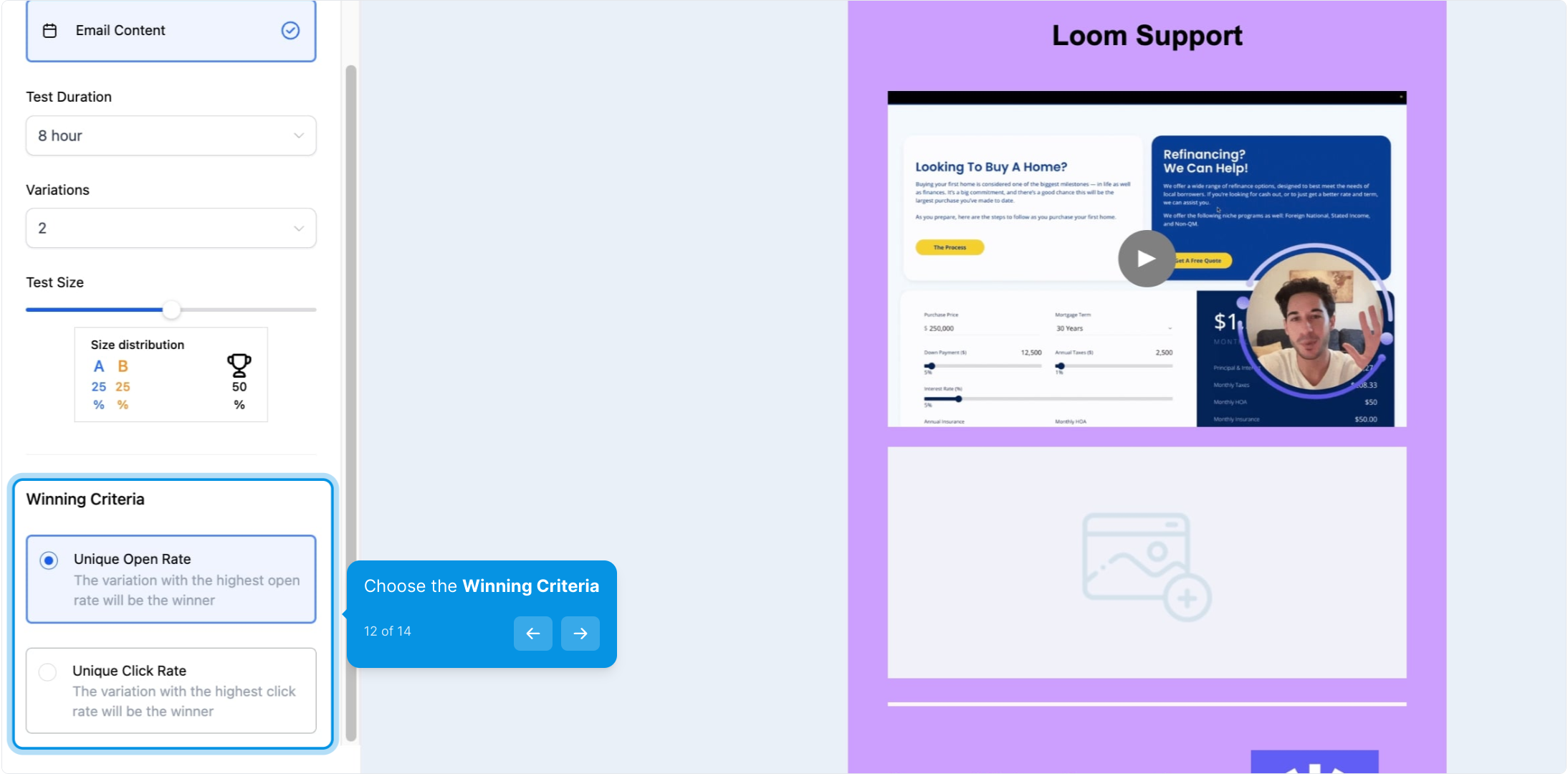
Select which winning metric you want to measure: Unique Open Rate or Unique Click Rate.
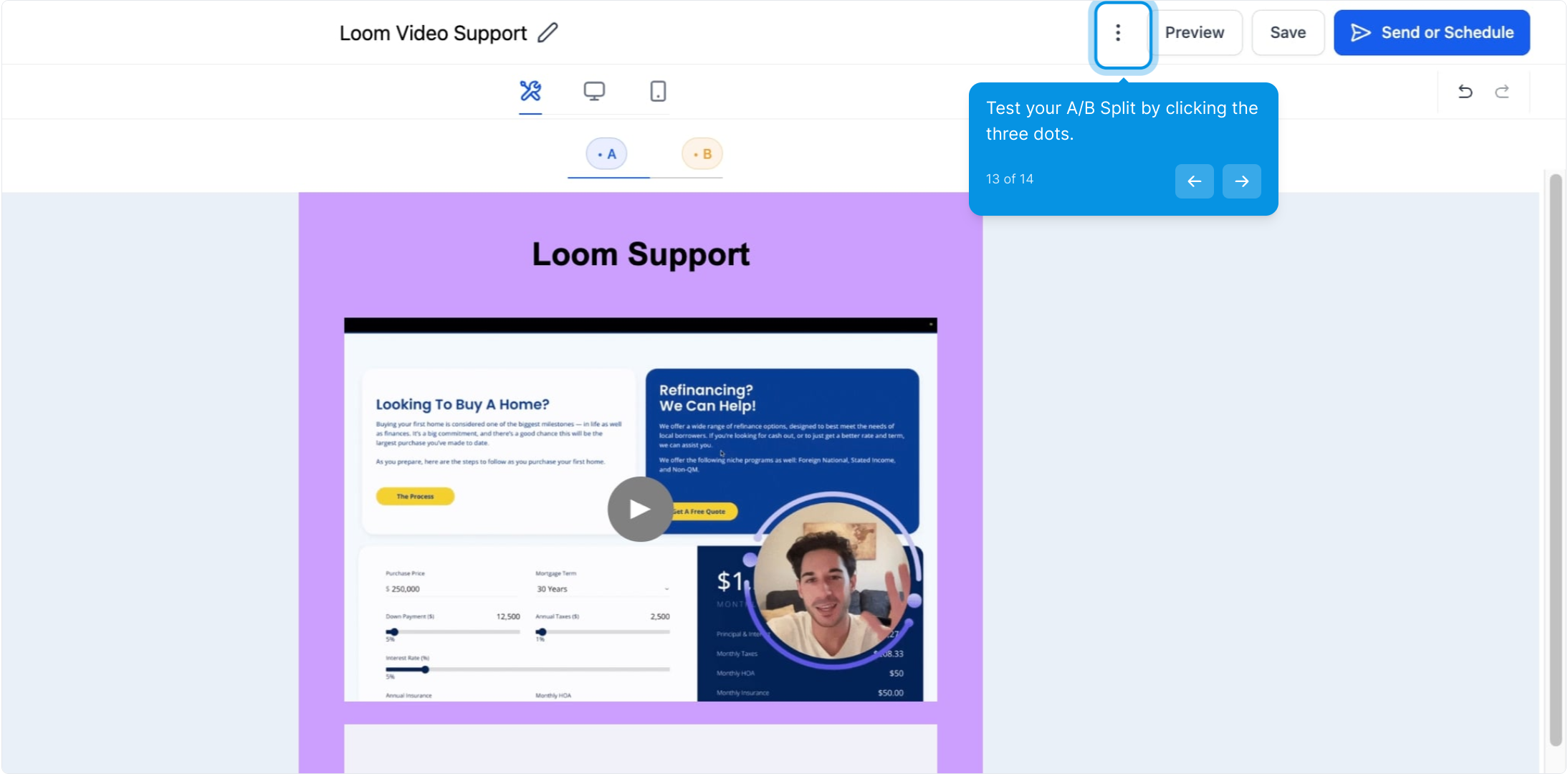
Once the A/B Test emails are prepared, and you are happy, you may test the email campaign or preview the campaign by clicking on the 3 dots.
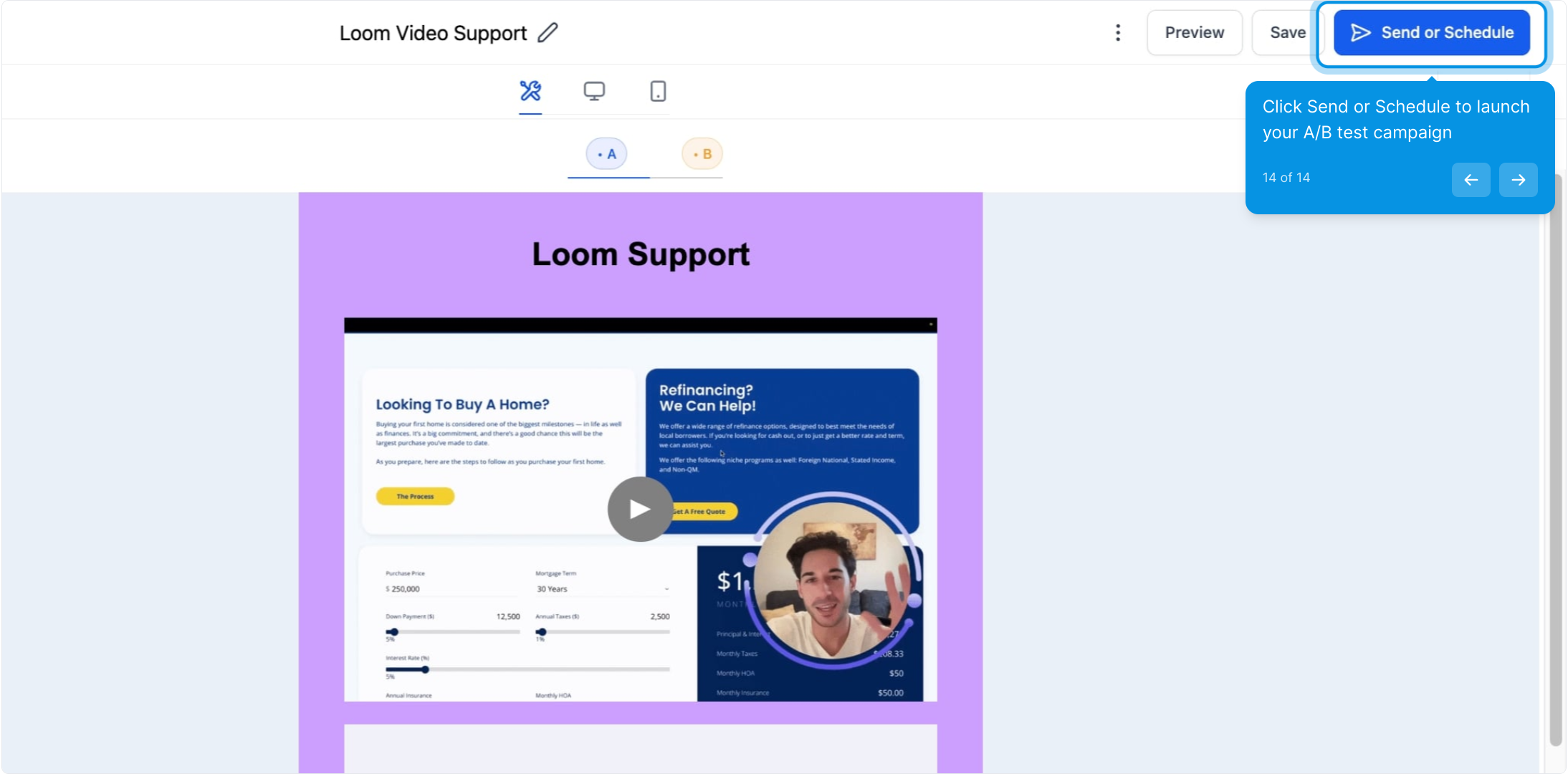
Publish/launch your campaign to the selected receipts, please set the delivery method to either 'Send Now' or 'Schedule For Specific Date/time'.