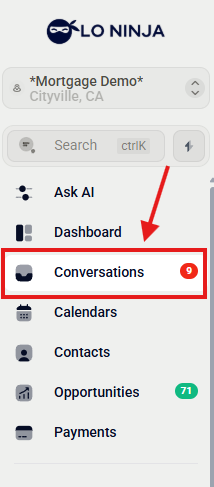
1. Click the Conversation to start your conversation.
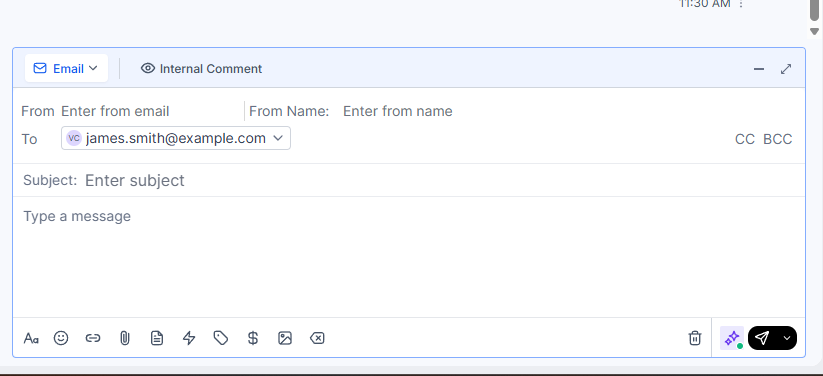
2. For this example, let’s use email
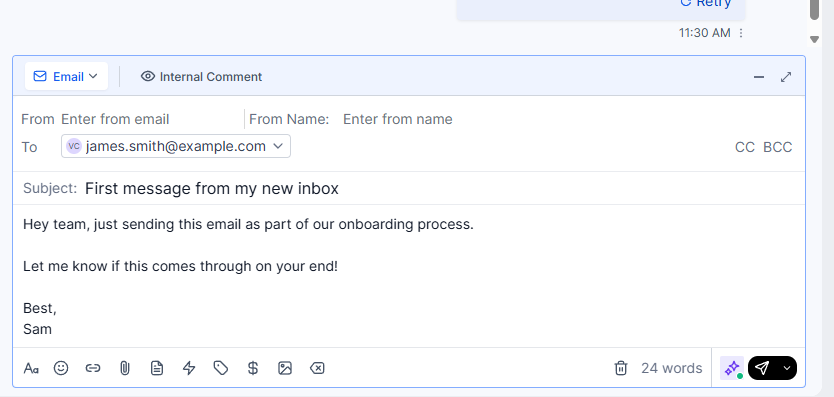
3. Add your personalized message here.
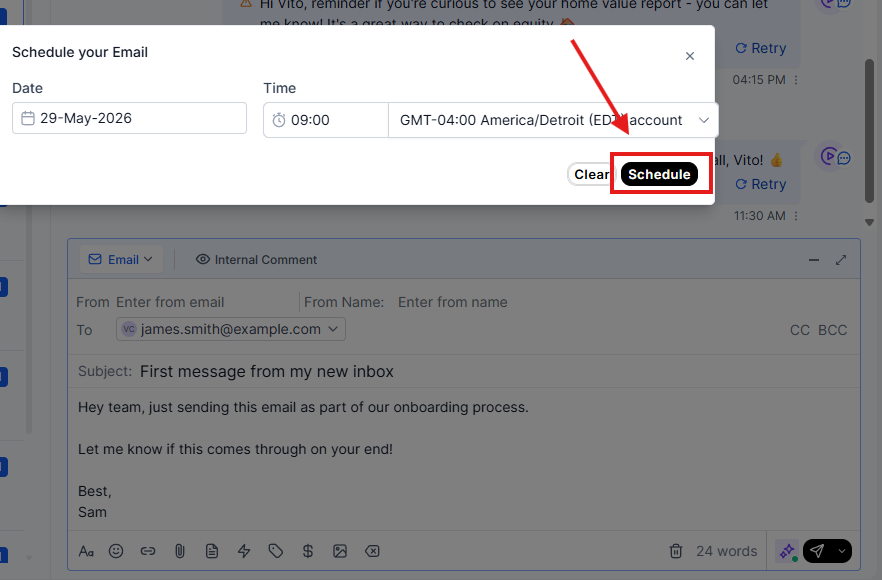
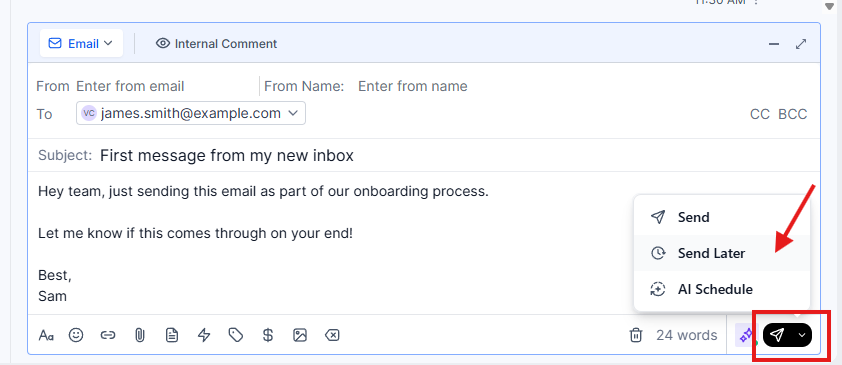
4. Click to schedule your email for later.
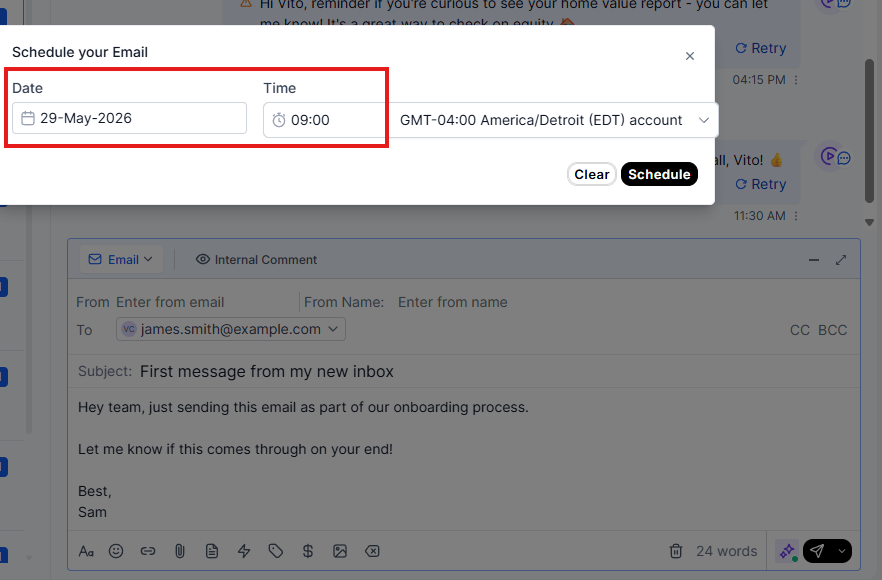
5. Select the date and time to send your email.
6. Choose your preferred timezone for scheduling.
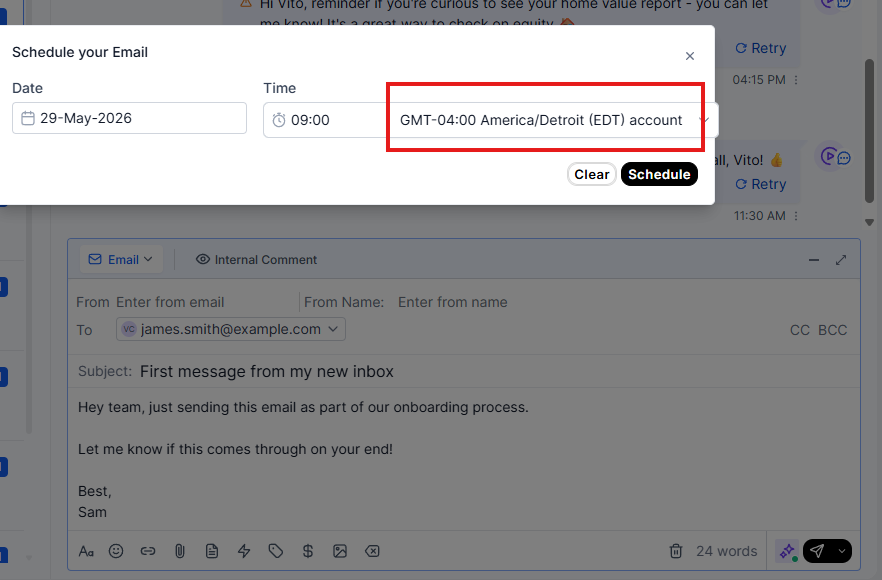
7. Finally, click "Send Schedule" to complete the process.