Settings: Company Billing Overview

This article provides a clear and actionable guide to effectively managing billing within your account. Whether you're overseeing subscriptions, handling payment methods, or monitoring transaction history, this guide offers step-by-step instructions to streamline financial management and ensure seamless operations.


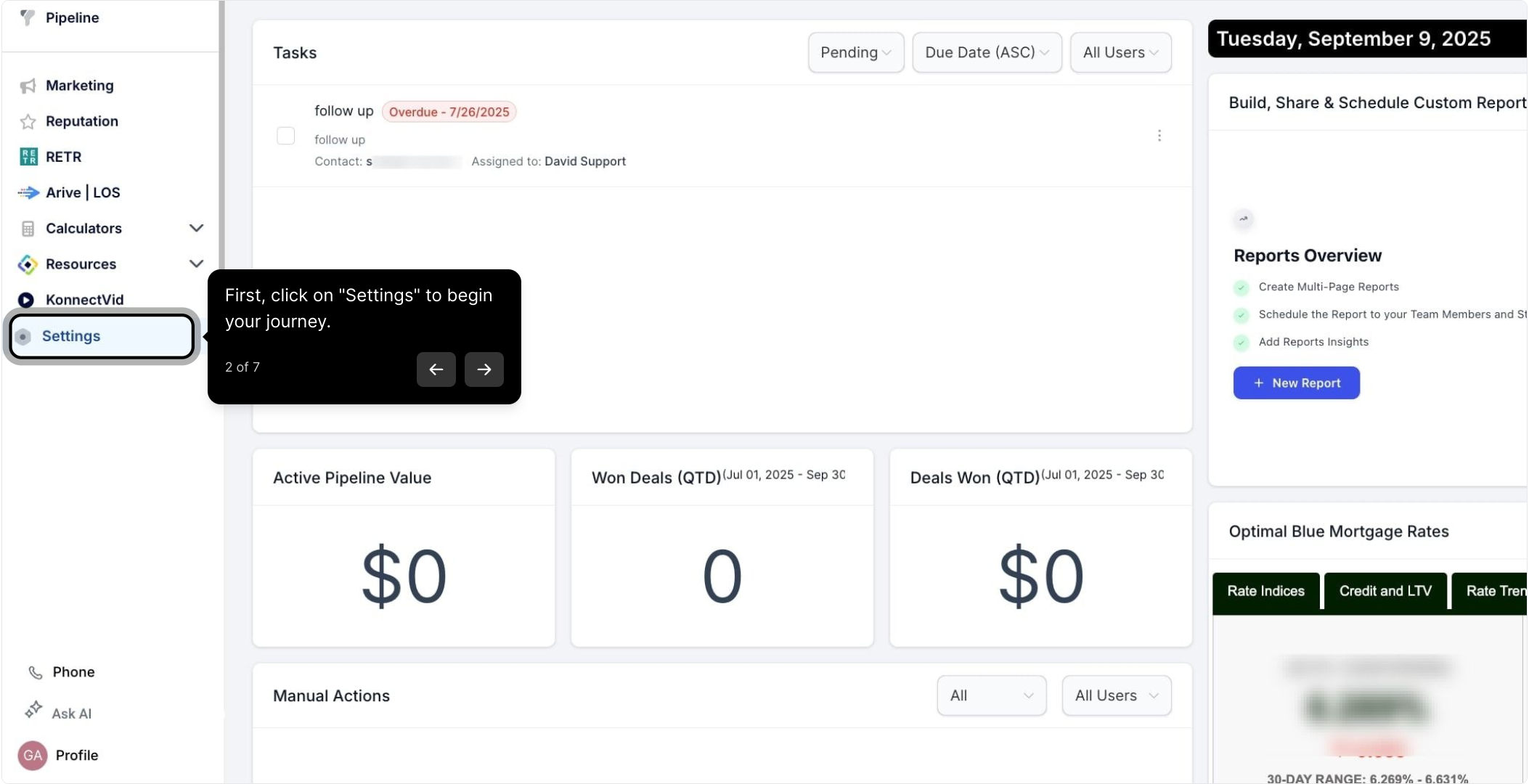
2. First, click on "Settings" to begin your journey.
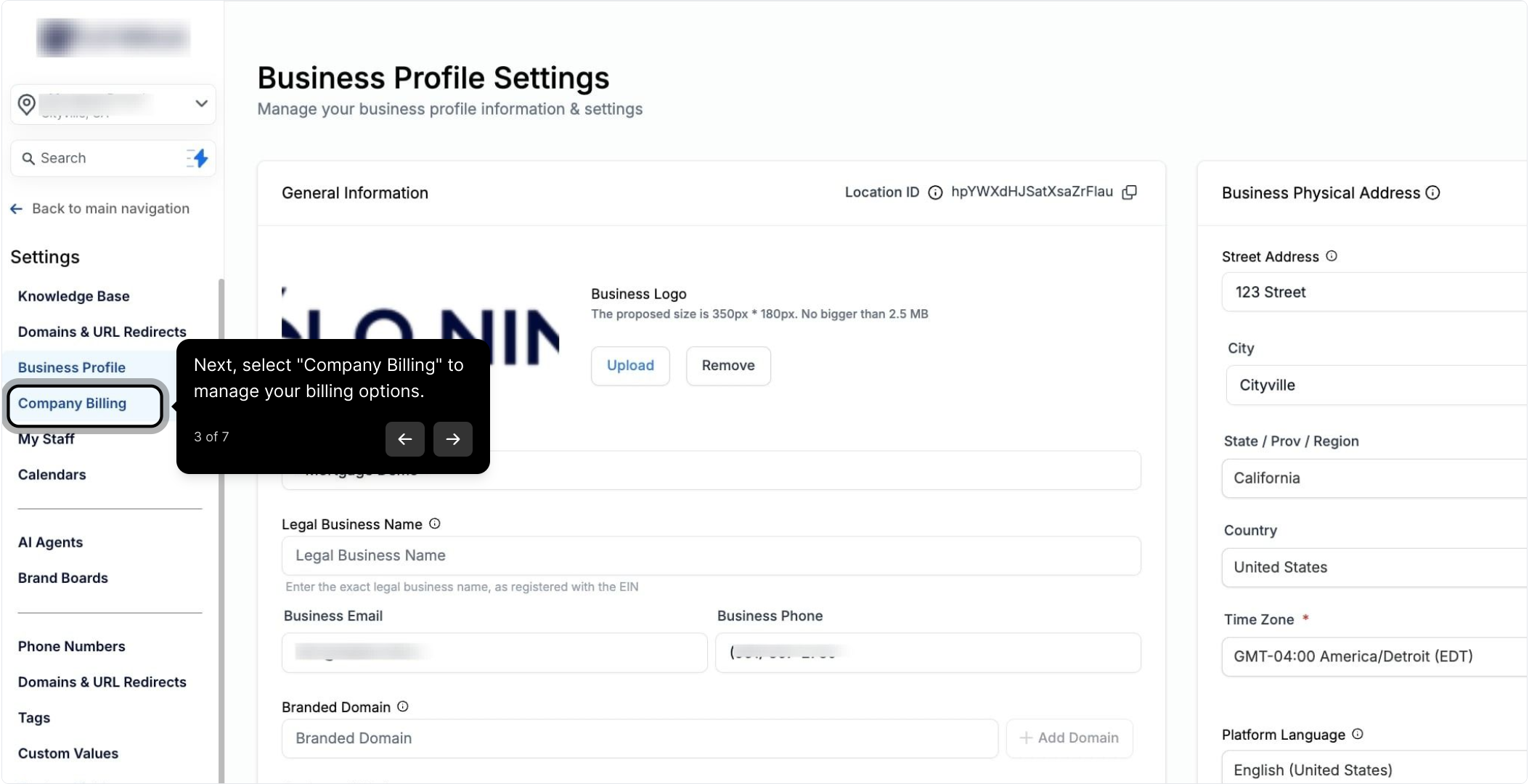
3. Next, select "Company Billing" to manage your billing options.
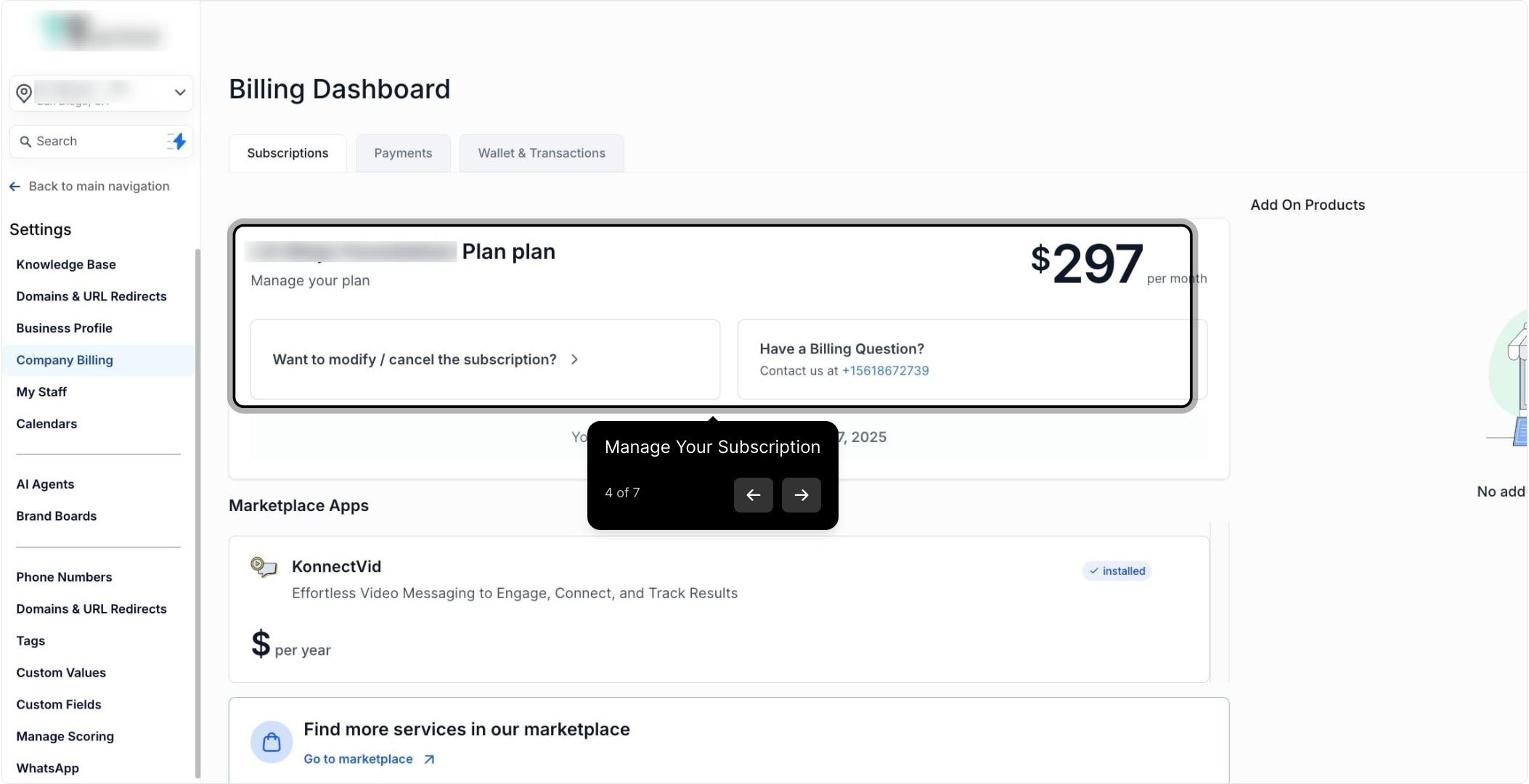
4. Manage Your Subscription
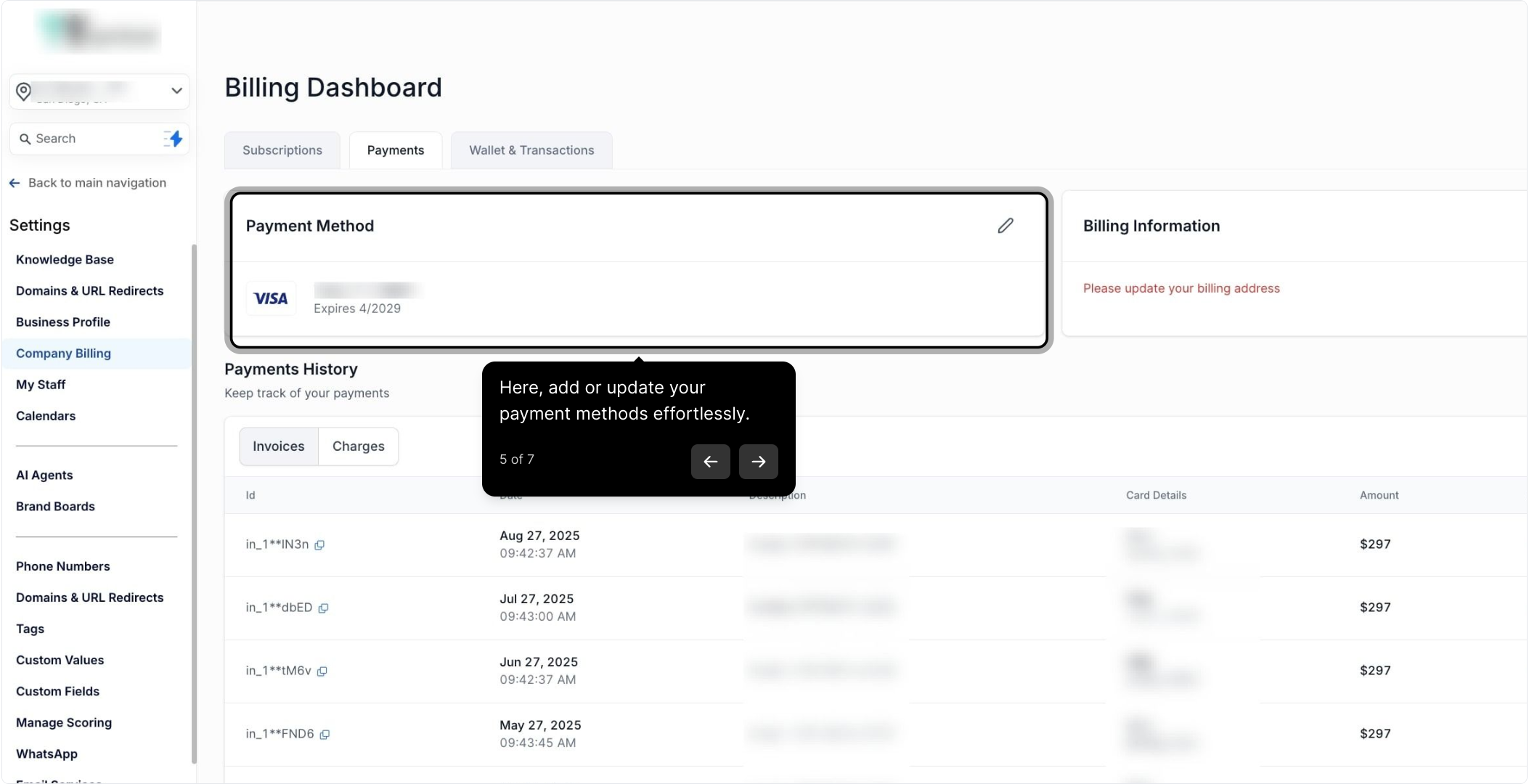
5. Here, add or update your payment methods effortlessly.
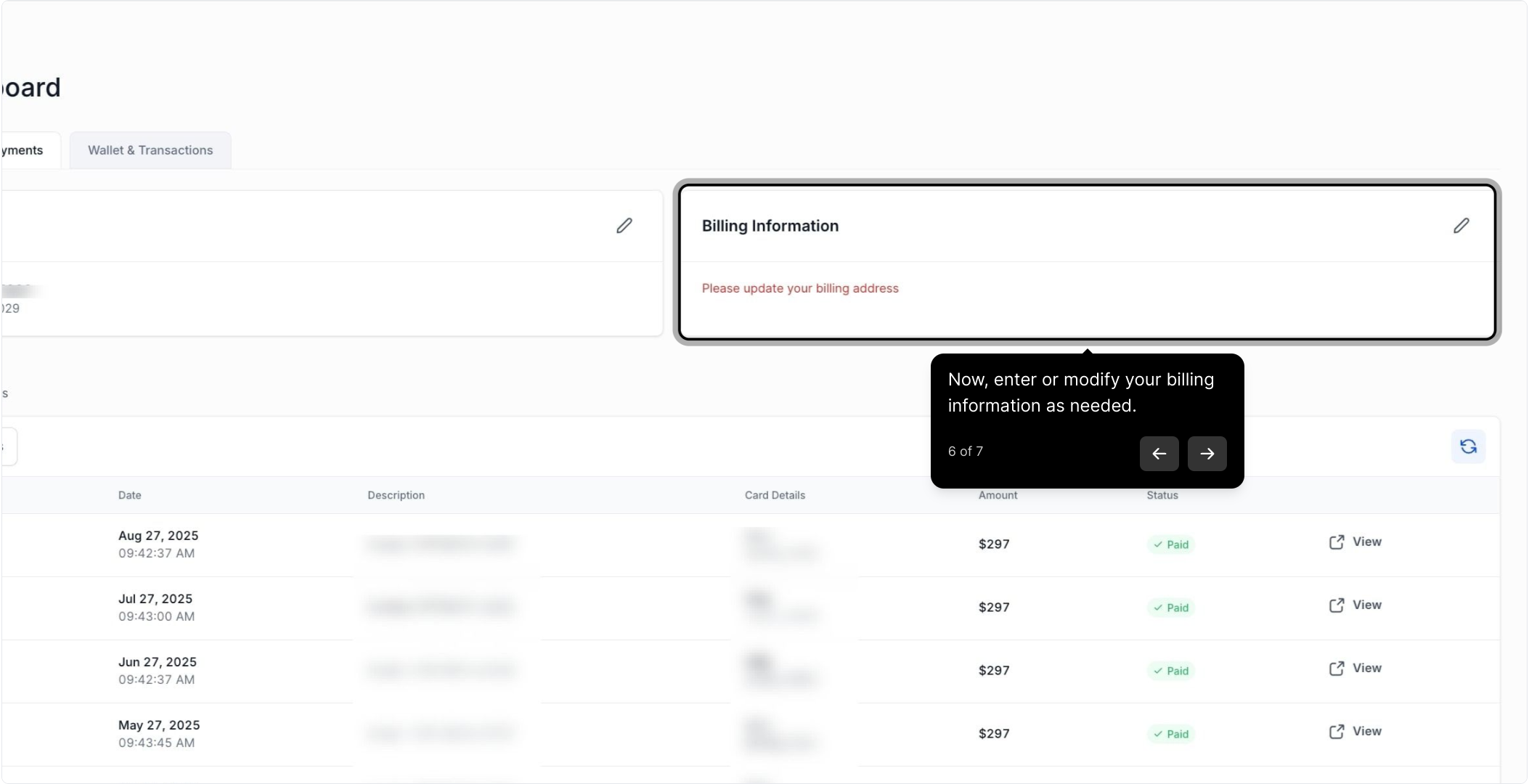
6. Now, enter or modify your billing information as needed.
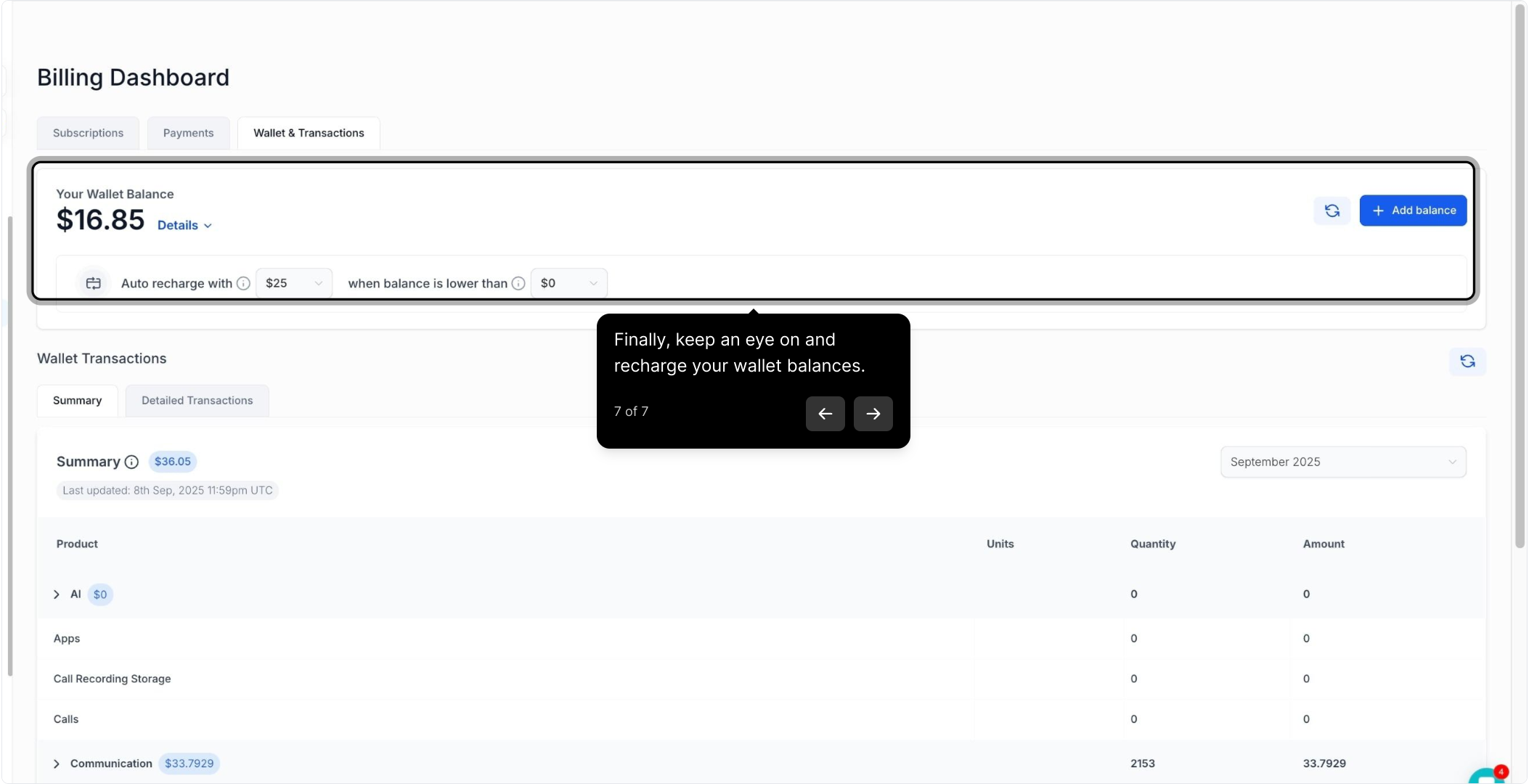
7. Finally, keep an eye on and recharge your wallet balances.