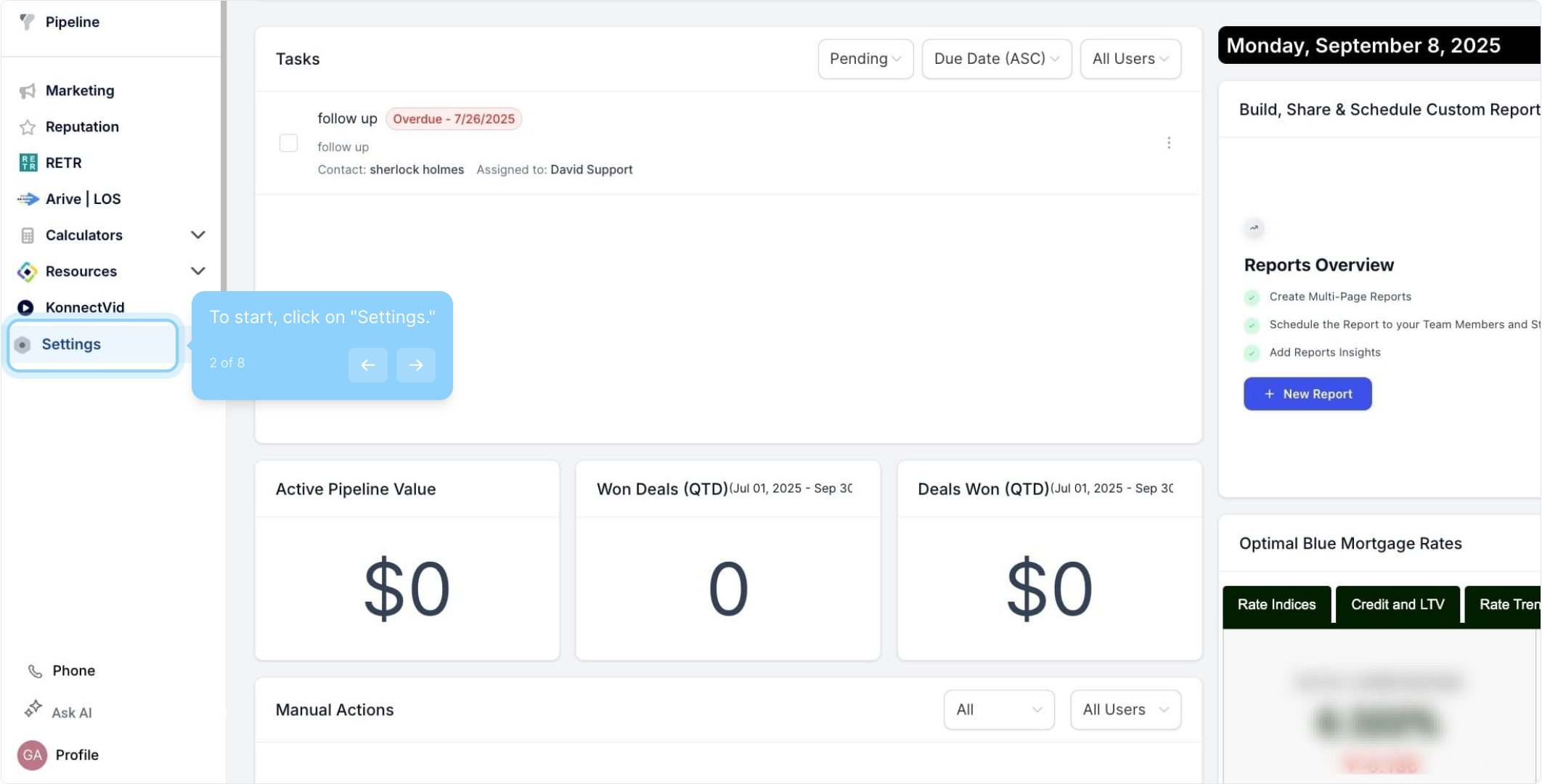
2. To start, click on "Settings."
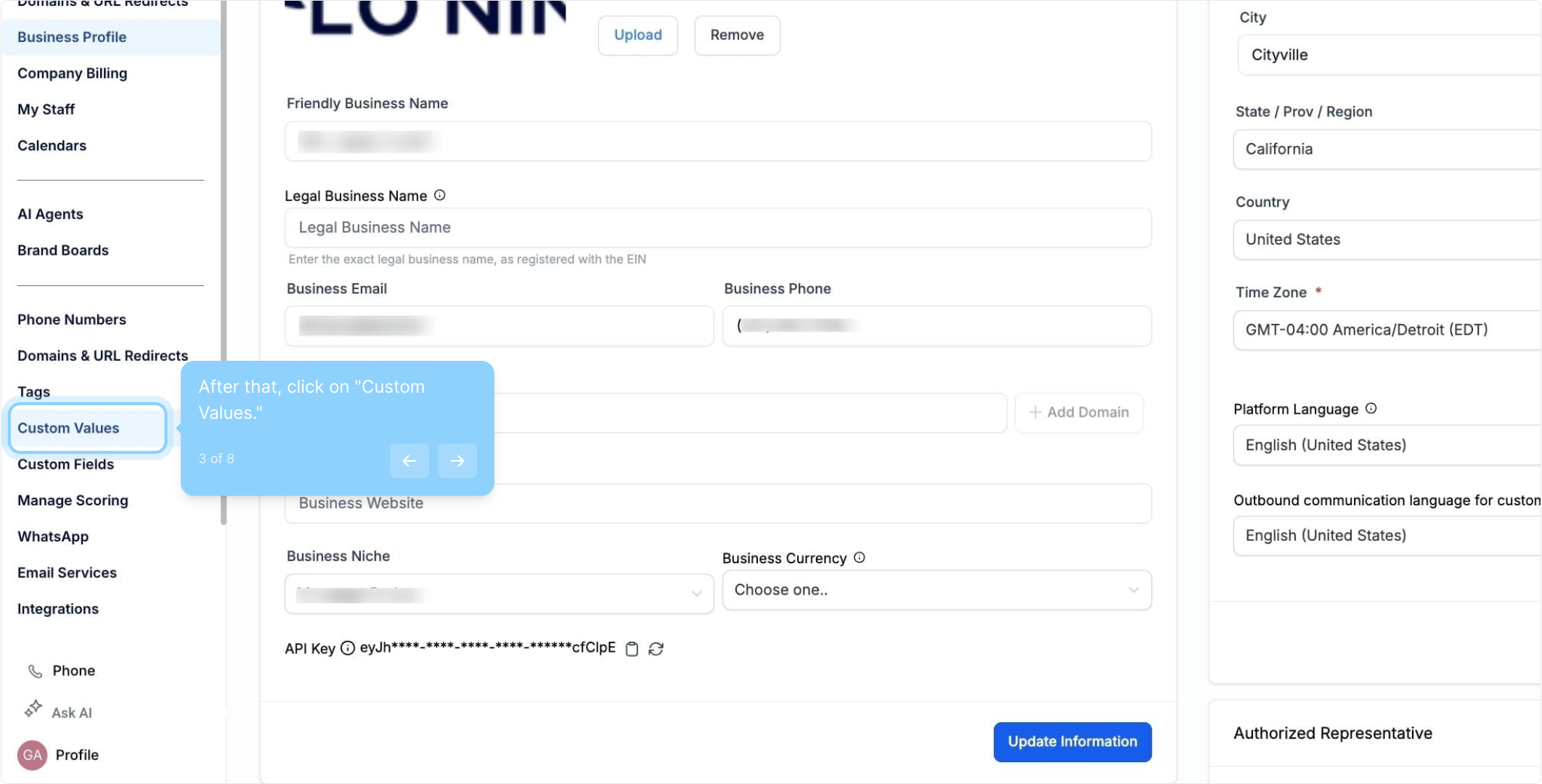
3. After that, click on "Custom Values."
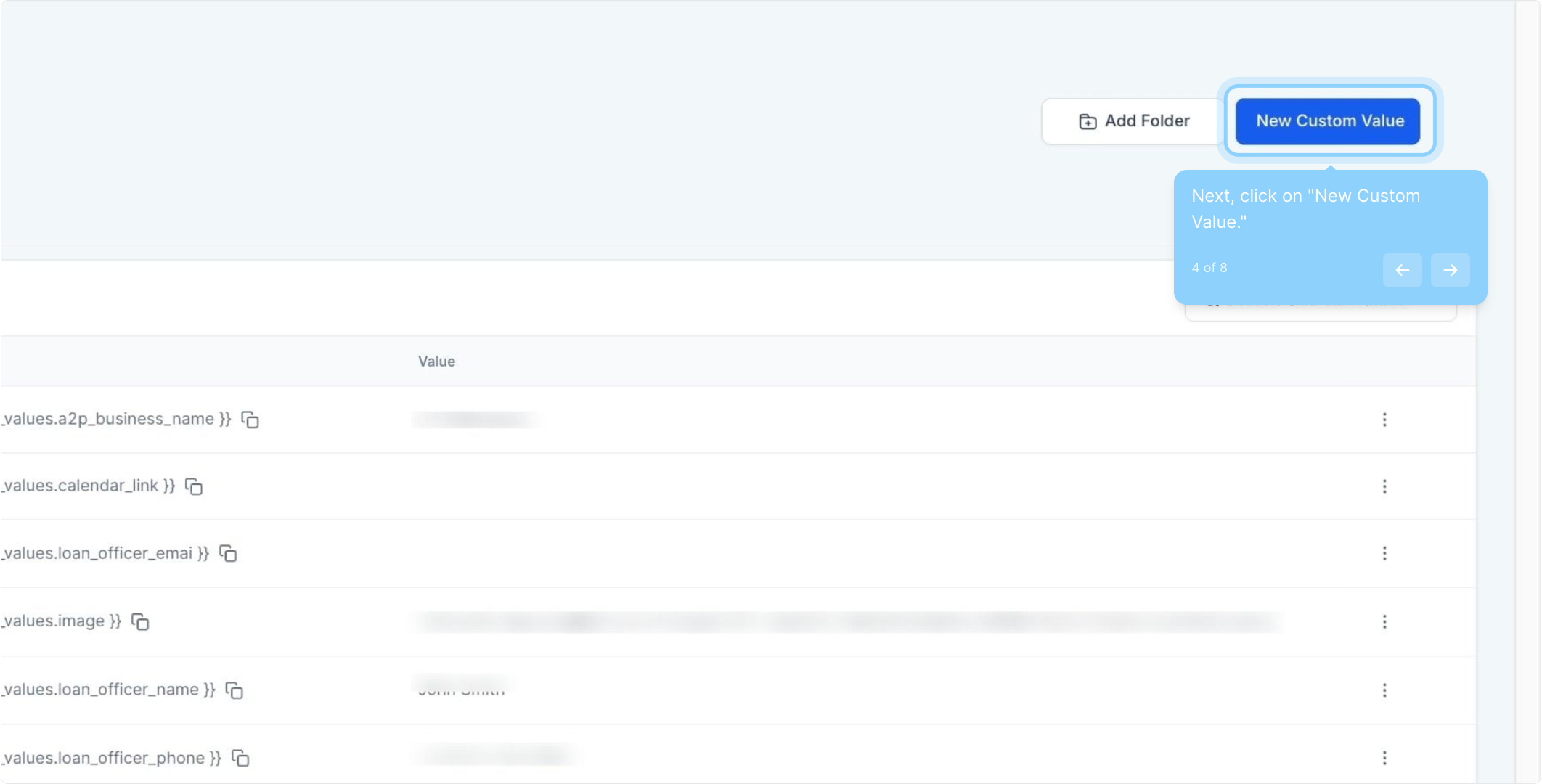
4. Next, click on "New Custom Value."
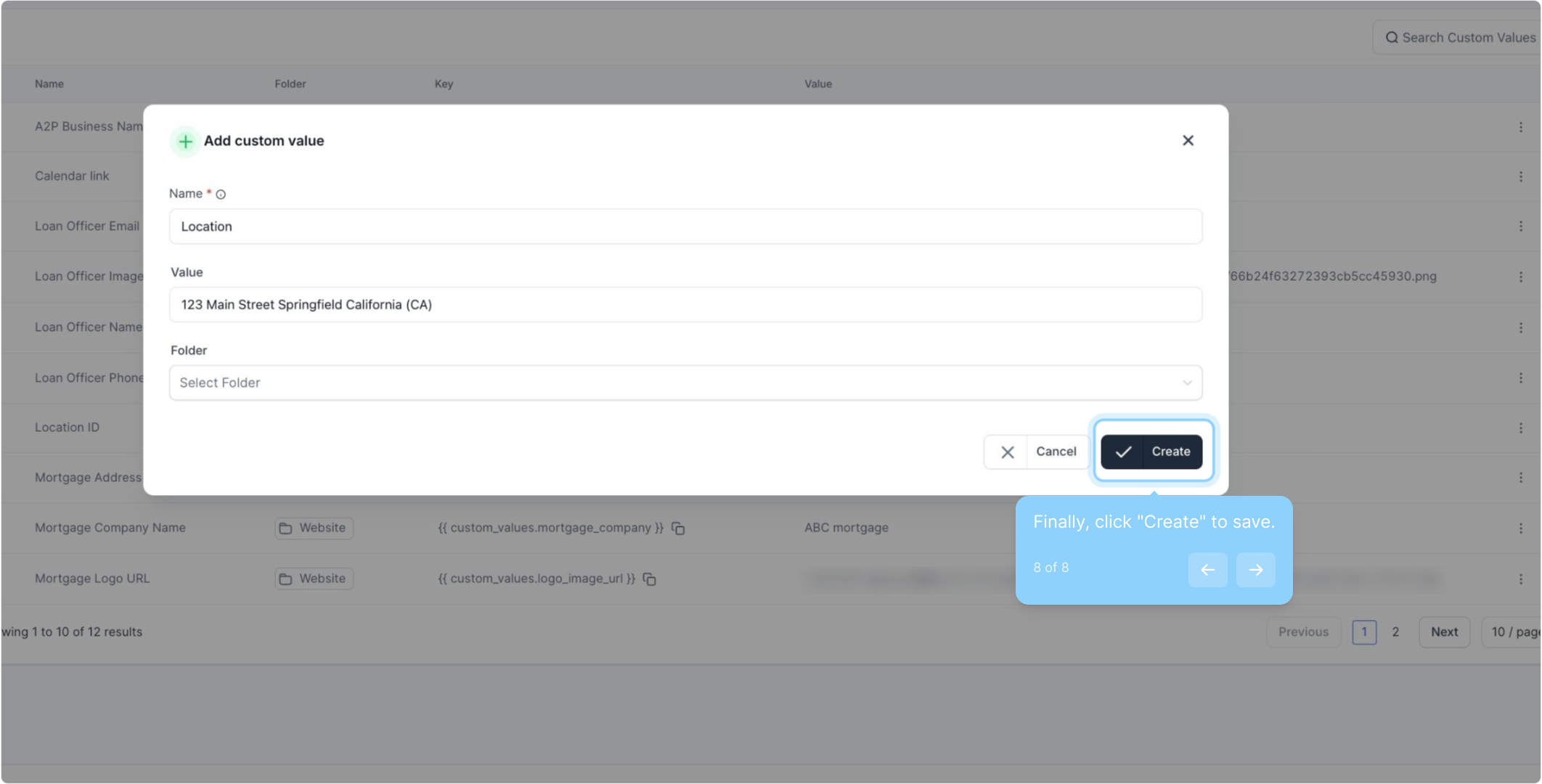
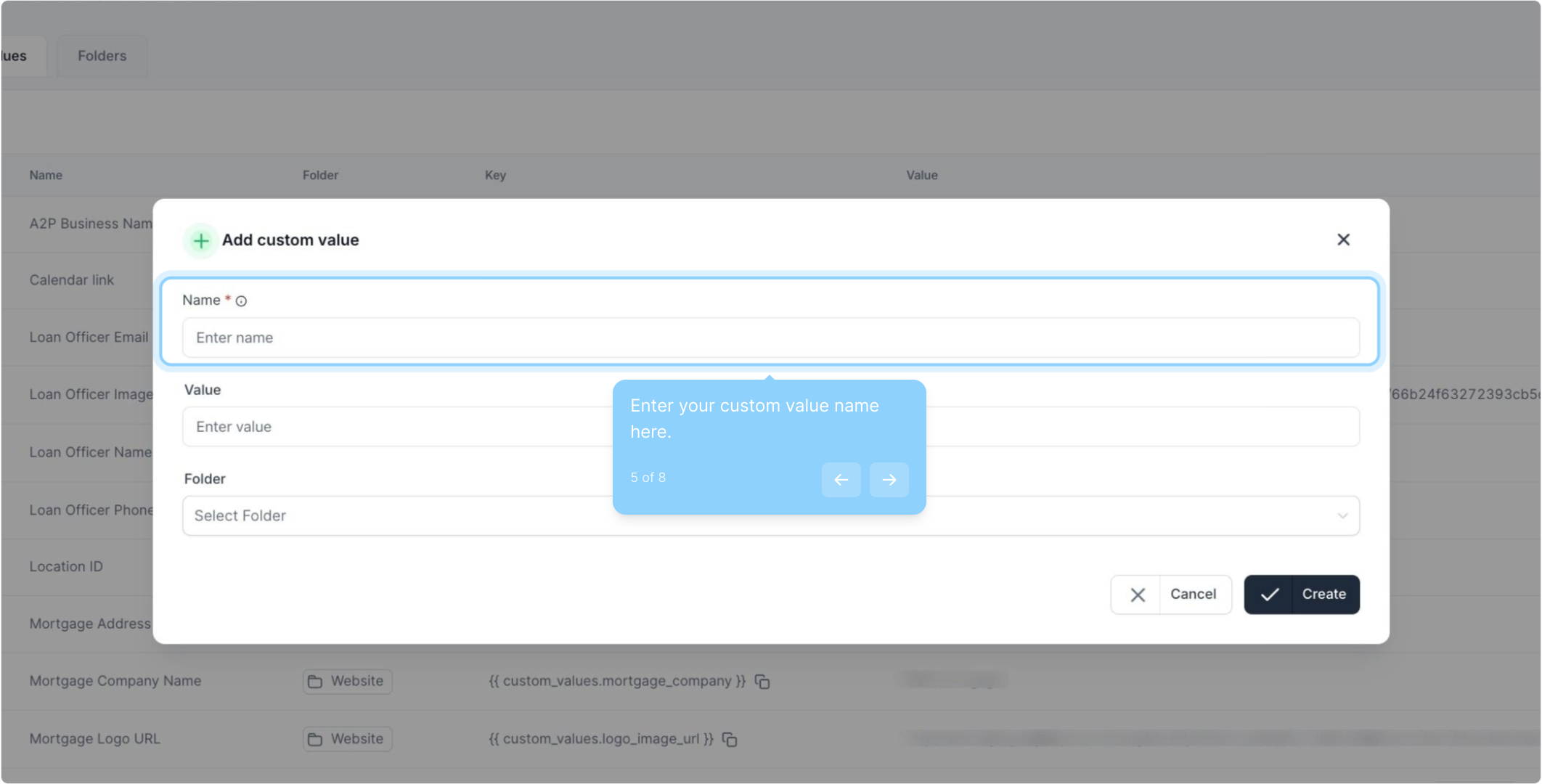
5. Enter your custom value name here.
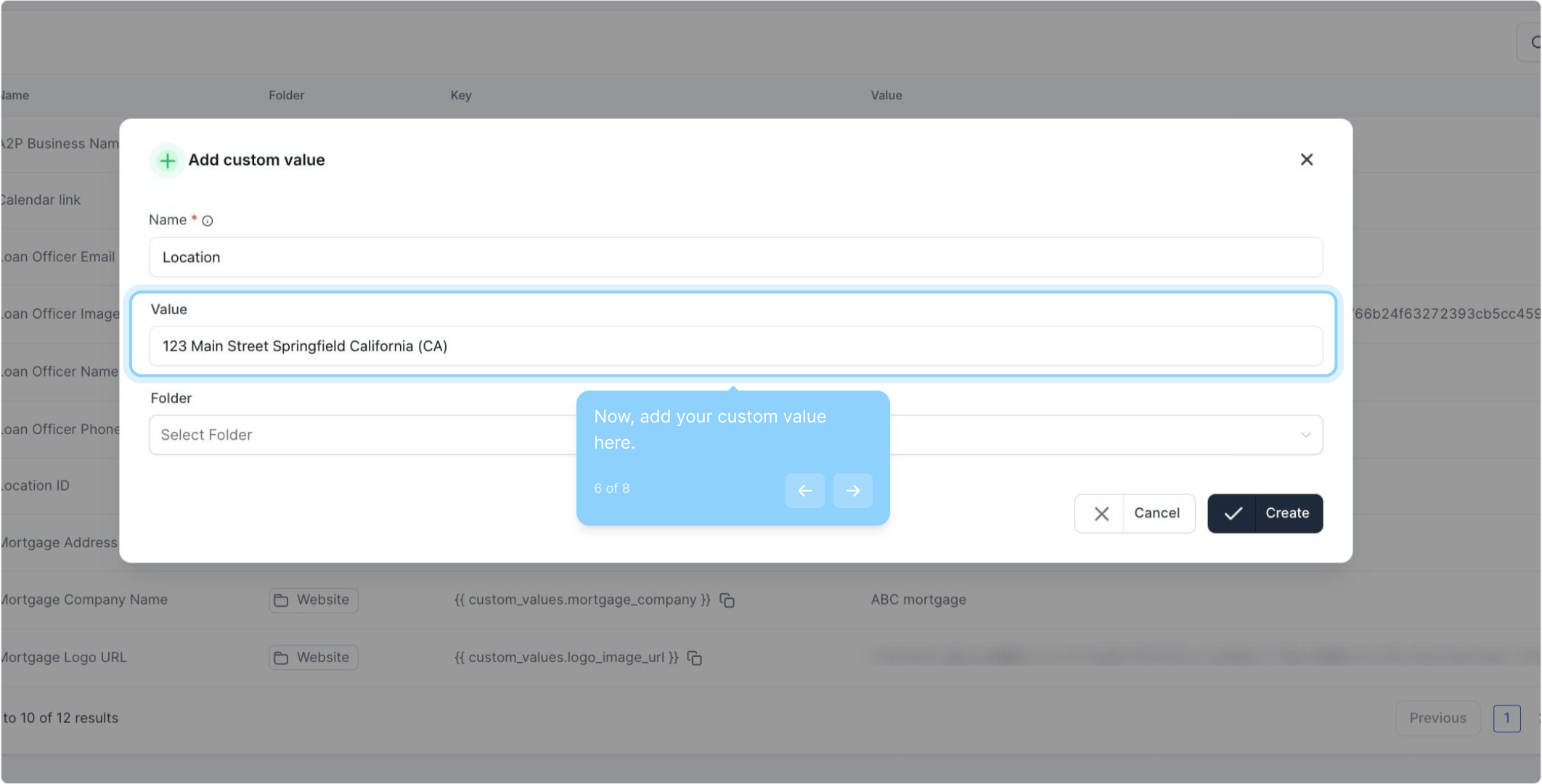
6. Now, add your custom value here.
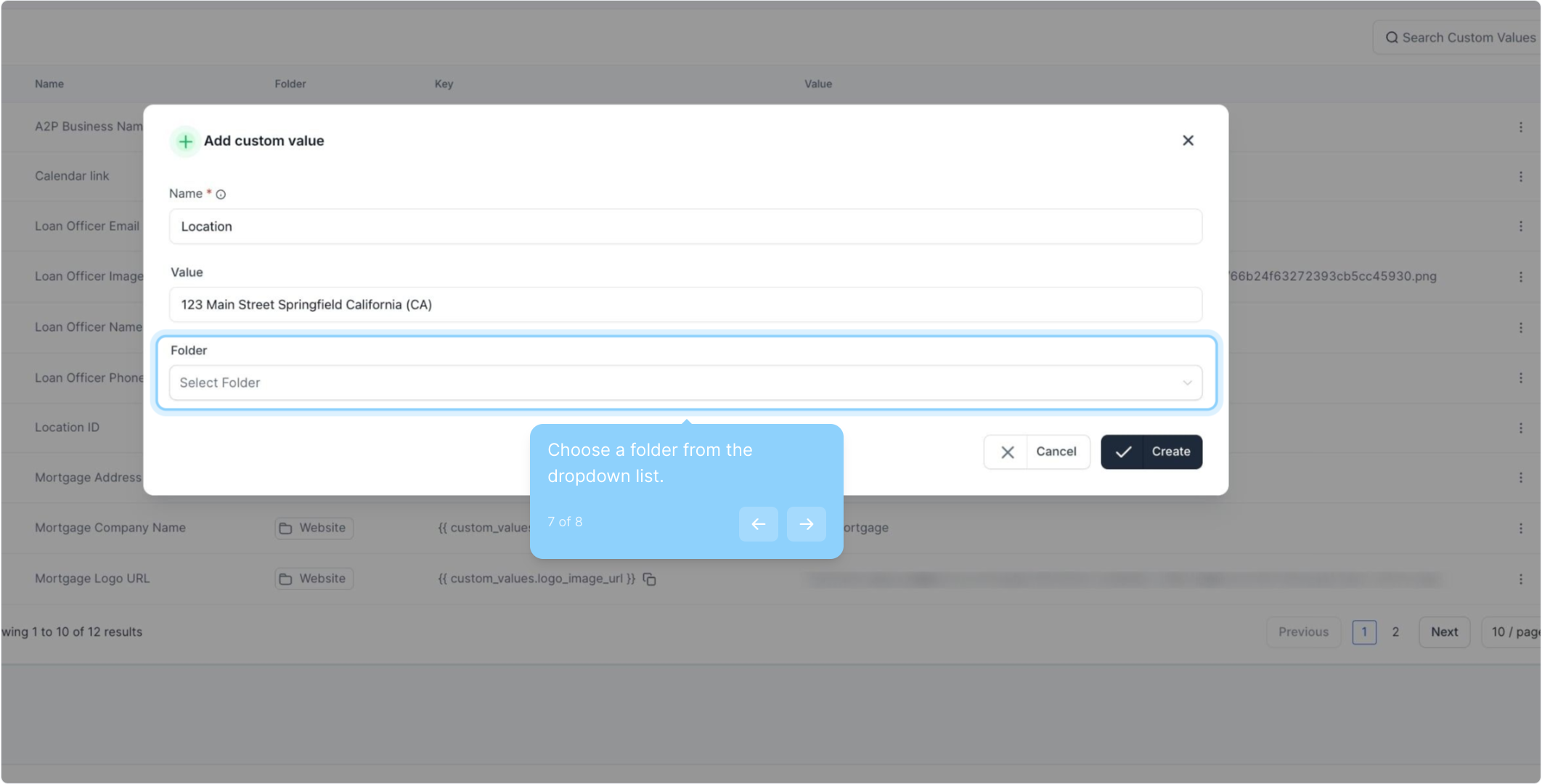
7. Choose a folder from the dropdown list.
8. Finally, click "Create" to save.