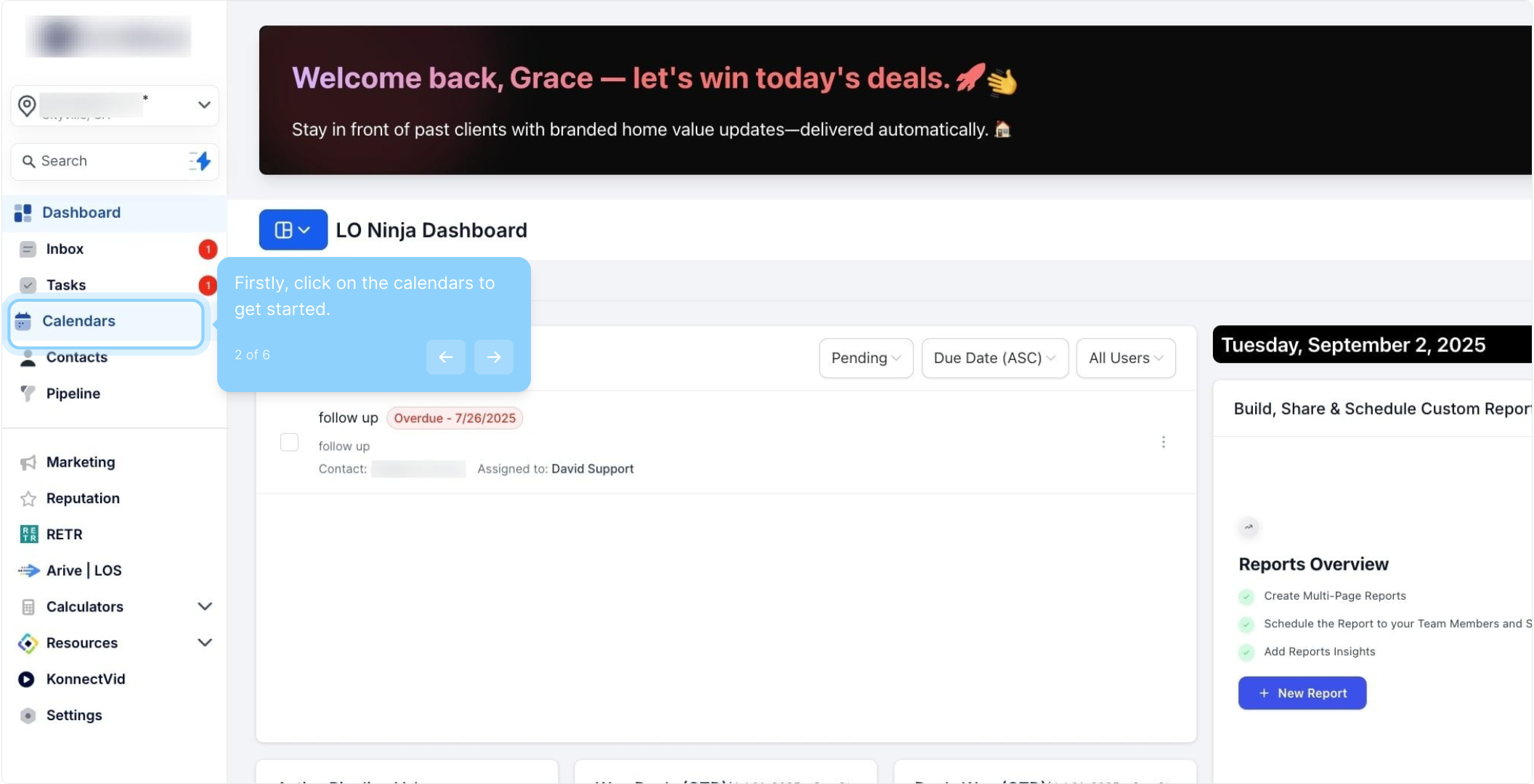
2. Firstly, click on the calendars to get started.
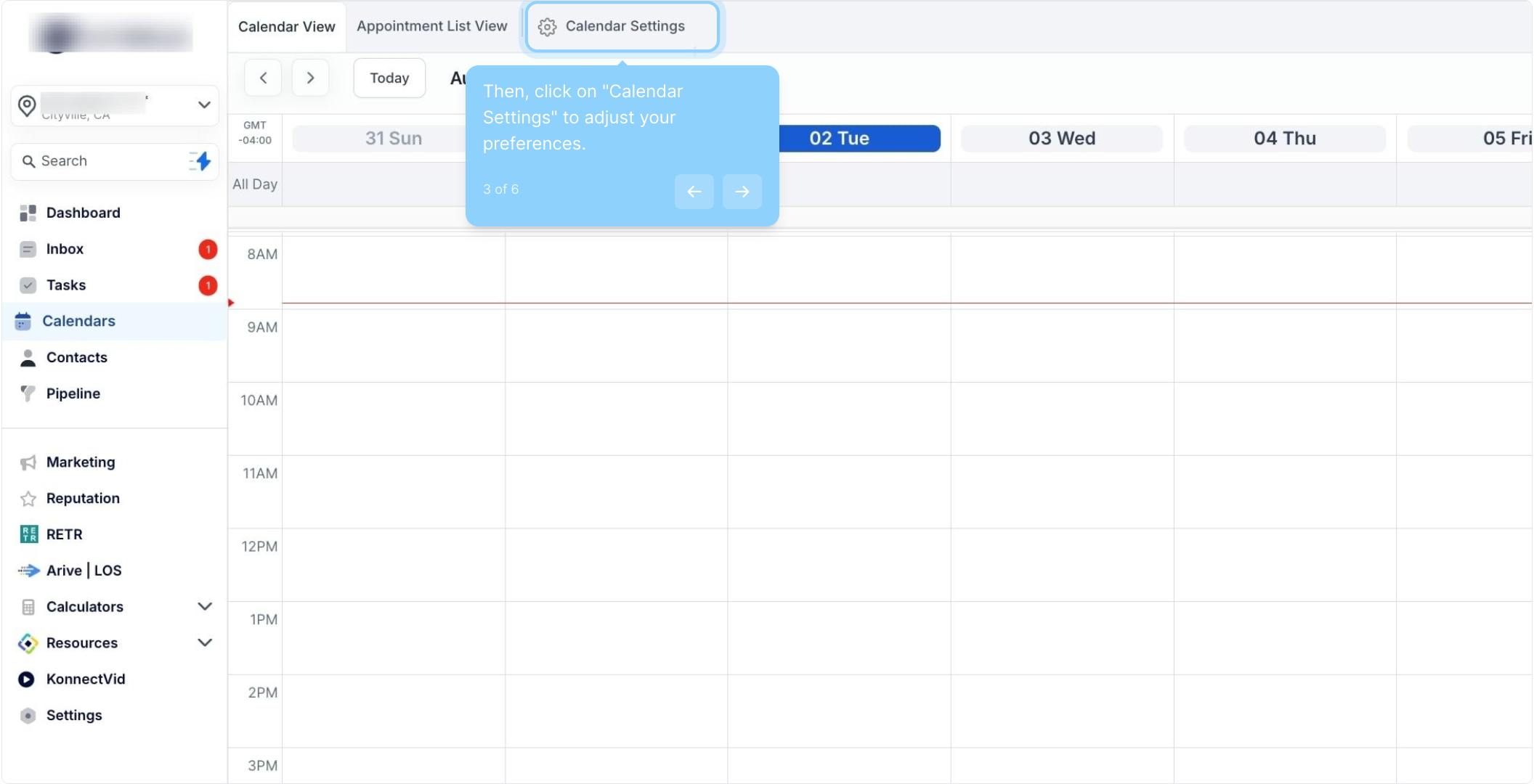
3. Then, click on "Calendar Settings" to adjust your preferences.
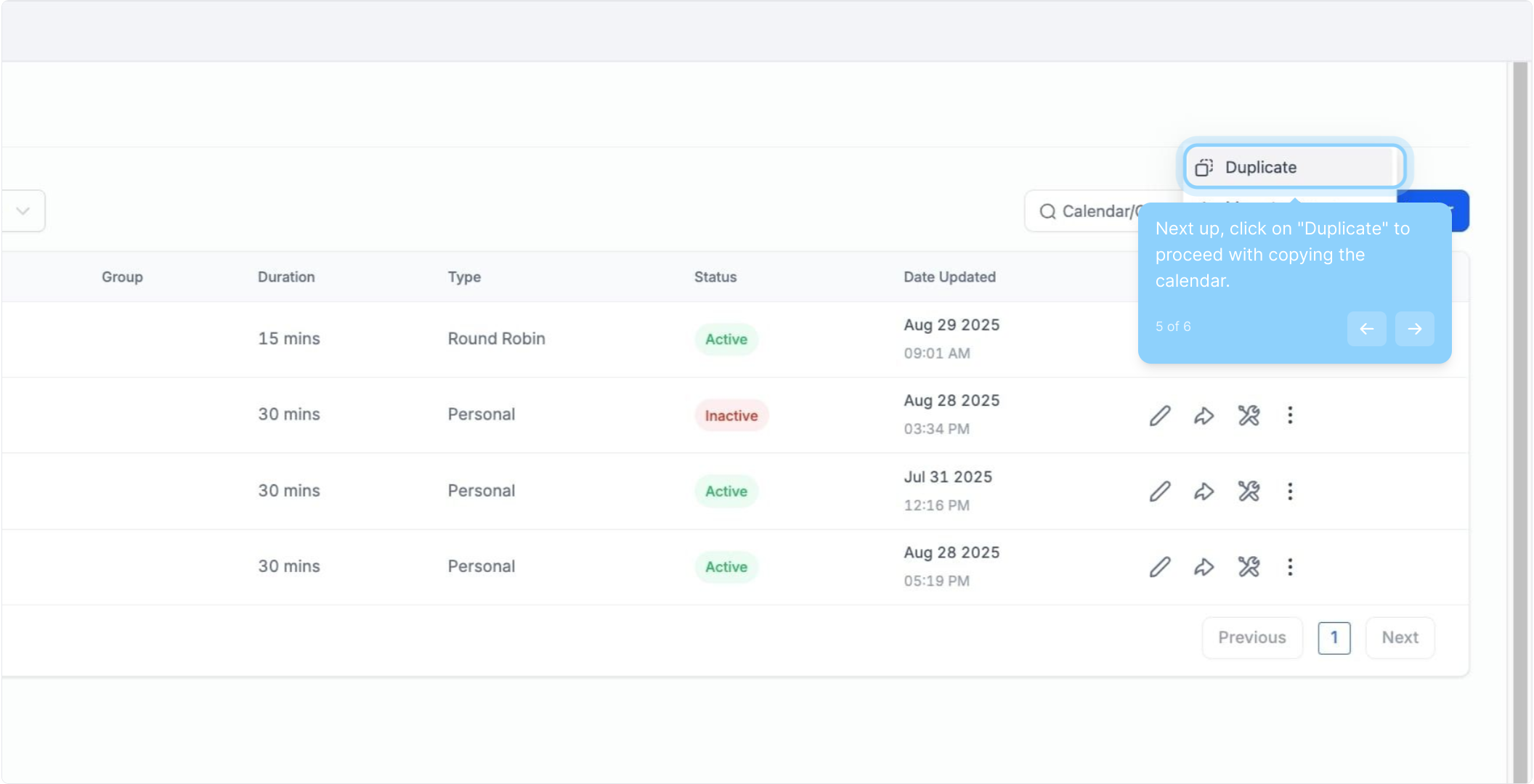
4. Navigate to the calendar you want to duplicate and click the three dots.
5. Next up, click on "Duplicate" to proceed with copying the calendar.
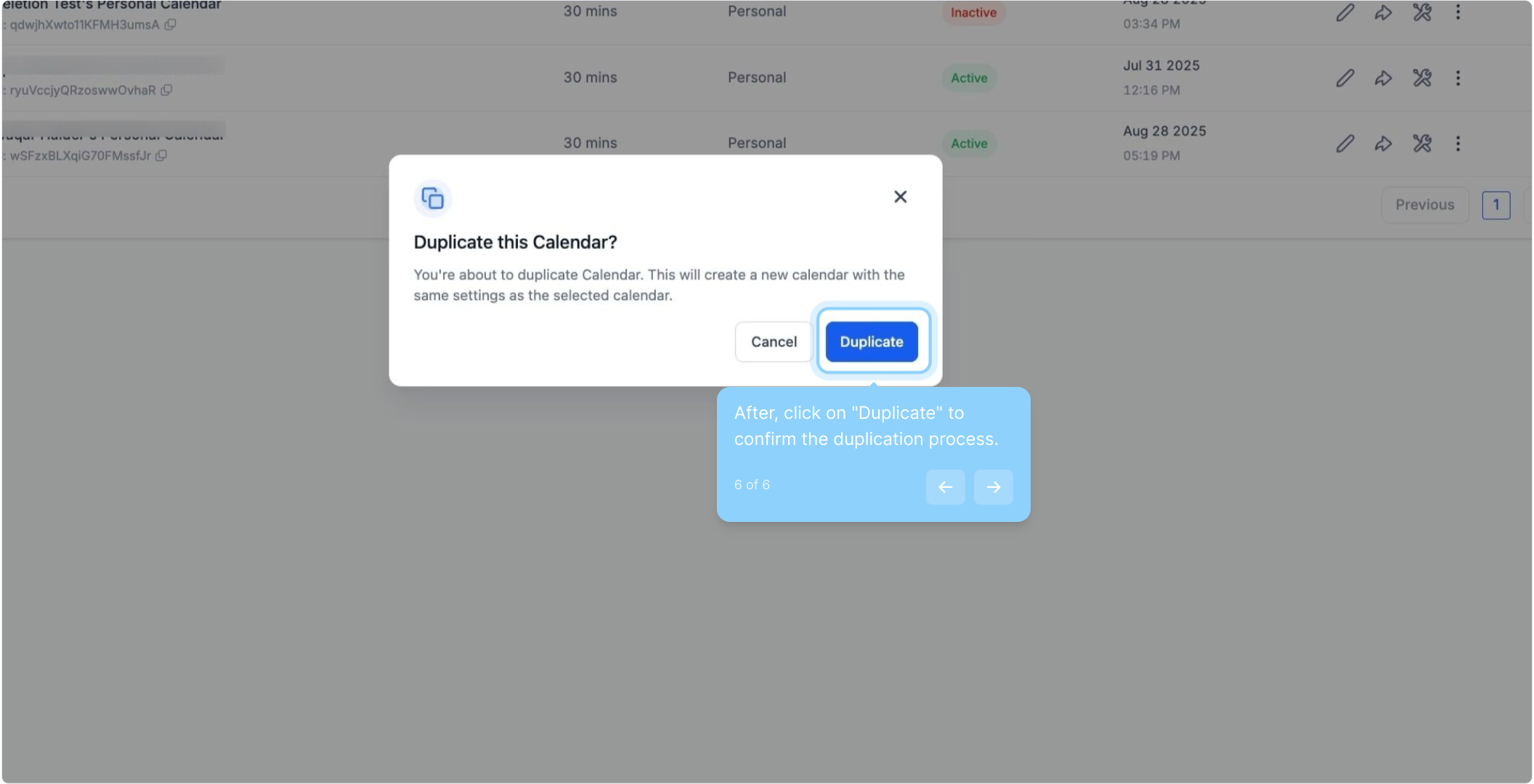
6. After, click on "Duplicate" to confirm the duplication process.