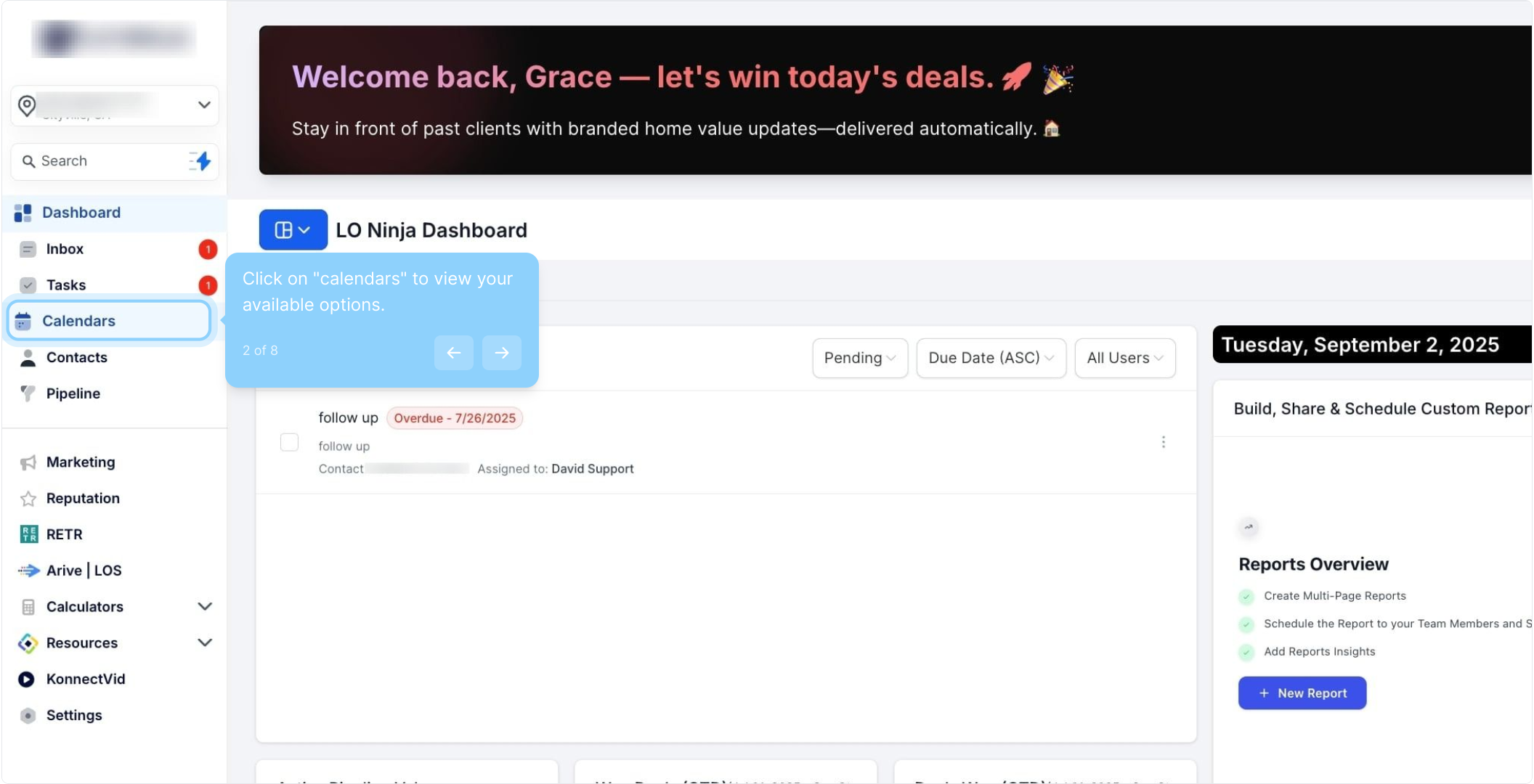
2. Click on "calendars" to view your available options.
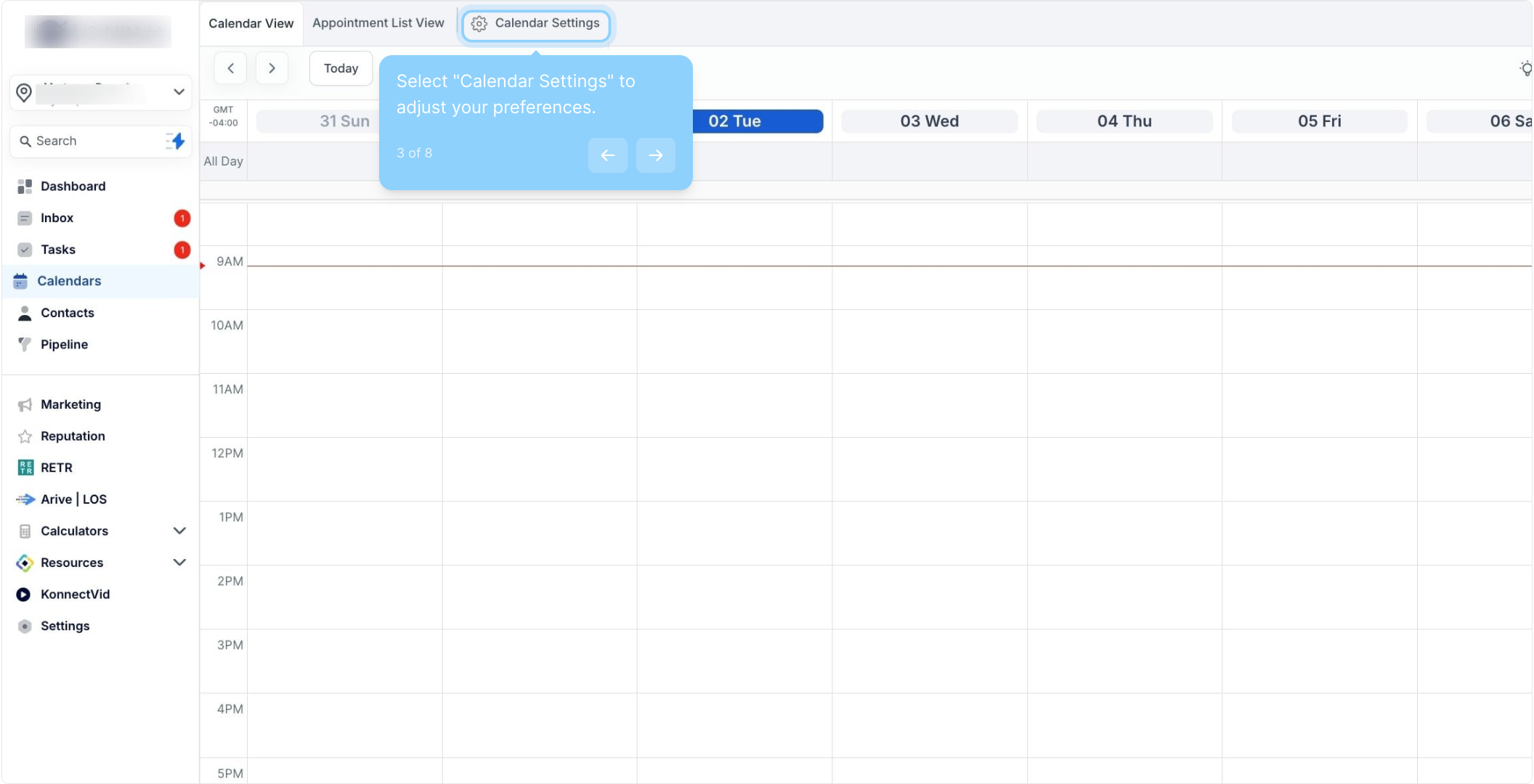
3. Select "Calendar Settings" to adjust your preferences.
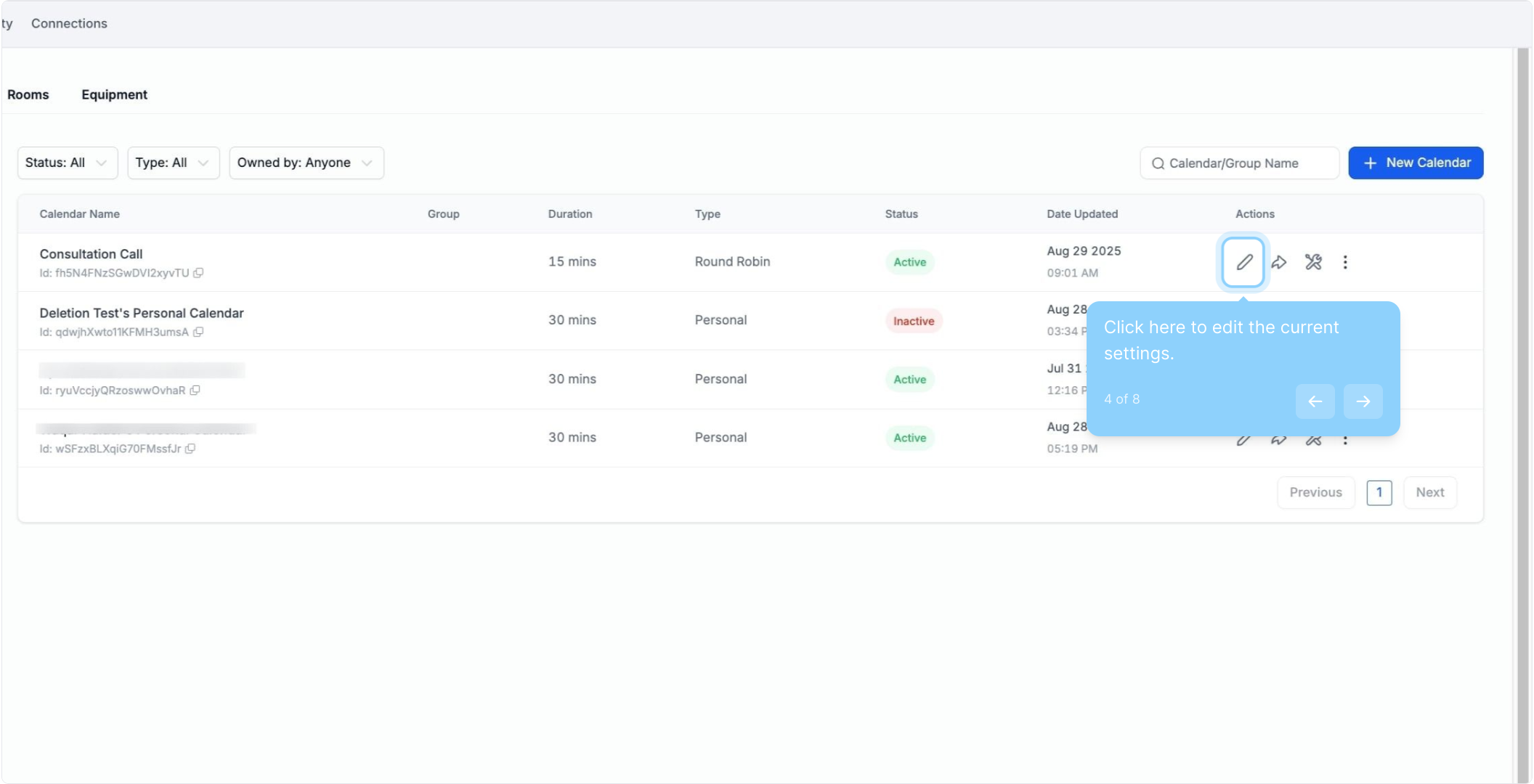
4. Click here to edit the current settings.
5. Next up, click on "Customizations" to personalize your experience.
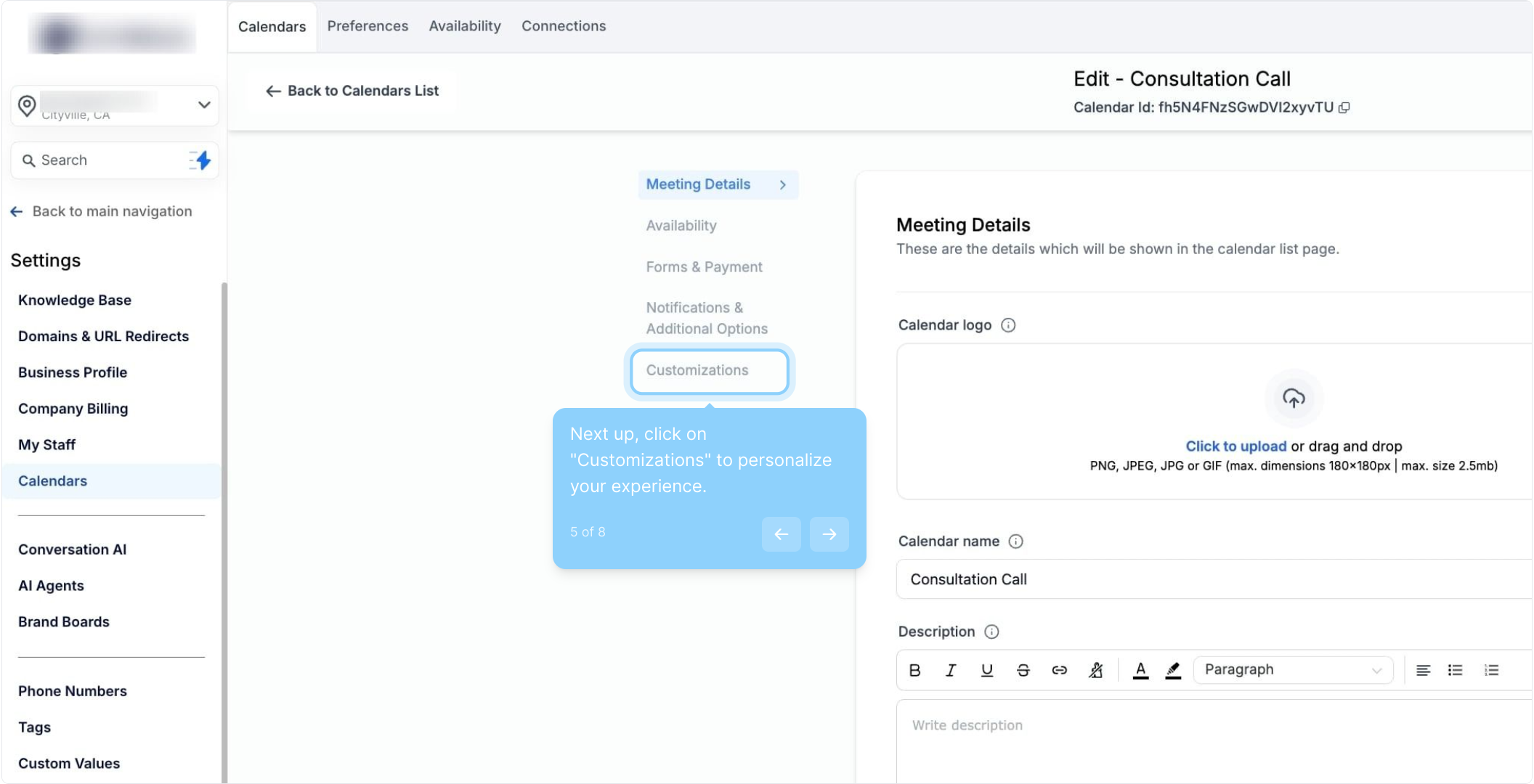
6. Navigate to the staff selection section for booking adjustments.
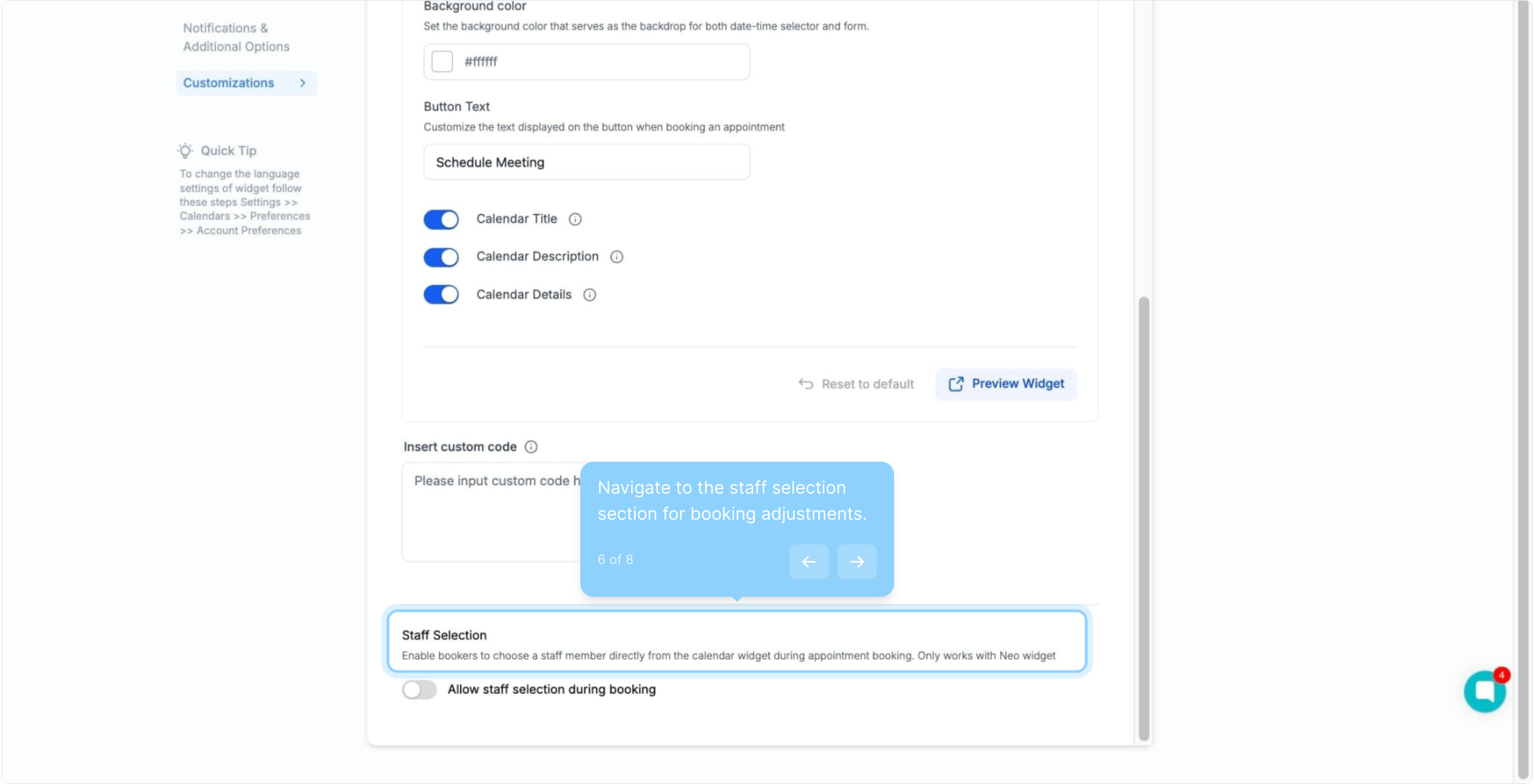
7. Toggle on to allow staff selection during bookings (only works with neo widget)
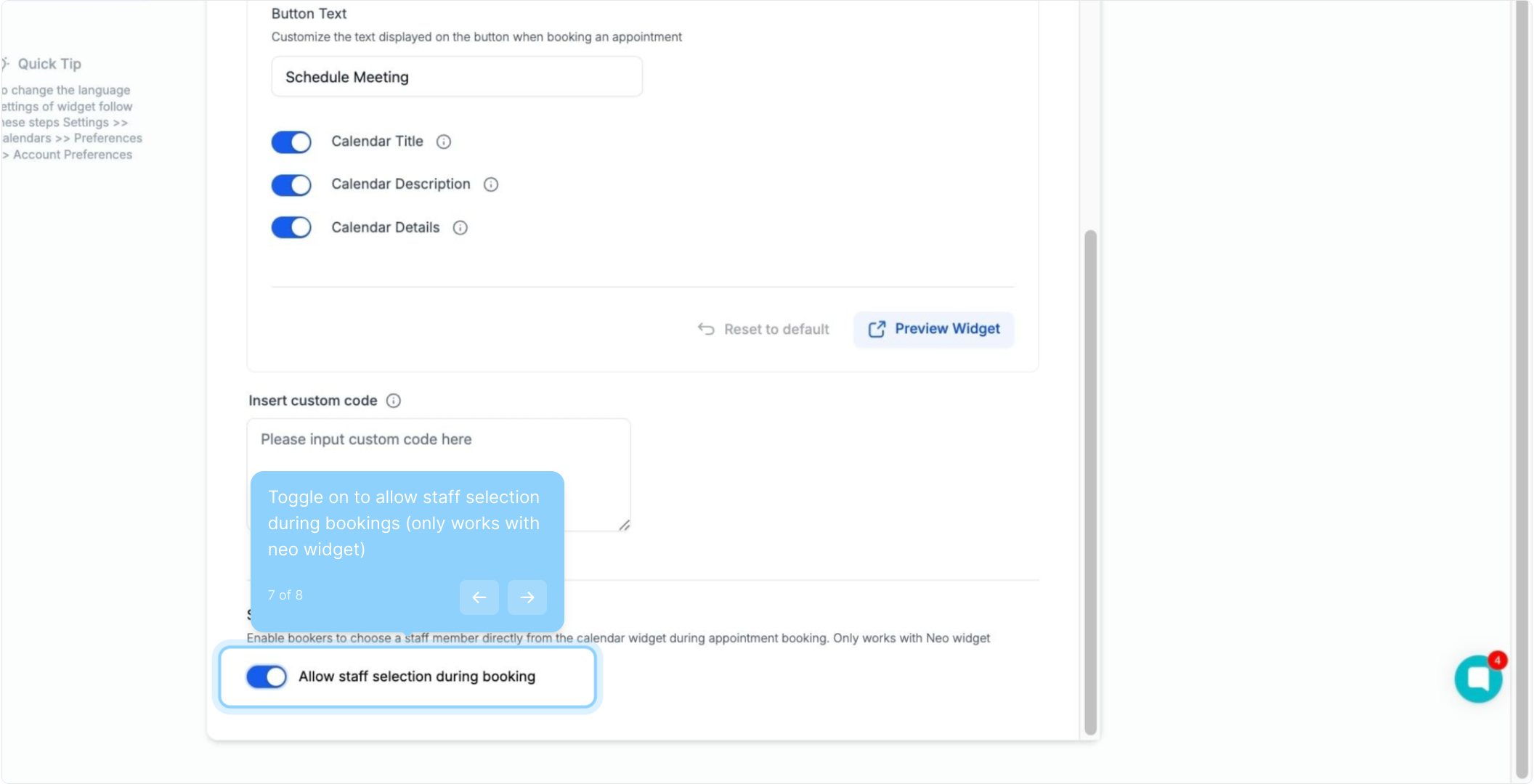
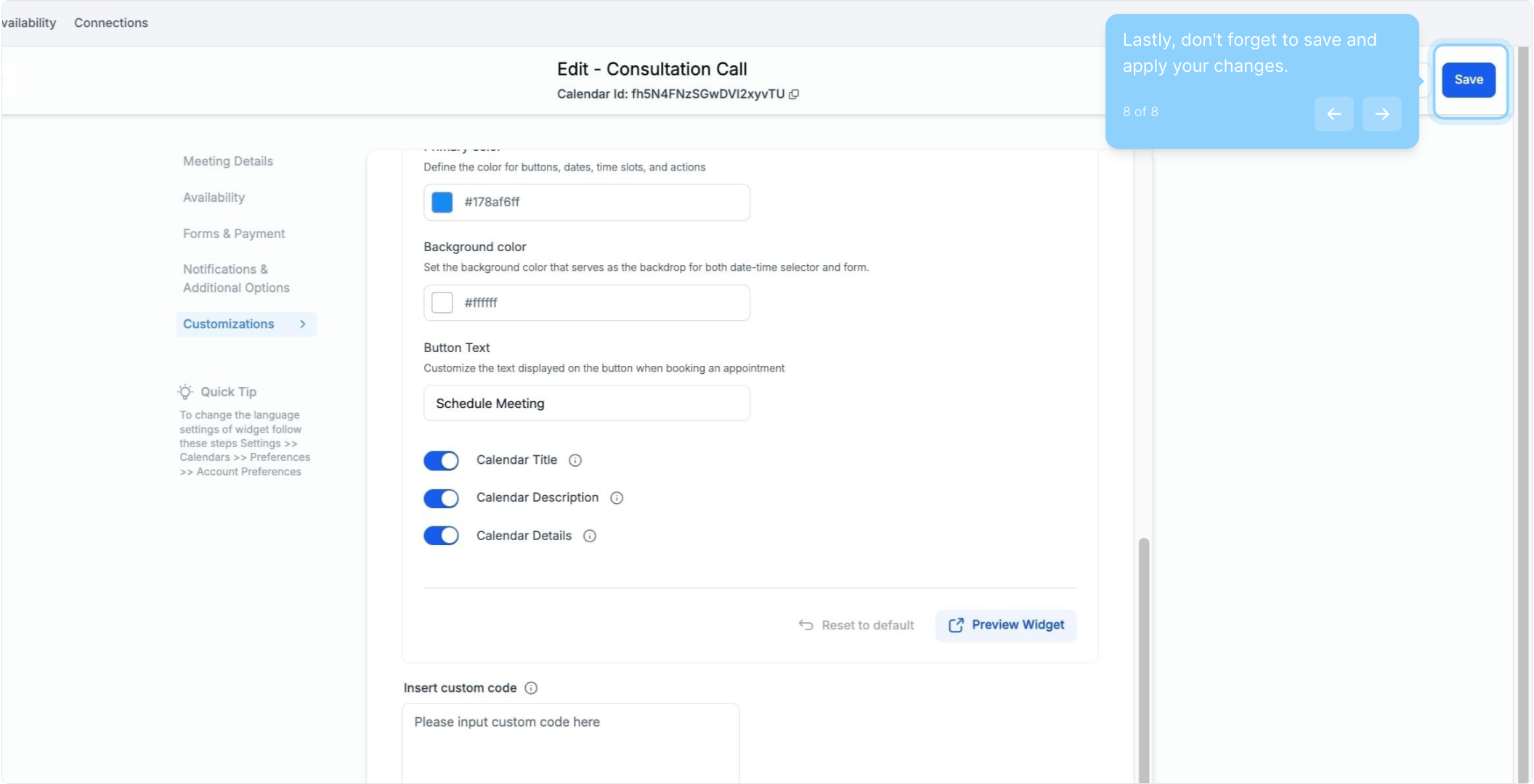
8. Lastly, don't forget to save and apply your changes.