
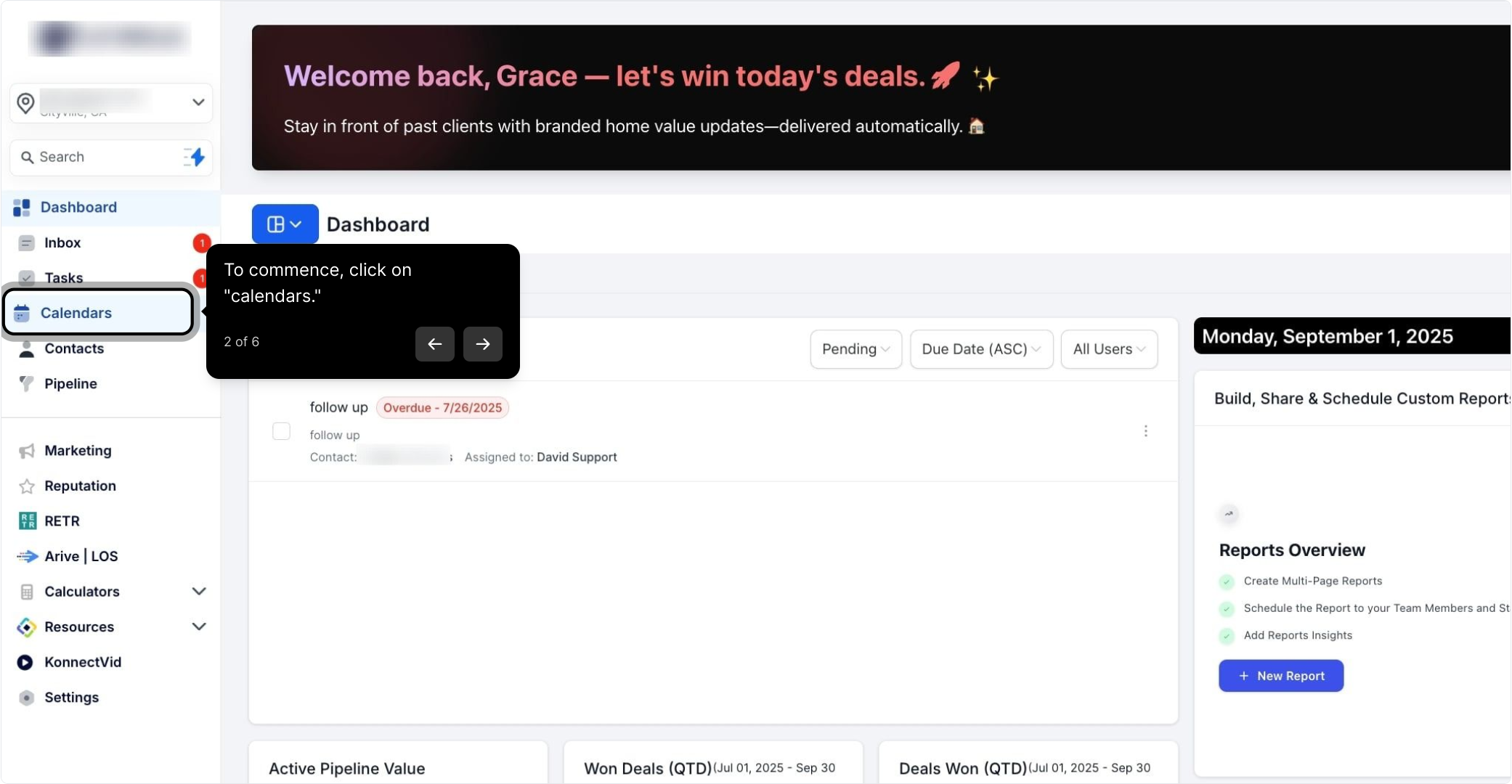
2. To commence, click on "calendars."
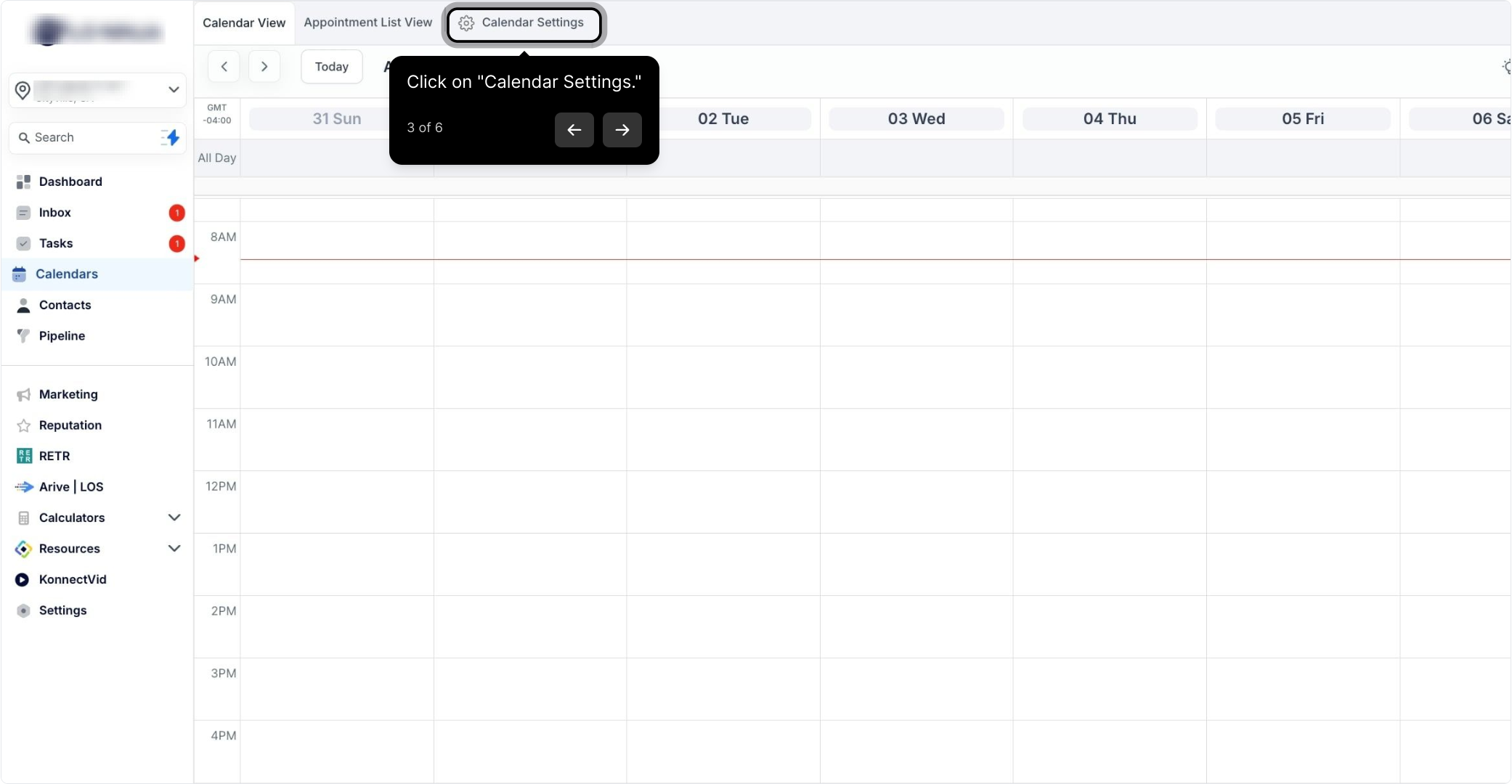
3. Click on "Calendar Settings."
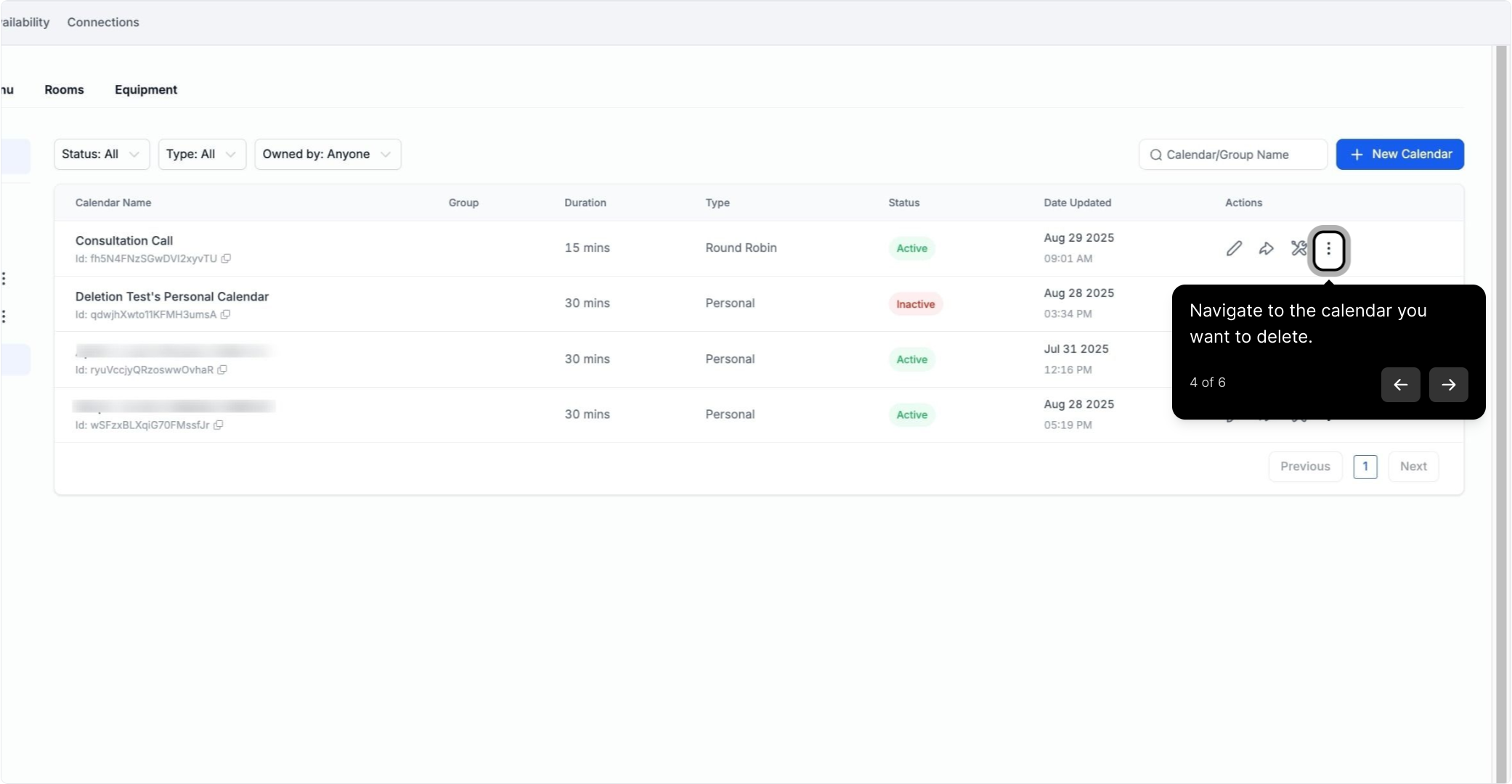
4. Navigate to the calendar you want to delete.
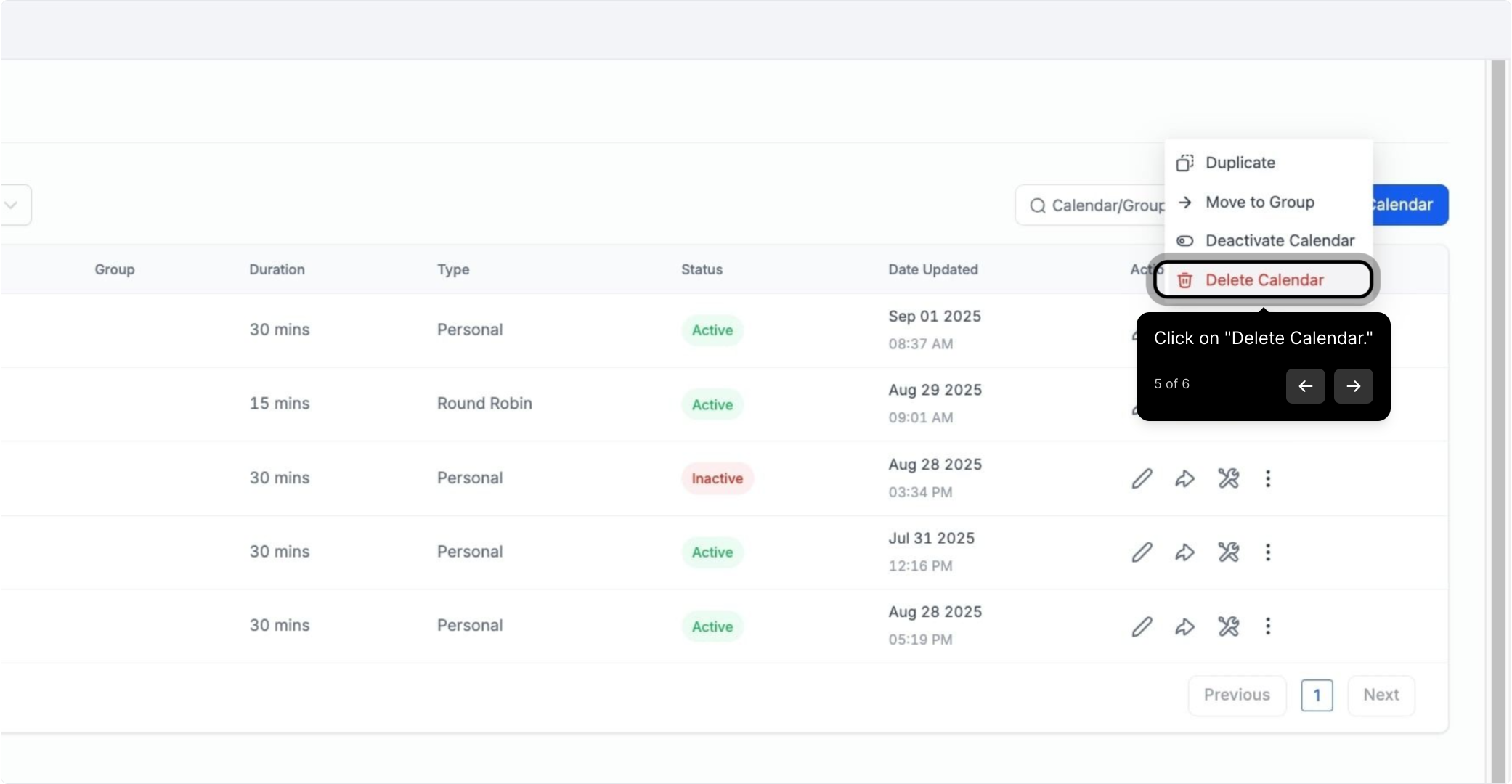
5. Click on "Delete Calendar."
6. Confirm by clicking "Delete."
2. To commence, click on "calendars."
3. Click on "Calendar Settings."
4. Navigate to the calendar you want to delete.
5. Click on "Delete Calendar."
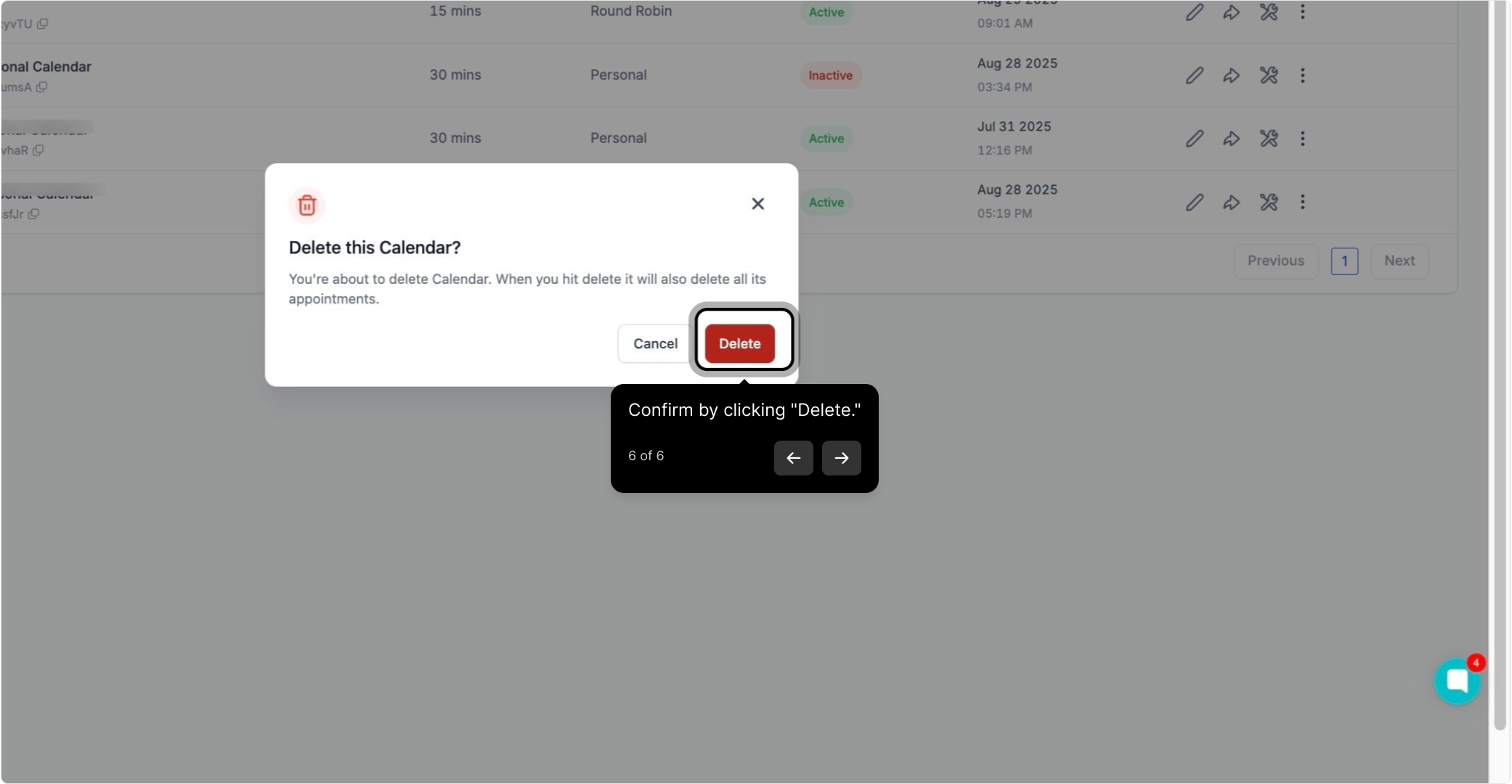
6. Confirm by clicking "Delete."