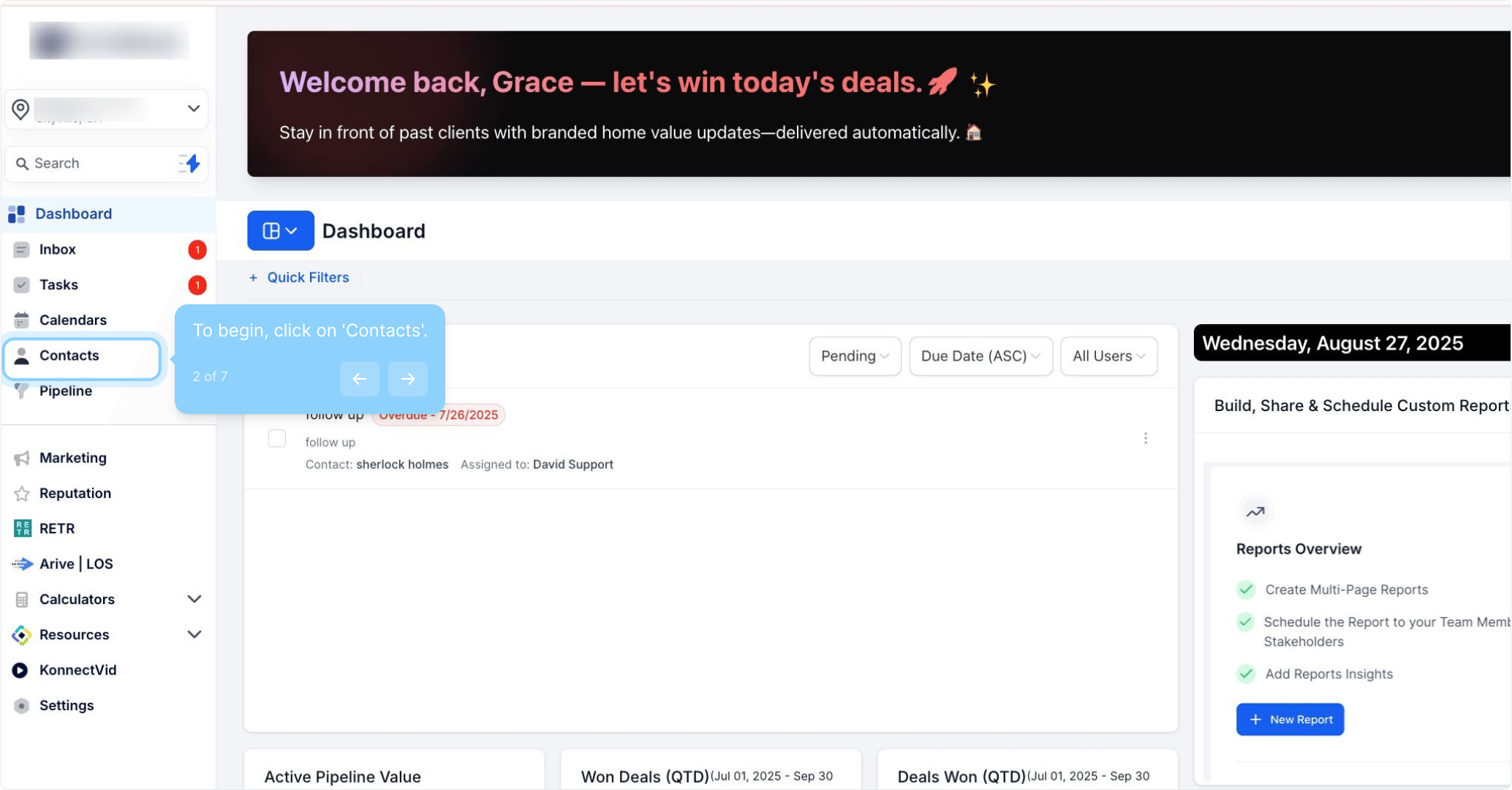
2. To begin, click on 'Contacts'.
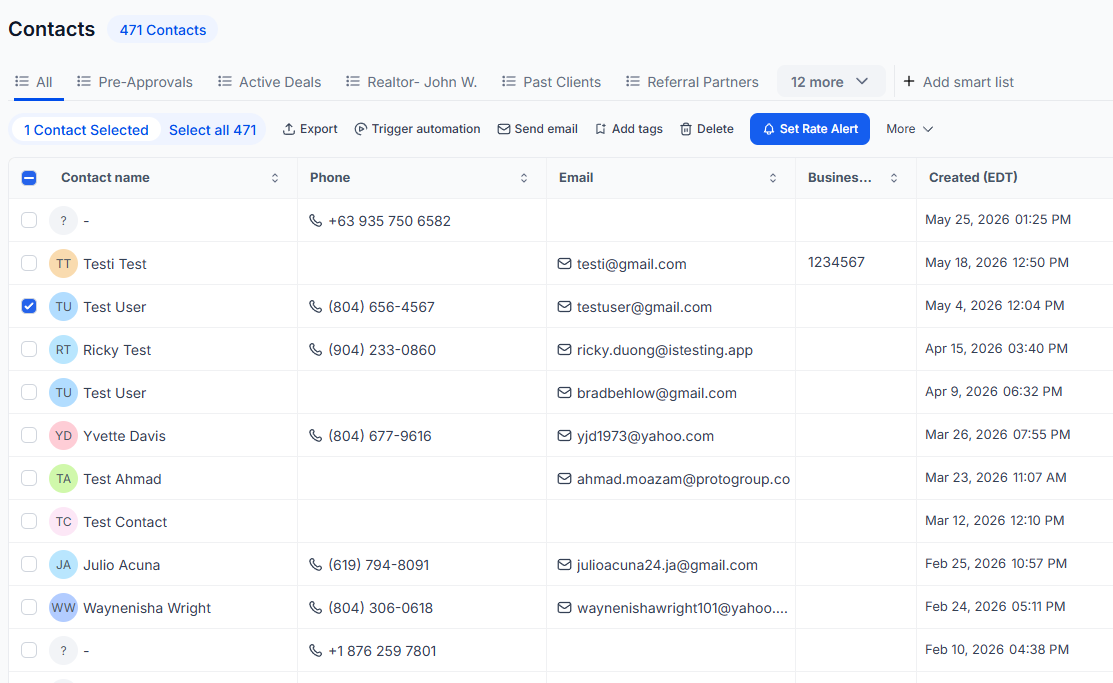
3. Click the checkbox next to your desired contact.
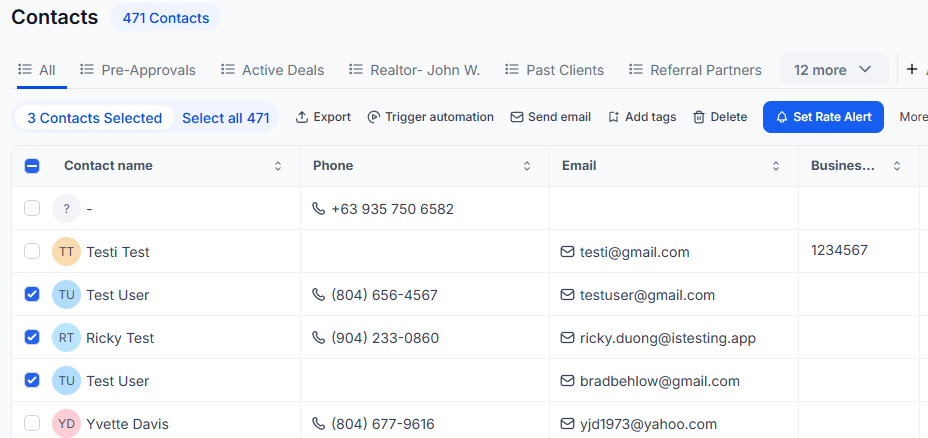
4. Select multiple contacts if needed.
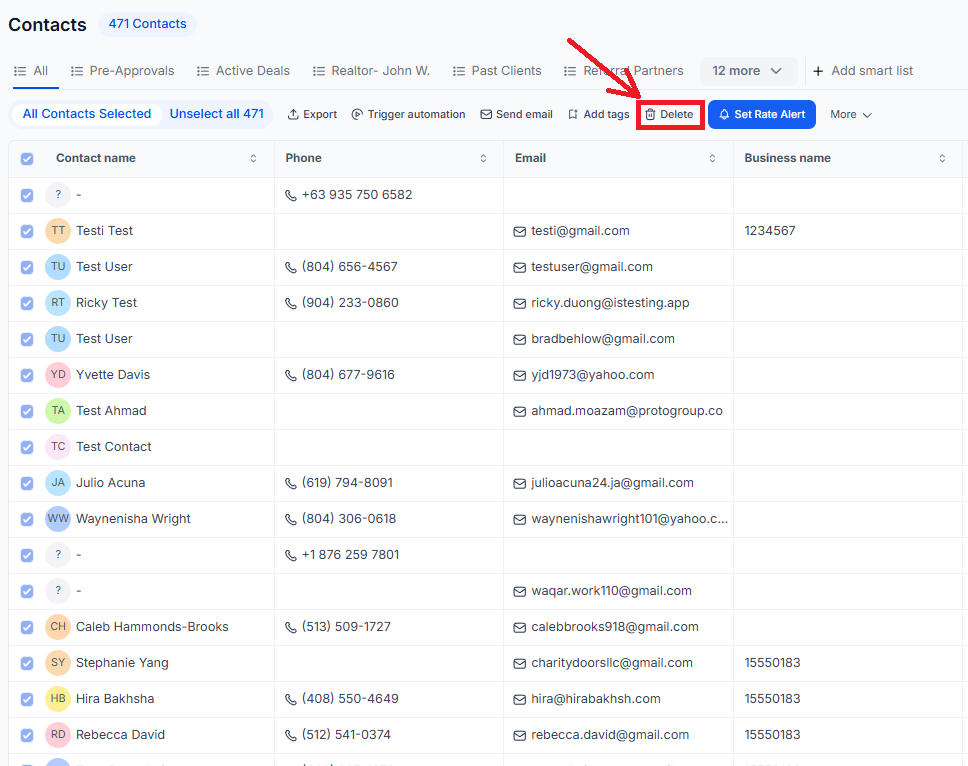
5. Click here to select all contacts at once.
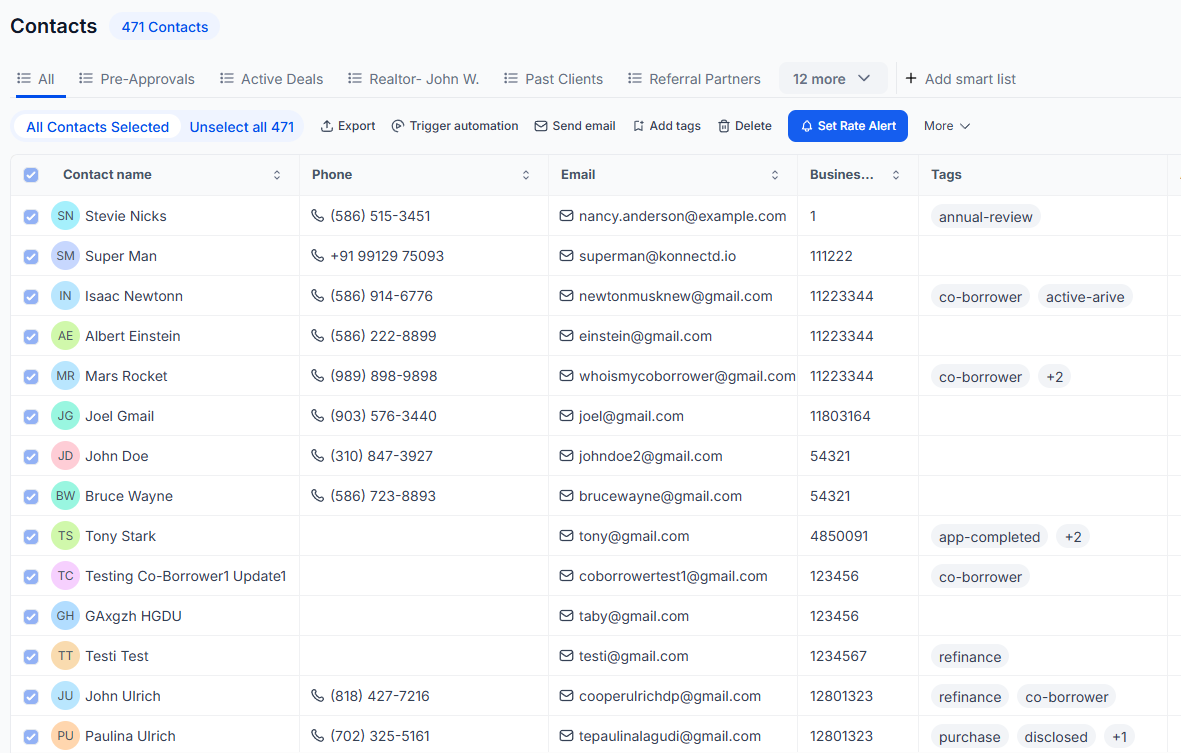
6. Click 'Delete Contacts' to remove them.
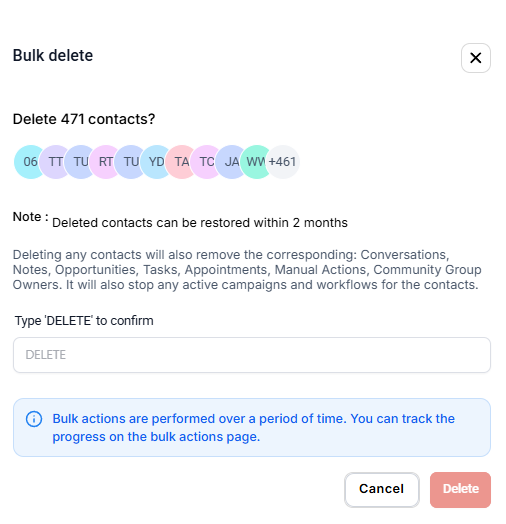
7. Finally, type “DELETE” to confirm and click the Delete button.