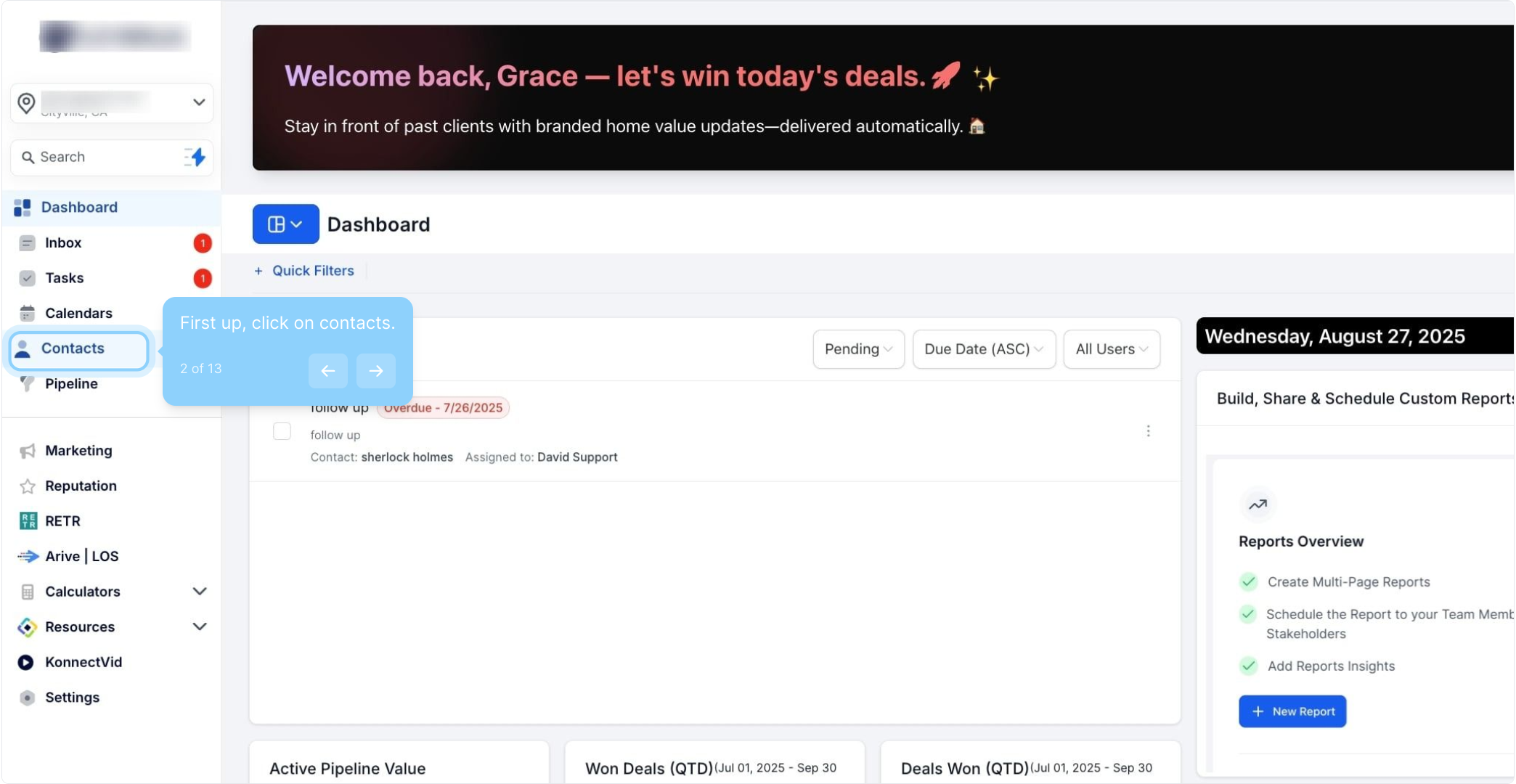
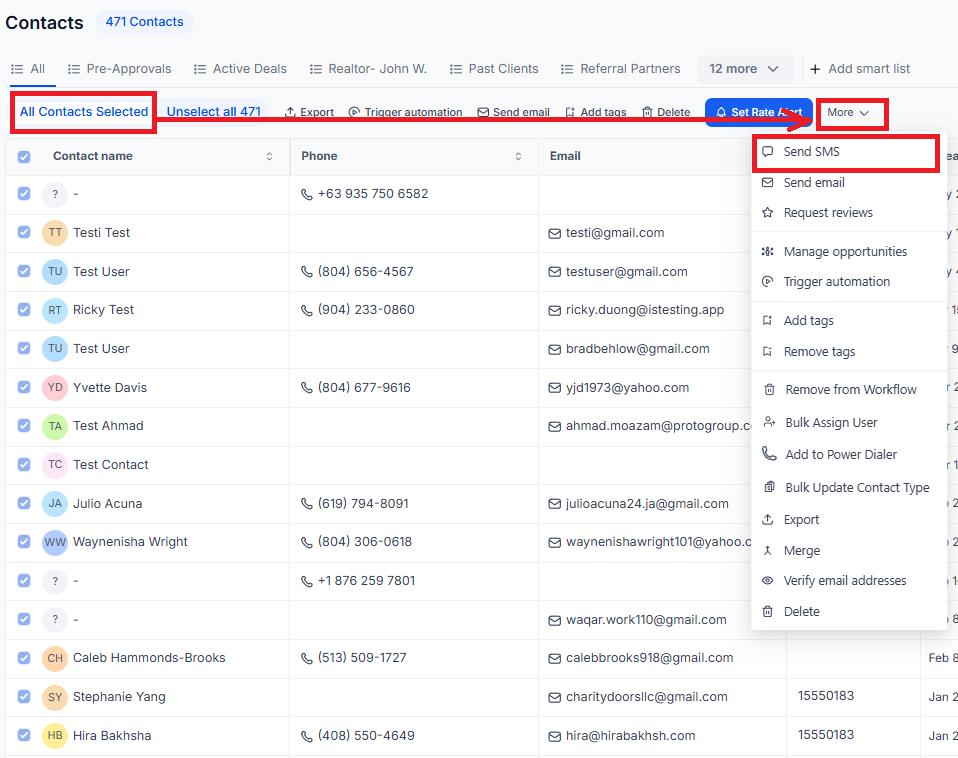
2. First up, click on contacts.
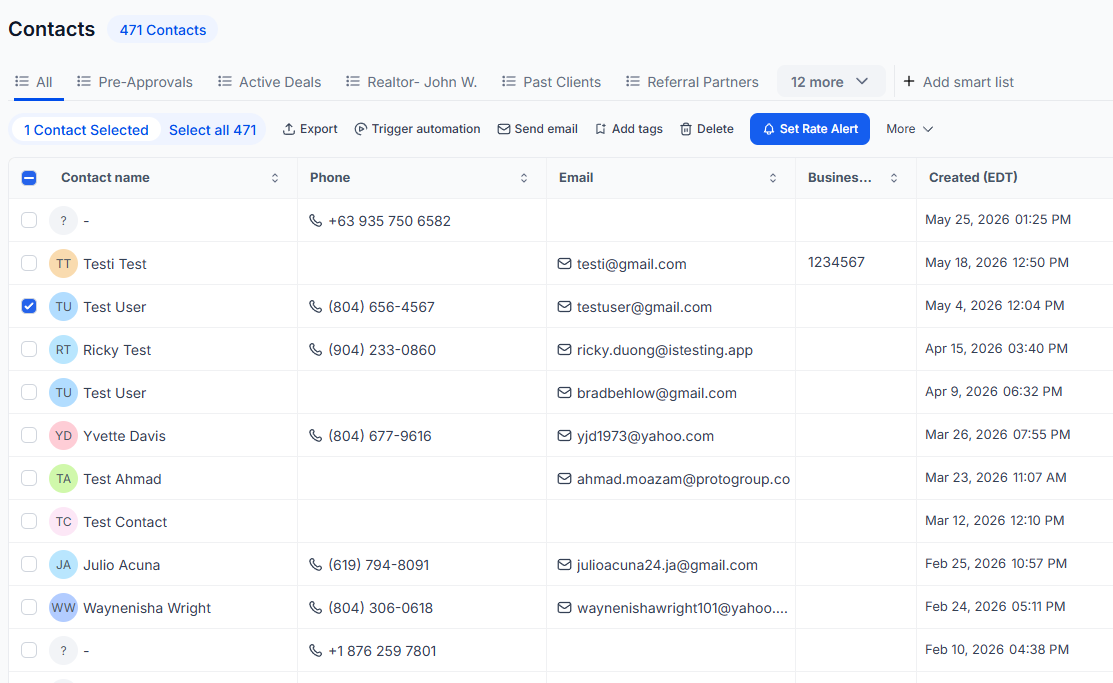
3. Select a contact by clicking the checkbox.
4. You can select multiple contacts from the list.
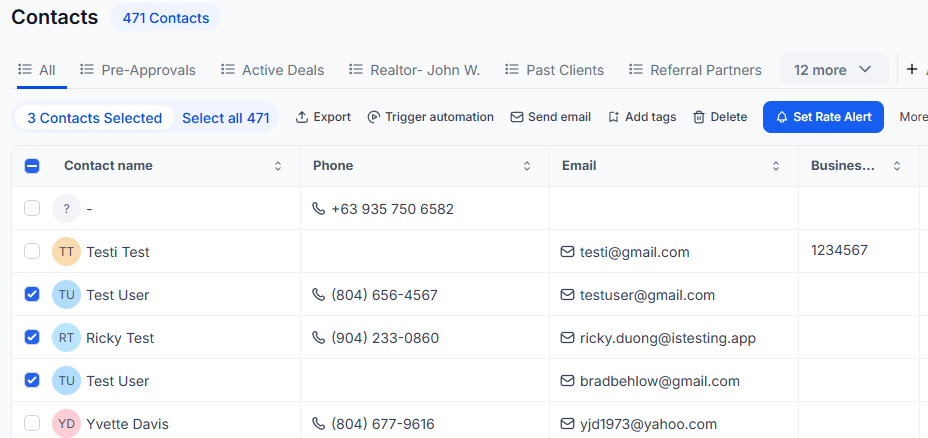
5. Then, click on send SMS.
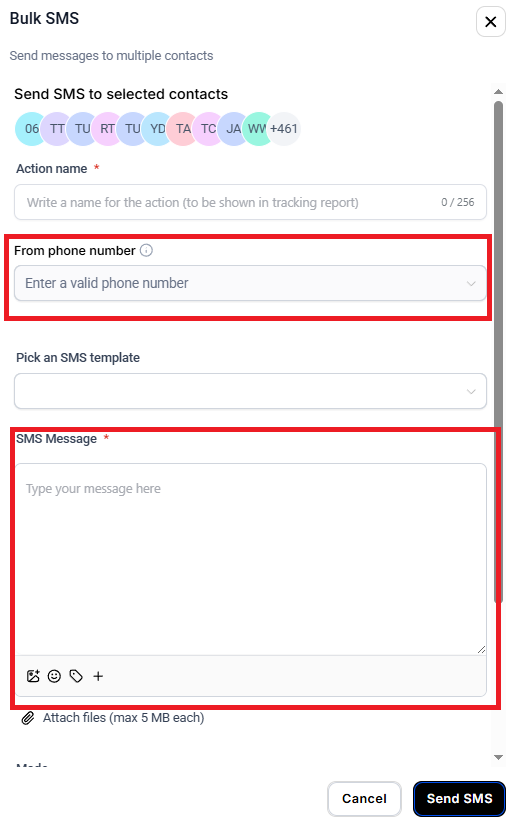
6. Select a phone number from the list.
7. You can compose your message here.
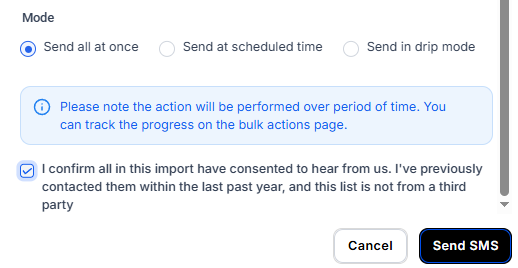
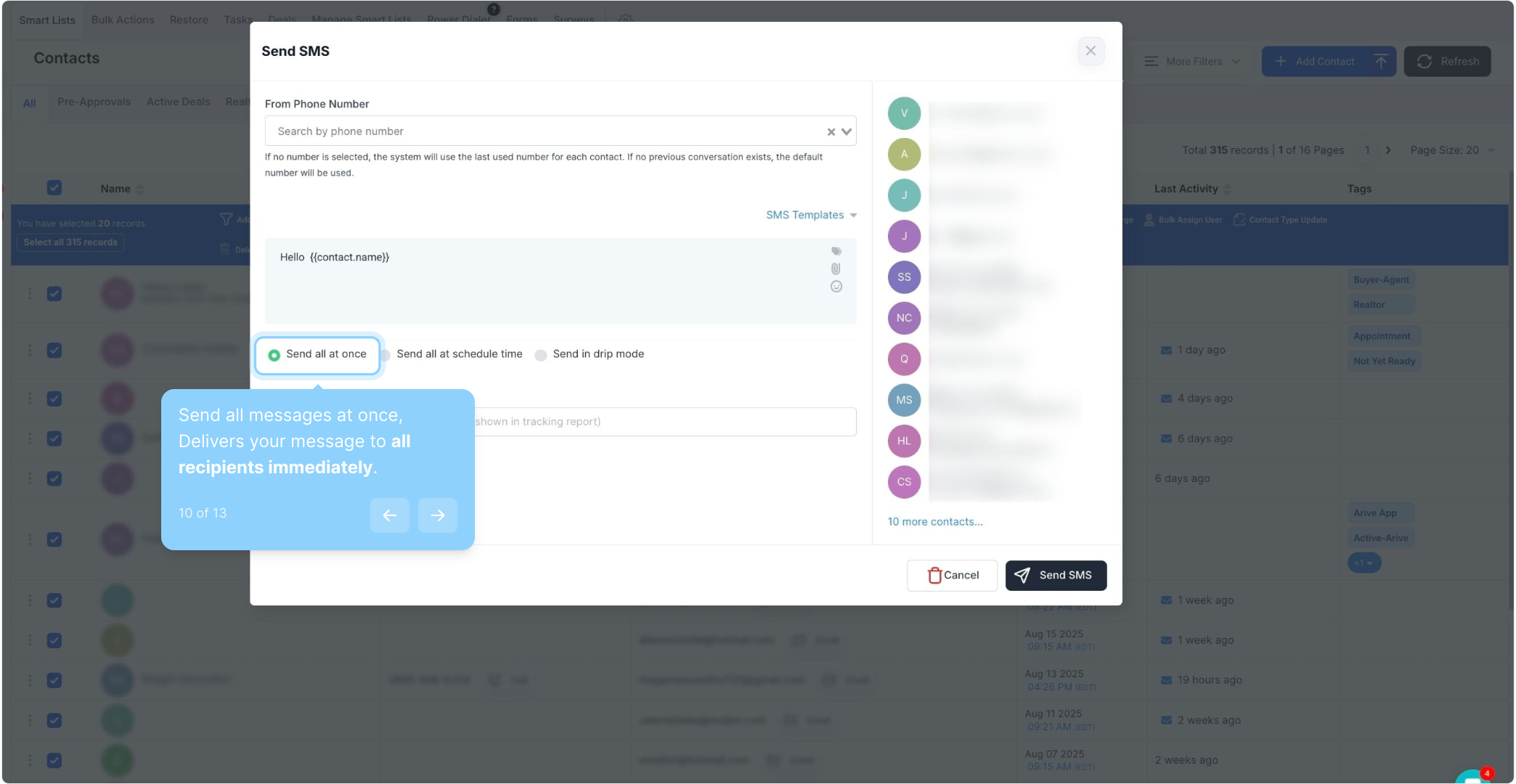
8. Choose the send type option here.
choose the scheduling for this action. You can choose “send all at once” to process the action immediately, “send all at scheduled time” to process the action at one time in the future, or “send in drip mode” to process groups/batches.

9. Send all messages at once, Delivers your message to all recipients immediately.
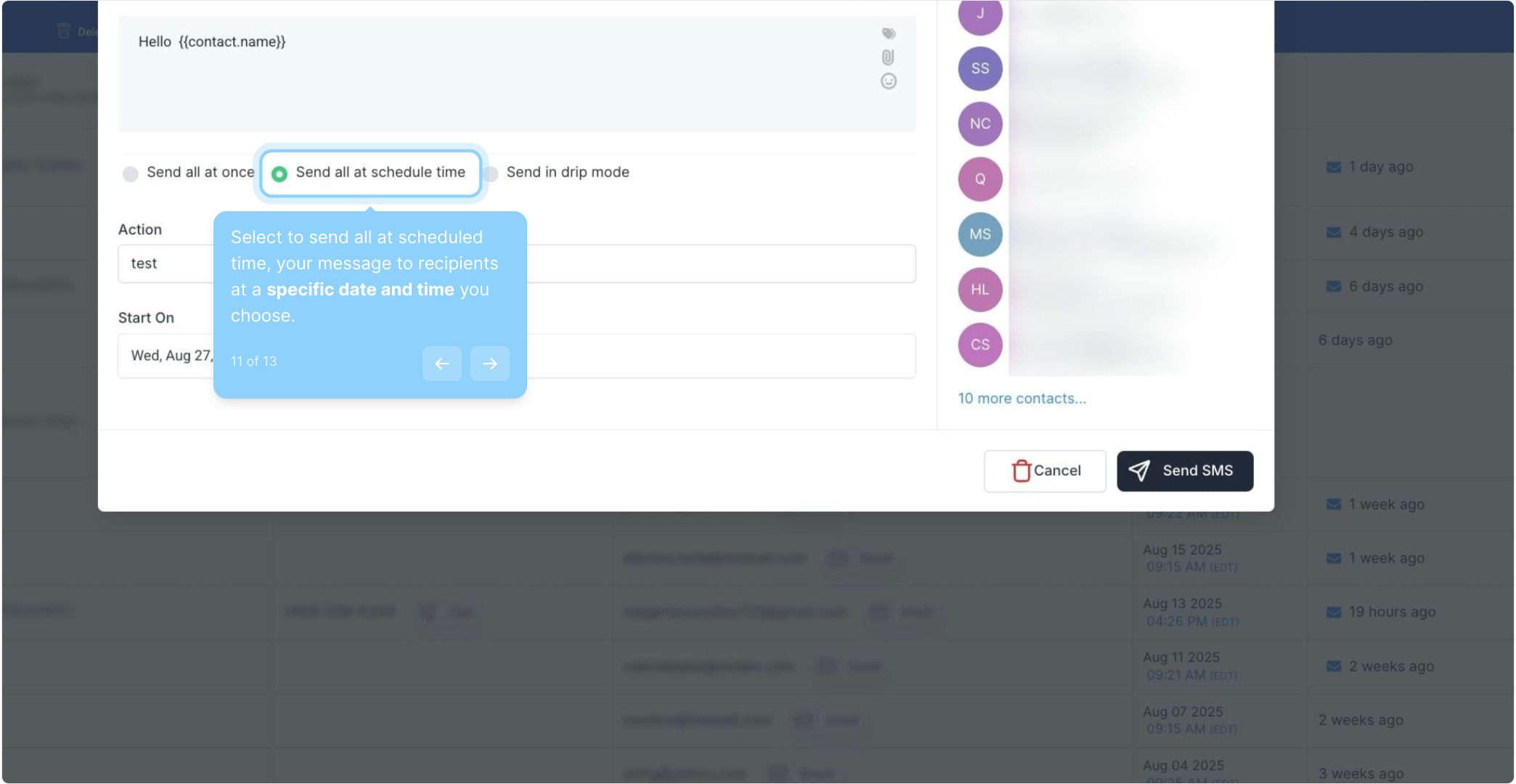
10. Select to send all at scheduled time, your message to recipients at a specific date and time you choose.
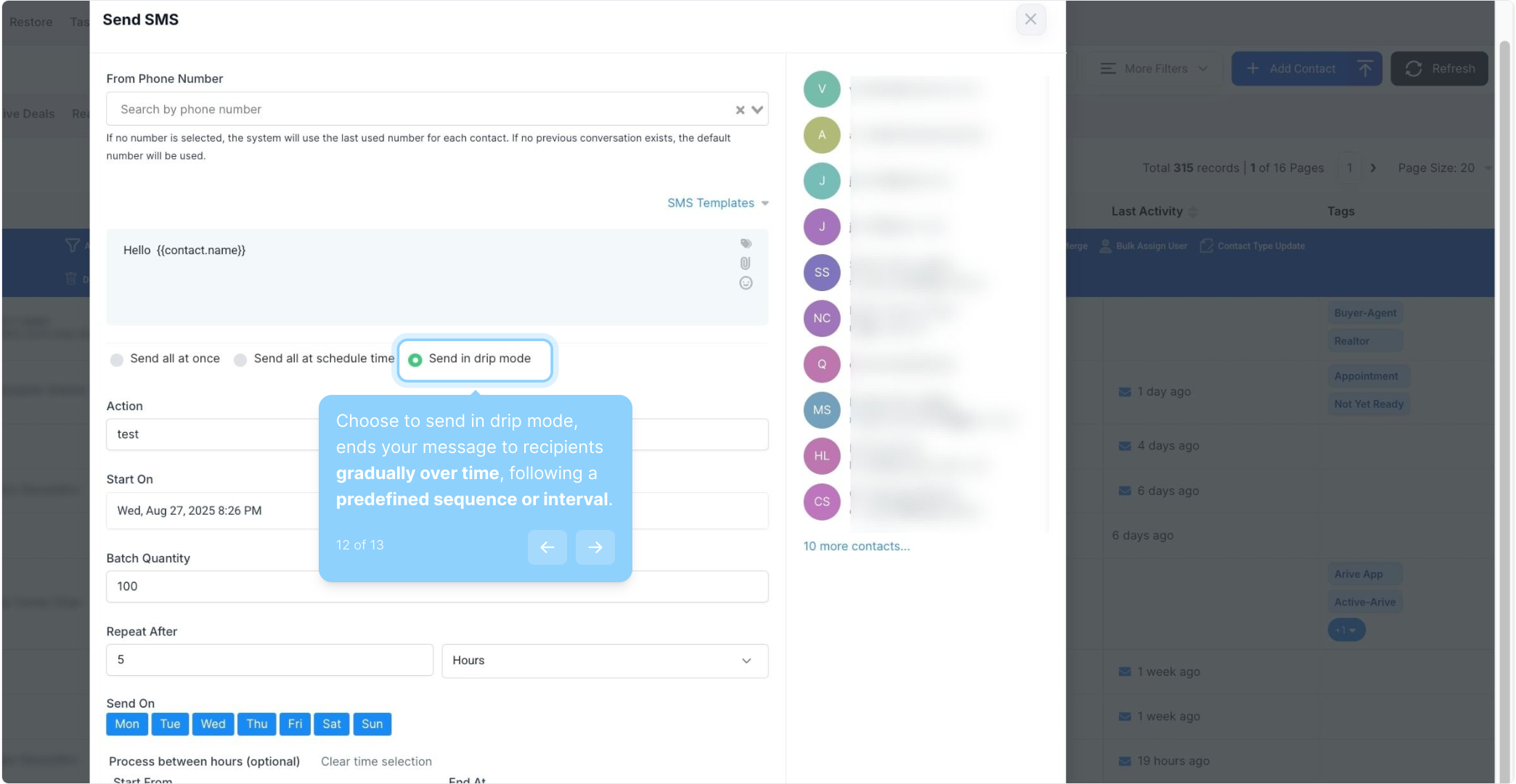
11. Choose to send in drip mode, ends your message to recipients gradually over time, following a predefined sequence or interval.
Note: When scheduling a bulk action in drip mode, the "repeat after" does not repeat the entire process. Instead, it can be viewed as "run every". As shown in the example below, 100 contacts would be processed per every 5 hours. This process would repeat until all selected contacts received the drip communication. (If you had 780 contacts selected, there would be a total of 8 batches – 7 x 100 and 1 x 80).
13. Finally, click on send SMS.