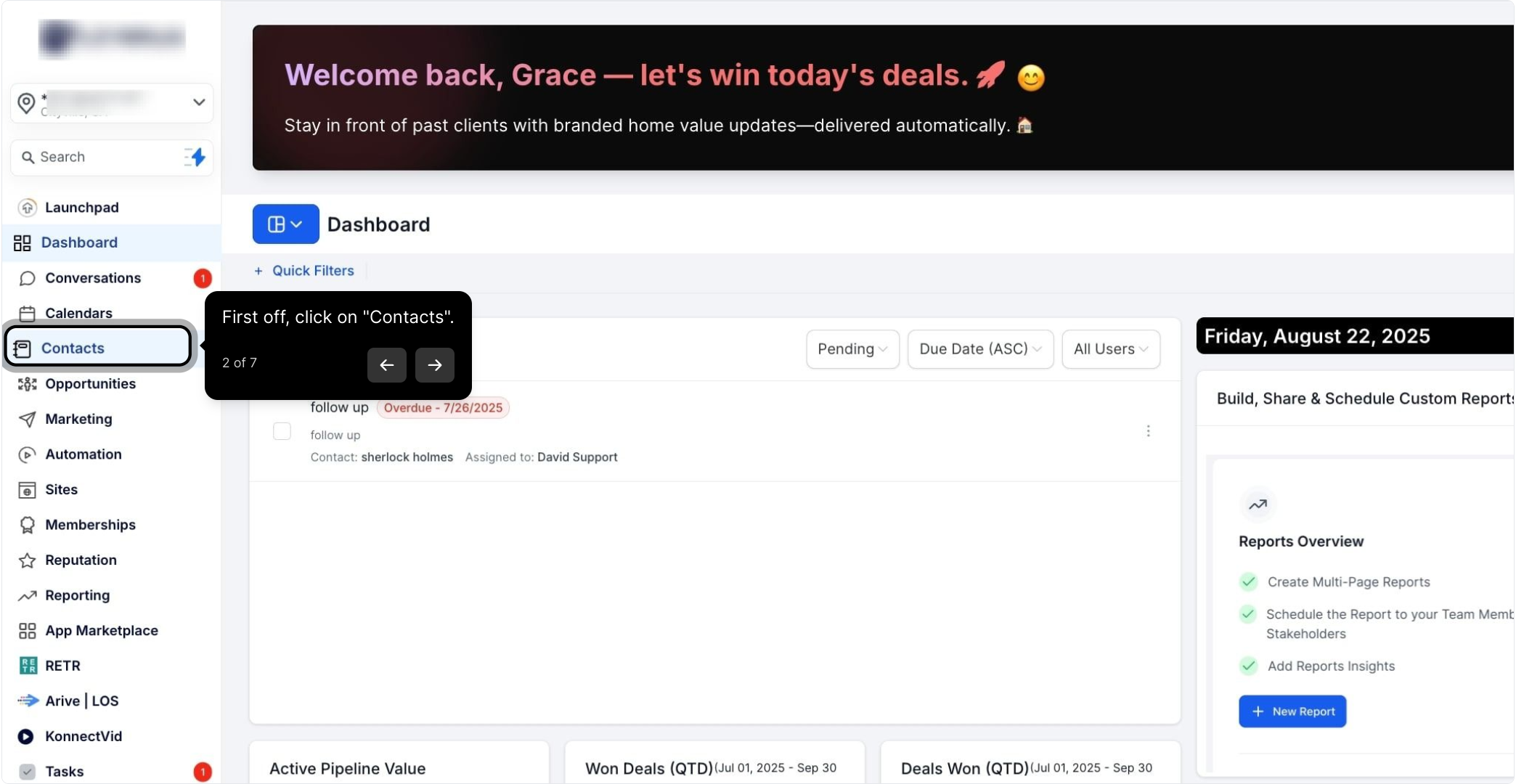
2. First off, click on "Contacts".
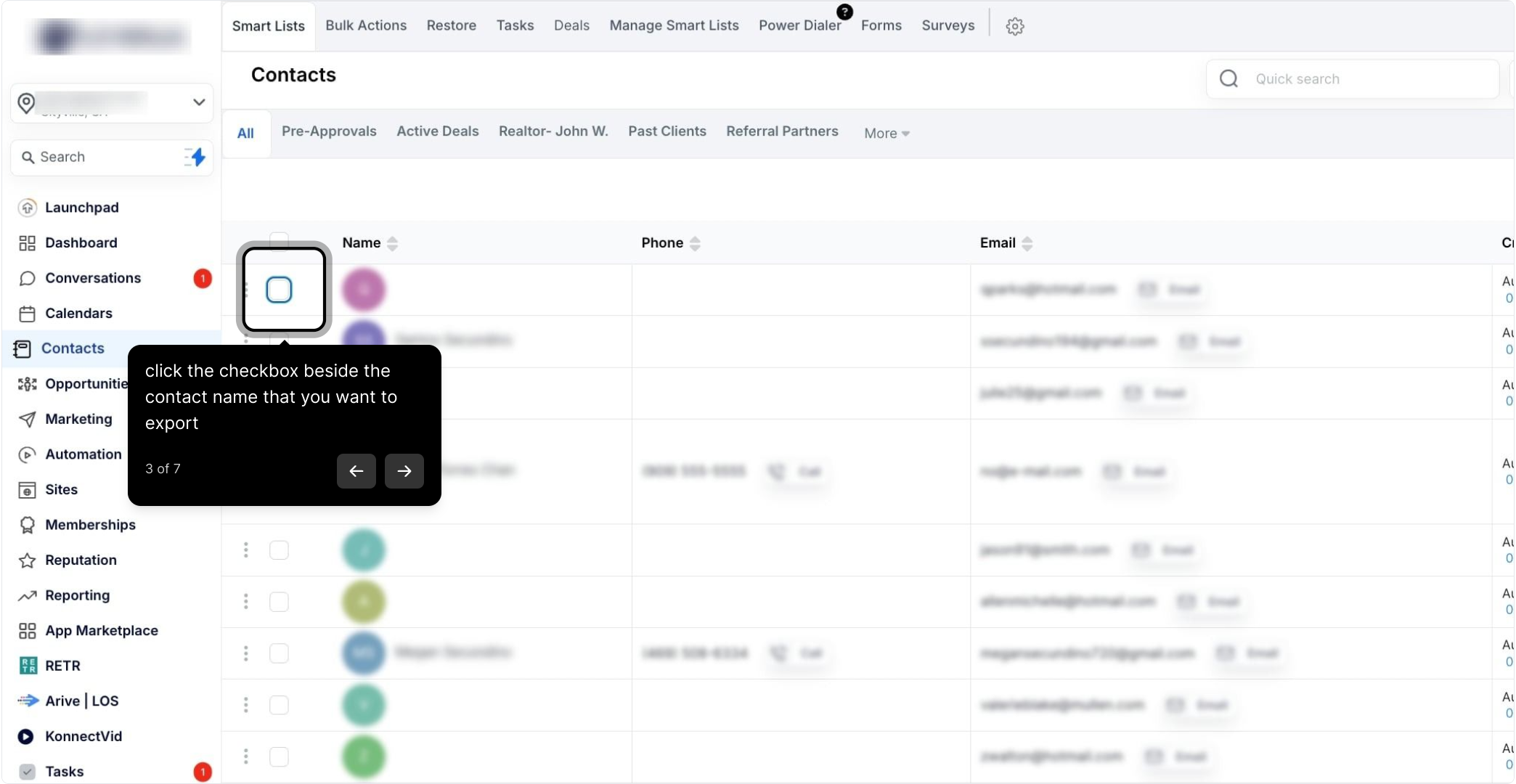
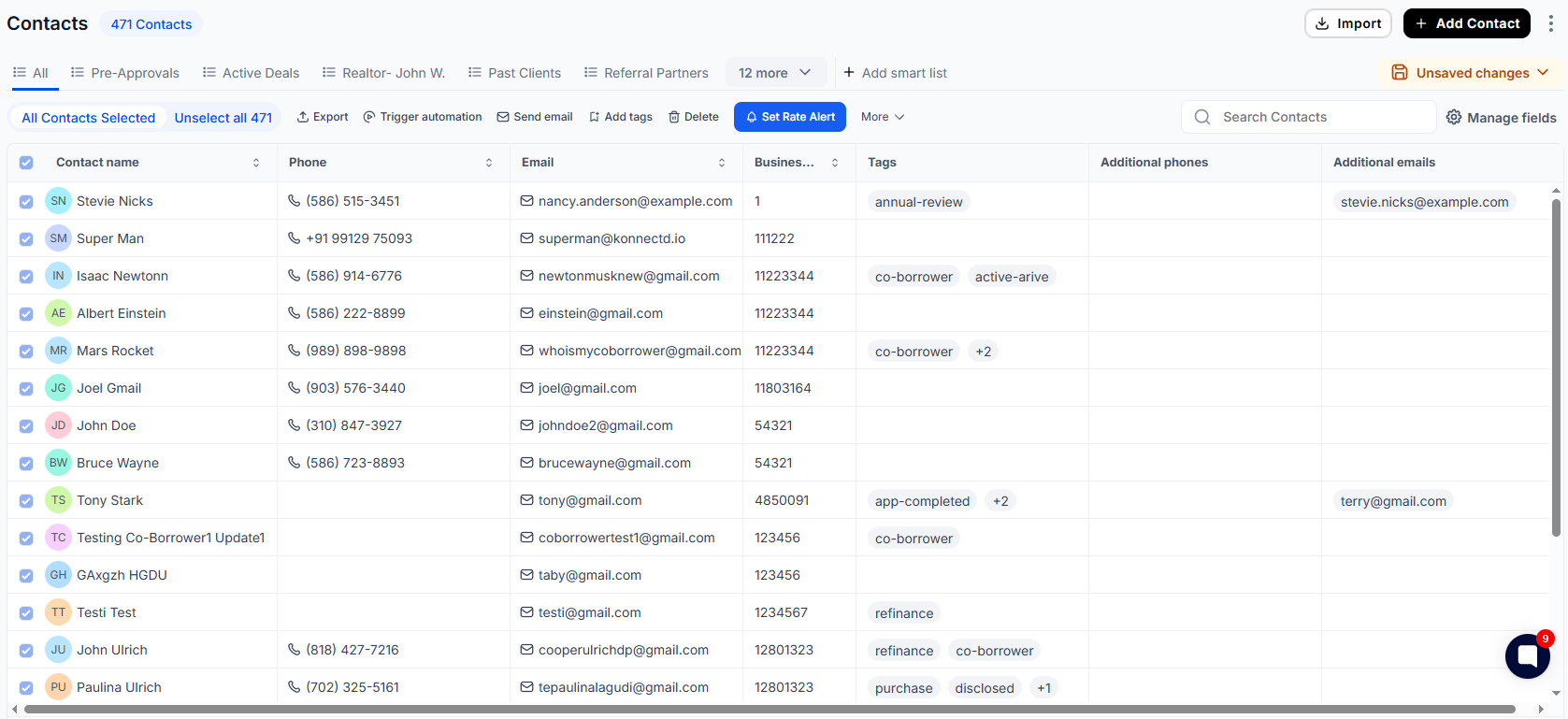
3. Click the checkbox beside the contact name that you want to export
4. You can select multiple contacts here if needed
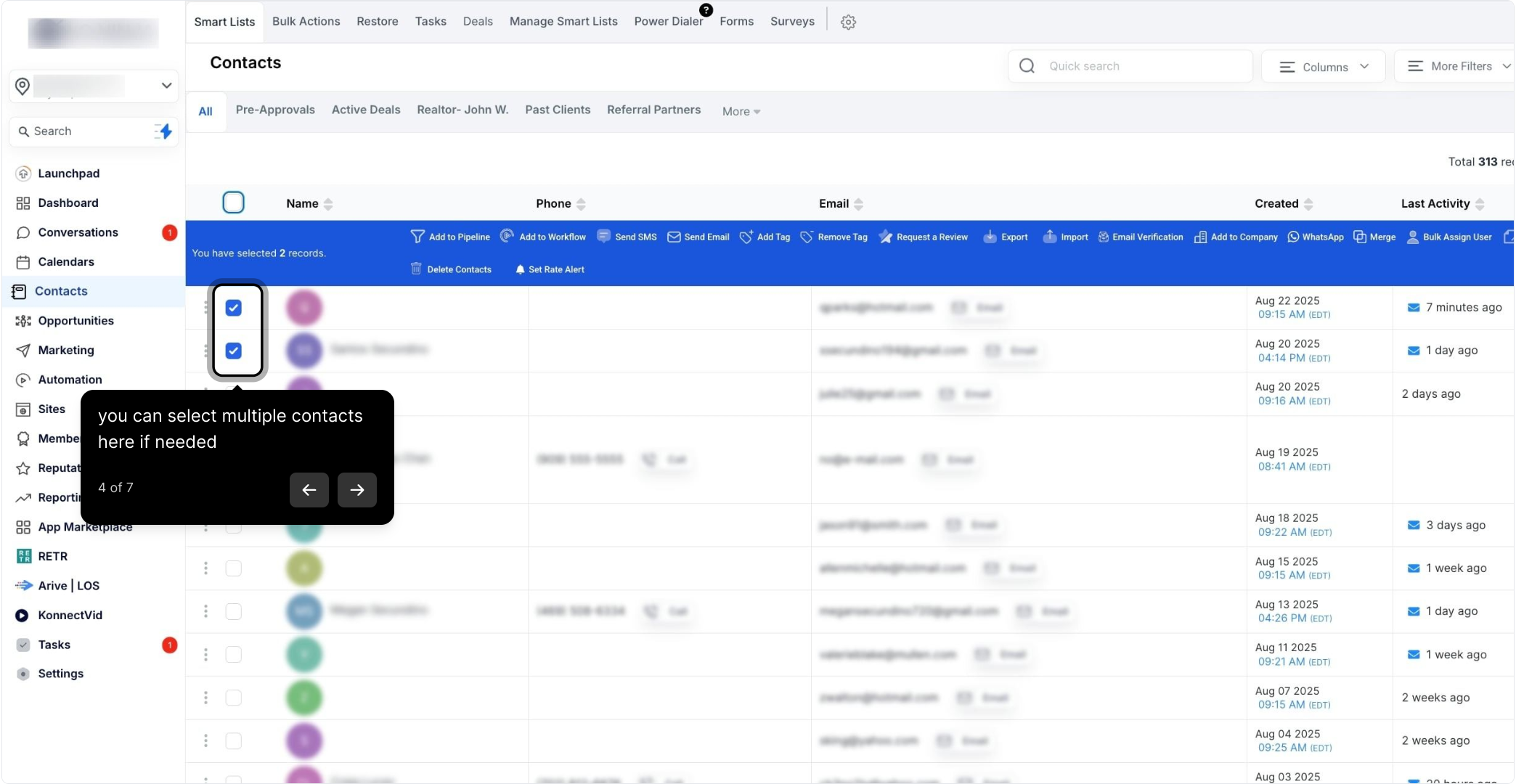
5. You can also select all contacts
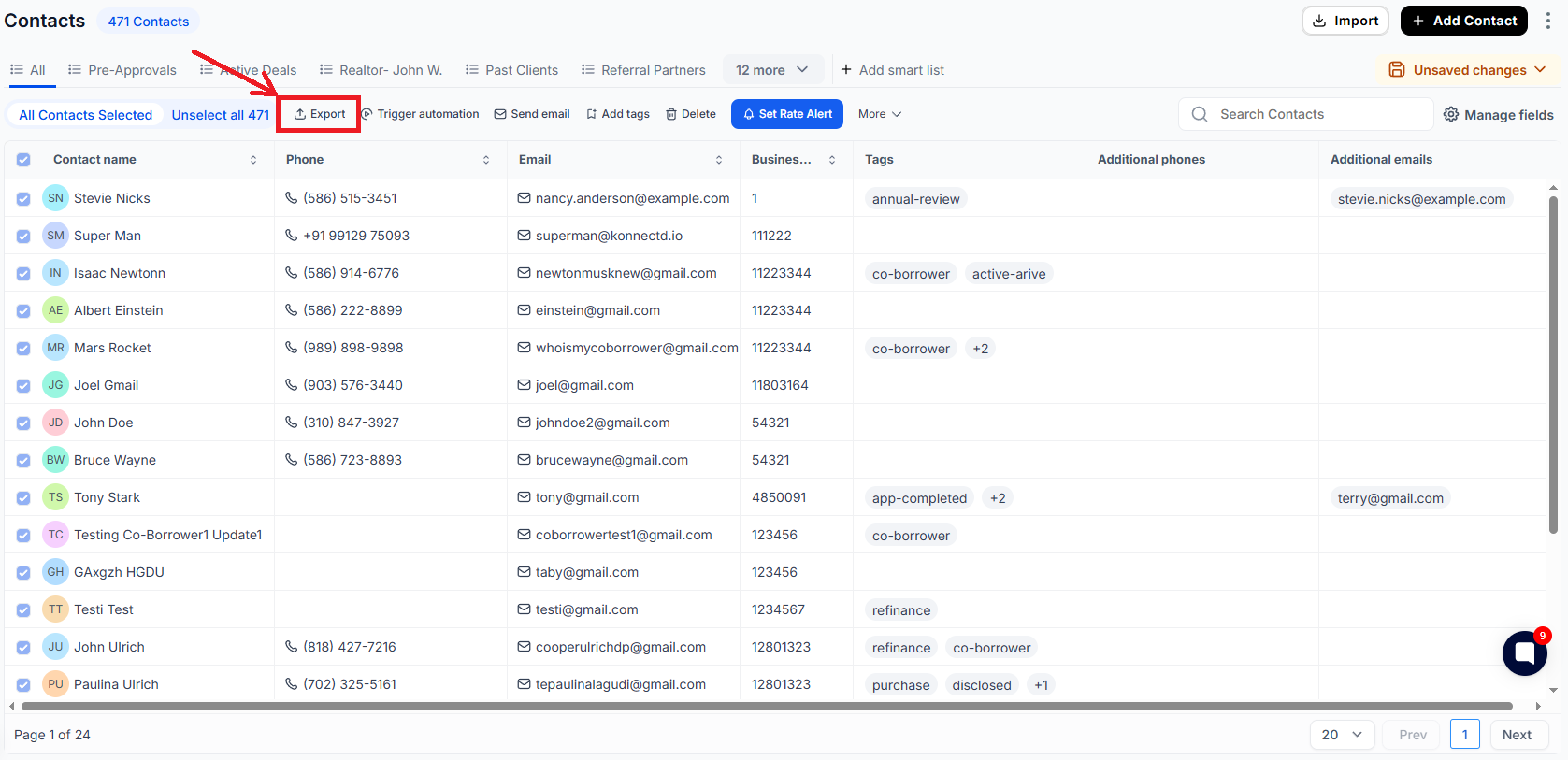
6. Click export
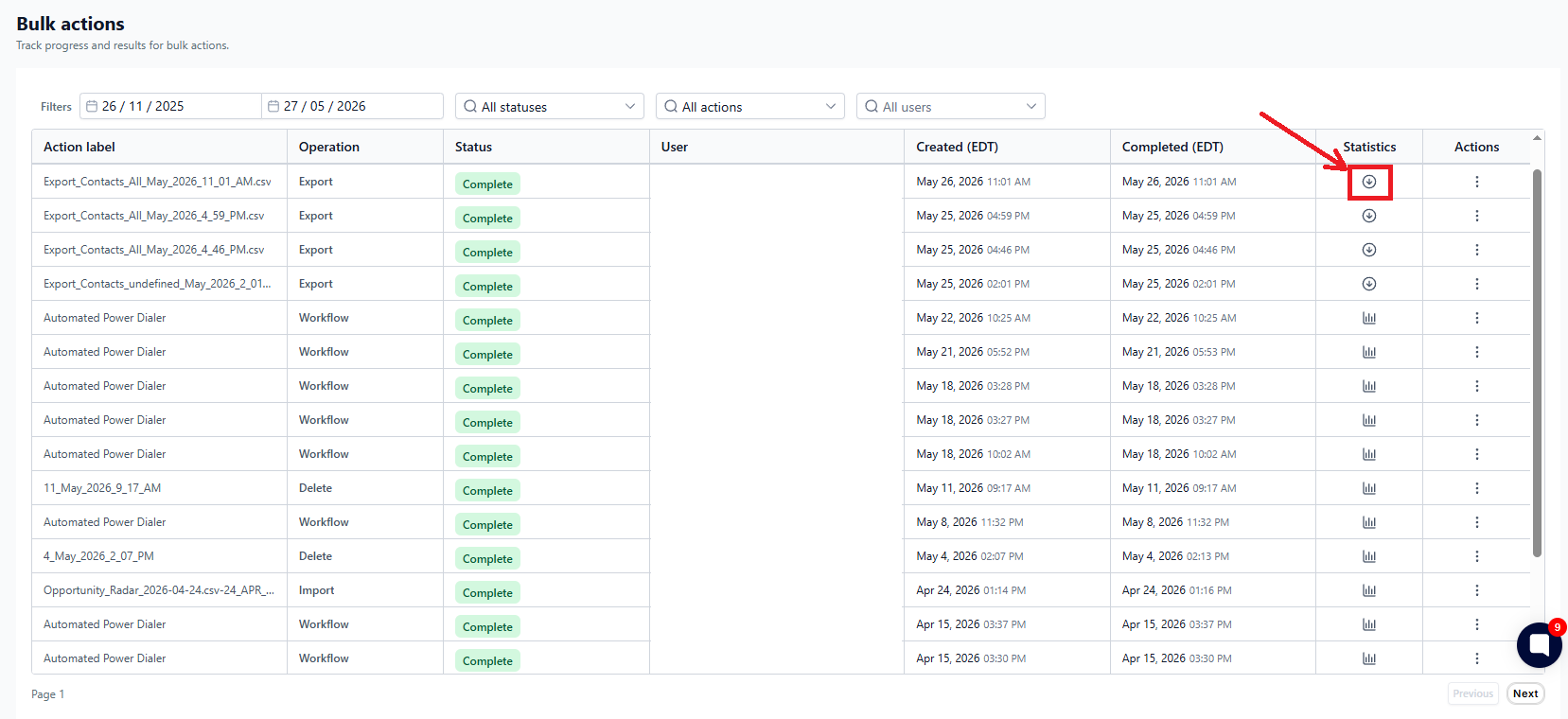
7. Go to Bulk Actions and you can download from there