Please Note:
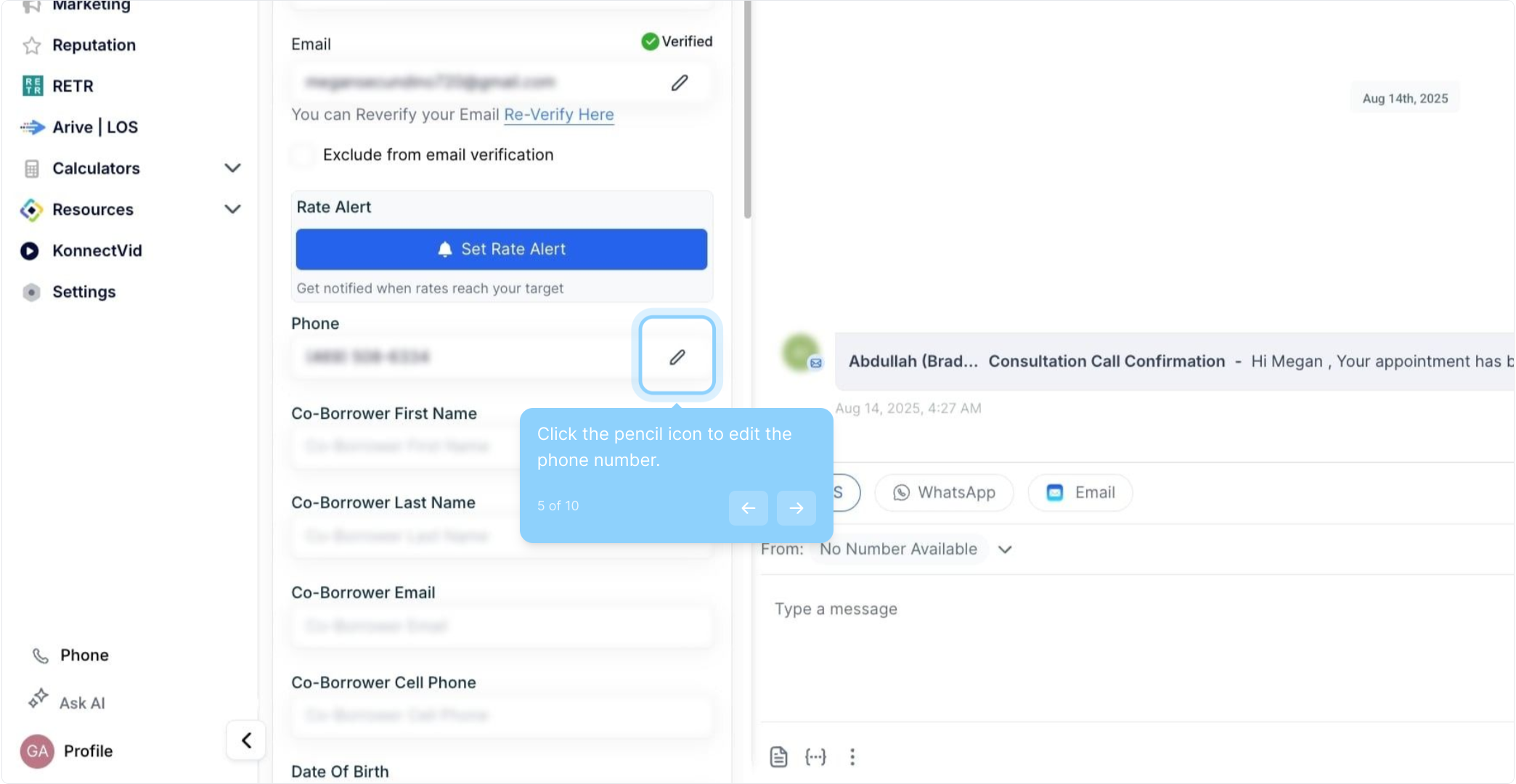
You can do this up to 11 times per contact. Including the original primary number.
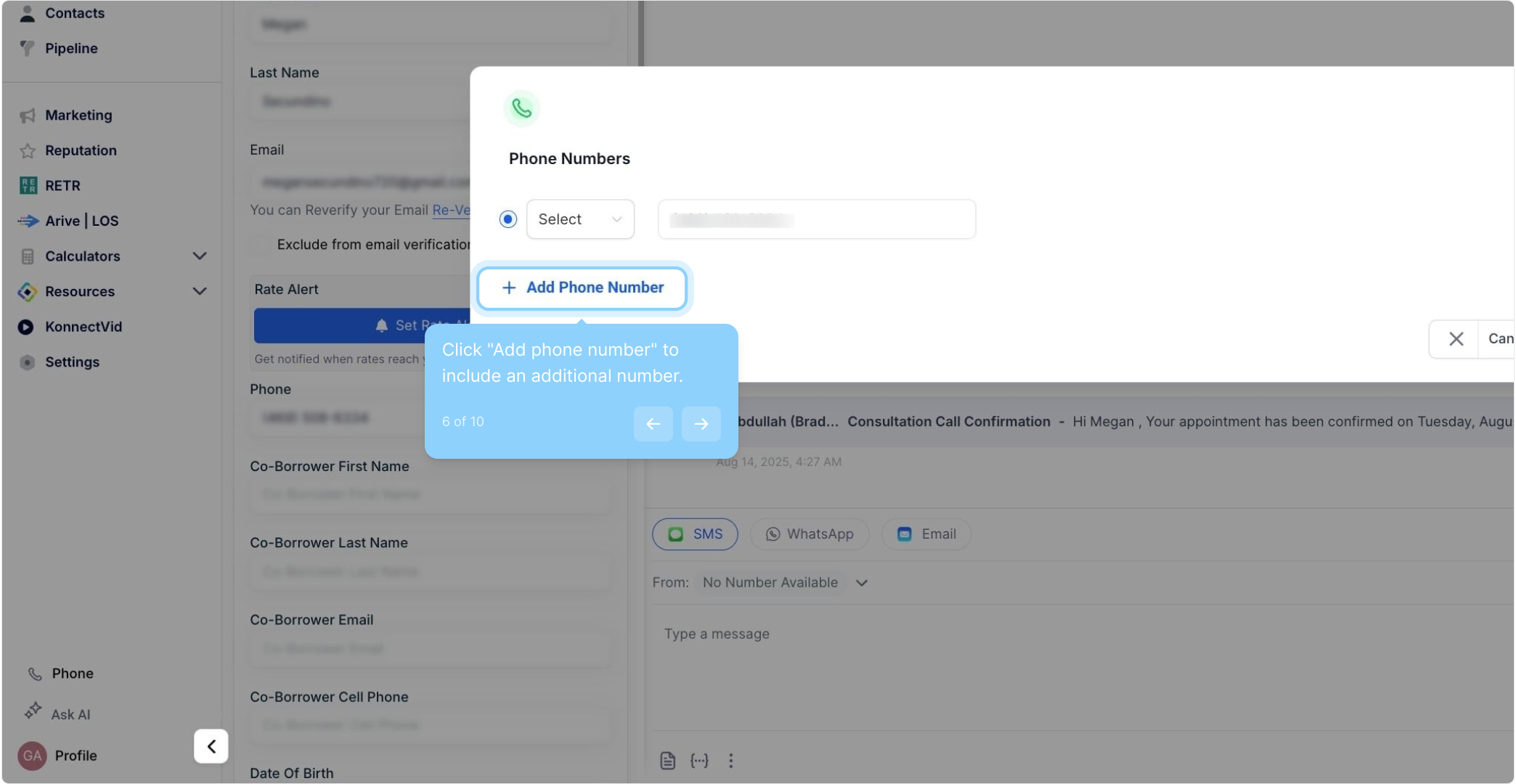
Use the dropdown menu to select from the available labels: Home, Landline, Mobile, and Work. Note that each label can be selected only once per contact.
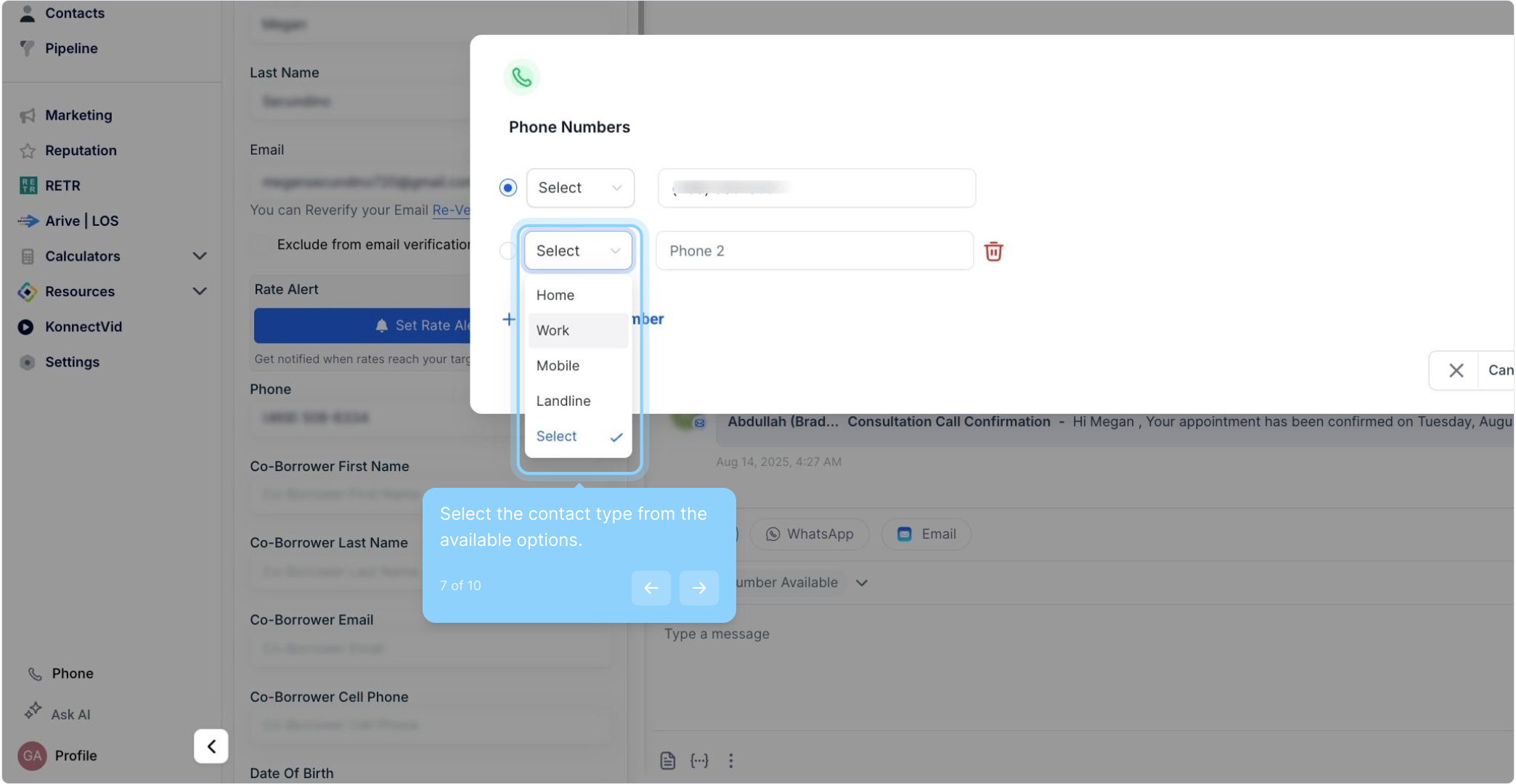
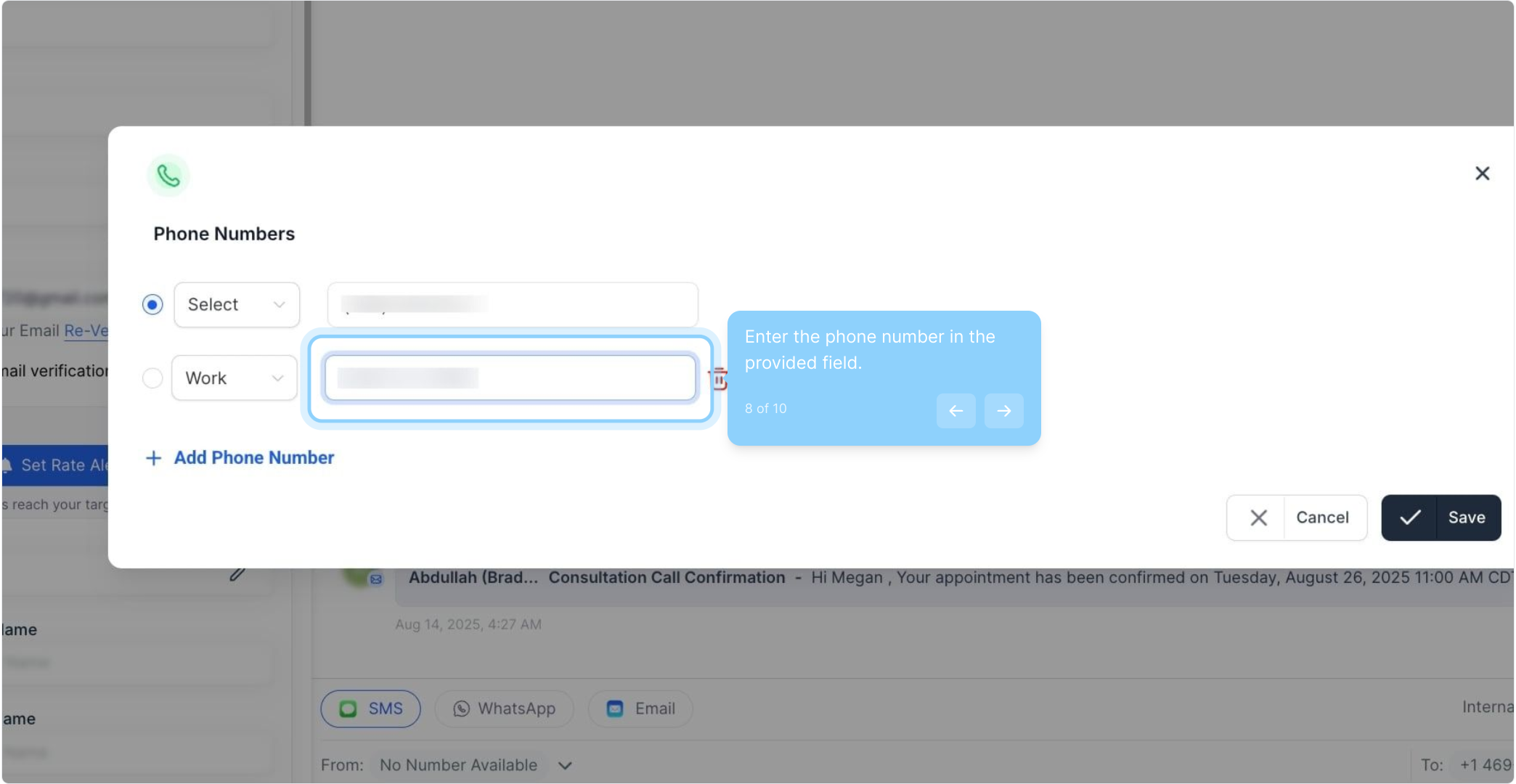
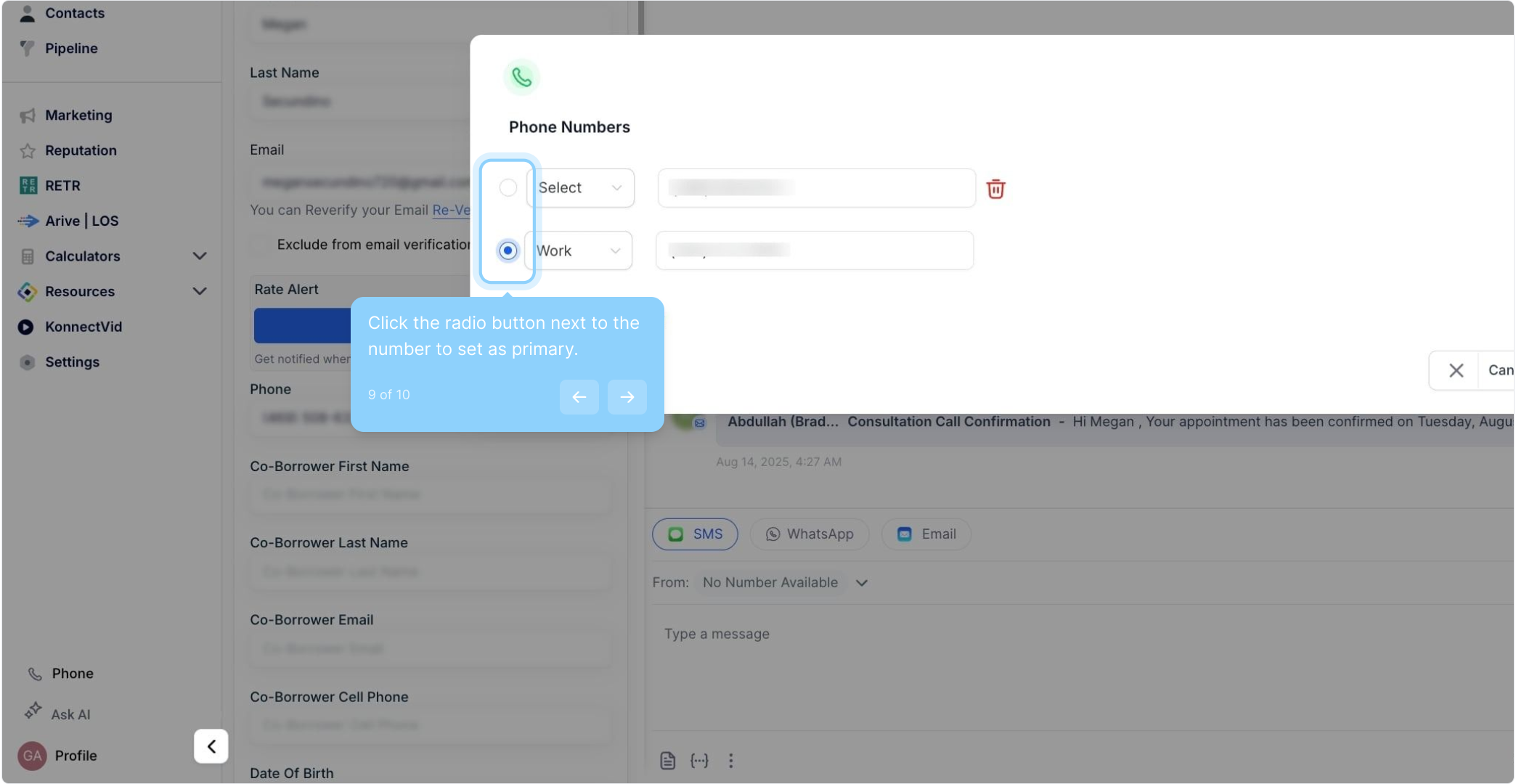
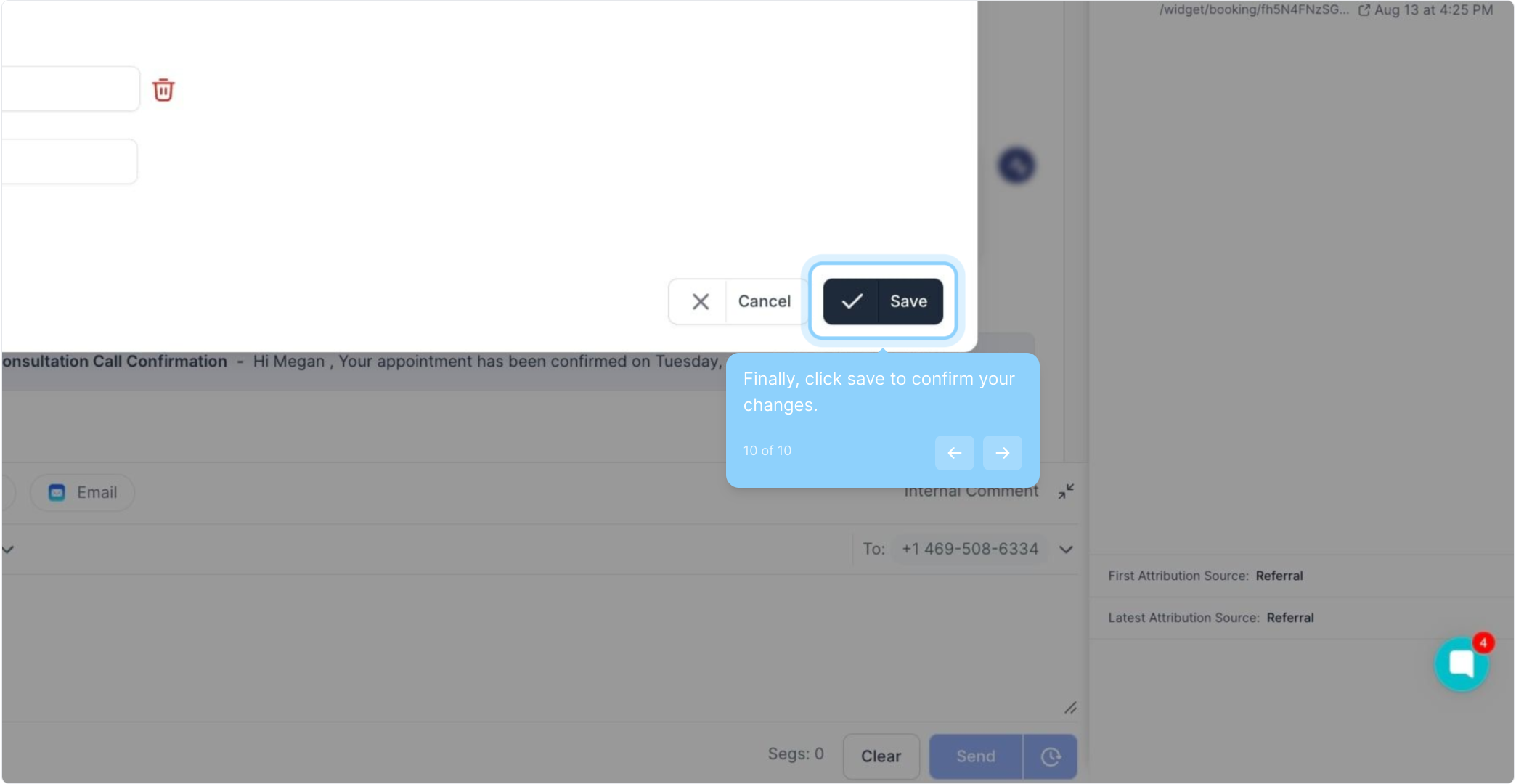
Flexibility in Managing Contact Information: Users can add up to 11 phone numbers for a single contact, ensuring that all necessary numbers are captured.
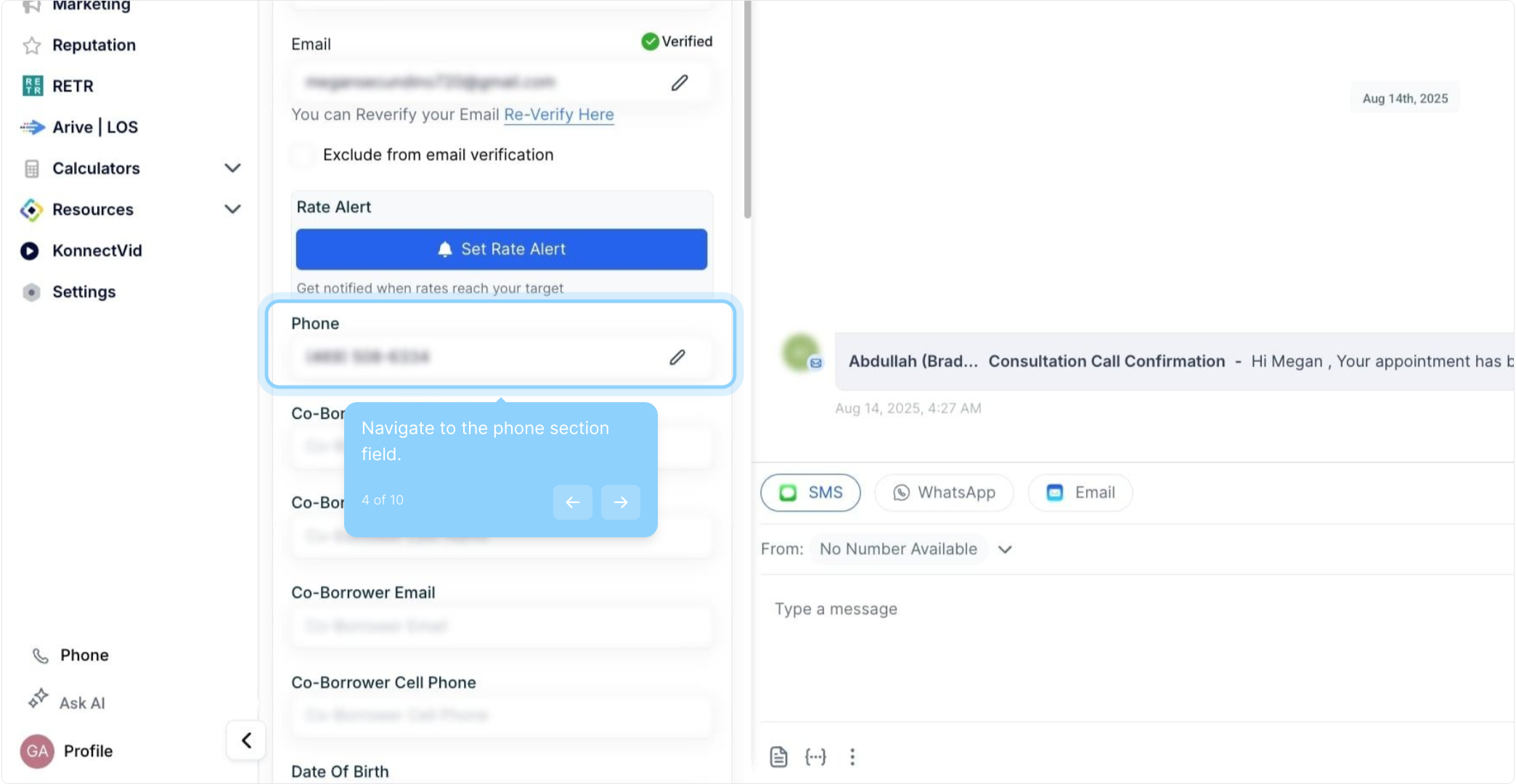
Convenient Management and Editing: The contact details page has been designed for easy and streamlined management and editing of phone numbers.
Consistency in Communication: By designating a primary phone number, users can ensure that they're always reaching out to the most appropriate or preferred number.
Easy Identification with Labels: Labels such as Home, Landline, Mobile, or Work allow users to quickly identify the type of each phone number.
Streamlined Customer Service: A business could use this feature to reach its customers more effectively. The service representative can try another if a customer cannot be reached on one number. This flexibility can lead to faster resolution times, higher customer satisfaction, and improved customer retention rates.
Effective Sales Process: In sales, time is of the essence. Sales representatives can quickly try another if a lead is not responding to one number. This feature could help reduce the lead response time and increase the likelihood of converting leads into customers.
Enhanced Marketing Campaigns: Businesses running multichannel marketing campaigns could use different phone numbers to reach customers based on their preferences or past responses. This can help improve campaign success rates and deliver personalized customer experiences.
Reliable Vendor Management: Companies often deal with vendors who have multiple contact points. Storing and categorizing these within the vendor contact can improve communication efficiency and ensure seamless operations.
A: In such cases, the first phone number you entered will be treated as the primary contact number.
A: Yes, you can call on any additional phone number.
A: Yes, as long as your devices are connected to the internet, the additional phone numbers will sync across all your devices.
A: Yes, you can edit the labels anytime you want from the contact details page.
