Please Note: One primary Email Address and Ten Additional Email addresses are possible at this time, making it a total of eleven email addresses.
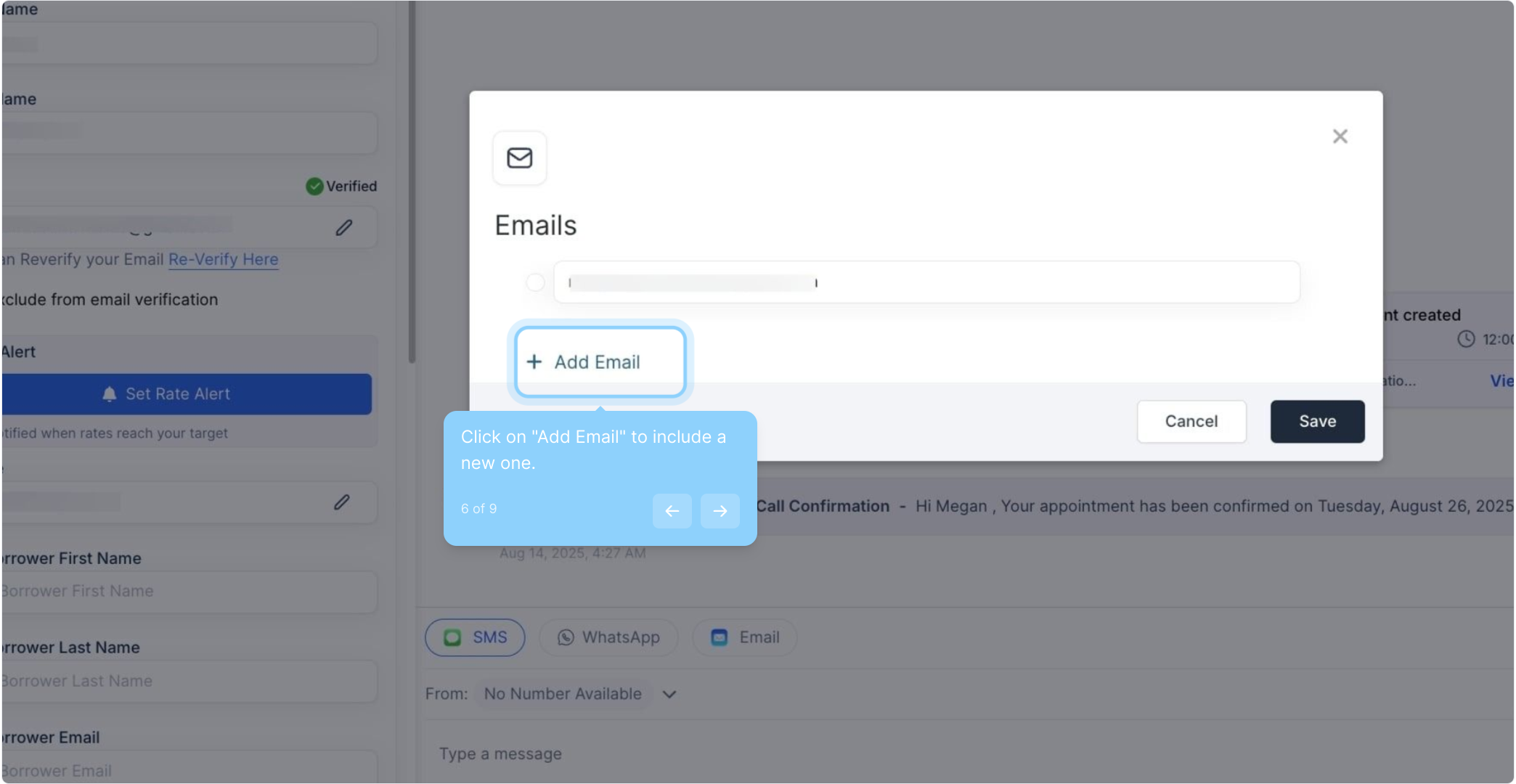
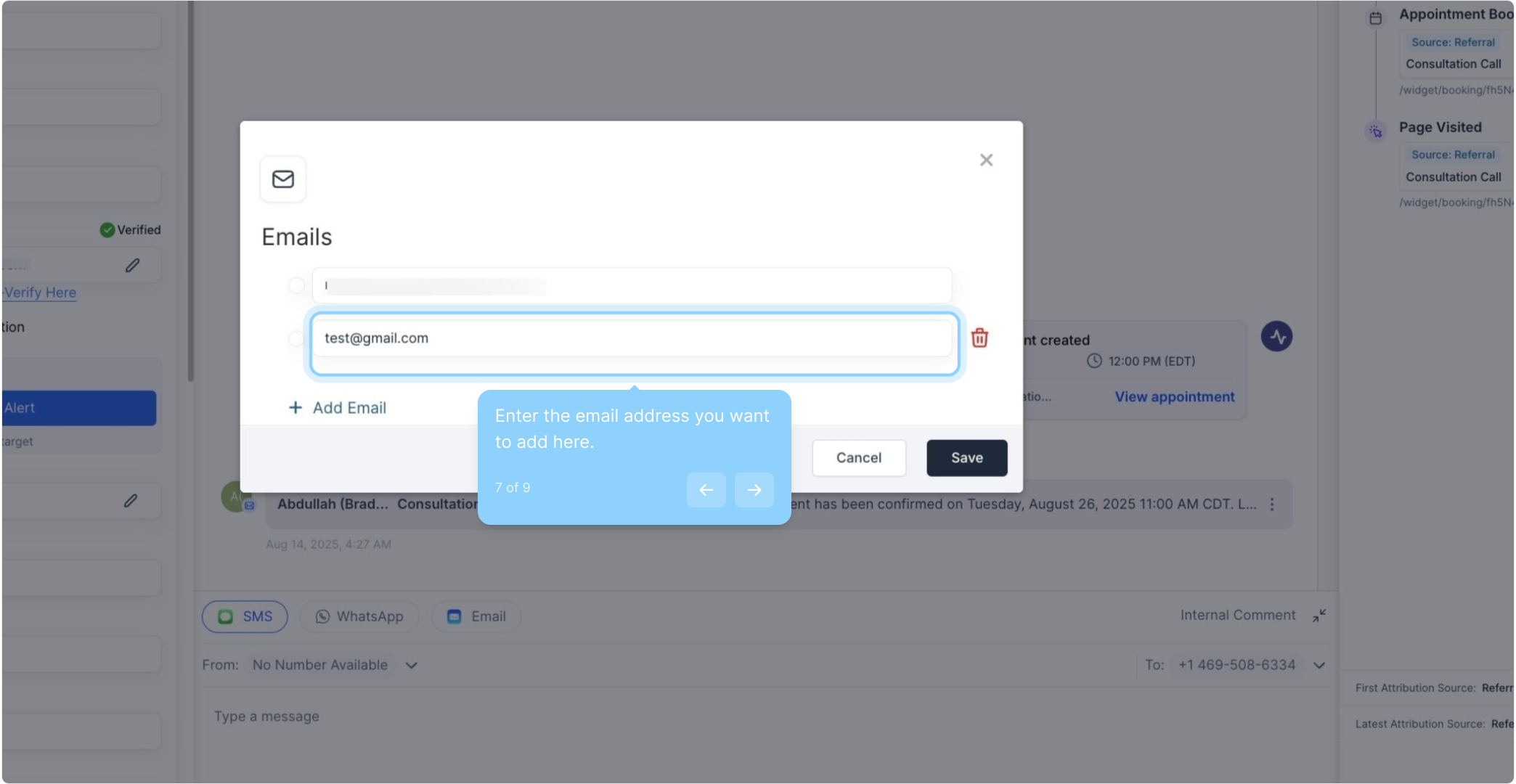
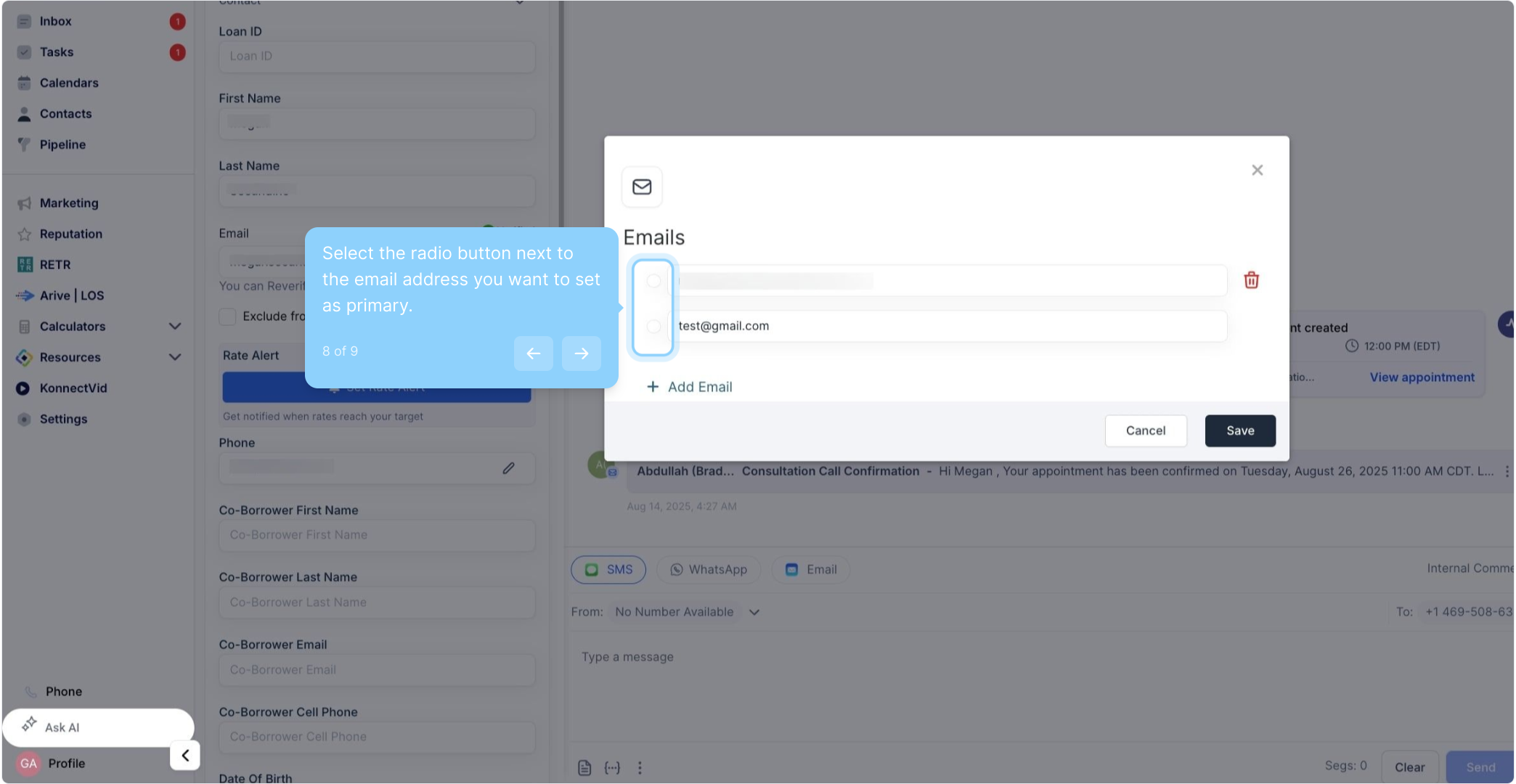
This feature can be used while creating a new contact or editing an existing one. Users can specify which email address is the primary one that will be used for all communications and interactions with that contact. This can be helpful in cases where a contact has multiple email addresses for different purposes, such as work and personal email addresses.
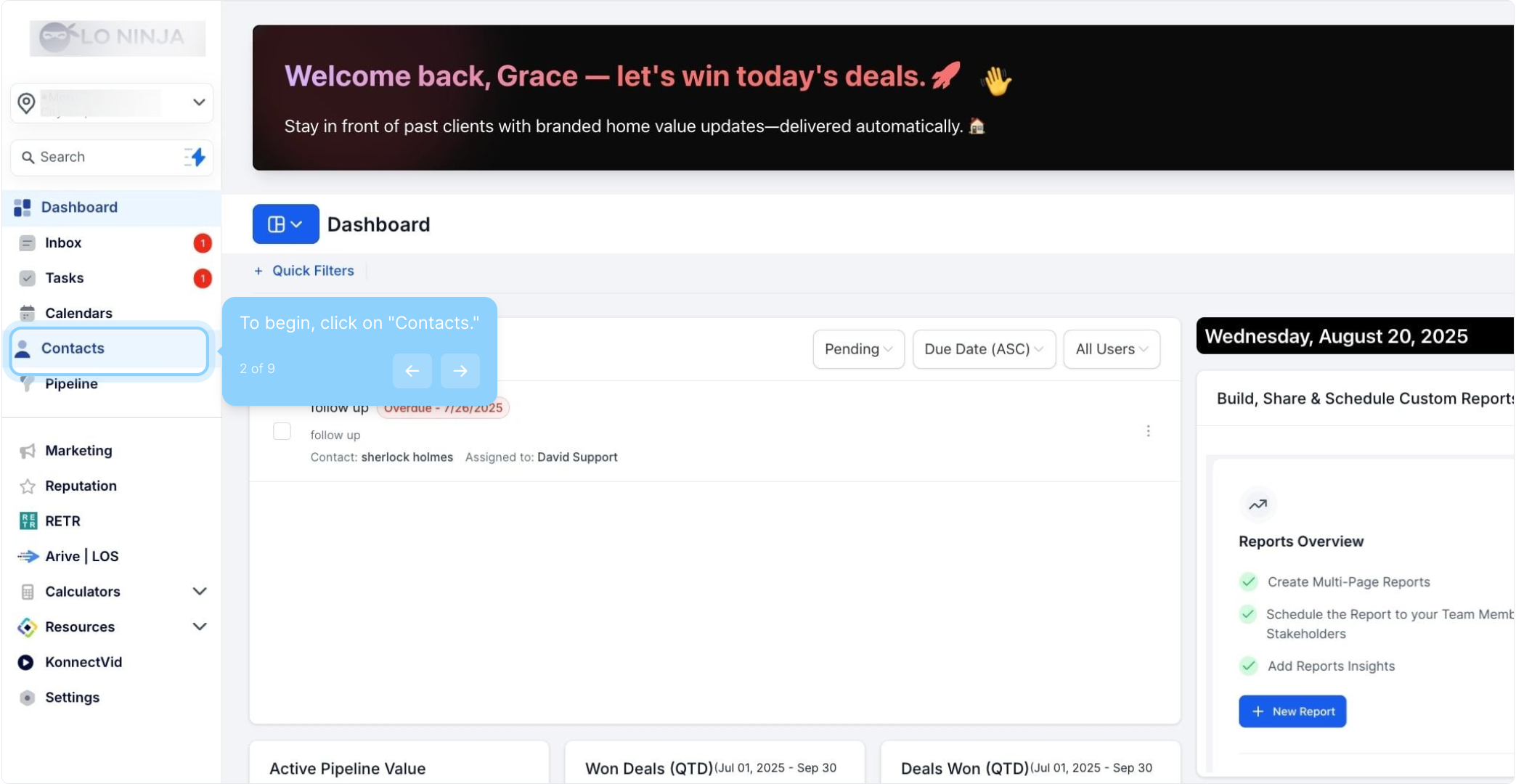
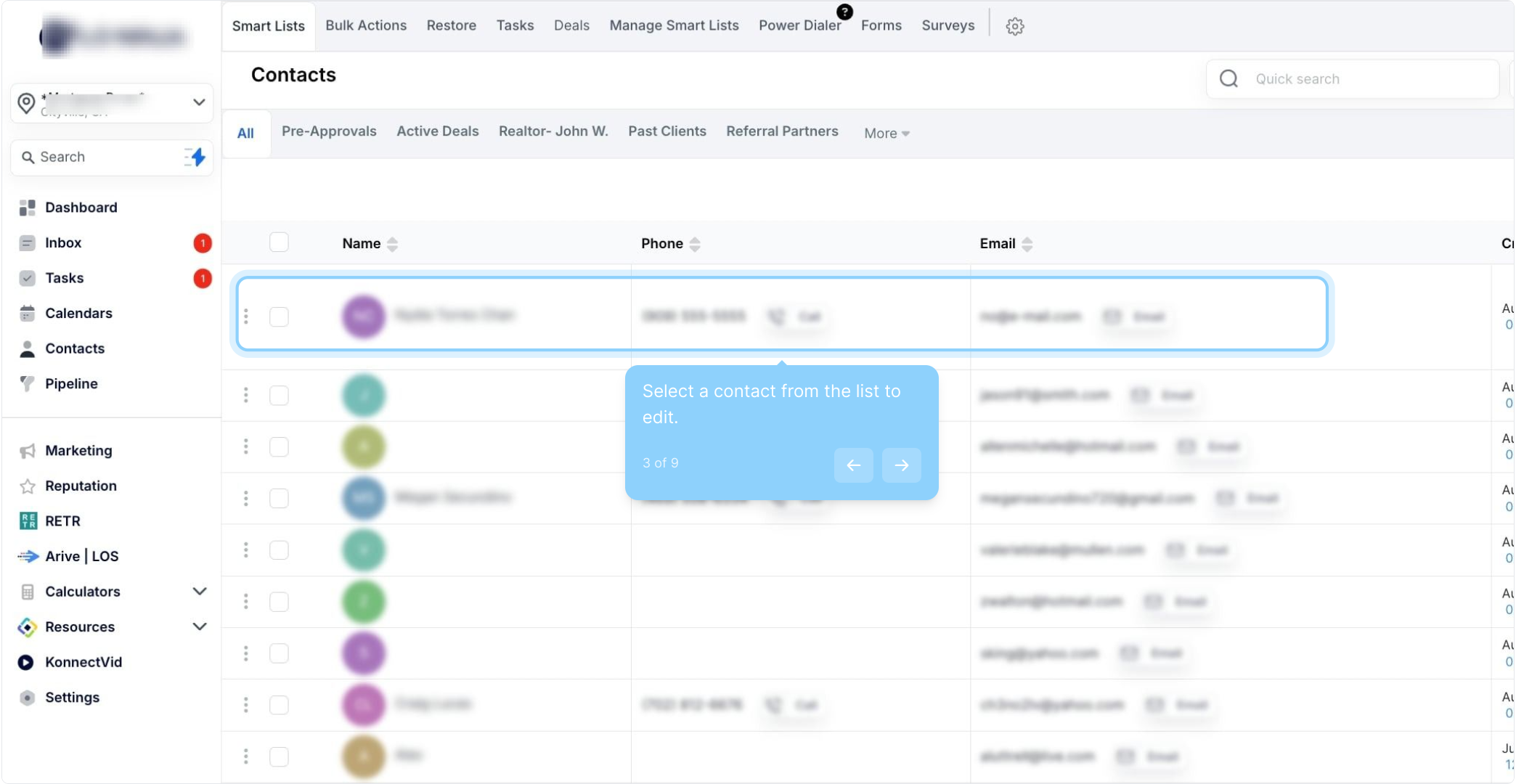
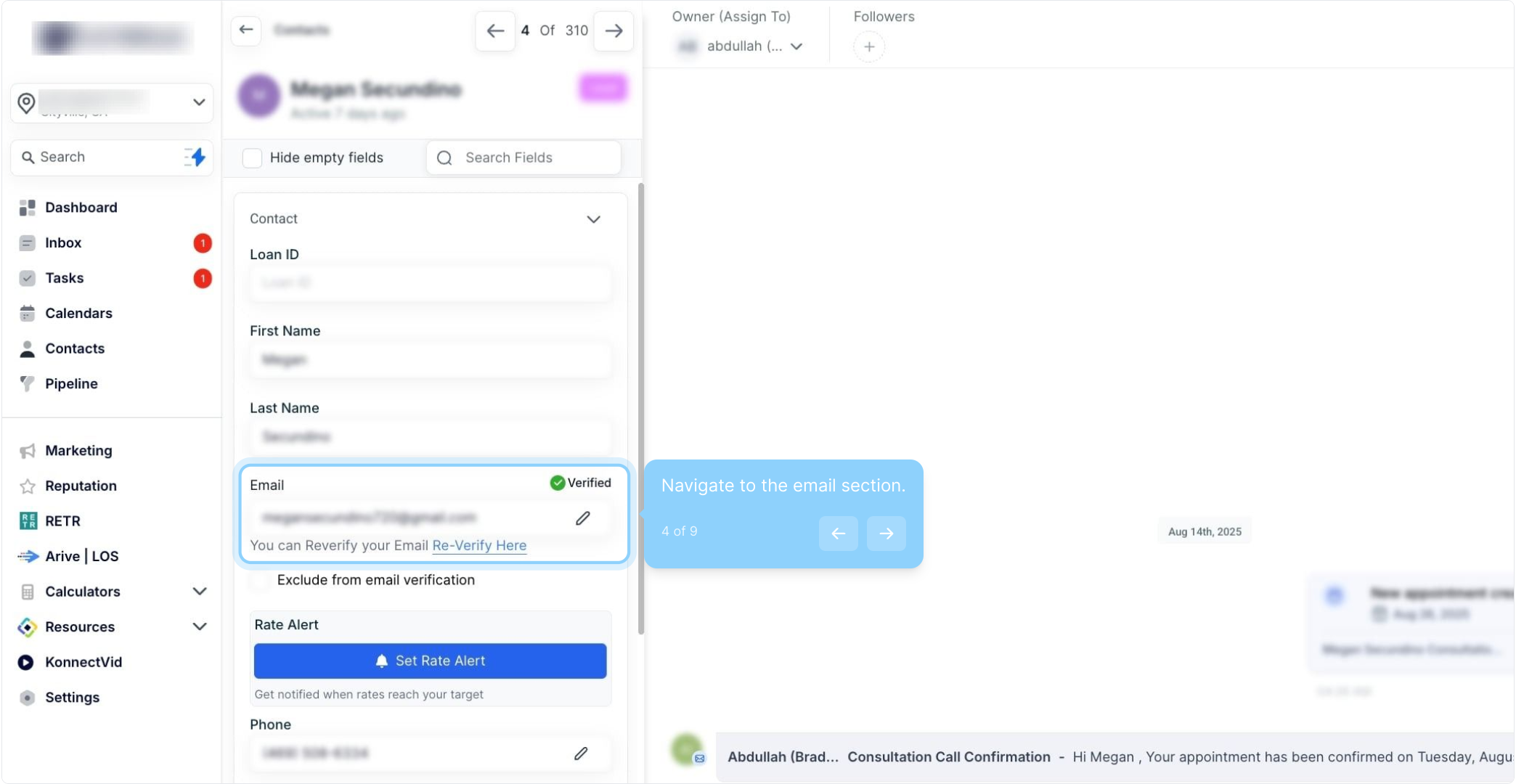
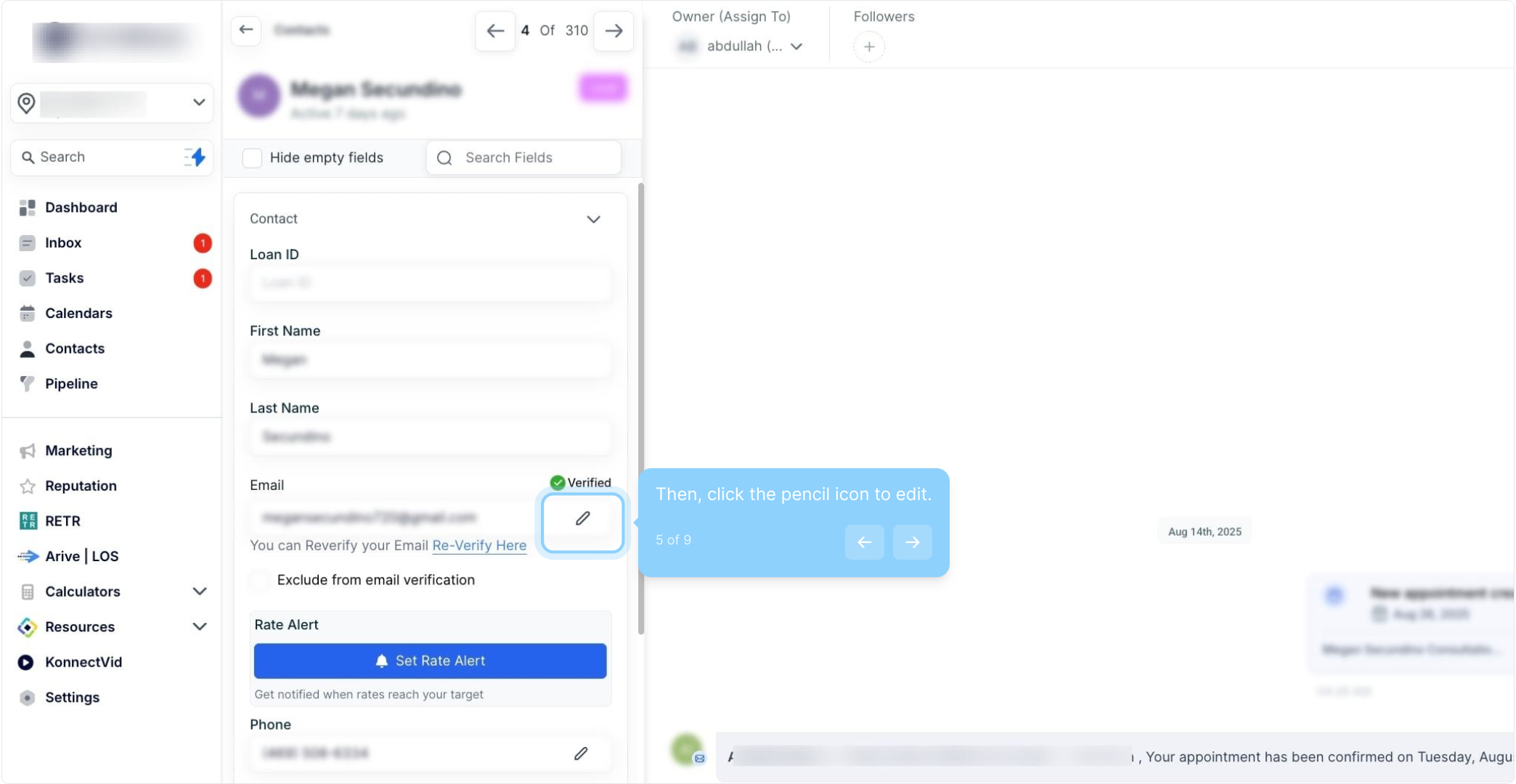
The Add Email button will disappear once you have a total of Eleven Email fields for a contact:
When sending to a contact with multiple email addresses, you can select the email you want to use from the drop-down.
Enhanced Contact Management: This feature provides greater flexibility in managing email information for contacts, allowing users to add and manage multiple email addresses for each contact. This can be particularly useful for contacts with multiple email addresses for different purposes or roles.
Improved Communication: Users can choose a primary email address for each contact, which will be used for all actions and interactions with that contact. This helps to ensure that communication is directed to the correct email address, making it easier to stay in touch with contacts and avoid missing important messages.
Time-Saving: The ability to bulk import email information can save time, particularly for users who must add multiple email addresses for many contacts.
Increased Efficiency: With the ability to manage multiple email addresses for each contact, users can avoid creating multiple contacts for the same person with different email addresses. This can help avoid duplication and confusion, and increase efficiency and productivity.
Sales and Marketing: Sales and marketing teams can use this feature to manage email addresses for different stakeholders in a company, such as decision-makers, gatekeepers, and influencers. By having multiple email addresses for each contact, teams can ensure that their communication reaches the right person, increasing the chances of conversion.
HR and Recruiting: HR teams can use this feature to manage email addresses for candidates, employees, and contractors. This can help ensure that communication is sent to the correct email address for each person, which is particularly important regarding sensitive or confidential information.
Non-Profit Organizations: Non-profit organizations can use this feature to manage email addresses for donors, volunteers, and other stakeholders. By having multiple email addresses for each contact, organizations can ensure that their communication reaches the right person and is tailored to their interests.
Family Management: Individuals or families can use this feature to manage email addresses for family members, friends, and other contacts. This can be particularly useful for managing group emails or email lists, such as for a family reunion or a school PTA.
Education: Teachers or school administrators can use this feature to manage email addresses for students, parents, and other stakeholders. Teachers can ensure that their communication reaches the right person and is tailored to their needs by having multiple email addresses for each contact.
1. How many email addresses can I add for a single contact?
You can add up to one primary email address and ten additional email addresses, totaling eleven email addresses per contact.
2. How do I select a primary email address for a contact?
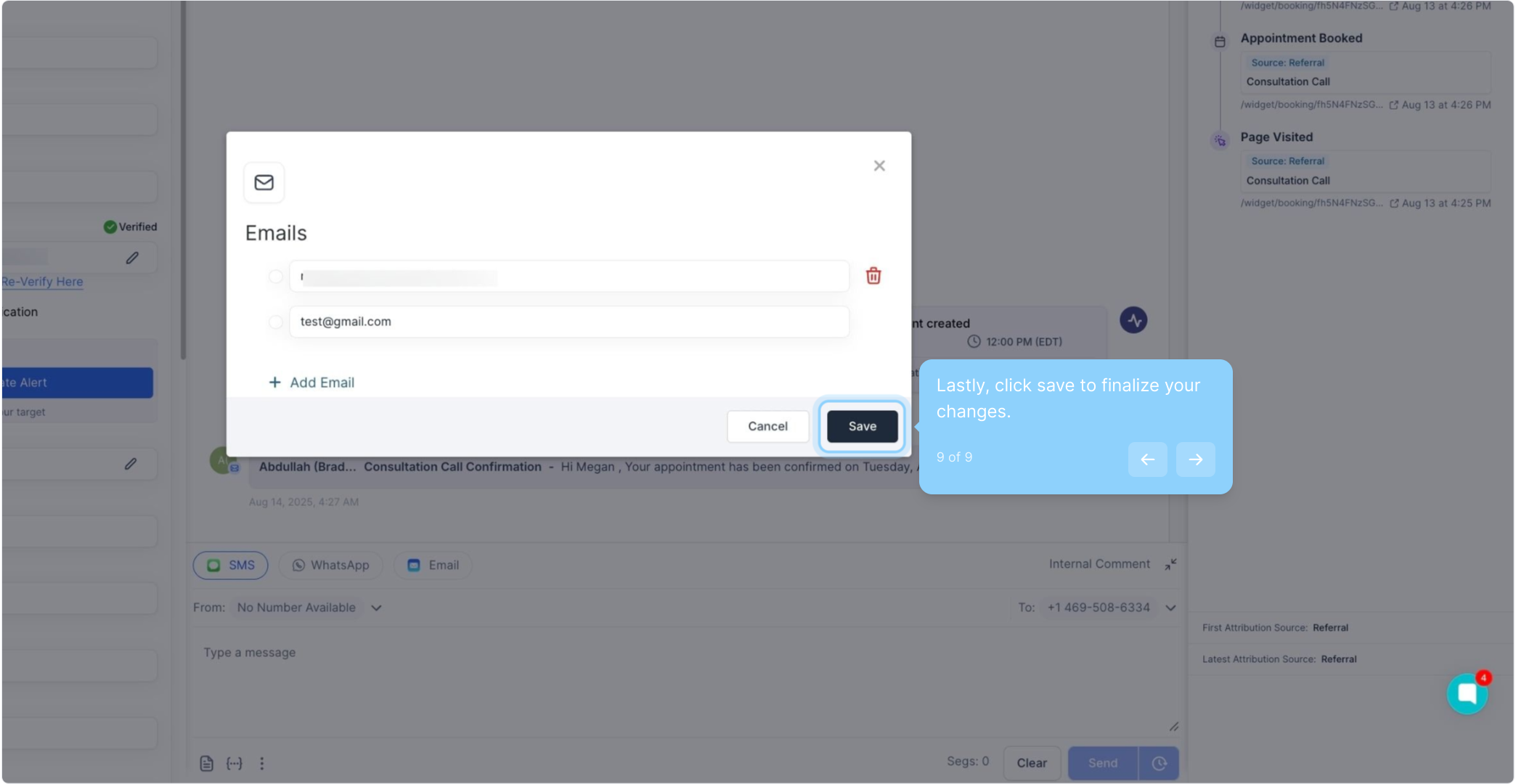
To set a primary email address, click on the circle next to the email address you want to designate as primary. Save the changes, and the selected email address will be set as the primary one for all communications with that contact.
3. Can I send an email to a contact using any of their multiple email addresses?
Yes, when sending an email to a contact with multiple email addresses, you can select from the list of available email addresses using a drop-down menu. The primary email address will be automatically selected, but you can choose any other email address if needed.
4. How can I add additional email addresses when creating or editing a contact?
When creating a new contact or editing an existing one, navigate to the contact’s details page. You will see an "Add Email" button to add more email addresses. Note that the option to add more email fields will disappear once you have reached the maximum of eleven email addresses.
