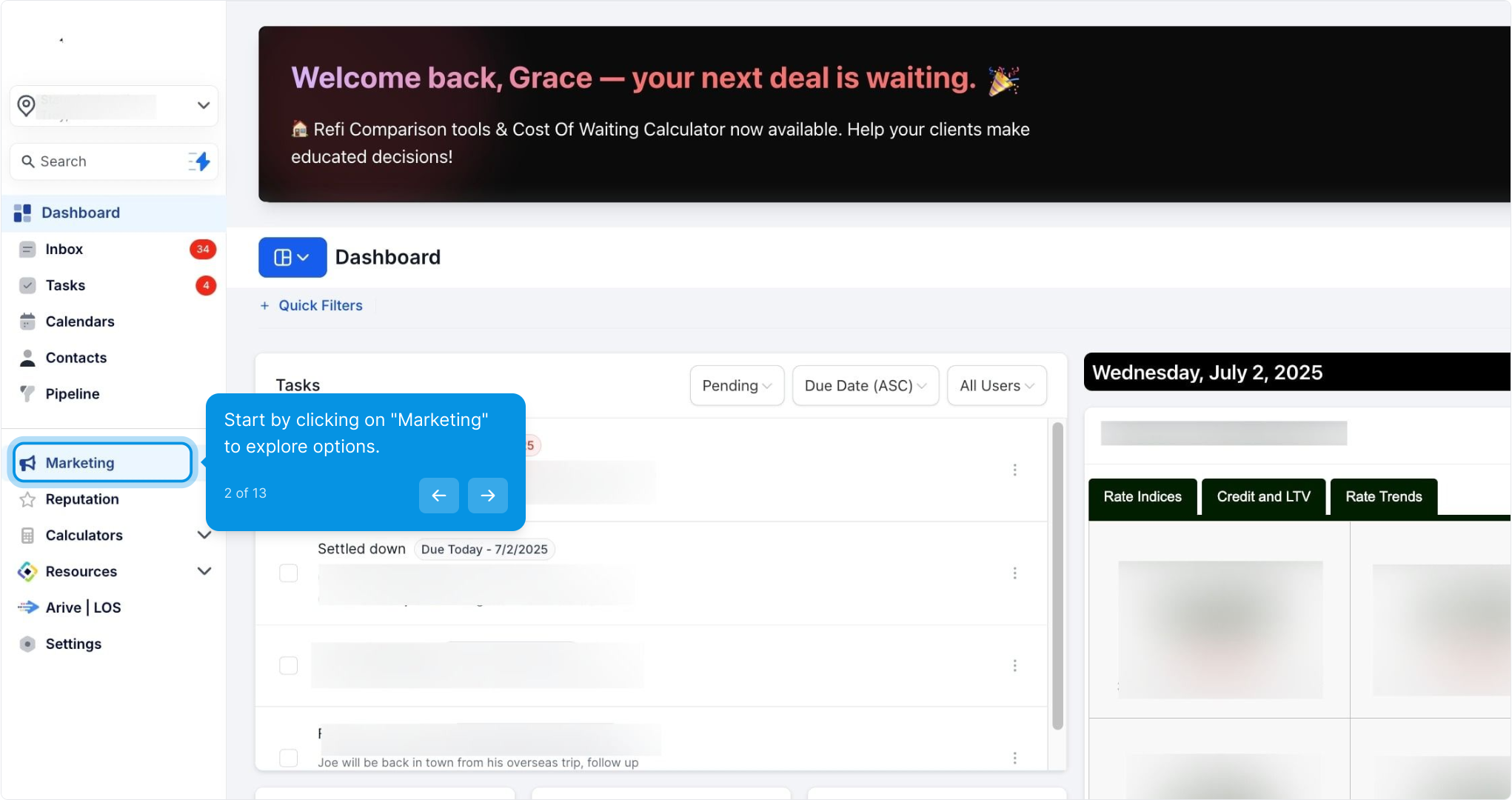
2. Start by clicking on "Marketing" to explore options.
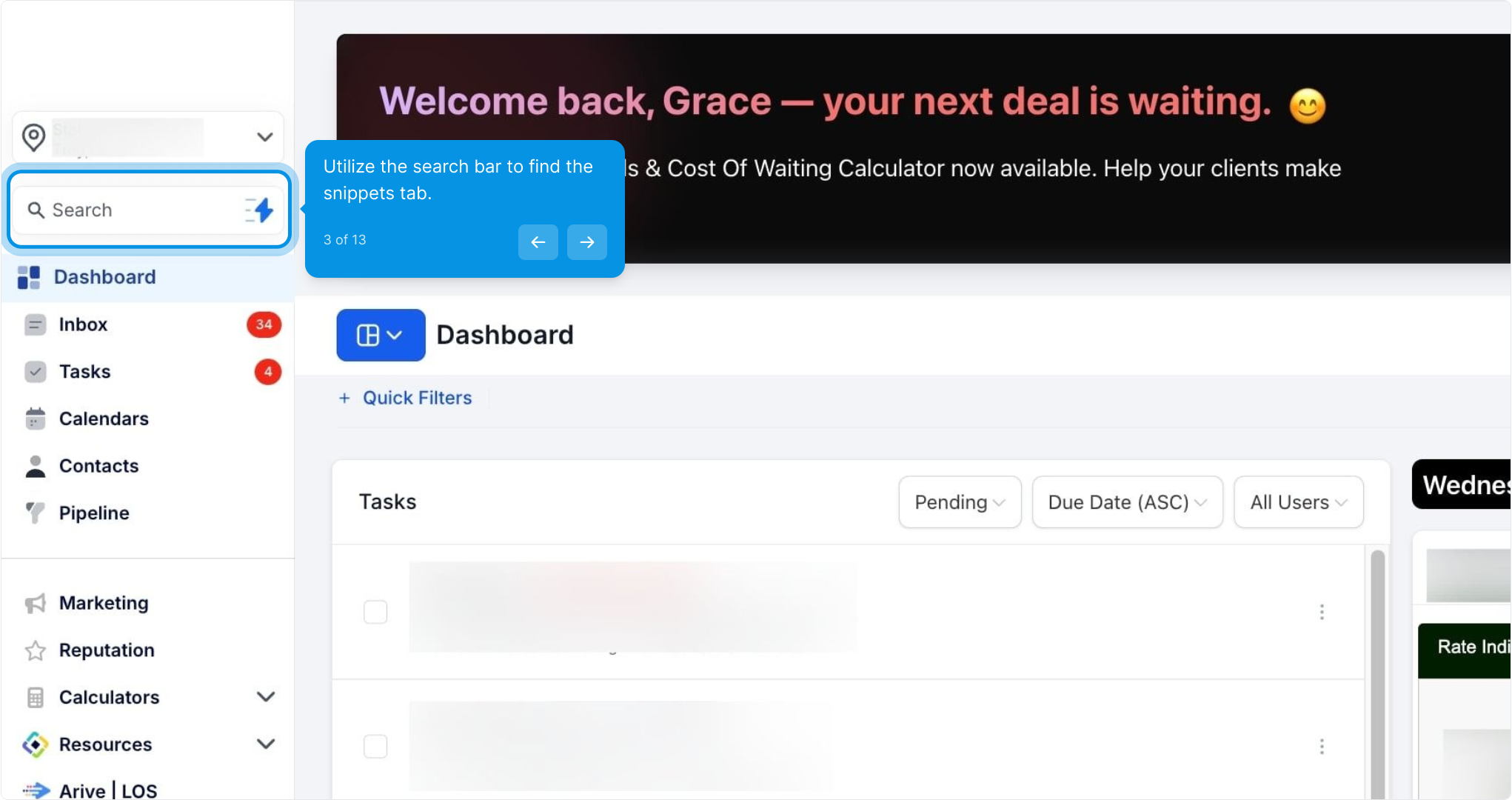
3. Utilize the search bar to find the snippets tab.
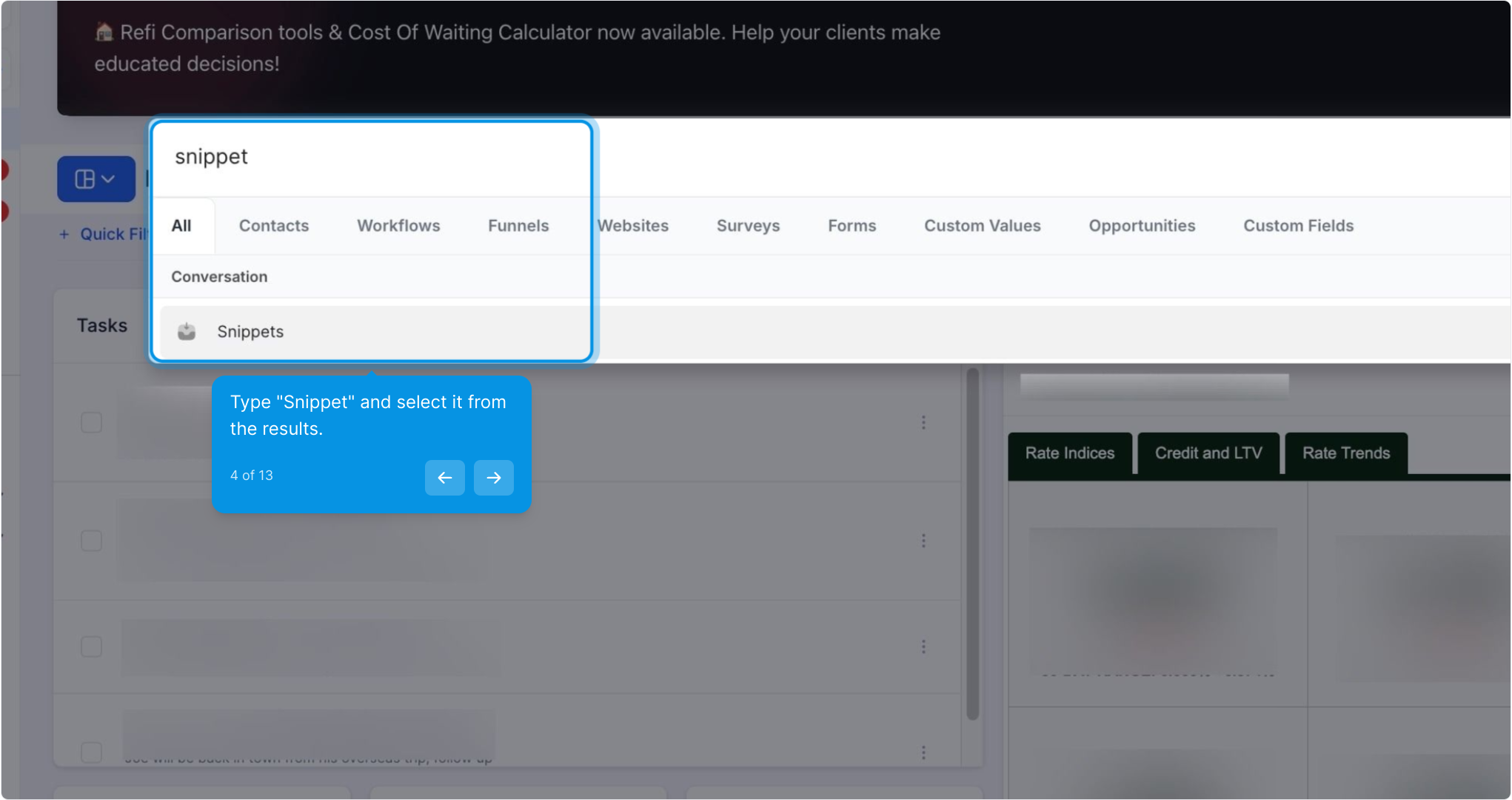
4. Type "Snippet" and select it from the results.
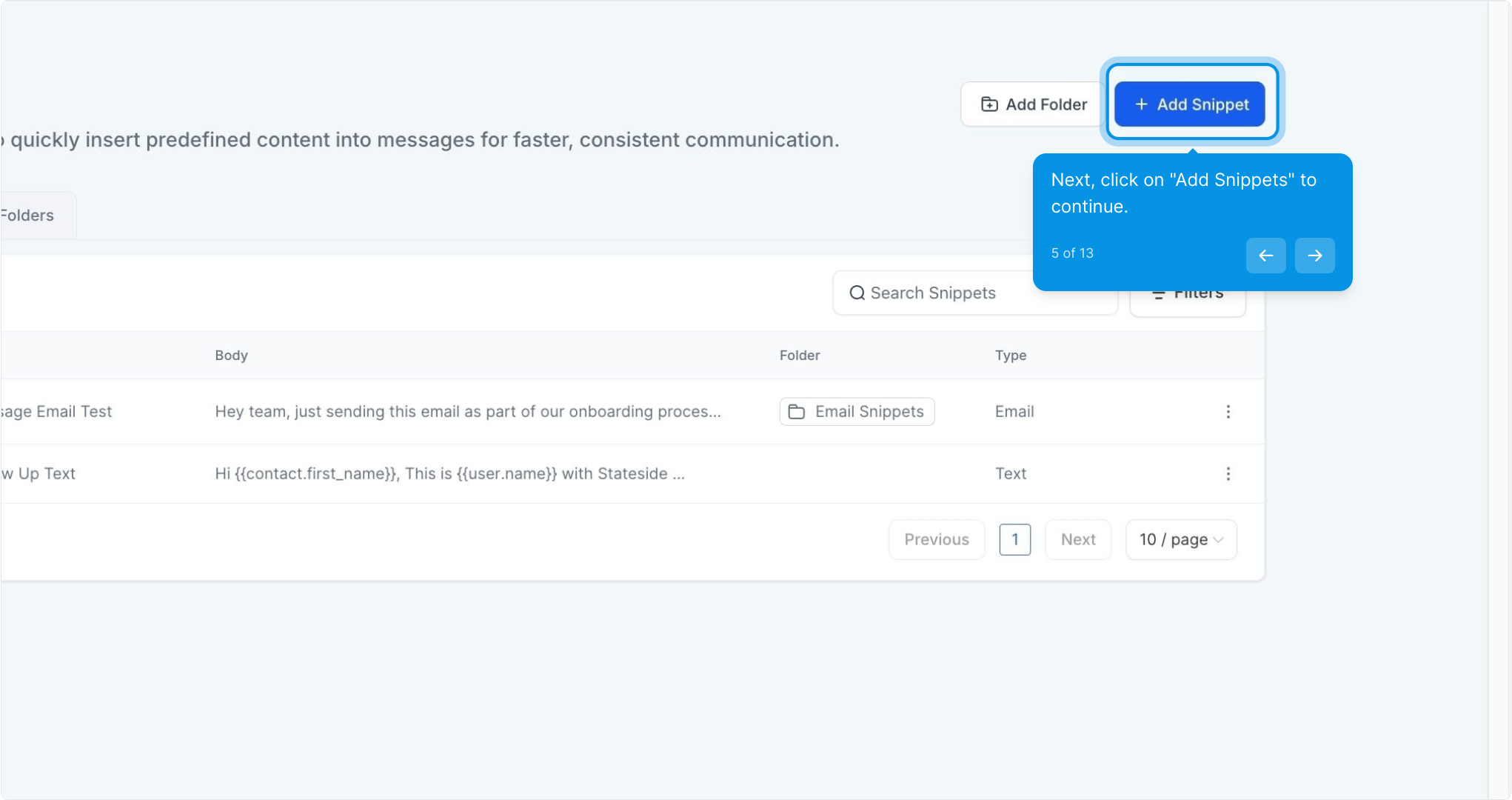
5. Next, click on "Add Snippets" to continue.
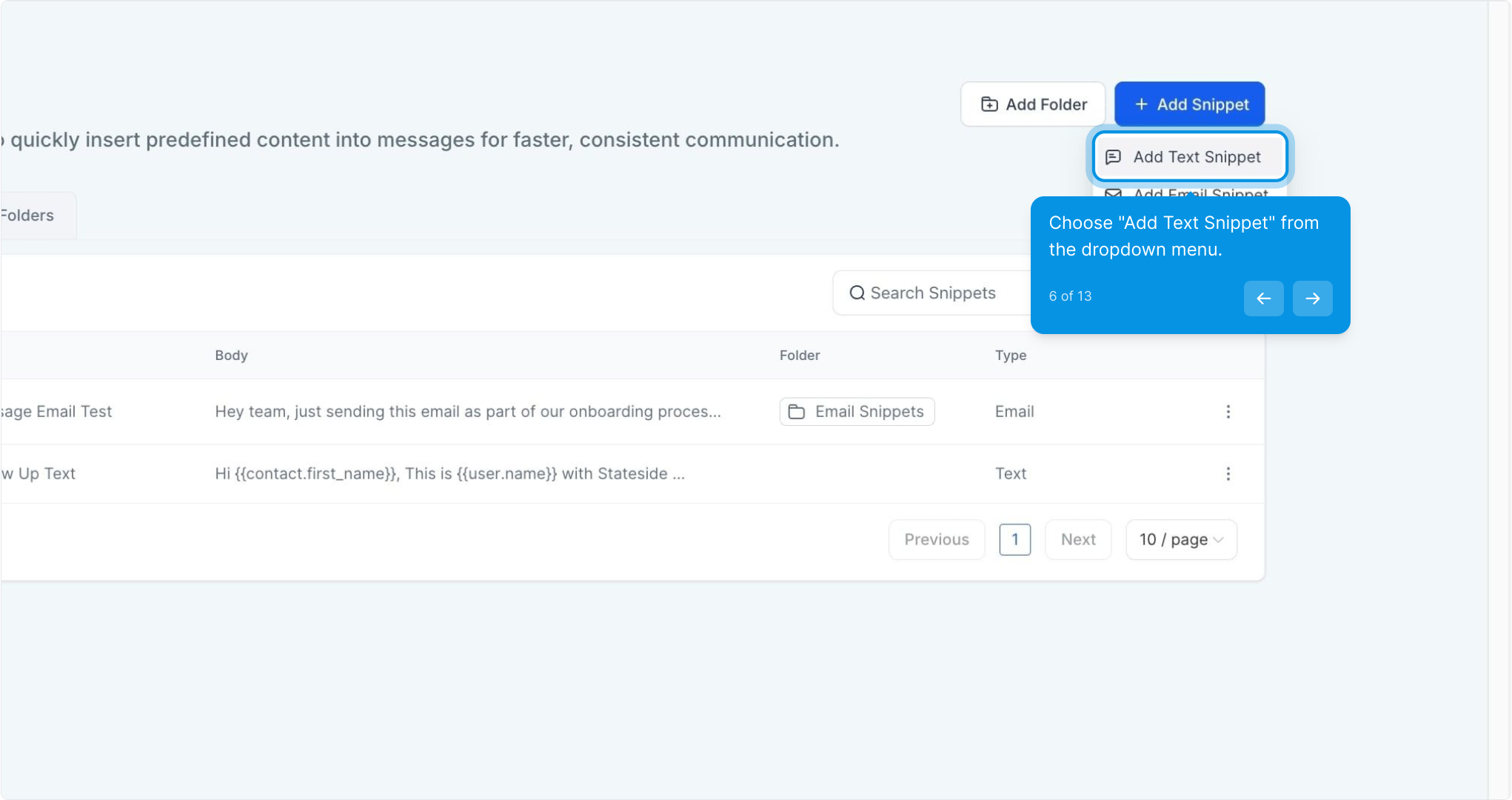
6. Choose "Add Text Snippet" from the dropdown menu.
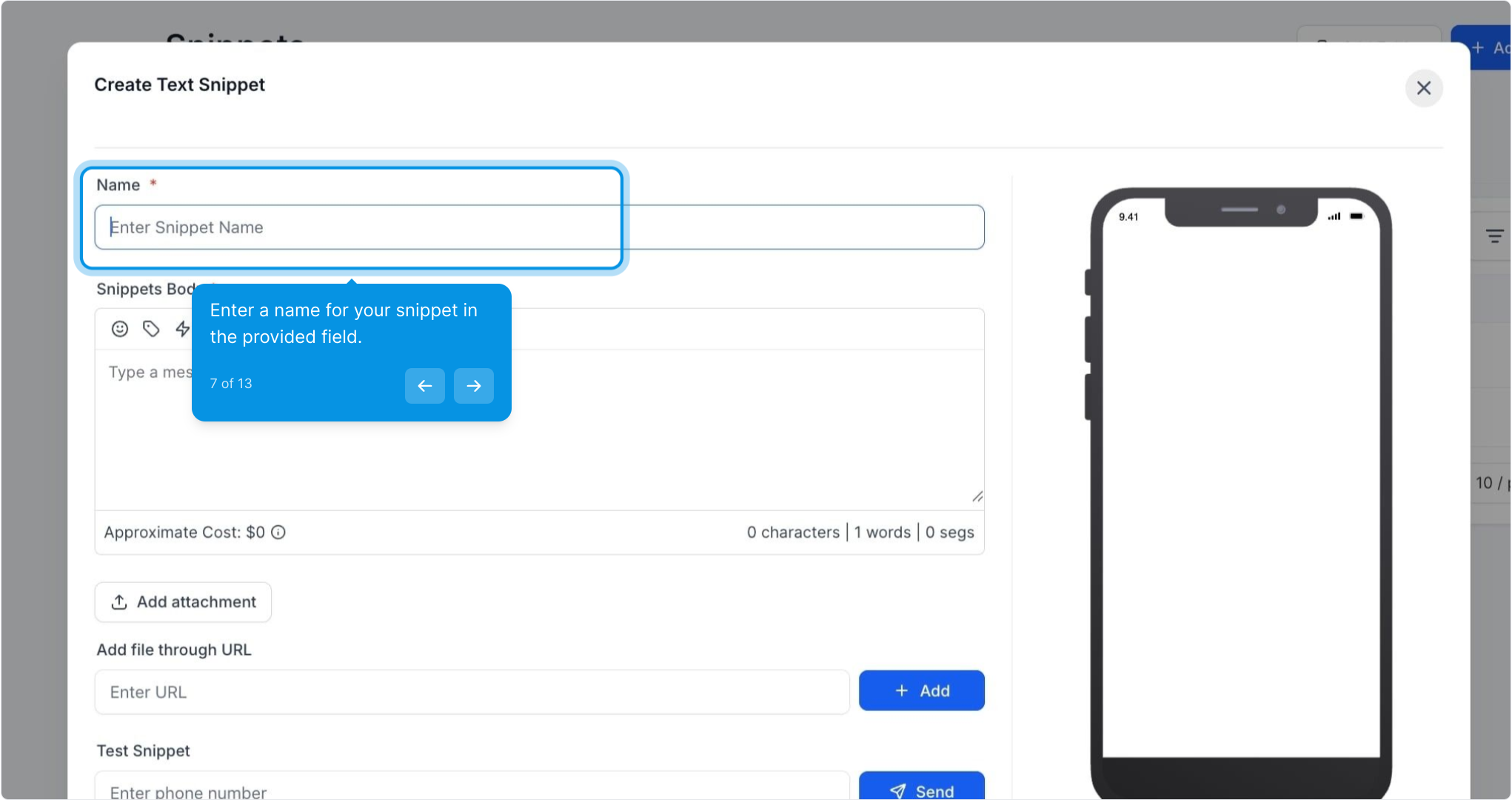
7. Enter a name for your snippet in the provided field.
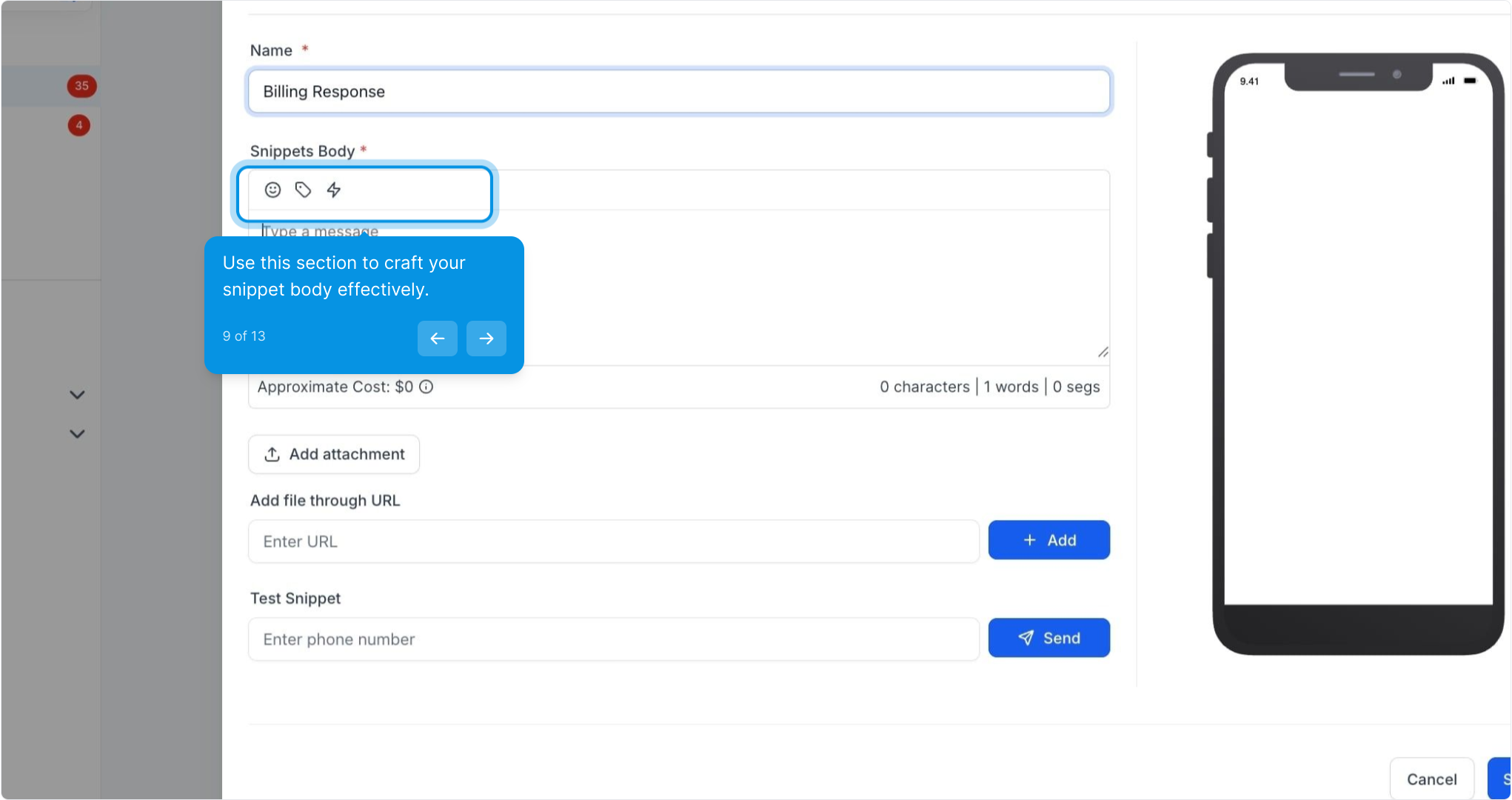
8. Now, type the content of your snippet in the text area.
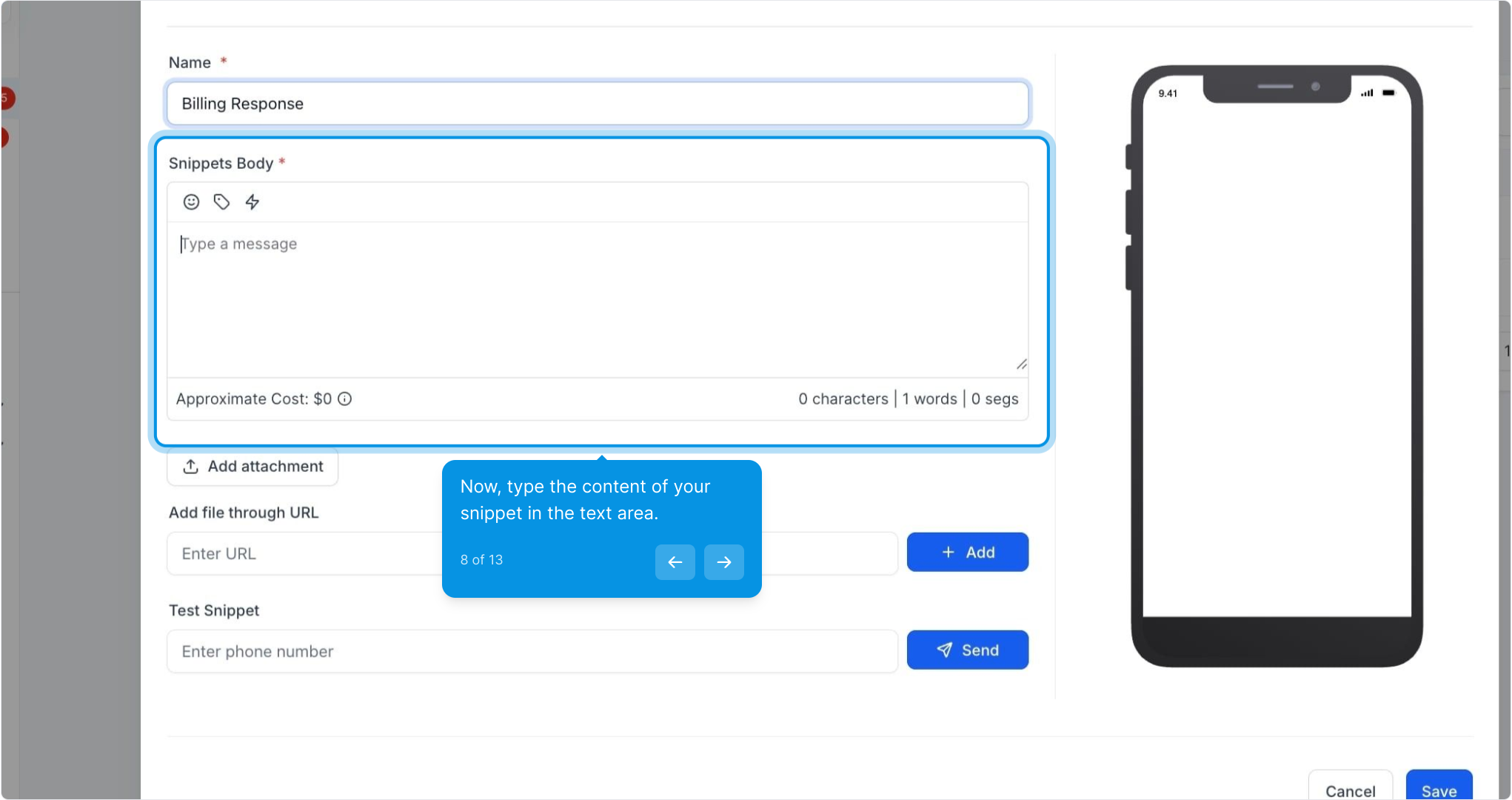
9. Use this section to craft your snippet body effectively.
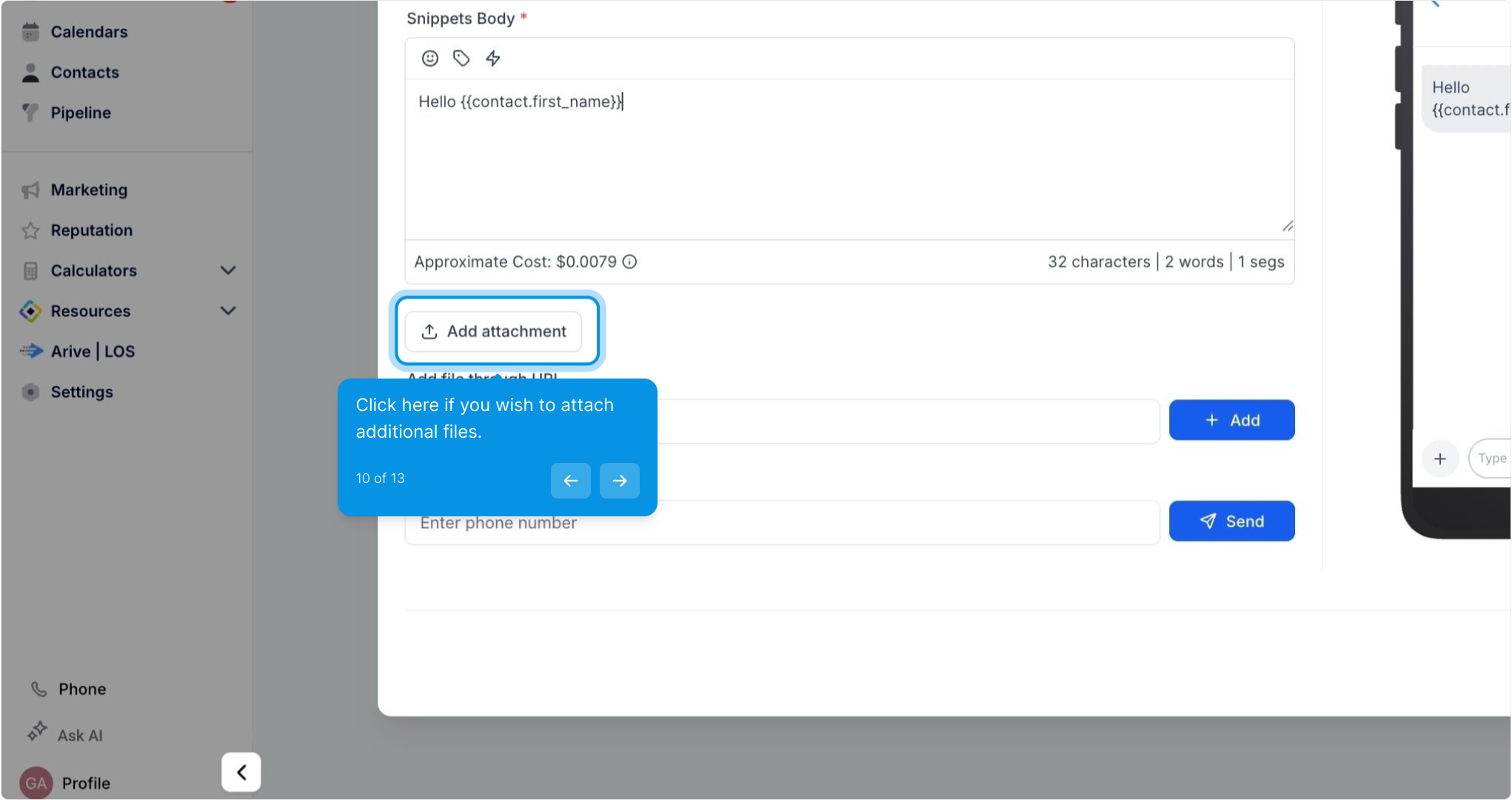
10. Click here if you wish to attach additional files.
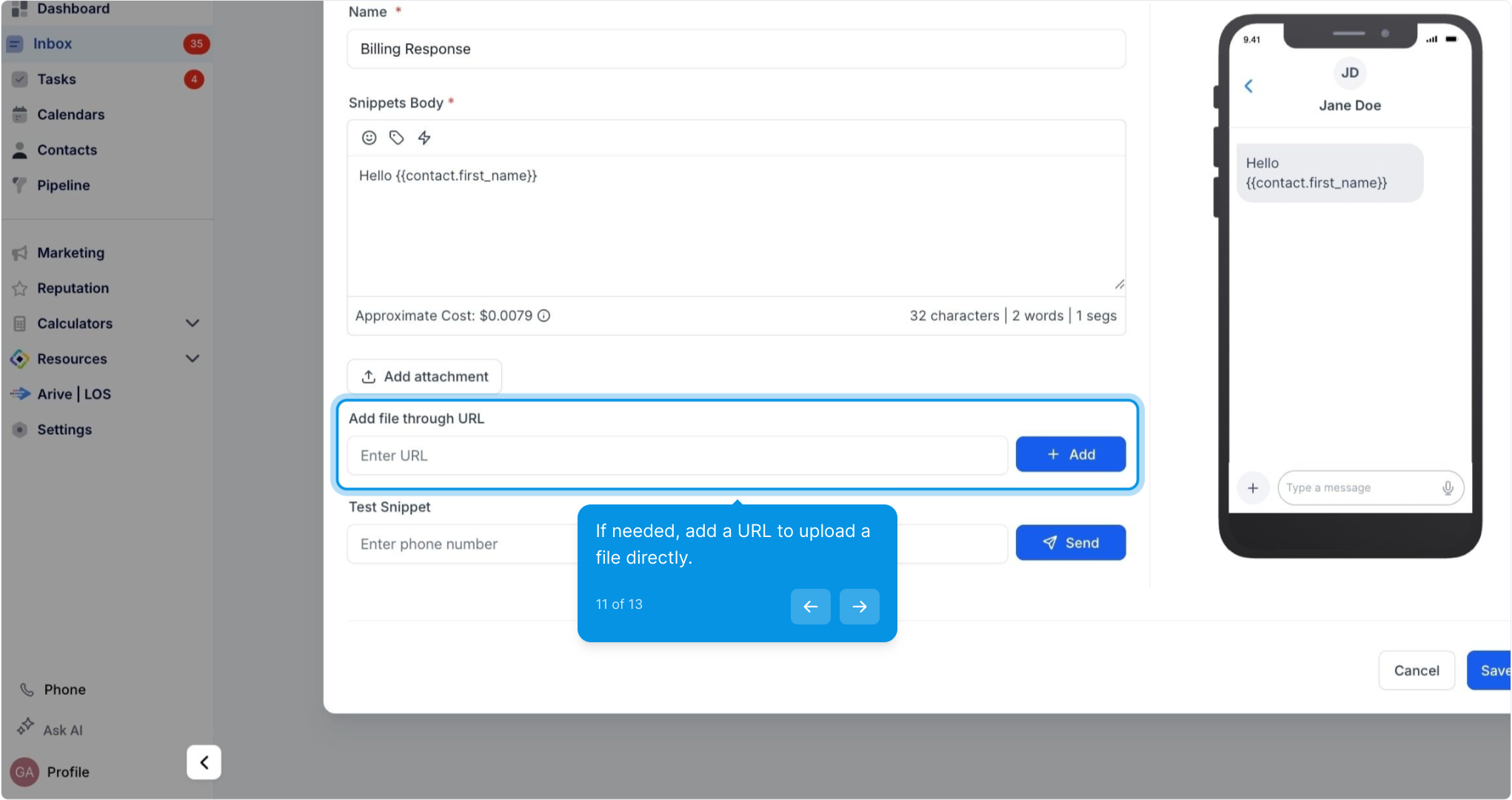
11. If needed, add a URL to upload a file directly.
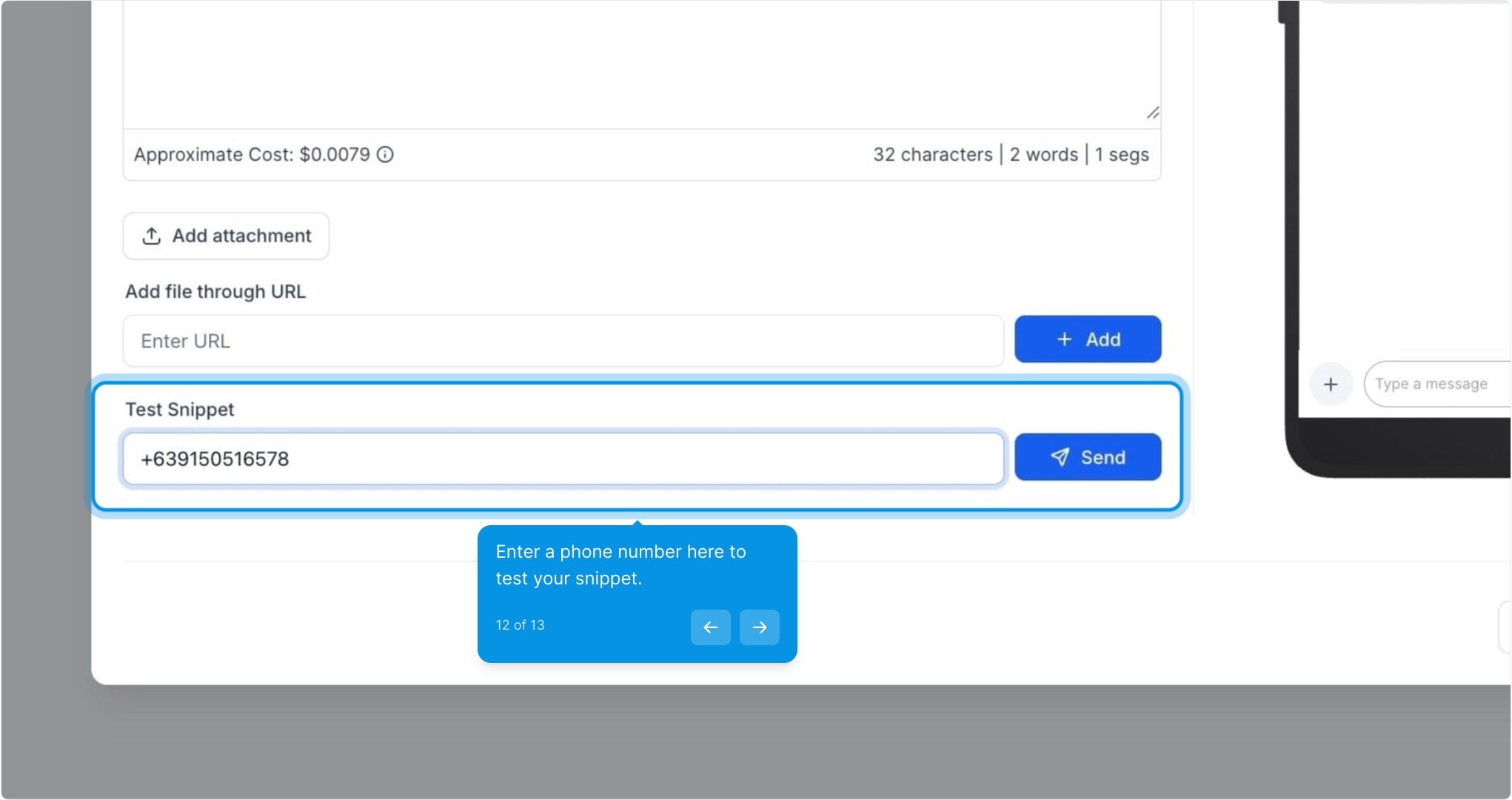
12. Enter a phone number here to test your snippet.
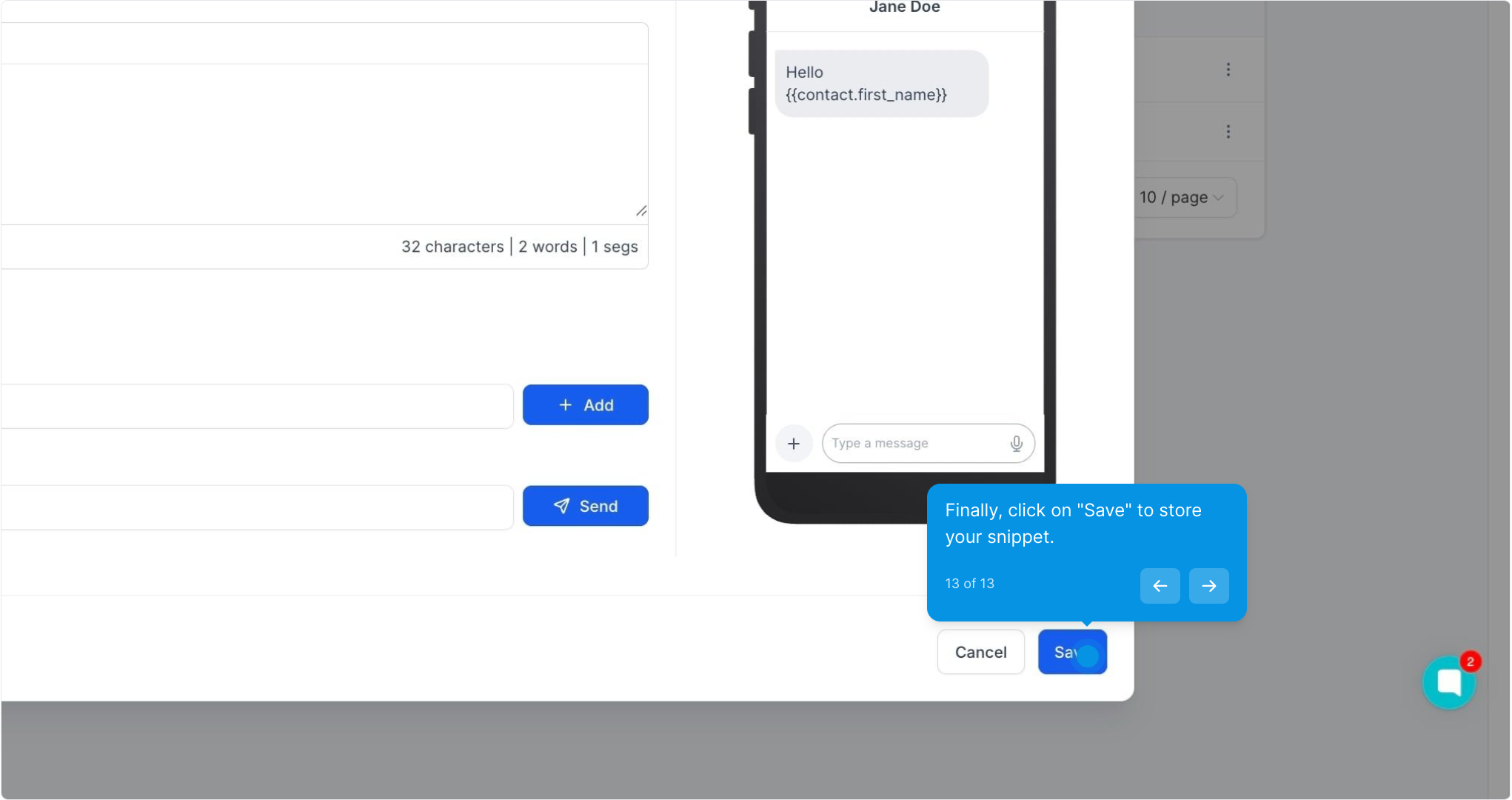
13. Finally, click on "Save" to store your snippet.