Network & protocol
SIP over UDP, TCP or TLS
Outbound ports 5060/5061 open for SIP
UDP 10000-20000 open for RTP audio
PoE or external power
When buying new hardware
Look for the terms “SIP”, “PoE” and at least two programmable line keys
Avoid phones locked to a single carrier or that require proprietary provisioning codes
Popular models
Yealink T54W / T58W
Poly VVX 450
Grandstream GXP 2170
Snom D785
Cisco 7841
(Any open-SIP handset should work, these are just proven examples.)
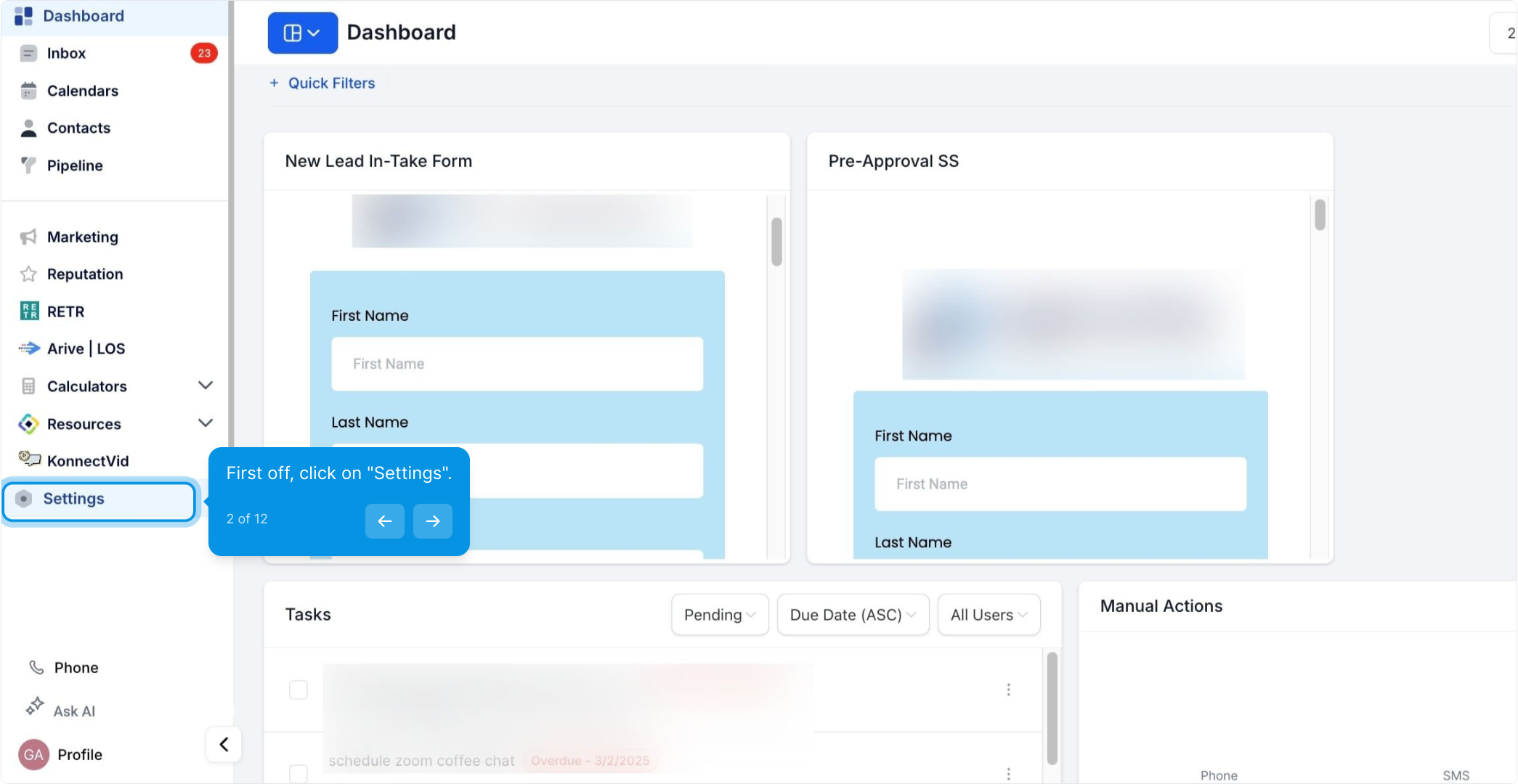
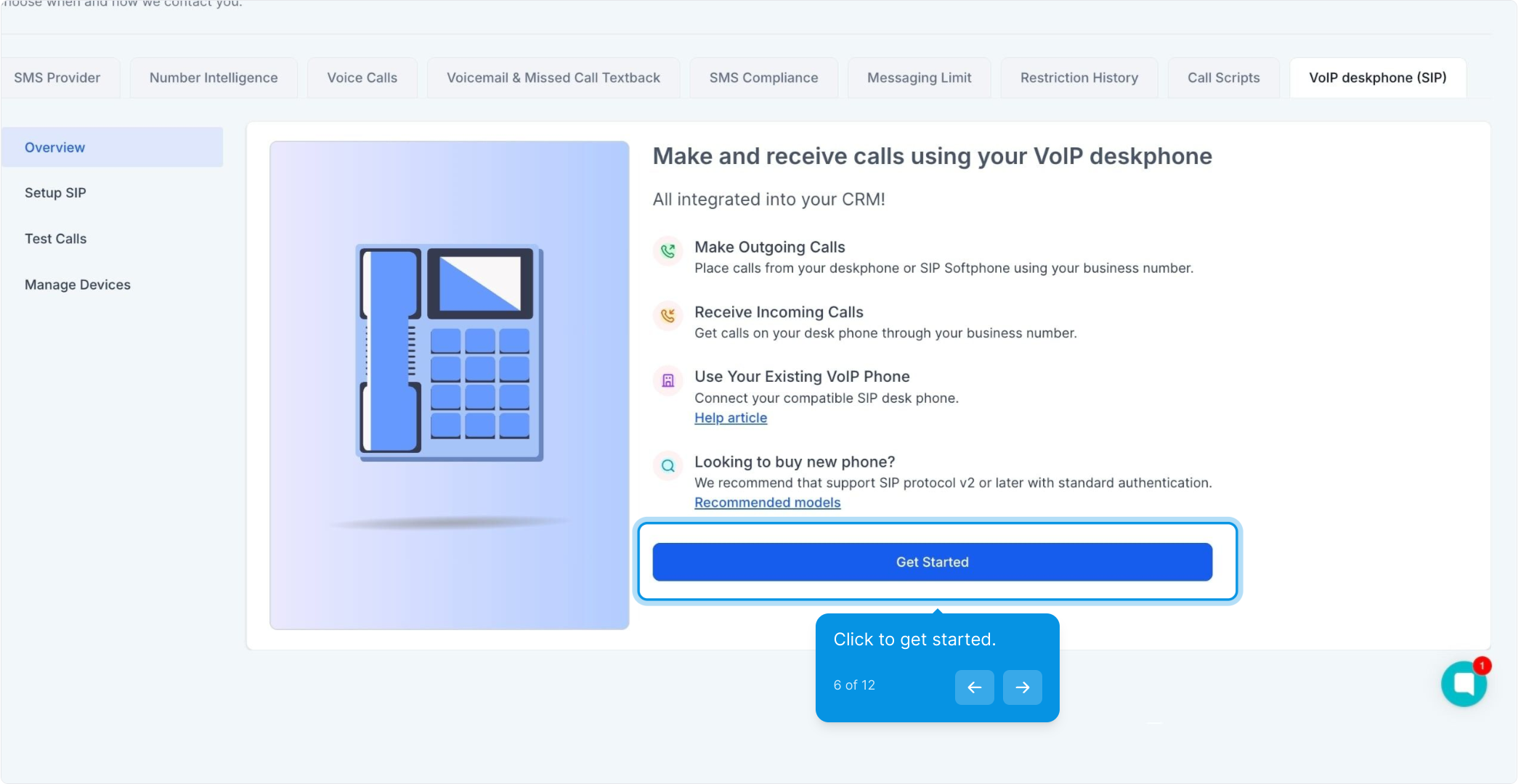
2. First off, click on "Settings".
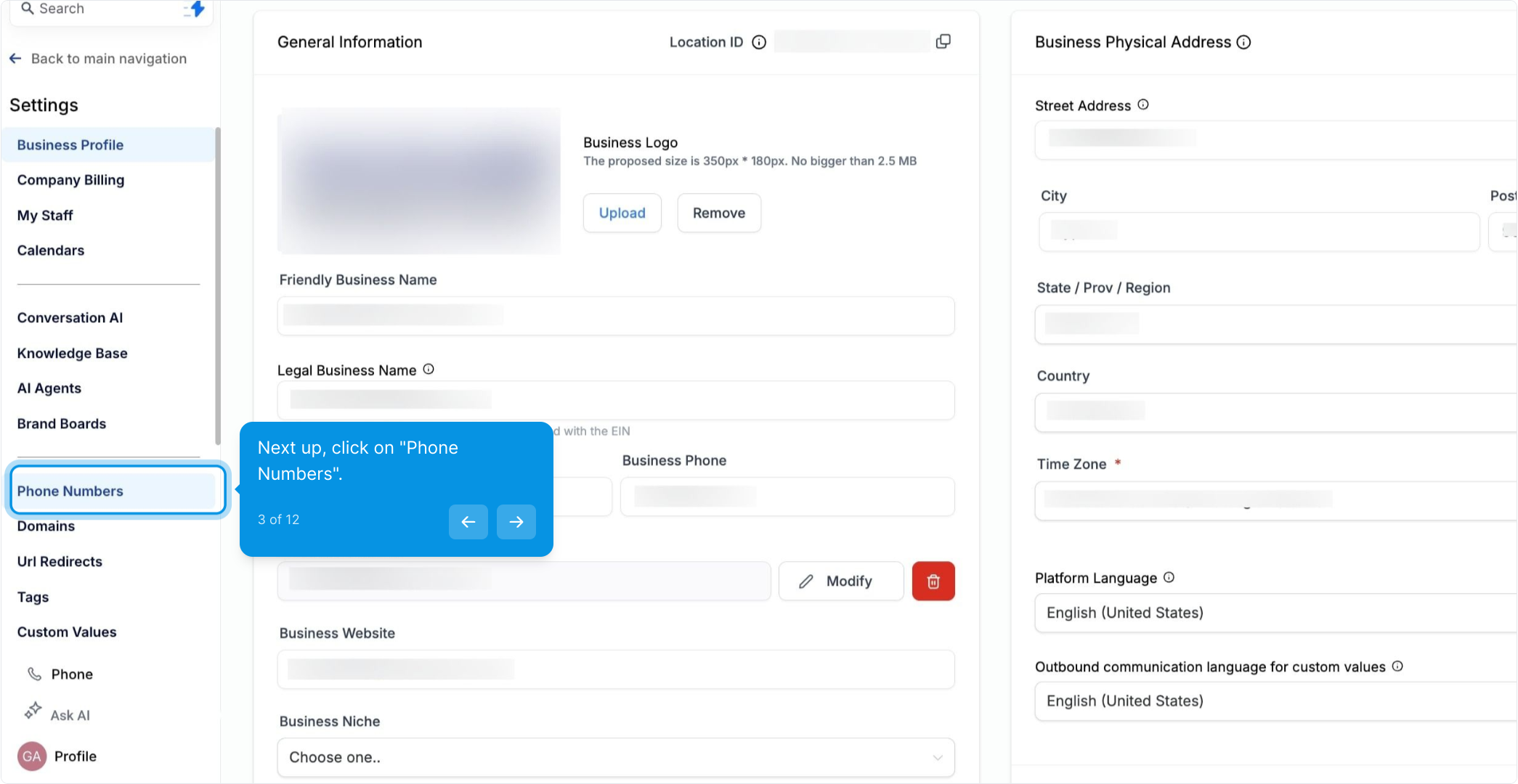
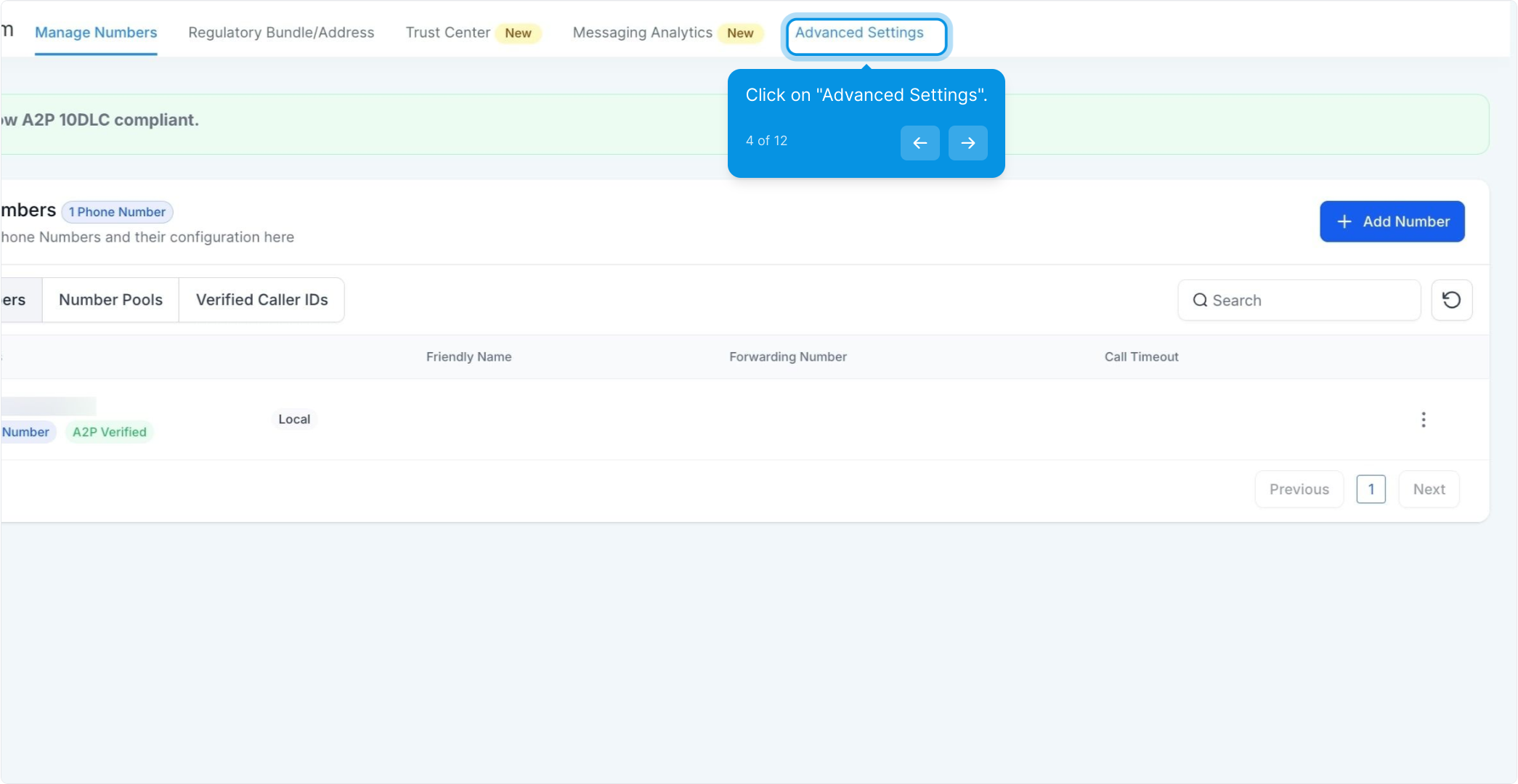
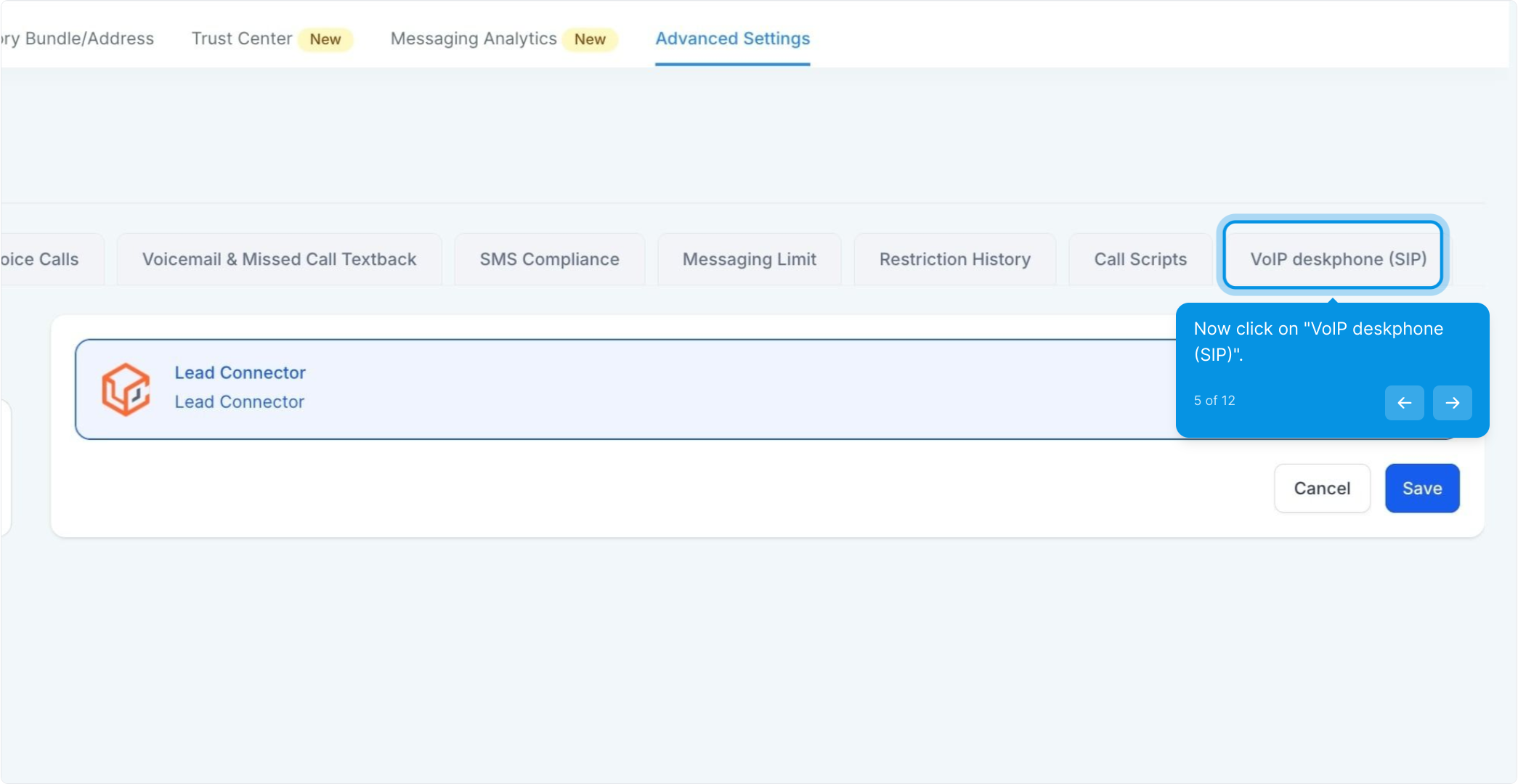
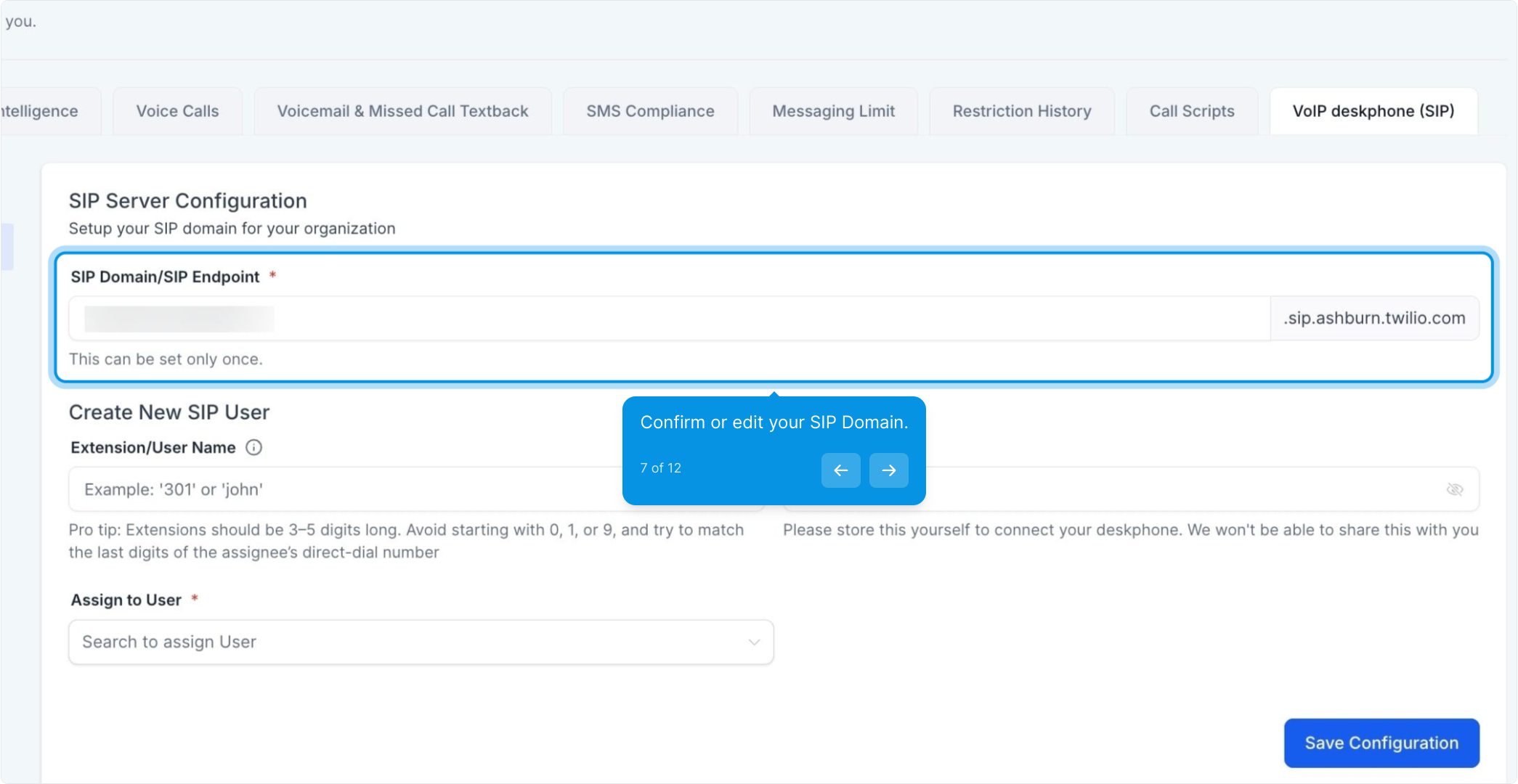
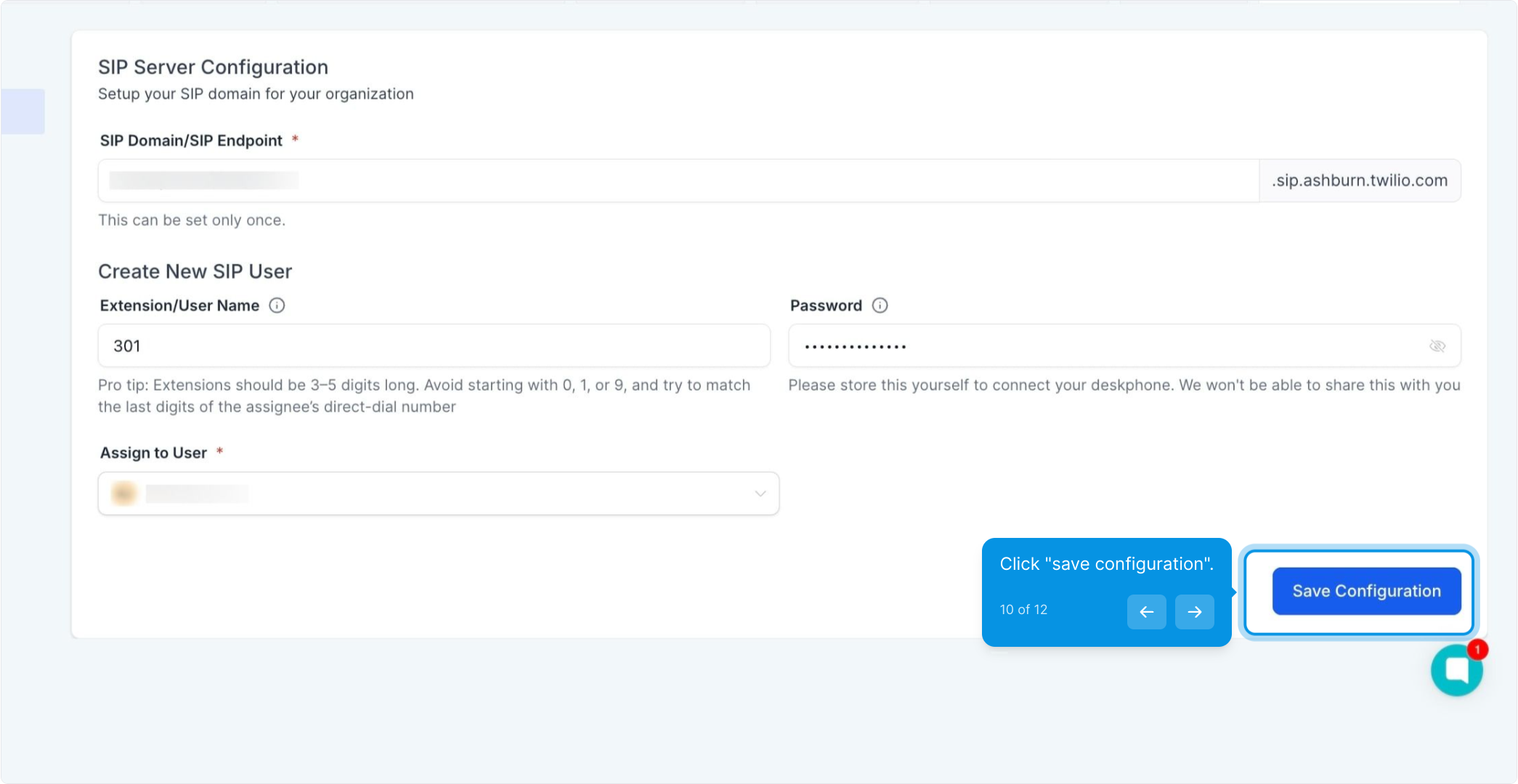
A default suggestion appears as <LocationName>.sip.ashburn.twilio.com.
You can change it once before saving.
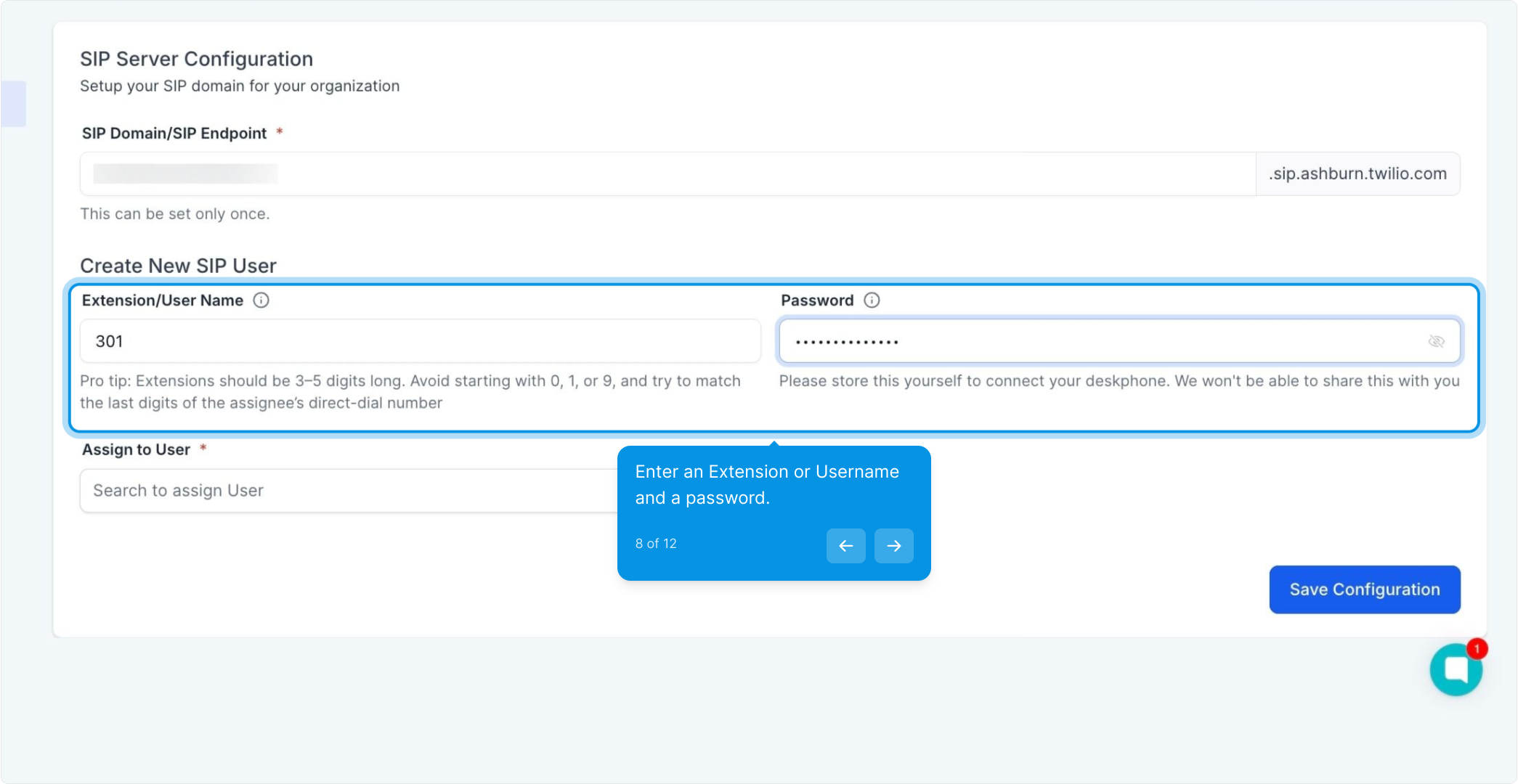
Setup an Extension or a Username (number or text) and a password. Keep these handy, you'll need it when setting up your phone.
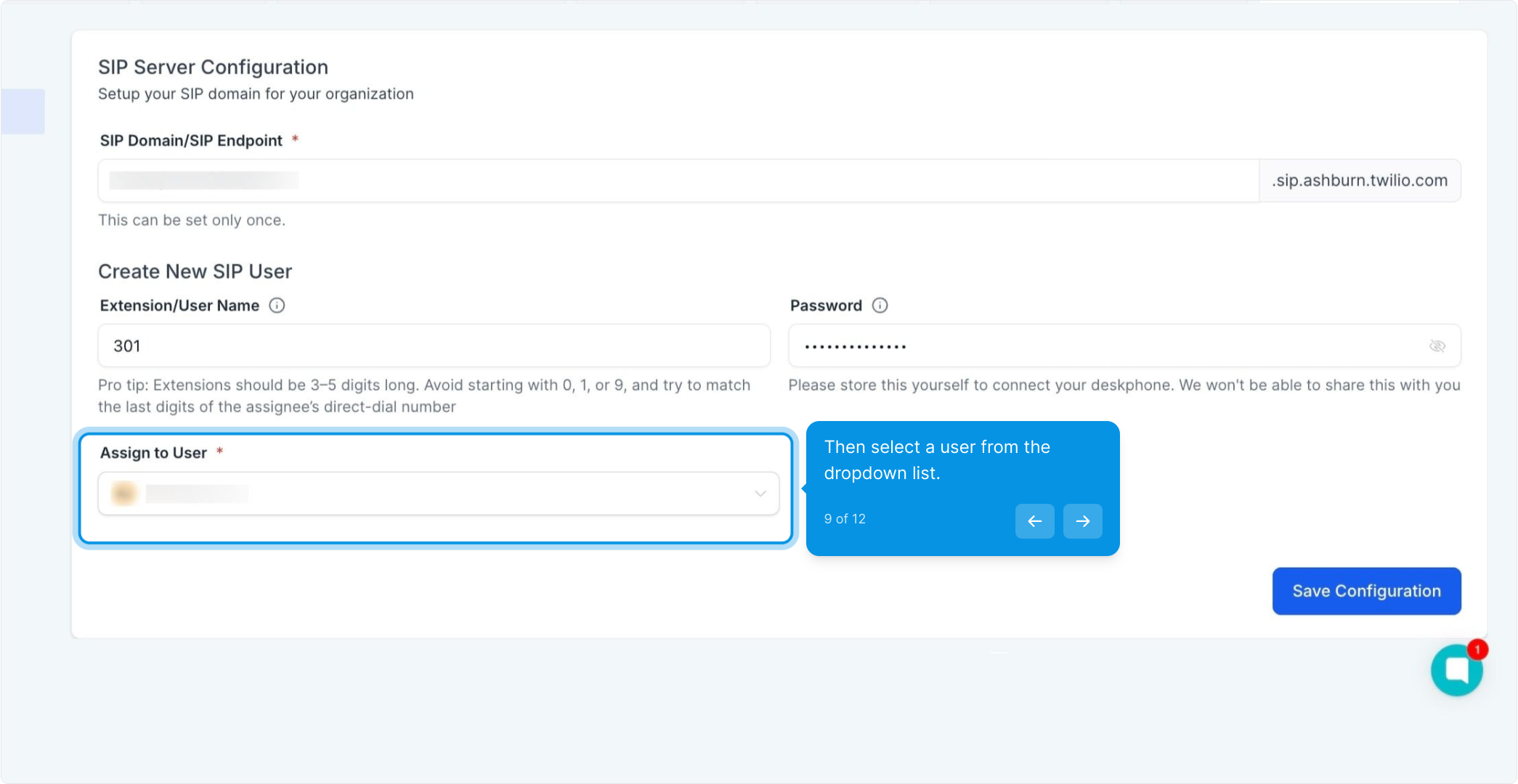
On your desk phone, paste those three values into the matching fields (often named Registrar, Server or Proxy, plus Username and Password). In case of issues on the deskphone, Hard Reset of the hardware phone may help.
TEST CALL (Optional)
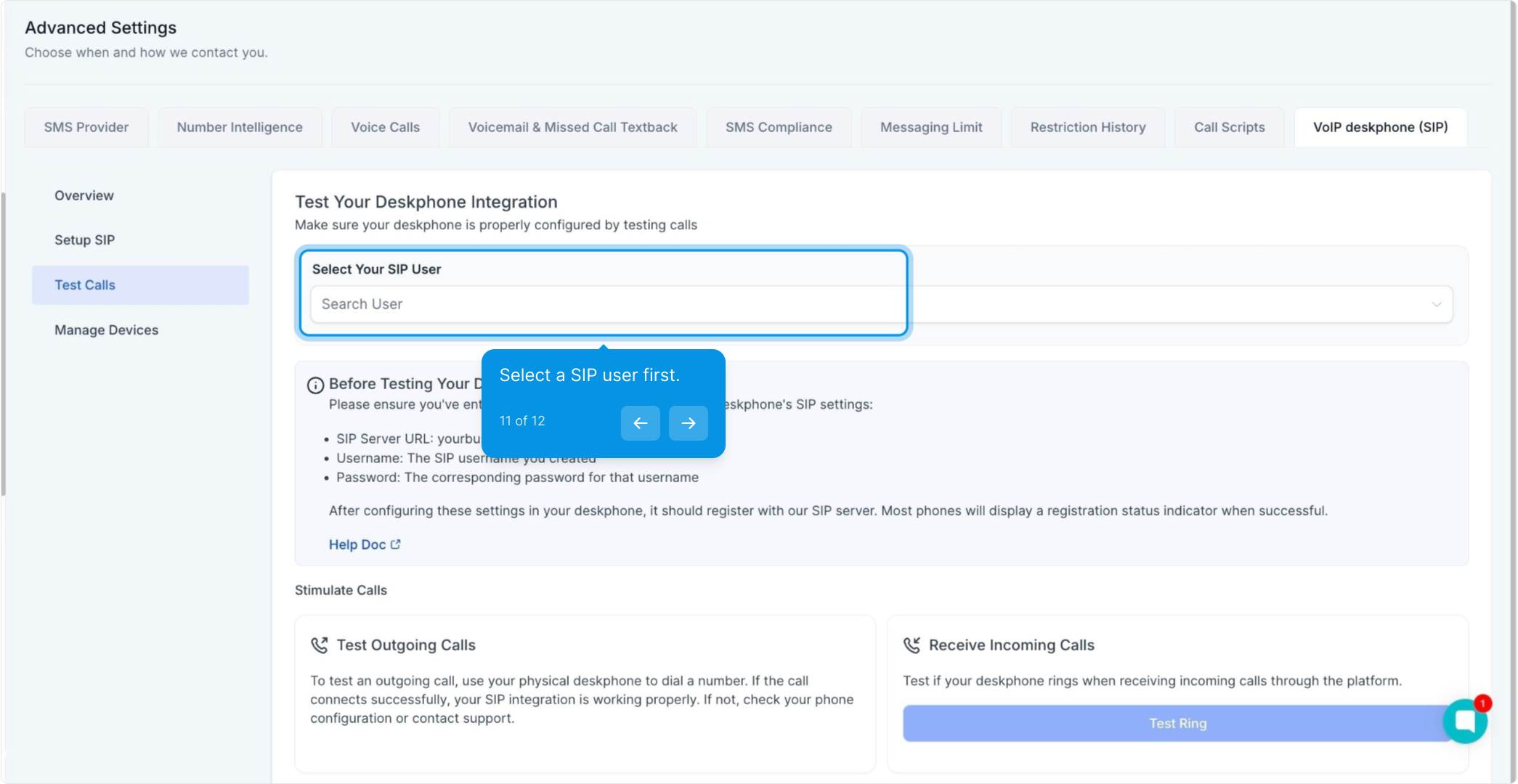
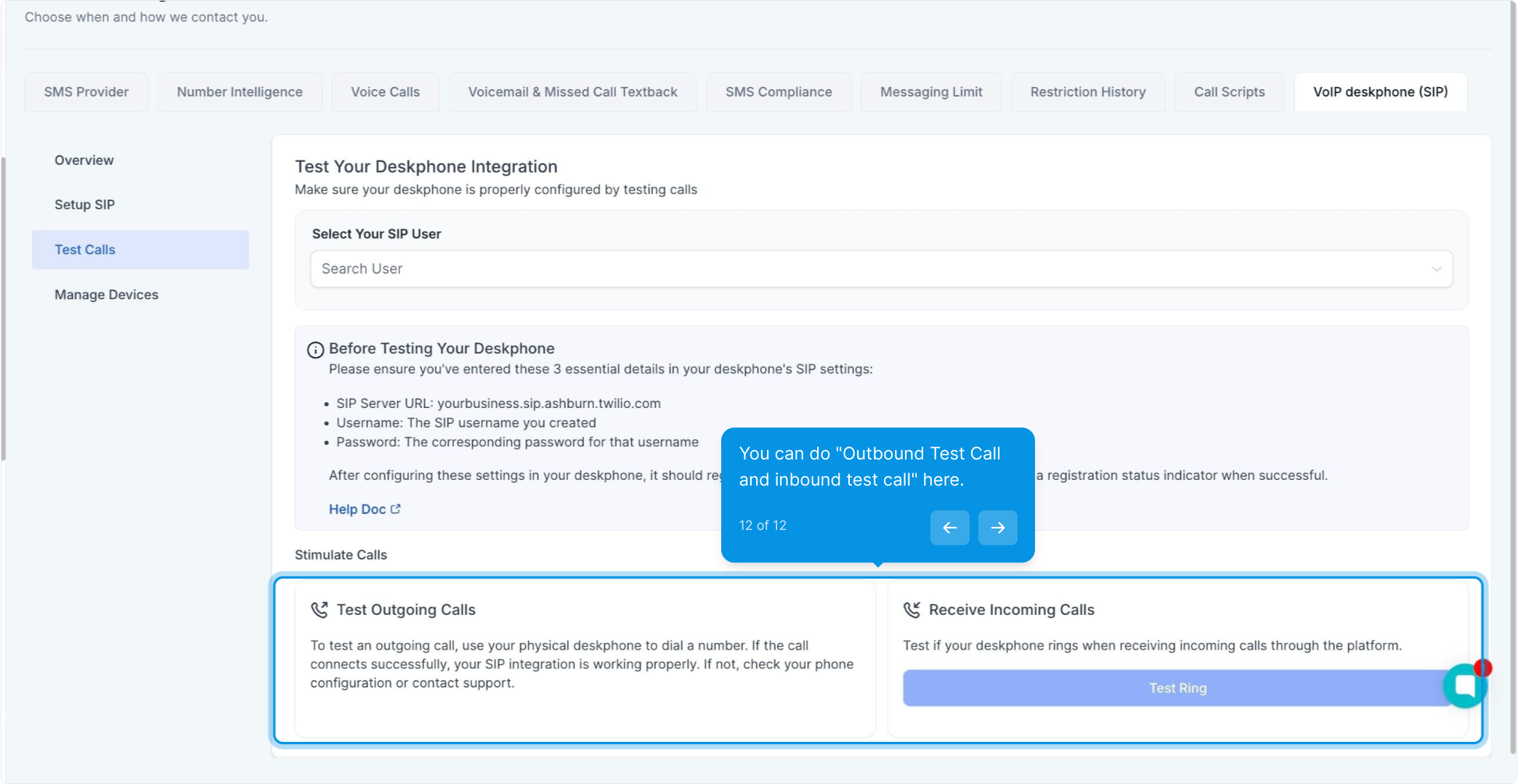
(Optional) Outbound Test Call – Dial the number displayed on screen. If successful, you’ll hear “This is a test call” repeated three times.
(Optional) Inbound Test Call – Click the button to trigger a call to your phone. If it rings, answer and then hang up to confirm audio is working properly.
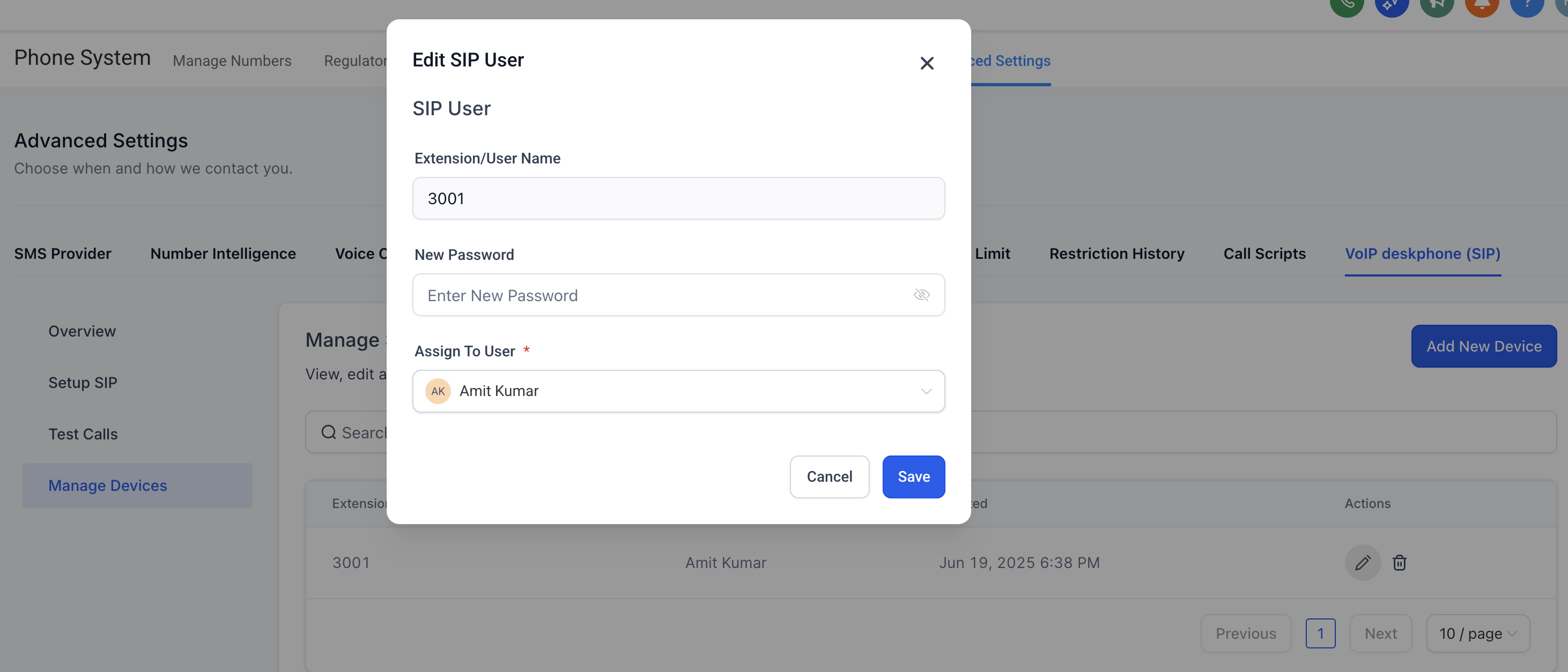
Reset a password: Subaccount Settings → Phone System → Advanced Settings → VoIP Deskphone → Manage Devices → Edit icon
Delete a desk phone: Same menu → Delete (immediately unregisters the handset)
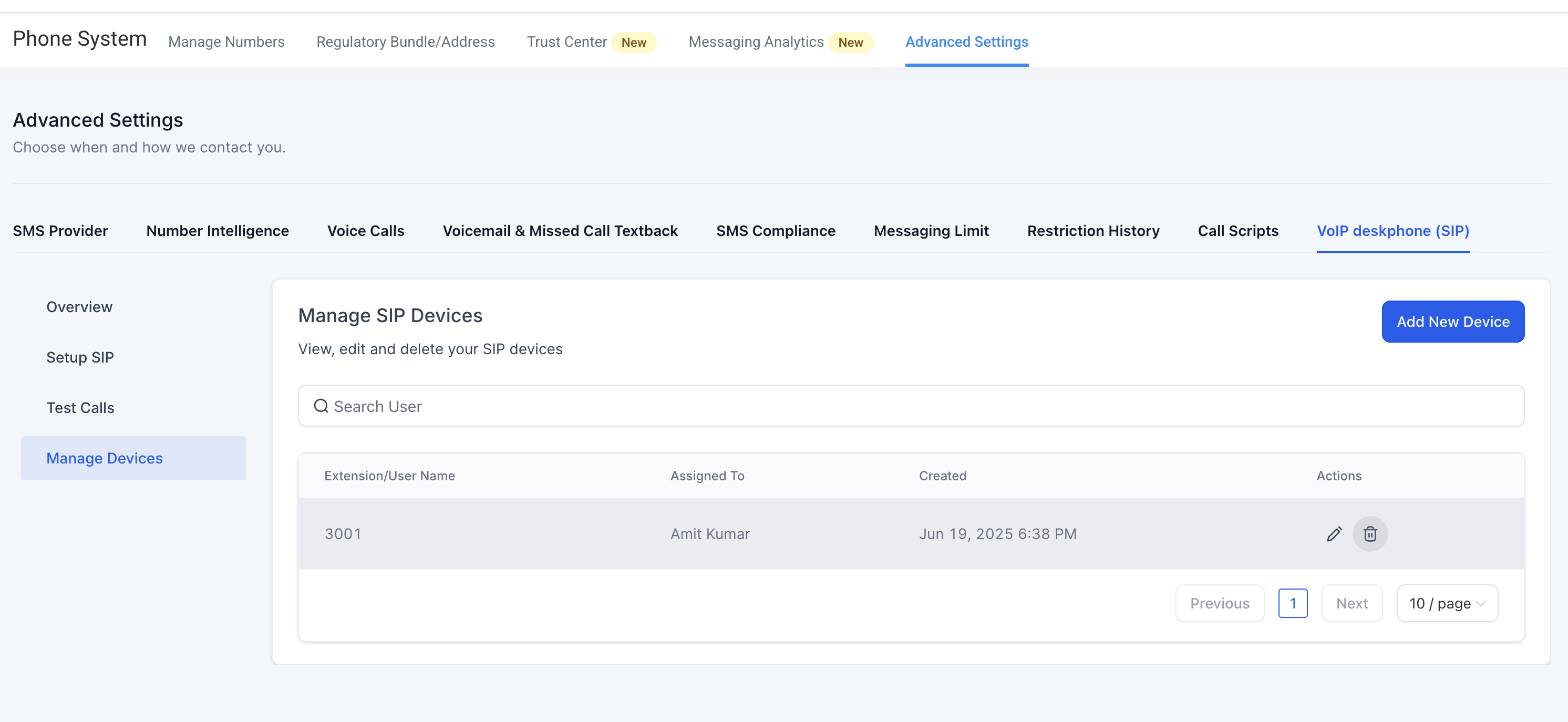
Add another phone: Repeat the wizard (must be linked to a different Konnectd user)
View call logs & recordings: Conversations → All Calls
When a linked Konnectd user is deleted or transferred, the SIP credentials are automatically disabled. Outbound calls return “403 Forbidden”; inbound calls play an intercept message.
Can one location have multiple SIP domains?
Not right now. Most businesses only need one.
Will my existing Yealink / Poly / Cisco phone work?
Yes, if it supports generic SIP registration. Factory-reset first, then follow the steps above.
What happened to “Ring All”?
The maximum members is now 6 (was 7). If you previously had 7, the 7th entry was removed automatically after enabling this feature.
Can two desk phones point at the same Konnectd user?
No. Create an additional (hidden) user for each handset.
Is there an extra charge?
No. Calls made from a deskphone are billed the same as calls from the web or mobile app. Call Transfers from Deskphones do cost an extra $0.10 per transfer (SIP Refer)
Why am I not receiving calls on my Deskphone when I receive a call on my assigned phone number?
It may be because Deskphone device type is not enabled under your staff settings. Enable it under Settings > My Staff > Edit Staff > Call & Voicemail Settings
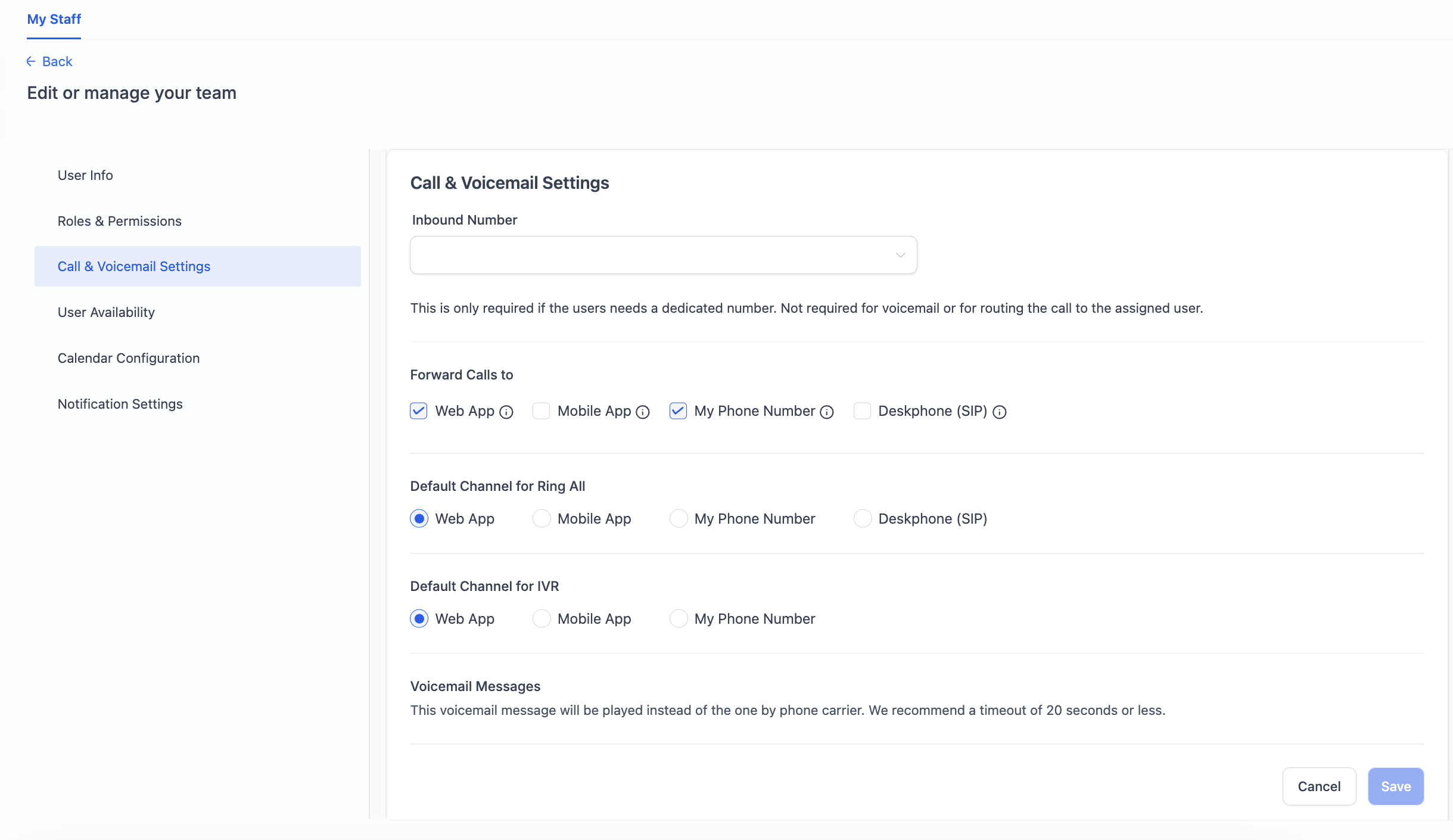
Why am I not receiving IVR calls on my Deskphone?
IVR calls are currently not supported on Deskphones but we're working on supporting it.
401/403 Unauthorized – verify username and password (case-sensitive).
No audio – make sure UDP 10000-20000 is open on your firewall.
Phone rings but can’t answer – check that RTP ports aren’t blocked by NAT or SIP ALG.
Can’t save SIP domain – the name is already taken; edit it or accept the suggested increment.
