
✨ Why You’ll Love It:
⚡️ Faster Setup
Skip the writing. Start with a ready-to-edit voice profile in seconds.🛠 Flexible
Easily tweak the output to better match your style or audience.🙌 Simple to Use
Just paste a link or text. No complicated fields or forms.
🧭 Step-by-Step: Generate a Brand Voice from URL or Text
✅ Step 1: Open Brand Boards
Navigate to Brand Boards

➕ Step 2: Click “Add Brand Voice”
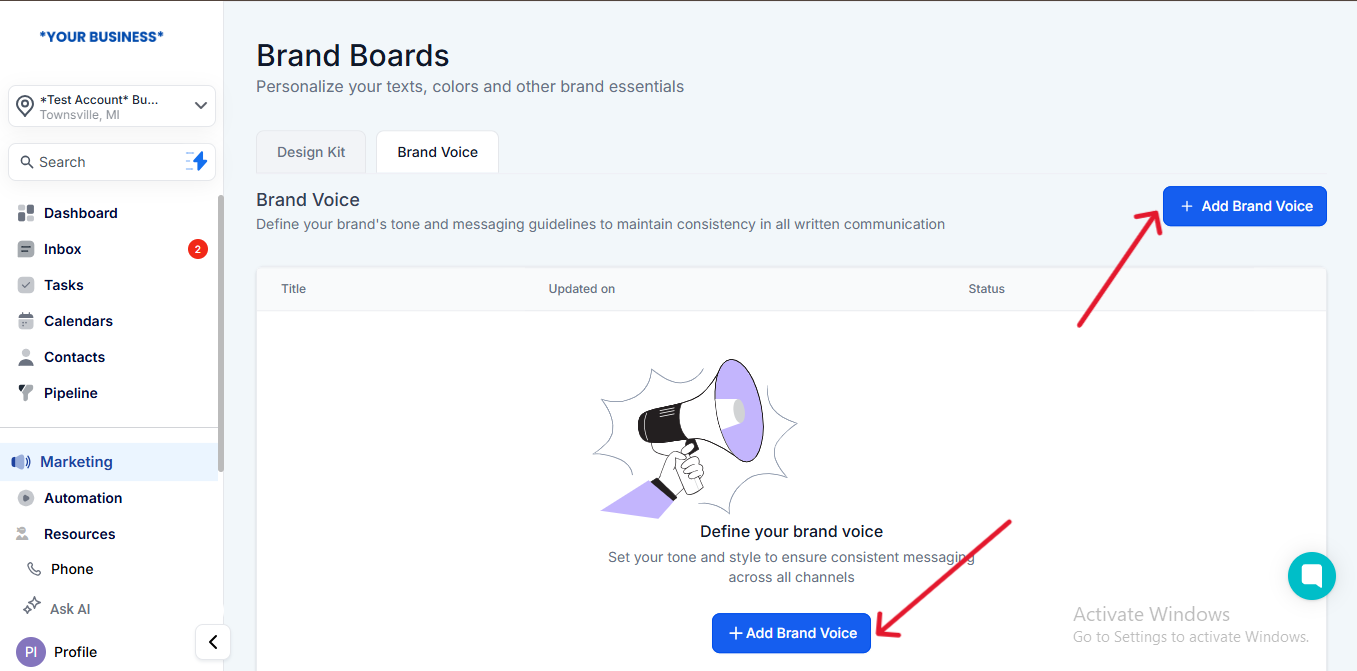
🌐 Step 3: Select “Create with URL or Text”
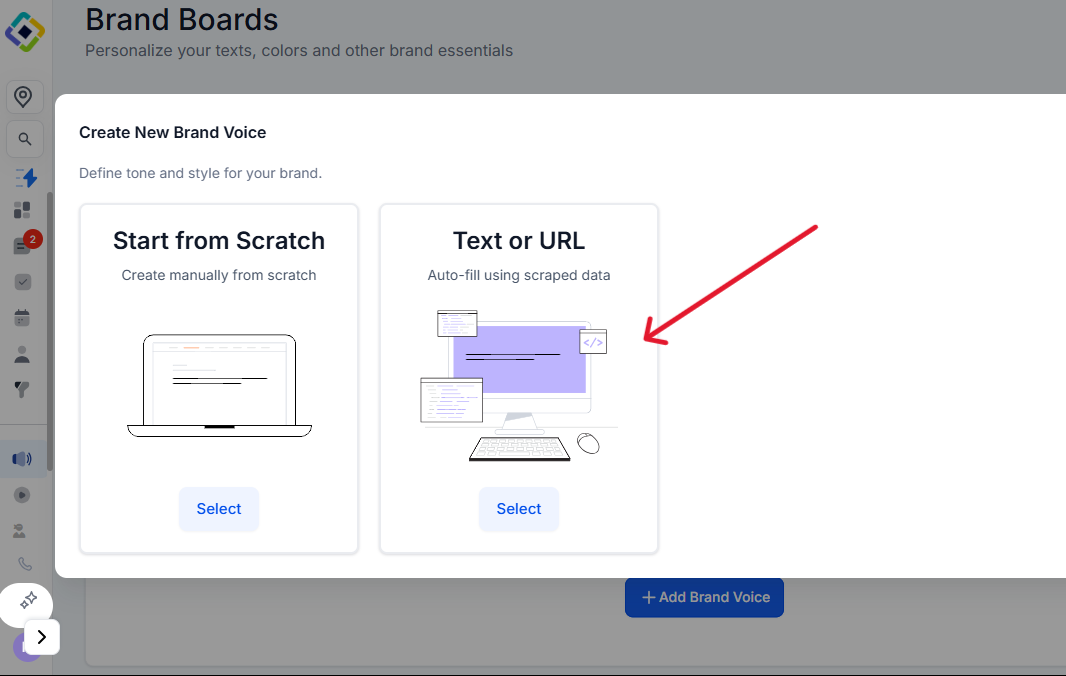
🖋 Step 4: Paste Your Website URL or Brand Copy
Either drop your website link
Or paste sample brand messaging text
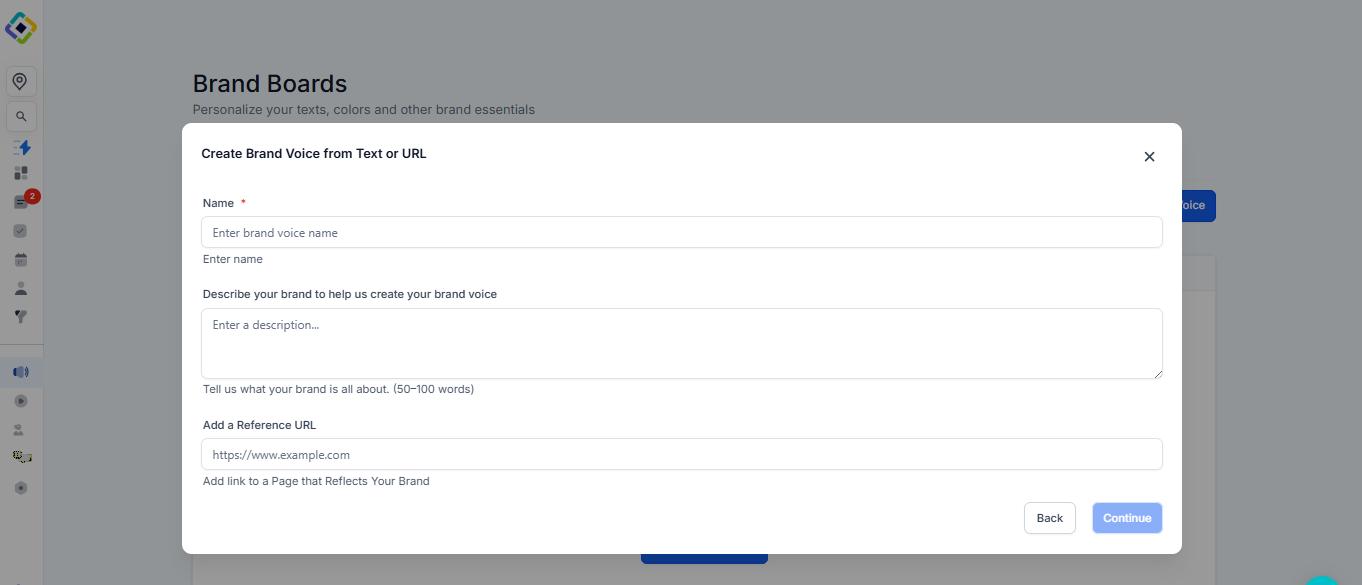
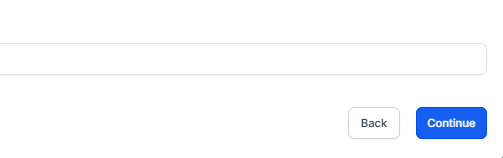
⏩ Step 5: Click “Continue”
The system will scan and generate your Brand Voice instantly
🧰 Step 6: Review & Edit Your Voice
Customize tone, style, vocabulary, and more
Save when you're done—your voice is ready to use across the platform