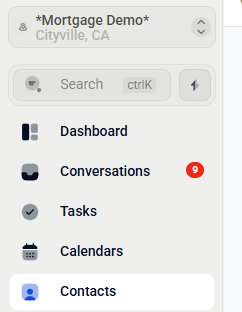
From your LO Ninja dashboard, click on the Contacts tab in the left-hand menu.
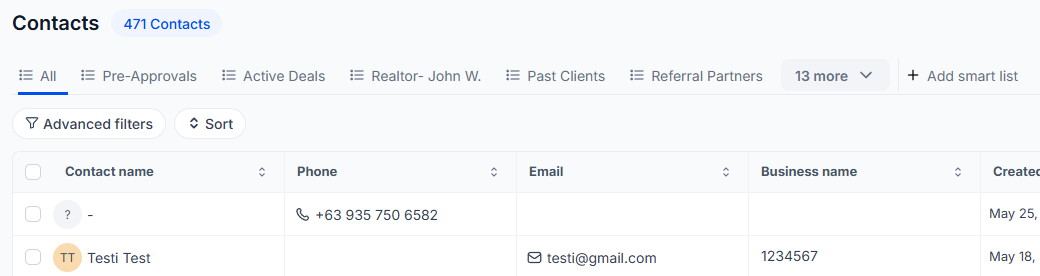
Step 2: Filter or Select Your Past Realtors
Use filters or tags to locate your Realtors Smart list. Alternatively, manually select the contacts you'd like to include.
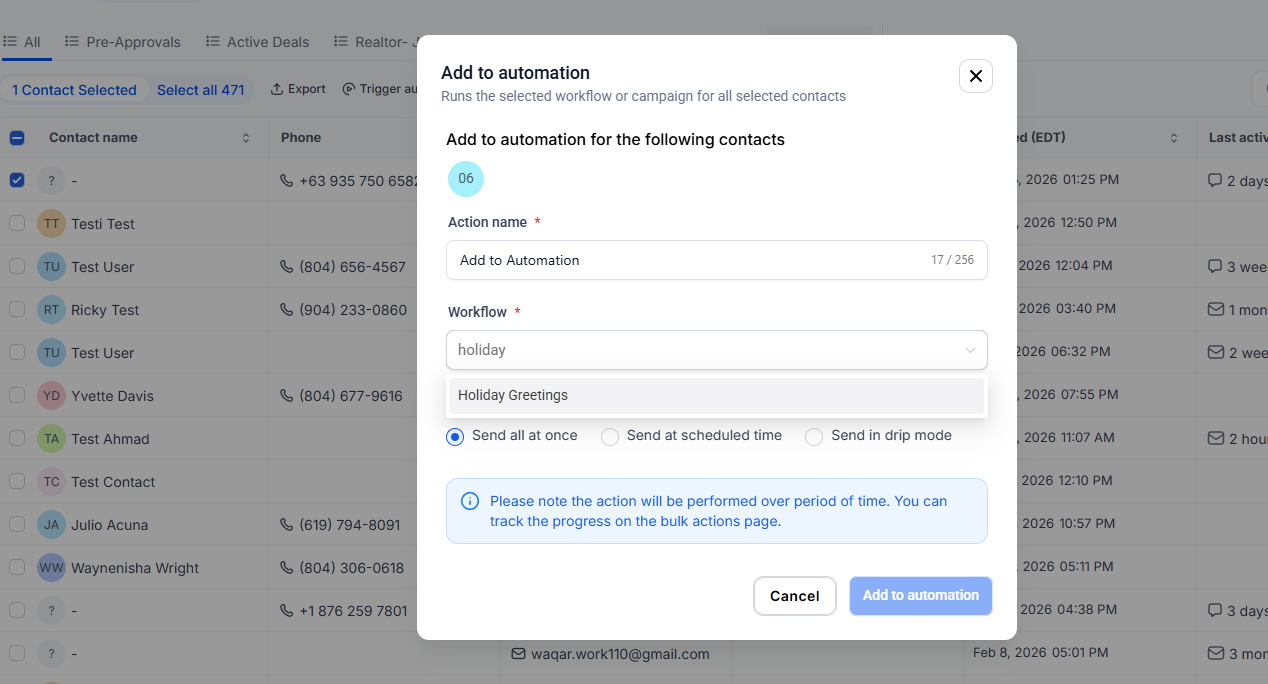
With your desired contacts selected, click on the Actions menu and choose Trigger Automation. In the search bar, type "Holiday" and select it to add your contacts.

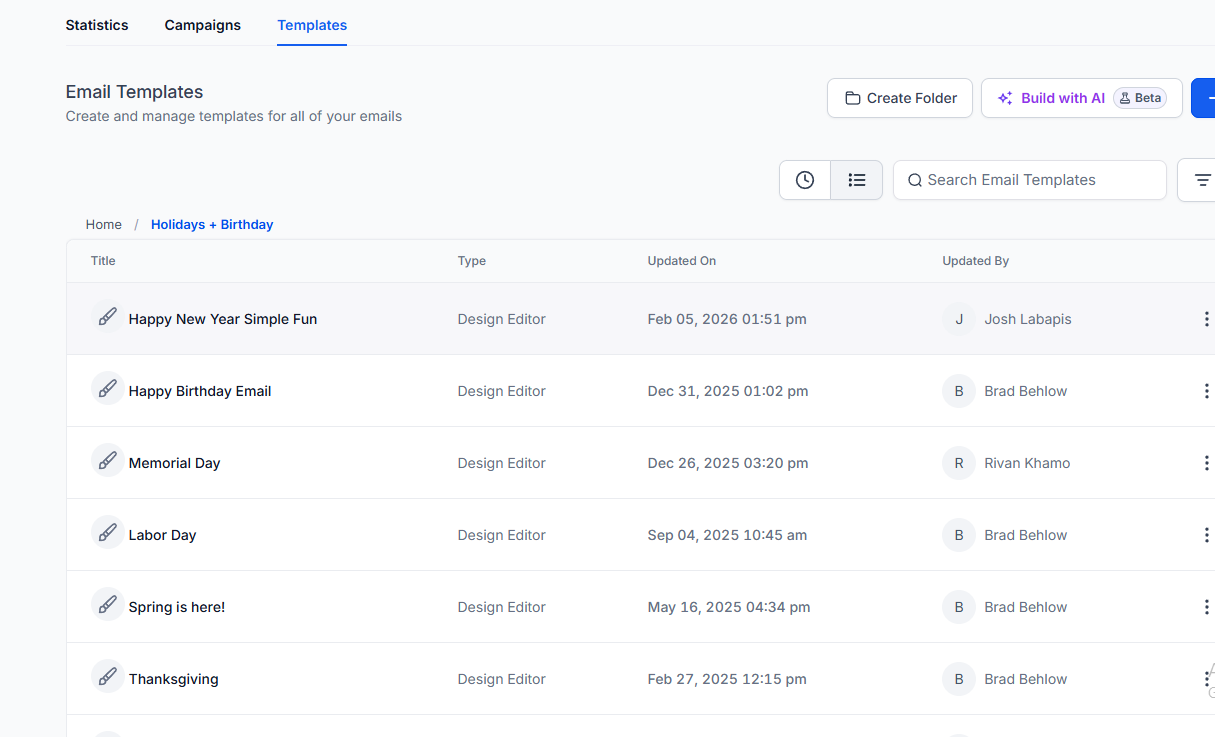
To view or customize the holiday messages:
Navigate to Marketing in the left-hand menu.
Click on Email Marketing.
Select Templates.
Open the Holidays folder to browse available templates.
Your realtors will now receive personalized holiday greetings automatically, helping you maintain strong relationships throughout the year.
