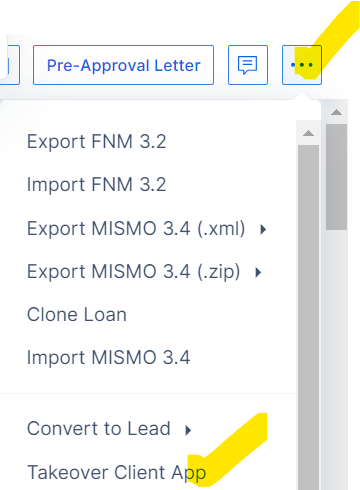
Will my phone application show up in LO Ninja?
**REQUIRED STEP**
To sync a phone app with LO Ninja, complete it in ARIVE and then click “Takeover Client App” to mark it as submitted. This action triggers the sync and moves the borrower to “App Completed” in LO Ninja, ensuring workflows and automations fire correctly. Skipping this step means the CRM won’t update to the App Completed stage.