✅ What Gets Triggered Automatically:
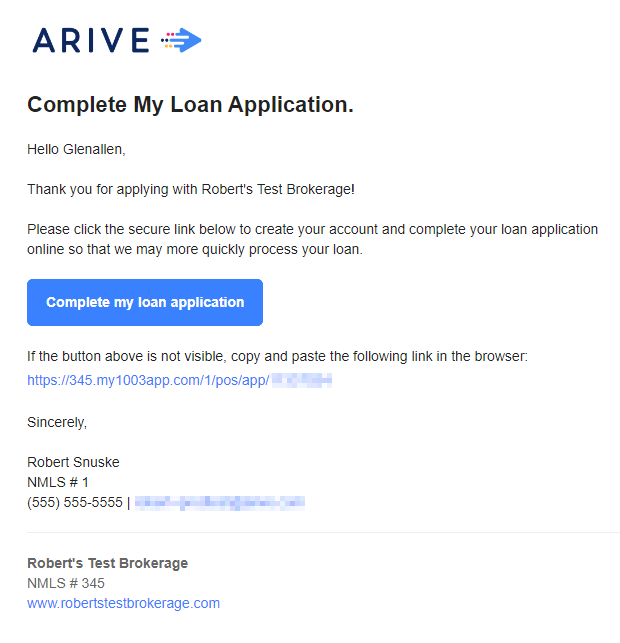
When a borrower starts a new app in ARIVE, LO Ninja picks it up instantly and begins follow-up workflows (named “App Intake”)—especially helpful for incomplete apps.
Once a borrower submits their full app (1003), they’re moved into the App Completed stage in LO Ninja, triggering workflow (named “App Completed” with emails, texts, and task flows that guide them through the next steps.
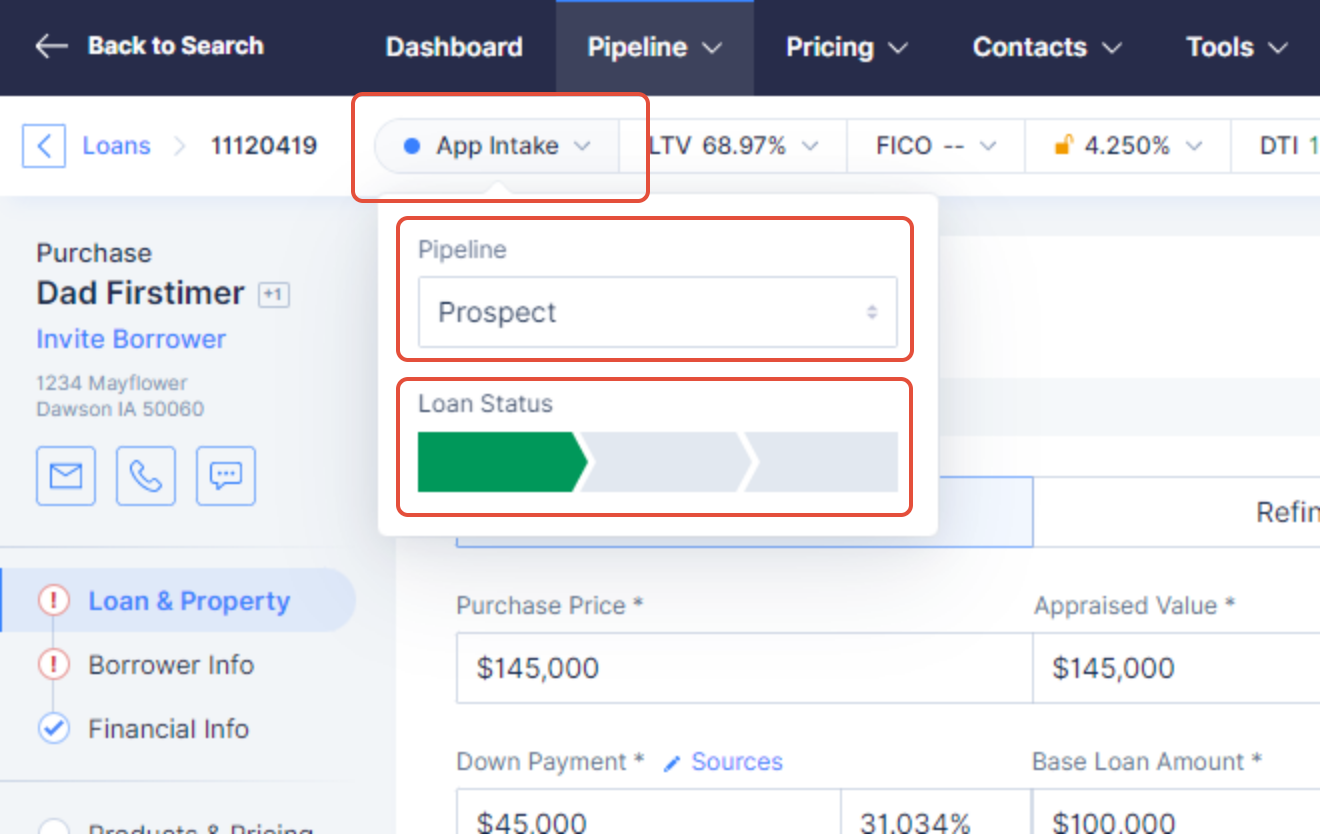
Every stage update in ARIVE (e.g., Loan Submitted, Underwriting, Clear to Close) is mirrored in LO Ninja, which then sends out the right messages to clients, agents, or both.
The sync starts from the day it’s officially live in your account. Past updates in ARIVE won’t be pulled in.
If you miss a stage update, you can simply re-select the same stage in ARIVE and click “Save & Continue” to push it through without triggering duplicate workflows or messages in the CRM.
**REQUIRED STEP**
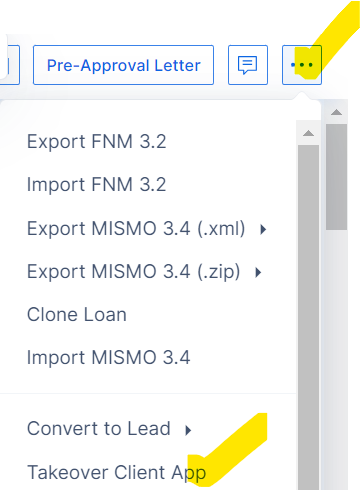
If you complete a phone app in ARIVE, it will sync with LO Ninja. Just be sure to click “Takeover Client App” in ARIVE to mark it as submitted — that’s what pushes the data over.