
Step 1: Copy your Arive Application Link
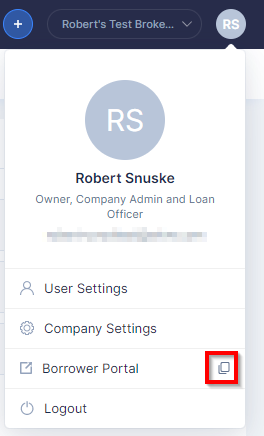
Step 2: If Konnectd does not have your application link set up already, send it to our support team!
Click here to send your Arive Link to [email protected]
Step 3: Set up a URL Redirect
1. Go to Settings > URL Redirects
From the left-side menu, click Settings, then choose URL Redirects.
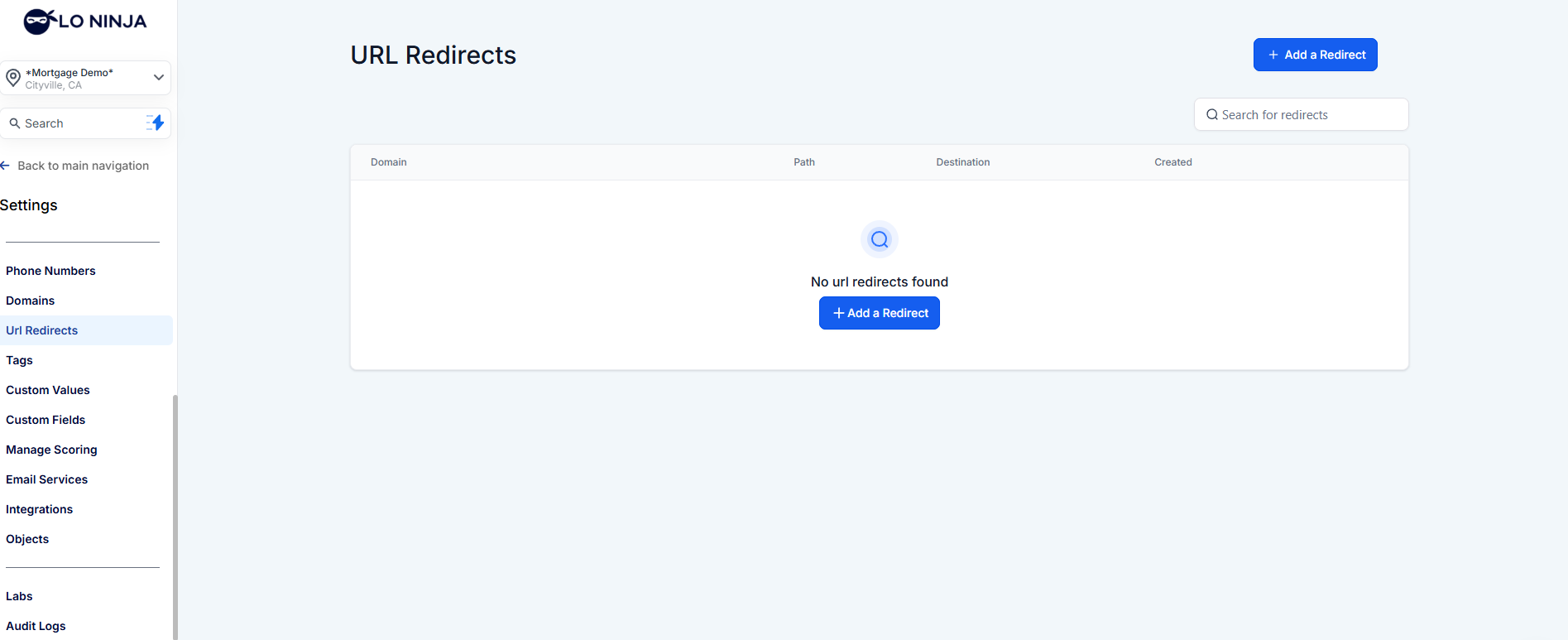
2. Add a New Redirect
Click the blue button “Add a Redirect”
Choose the domain (connect a domain if one is not yet attached, then come back to this step.)
Set the path (for example: yourdomain.com/john) - john would be the “path”
Add your application link to the Target URL (e.g.,
https://ariveapplicationlink.com/your-name)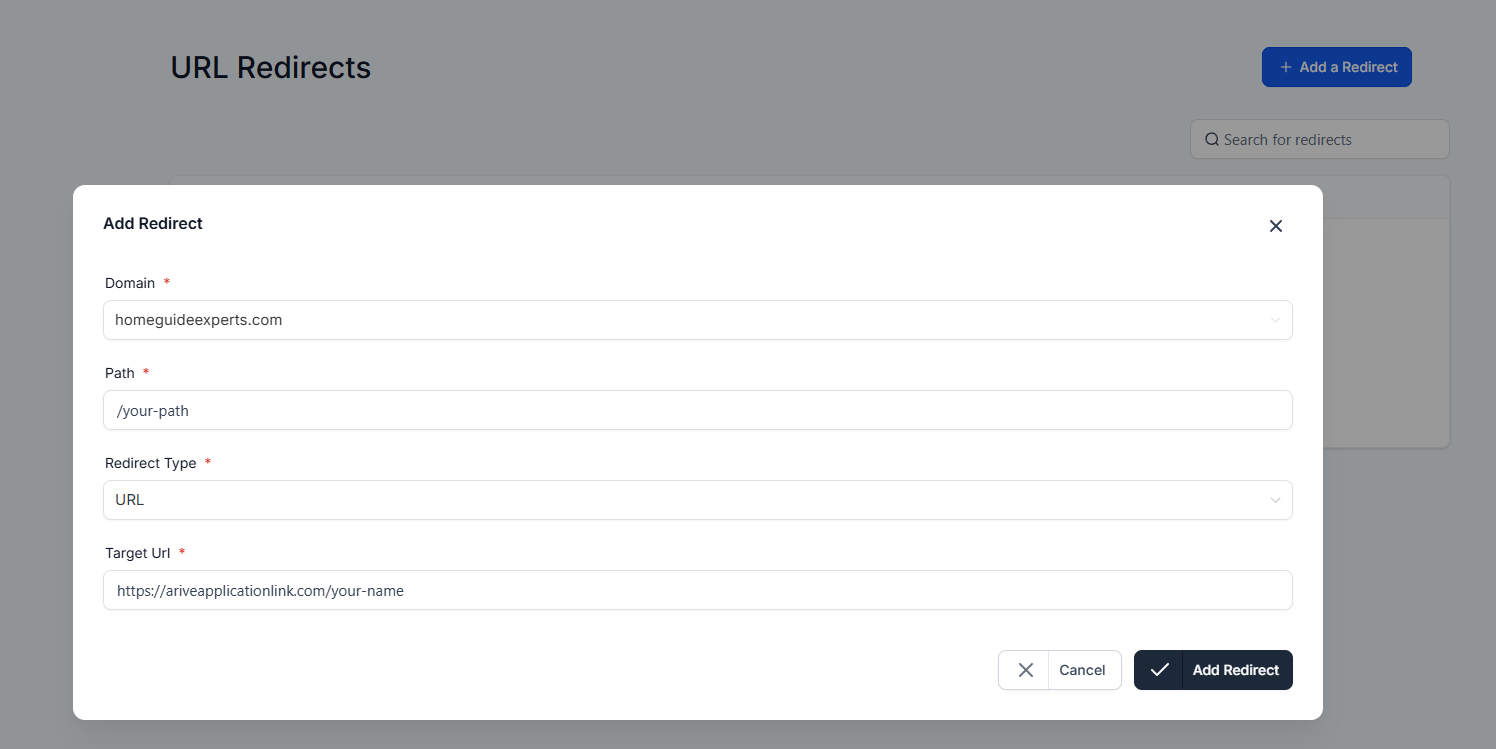
3. Save Changes
Click Add Redirect to save changes.