The Power Dialer in LO Ninja makes calling fast and easy. It dials one contact at a time until someone answers, letting you add a note before moving to the next call.
This saves time since you don’t have to dial each number yourself or get distracted. It helps you talk to more people, answer questions faster, and close deals quicker.
1) Start in the contacts page
2) Select which contacts you want to dial out to
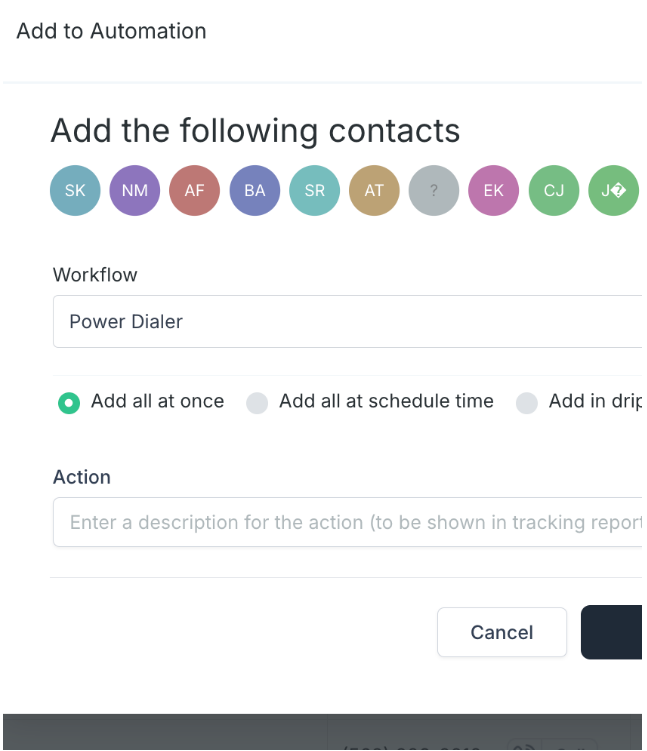
3) In the blue action bar, add select "Add To Workflow"
4) Search for "Power Dialer Pt. 1"
Access the dialer:
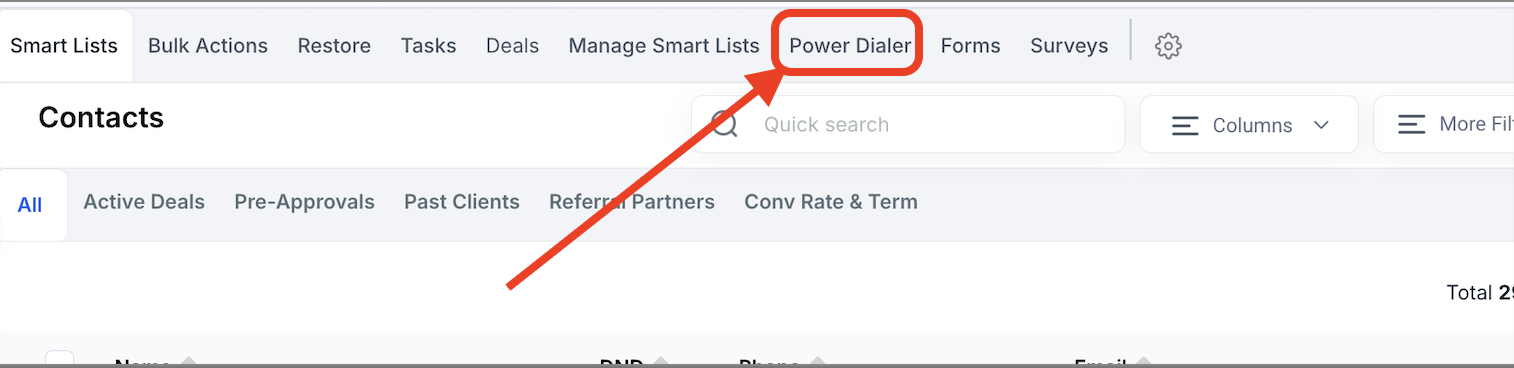
Option 1: Contacts Page > Top Menu Bar
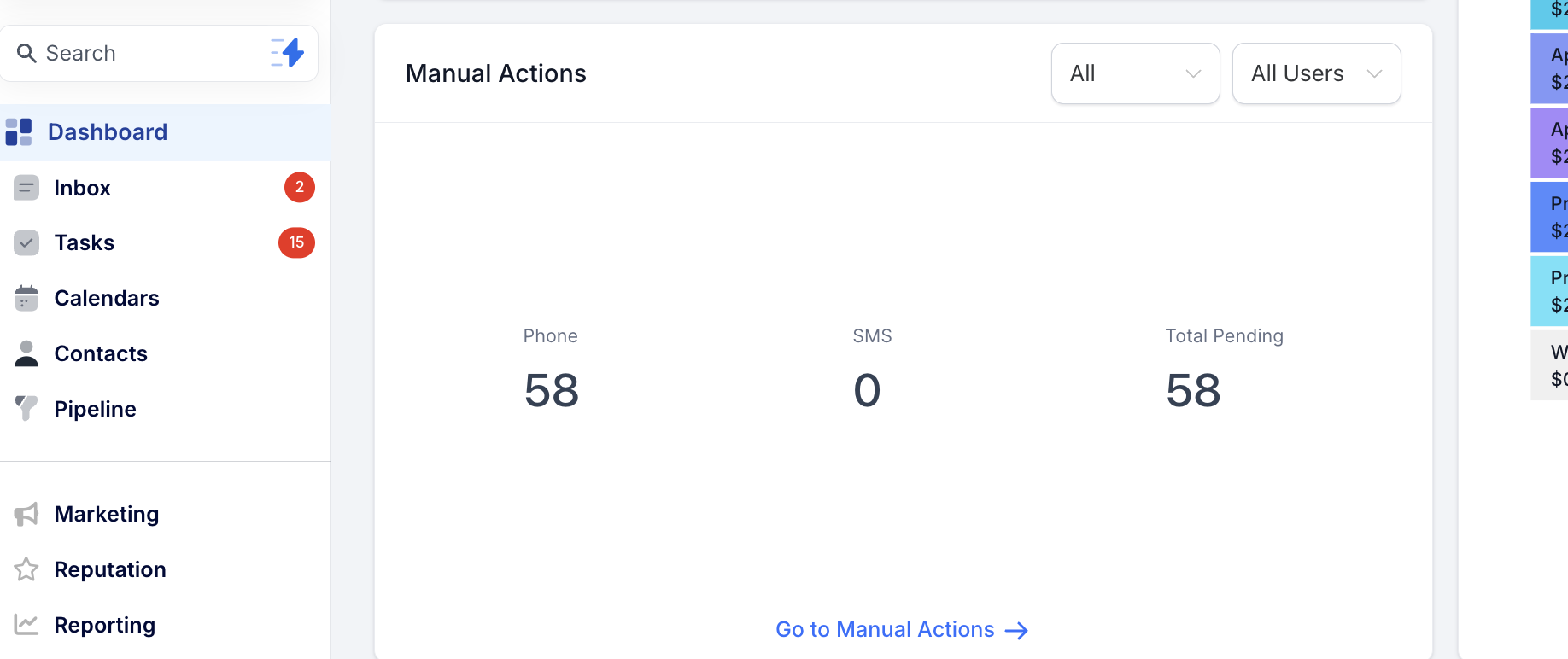
Option 2: Dashboard & find the "Manual Actions" section.
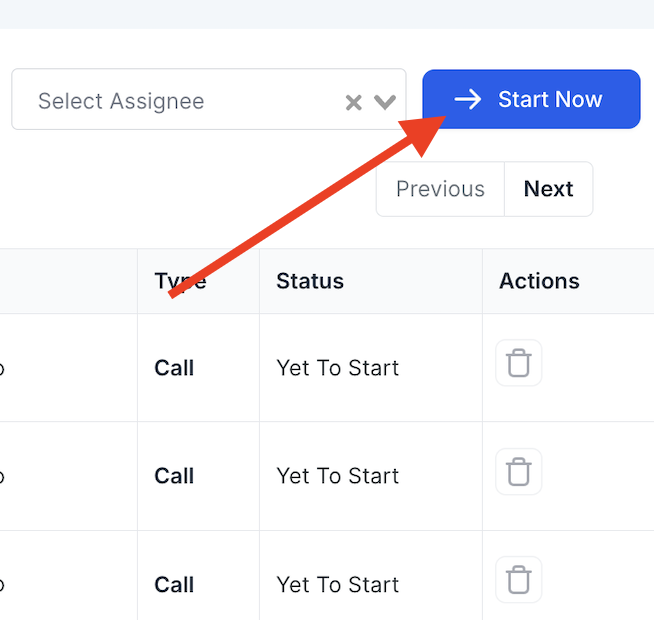
Step 2: Click “Start Now” and the first number in the list will begin to dial.
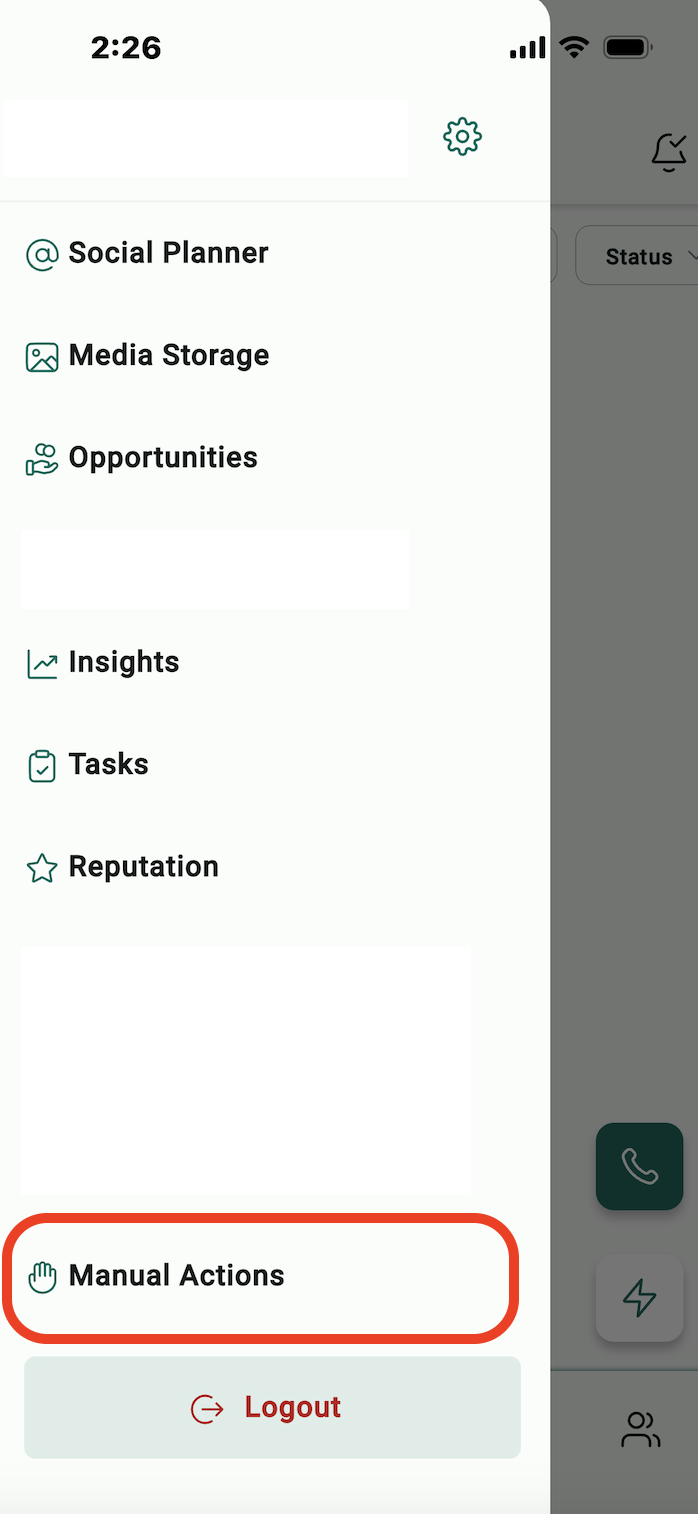
Open the menu on the left side to access "Manual Actions"
Use the buttons on the bottom right to pause or go to the next call
Phone Scripts
Click Here For Realtor Scripts
