Step 1: Log in to GoDaddy
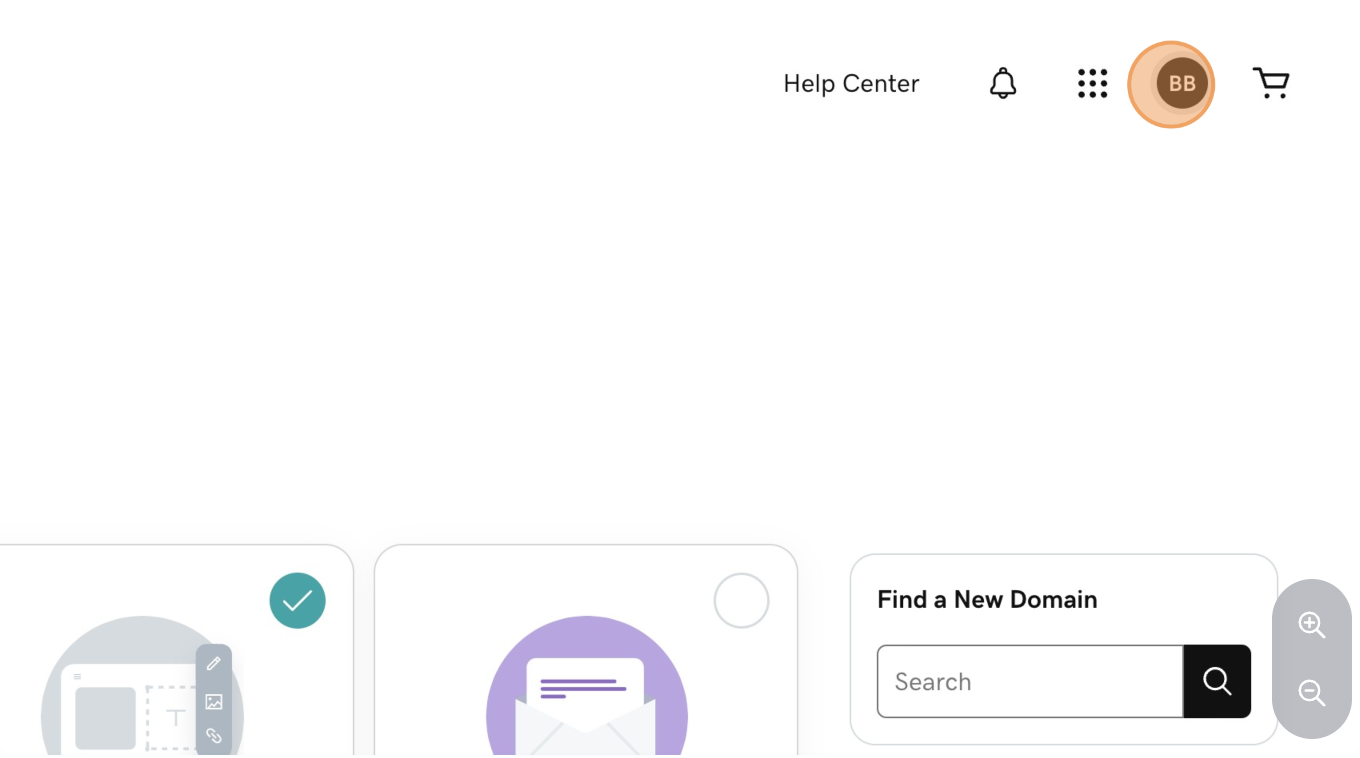
Step 2: Click Your Profile
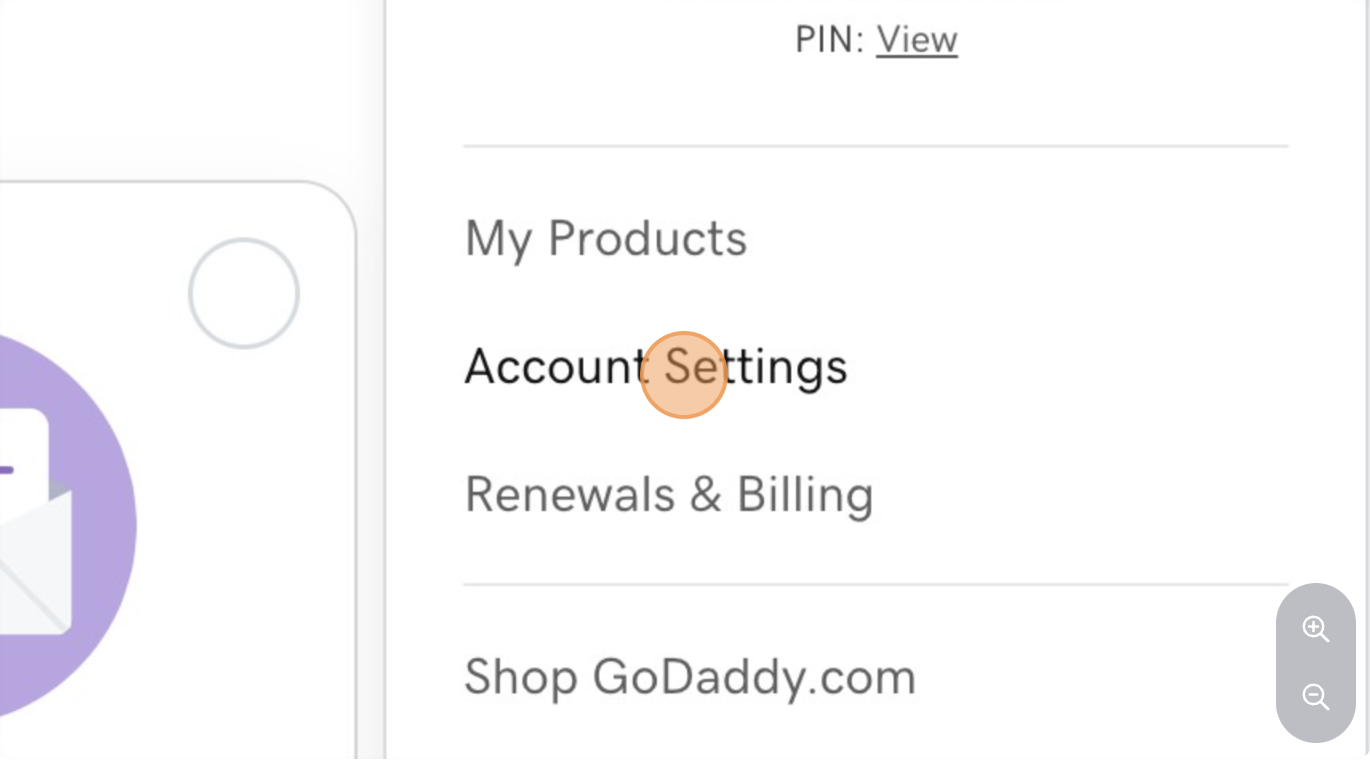
Step 3: Click "Account Settings"
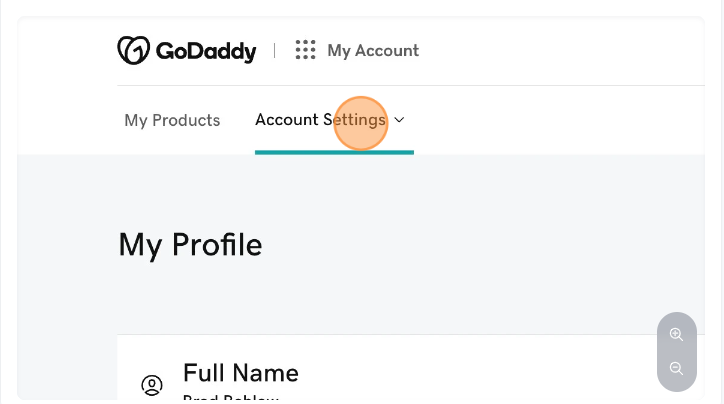
Step 4: Click "Account Settings"
Step 5: Click "Delegate Access" from the Dropdown
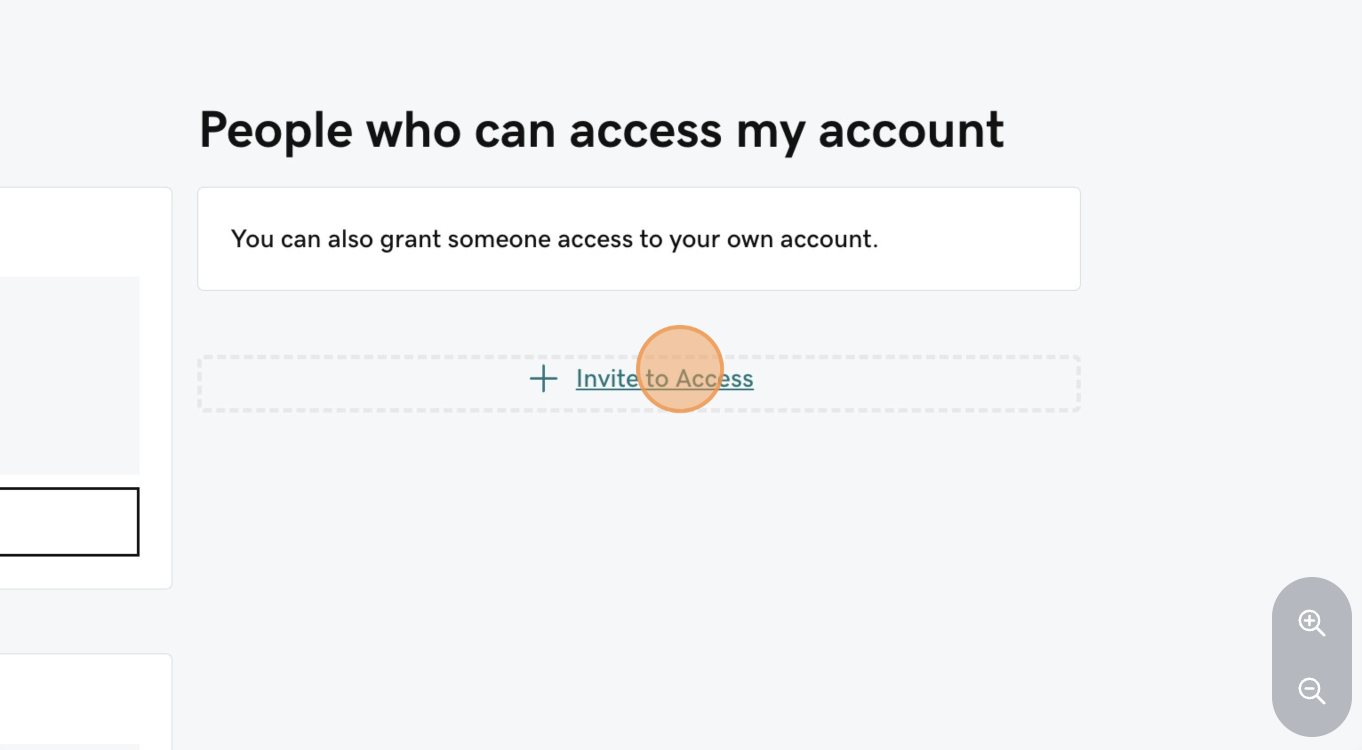
Step 6: Click "Invite to Access"
Step 7: Enter "Konnectd" as the name
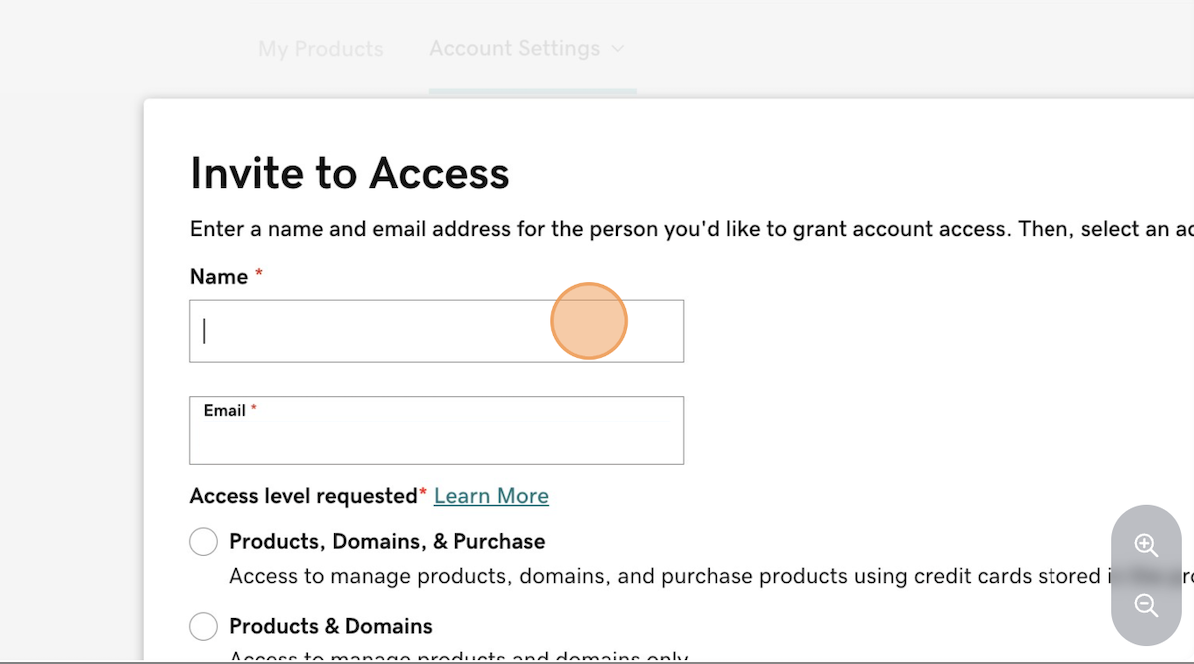
Step 8: Enter "[email protected]" as the email
Step 9: Click the "Products, Domains, & Purchase" Access Level
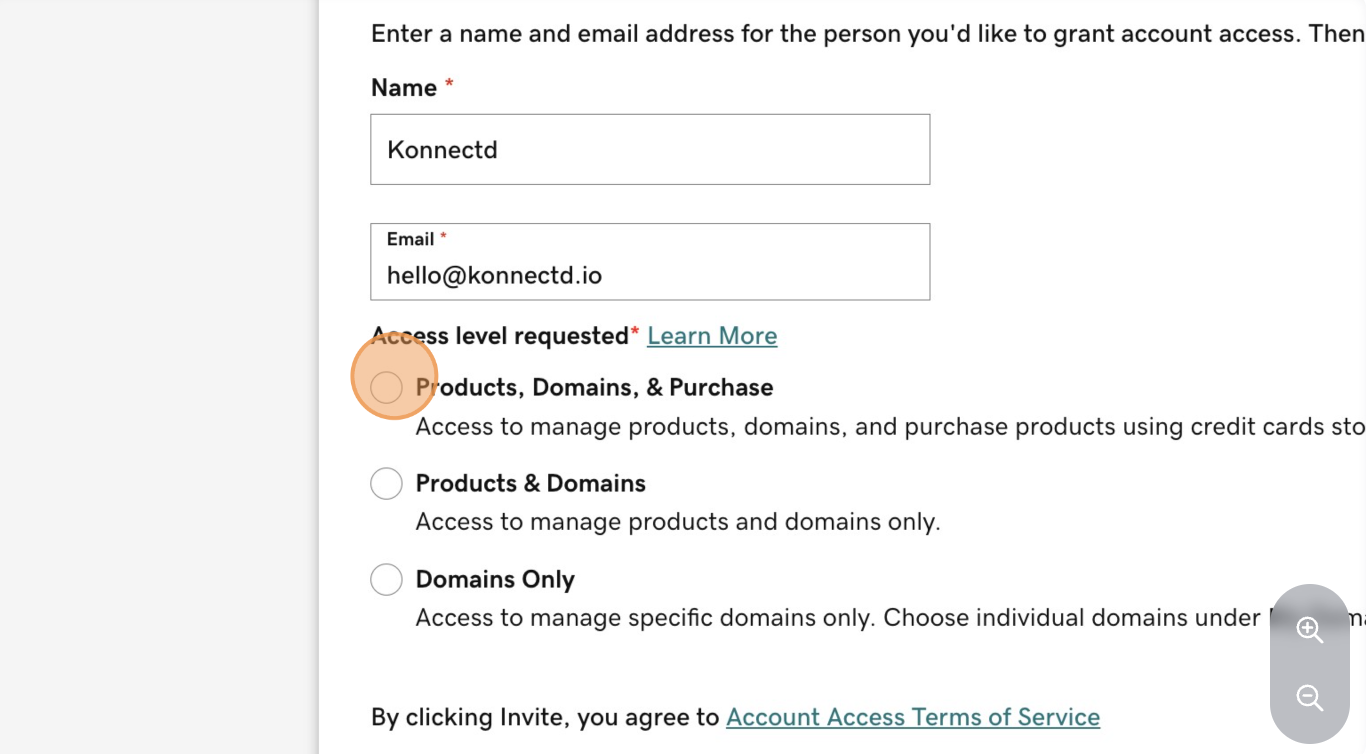
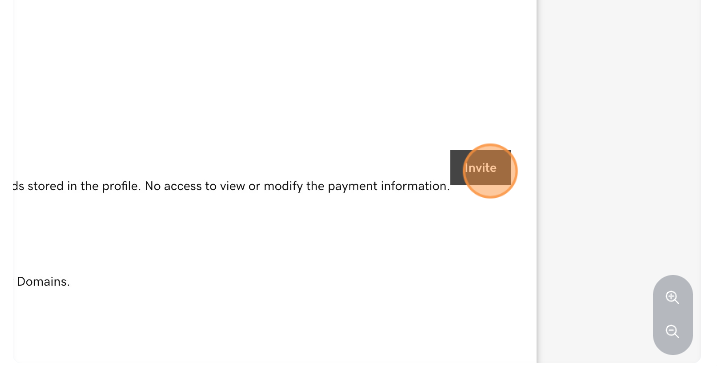
Step 10: Click "Invite"