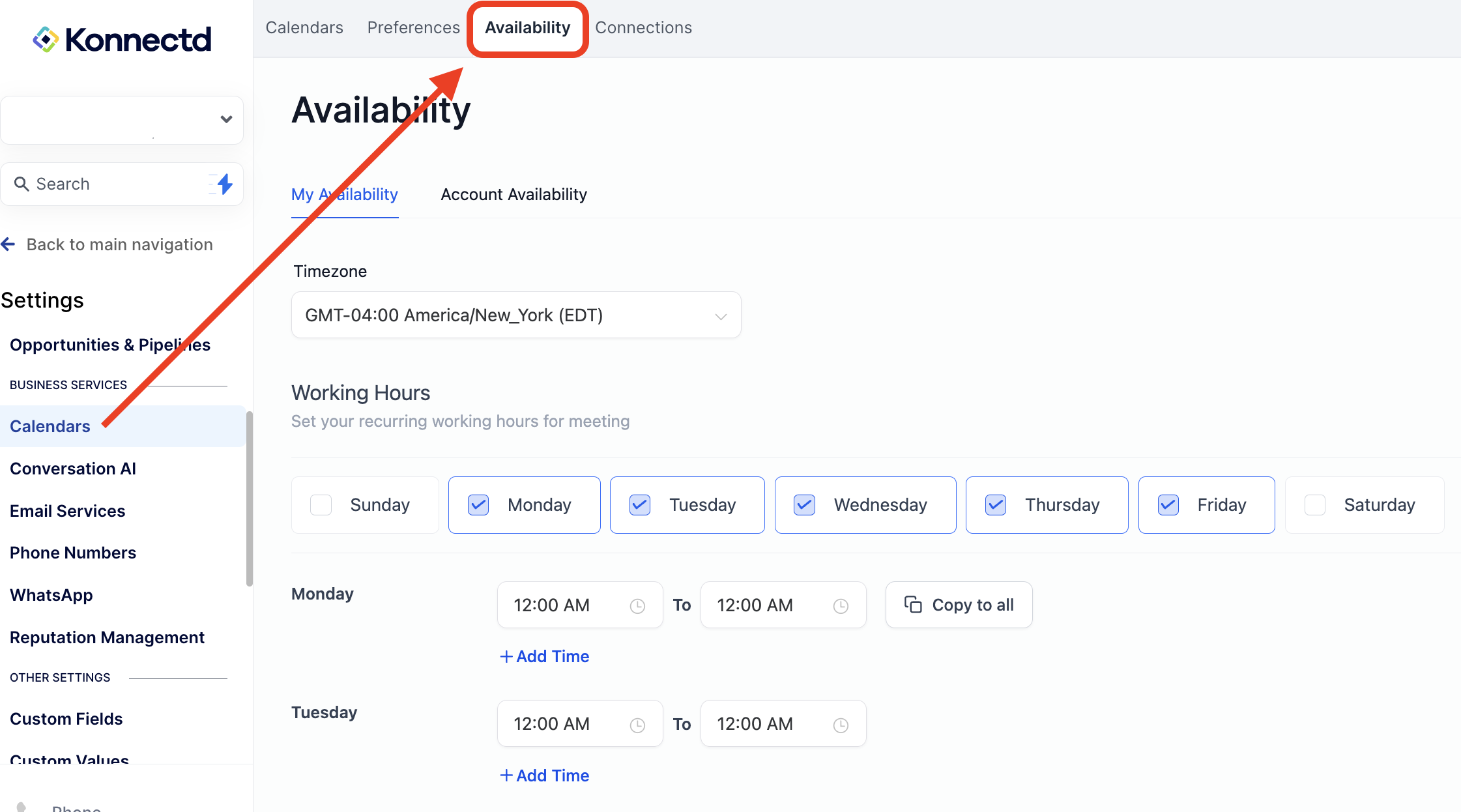
Step 1: Navigate to Settings > Calendars > Connections
Connect your Google, Outlook, or iCloud calendar
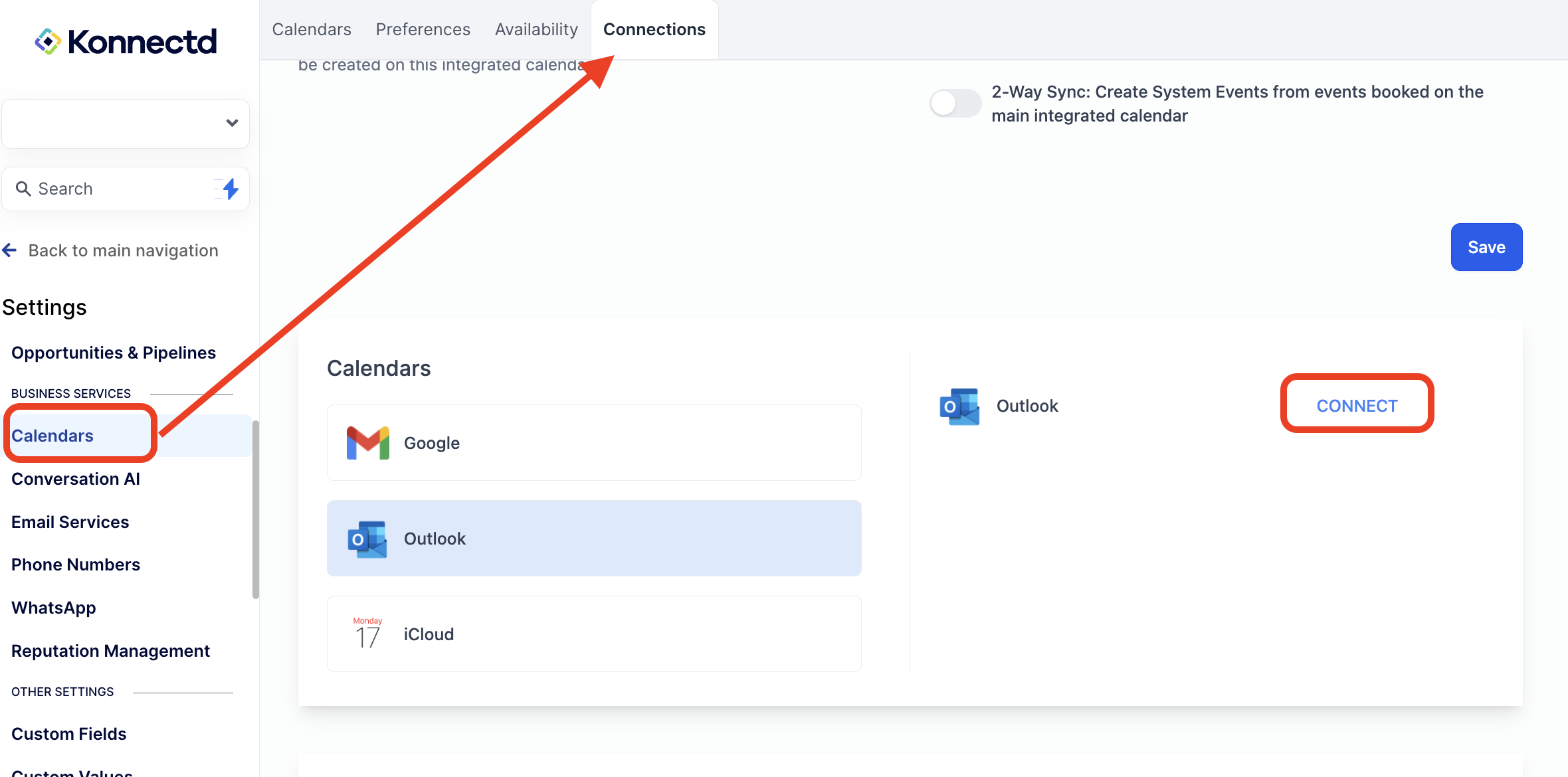
Google Outlook

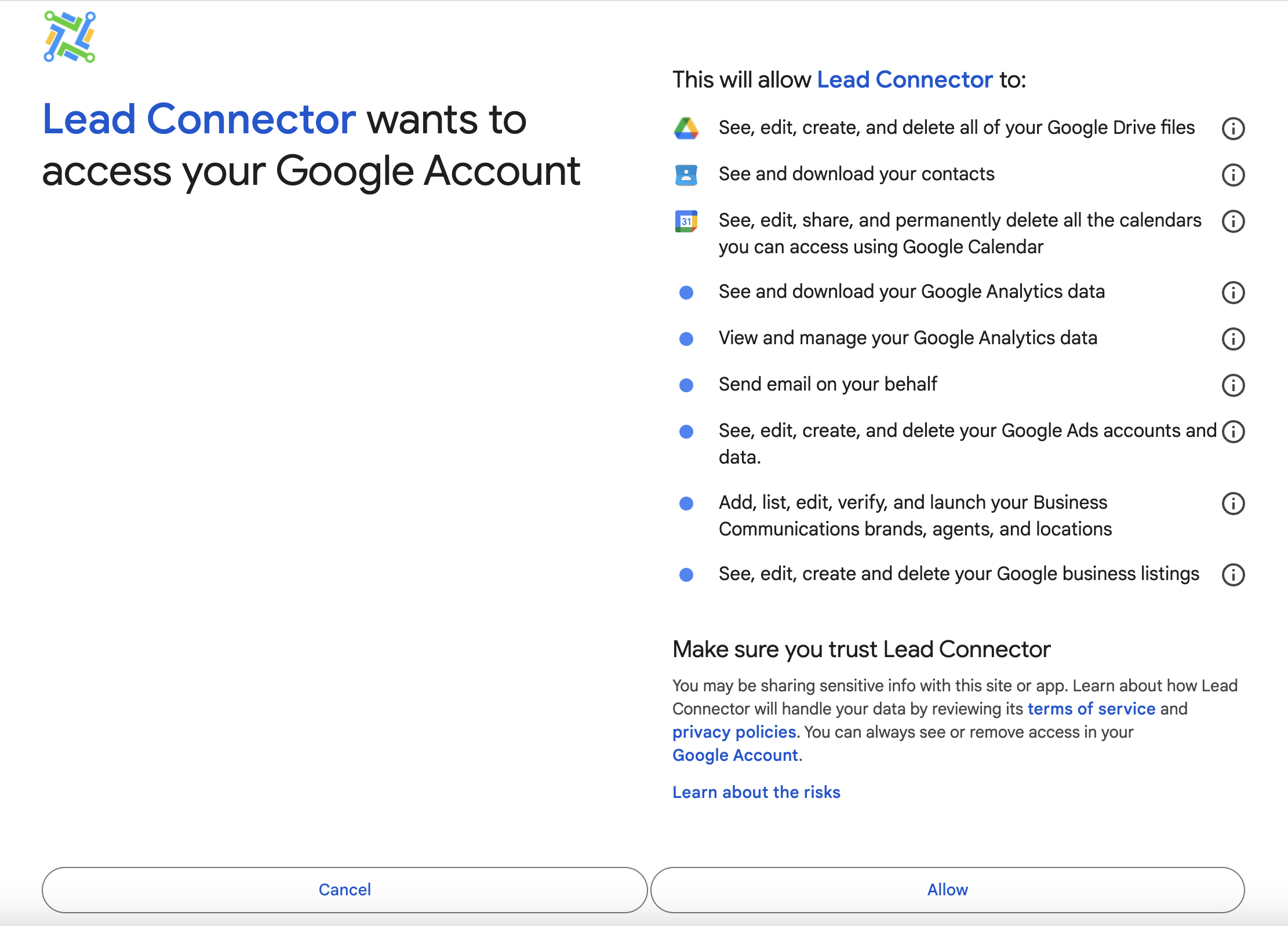
Allow Permissions
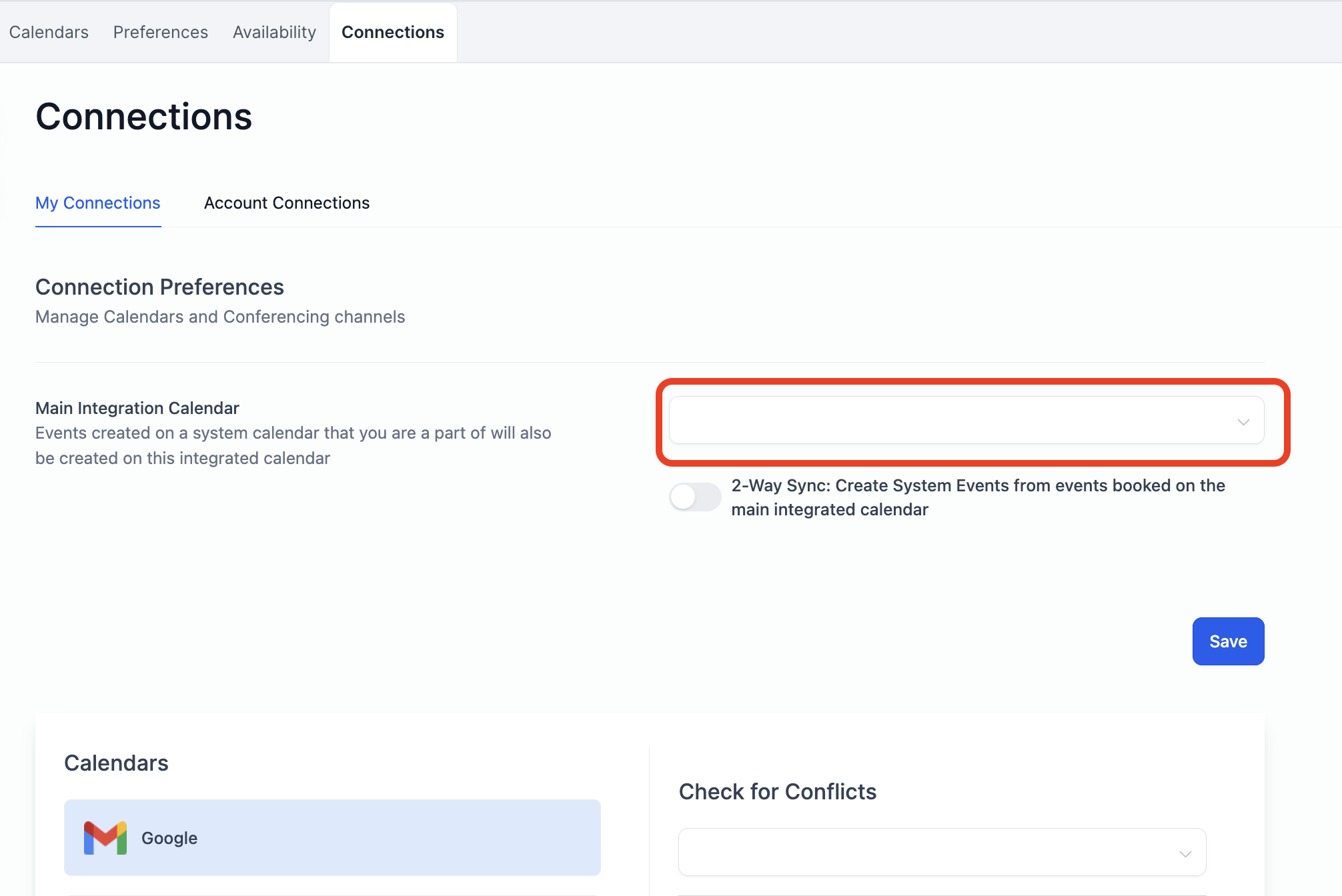
Select your Primary Calendar from the dropdown
Step 2: Set Your Availability
Your integrated calendar takes priority, followed by the availability you set here:
Timezone
Personal availability (This is your hours that clients can choose to book appointments with you) ie. M-F 9am-5pm
Save your availability!