
(Conversations will only sync into Konnectd if the contact already exists in the CRM)
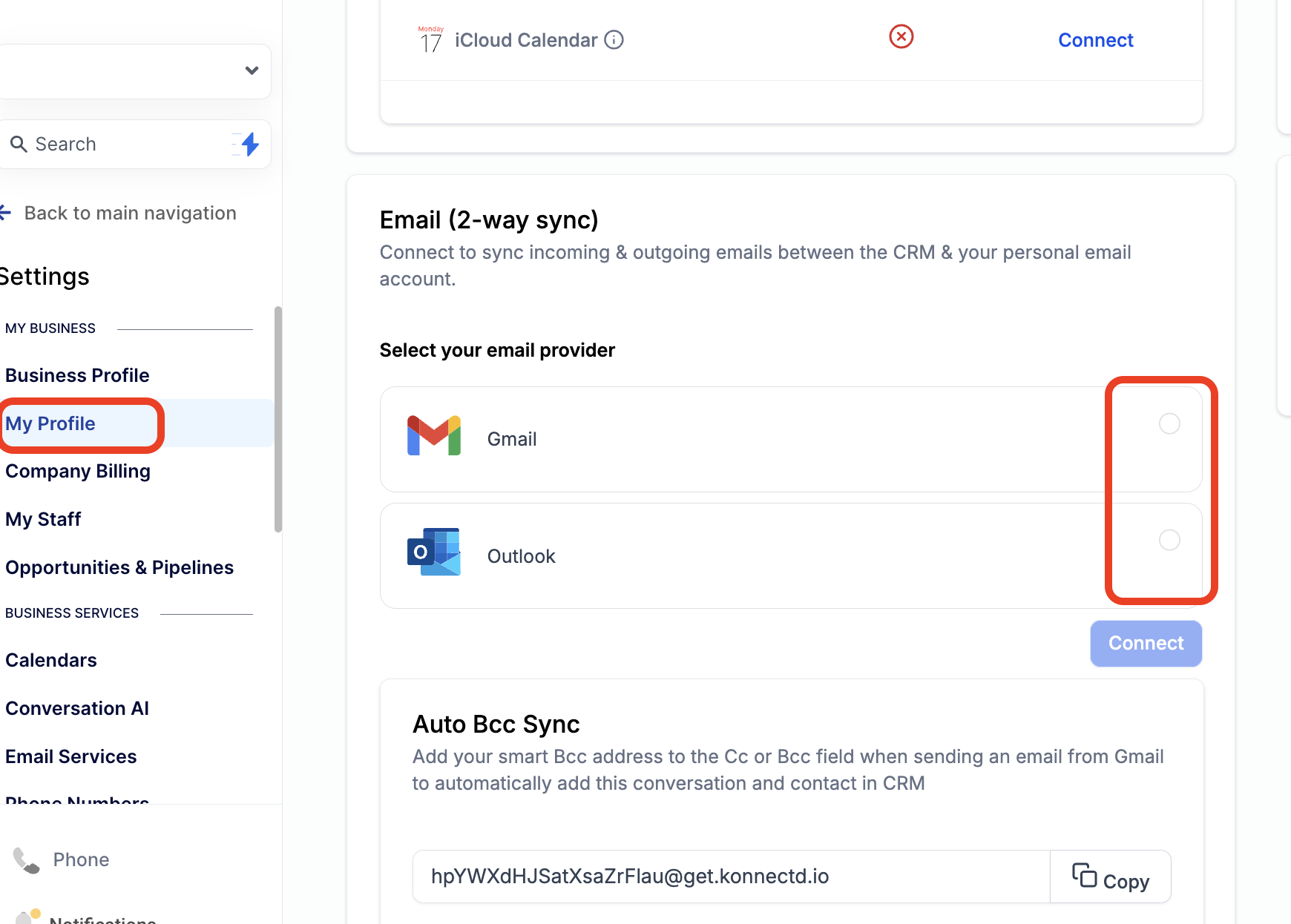
Step 1: Navigate to Settings > My Profile
Find "Email (2-way sync)" on the My Profile page
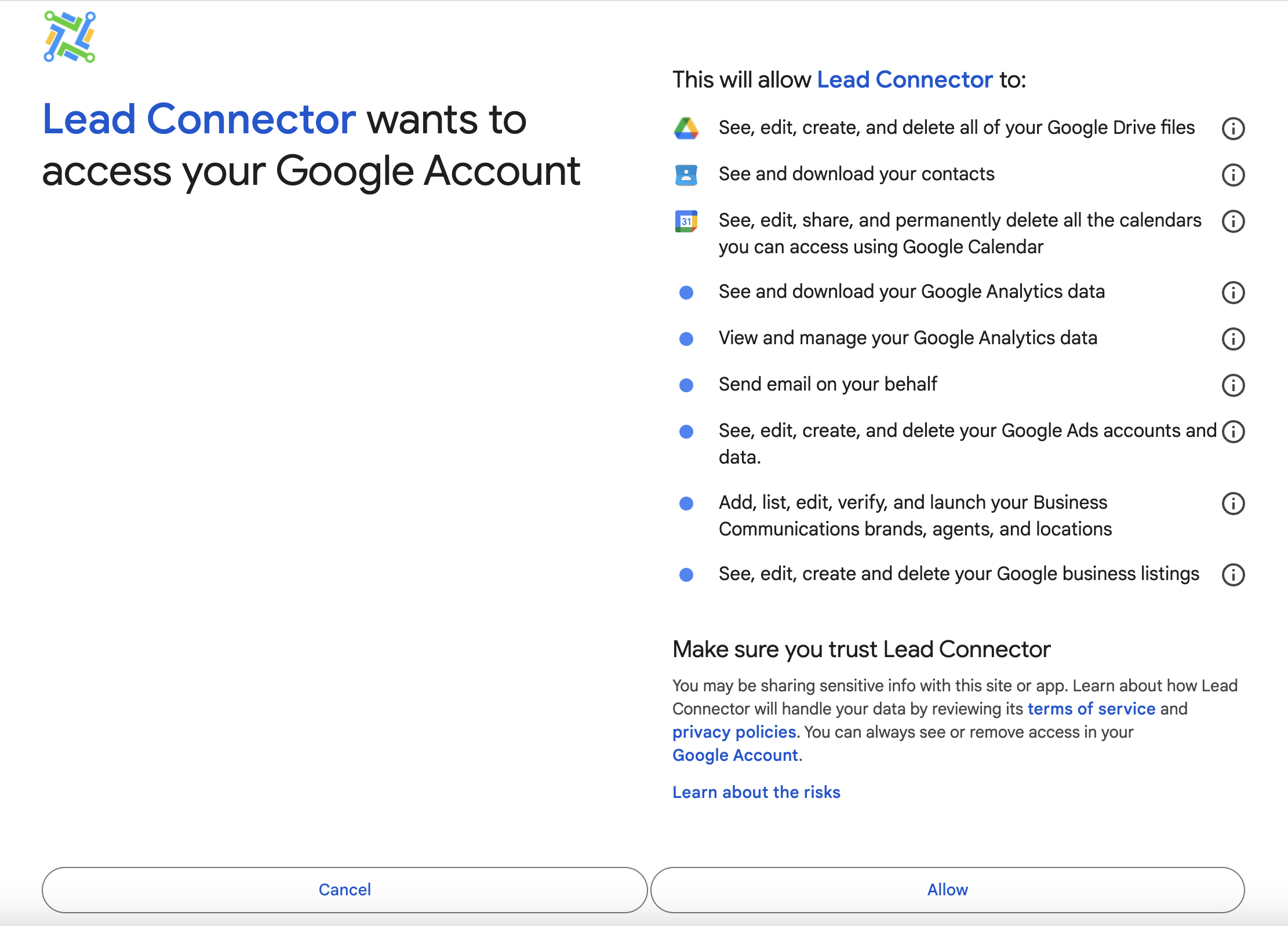
Allow permissions.
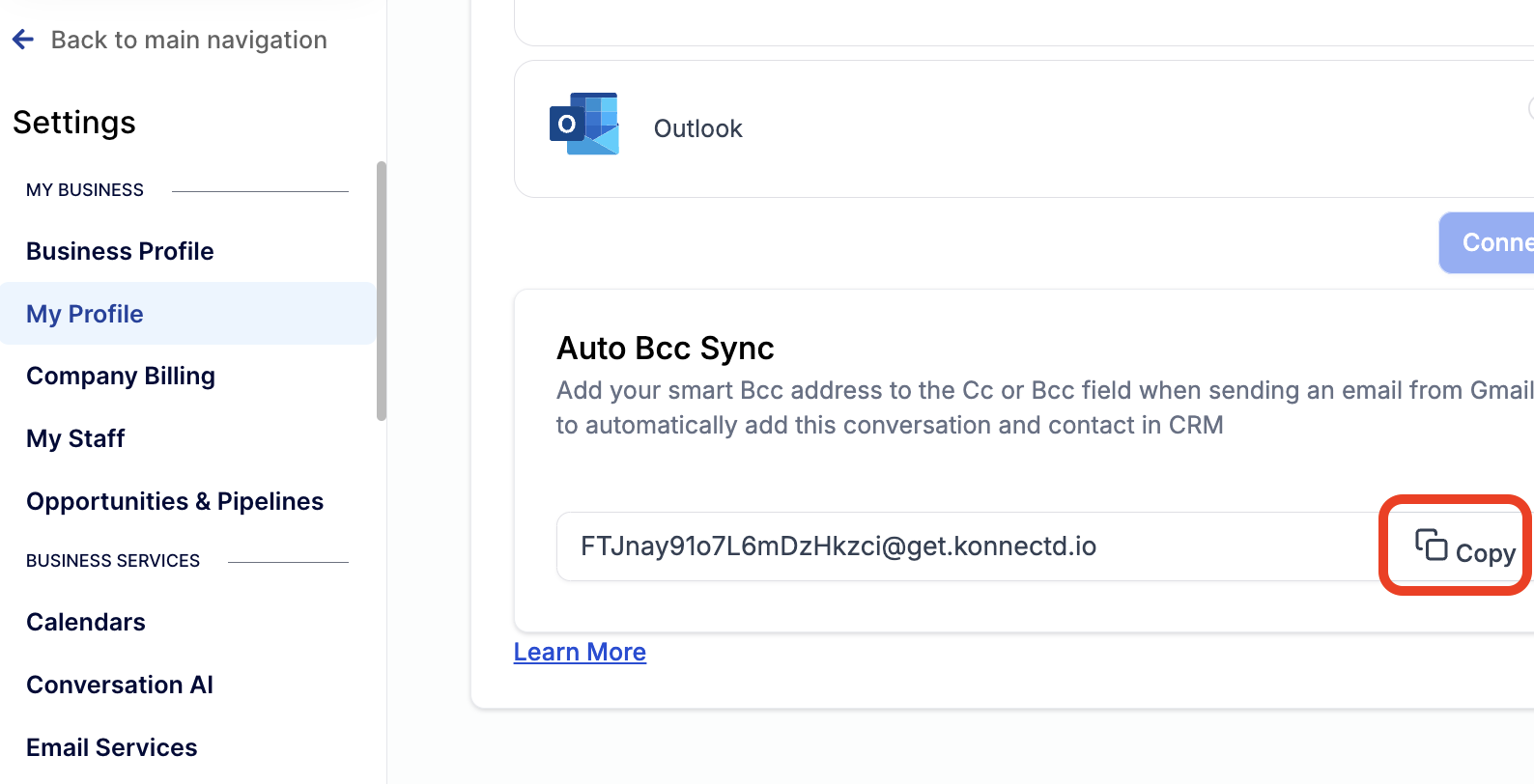
(Optional) Step 2: Save Your Auto BCC Sync Address
How does this work?
Automatically add the conversation and contact to the CRM by adding your Smart Bcc address to the Cc or Bcc field when sending an email from Gmail or Outlook.
Protect Your Borrowers! - Add a Phishing Disclaimer to Your Email
Navigate to Settings > My Profile > Add to your email signature your own disclaimer or take from the example below:
WARNING – Please call your escrow officer immediately using contact information found from an independent source, such as the sales contract or the internet, to verify any funding instructions you receive. We are not responsible for any wires sent to an incorrect bank account. Contact us for a secure link to upload sensitive documents.